How to Teach ISO 19650
A free program for universities and education programs, with a professor guide and teaching pack that helps educators run a practical ISO 19650 workflow assignment with less setup.
What this assignment does
An academic framework for practical ISO 19650 learning

Help educators become instantly more efficient
Skip the work of building an ISO 19650 assignment from scratch. This free university program links to the training workflow assignment, full student instructions, marking criteria, and editable student brief. Just add your module details and share.
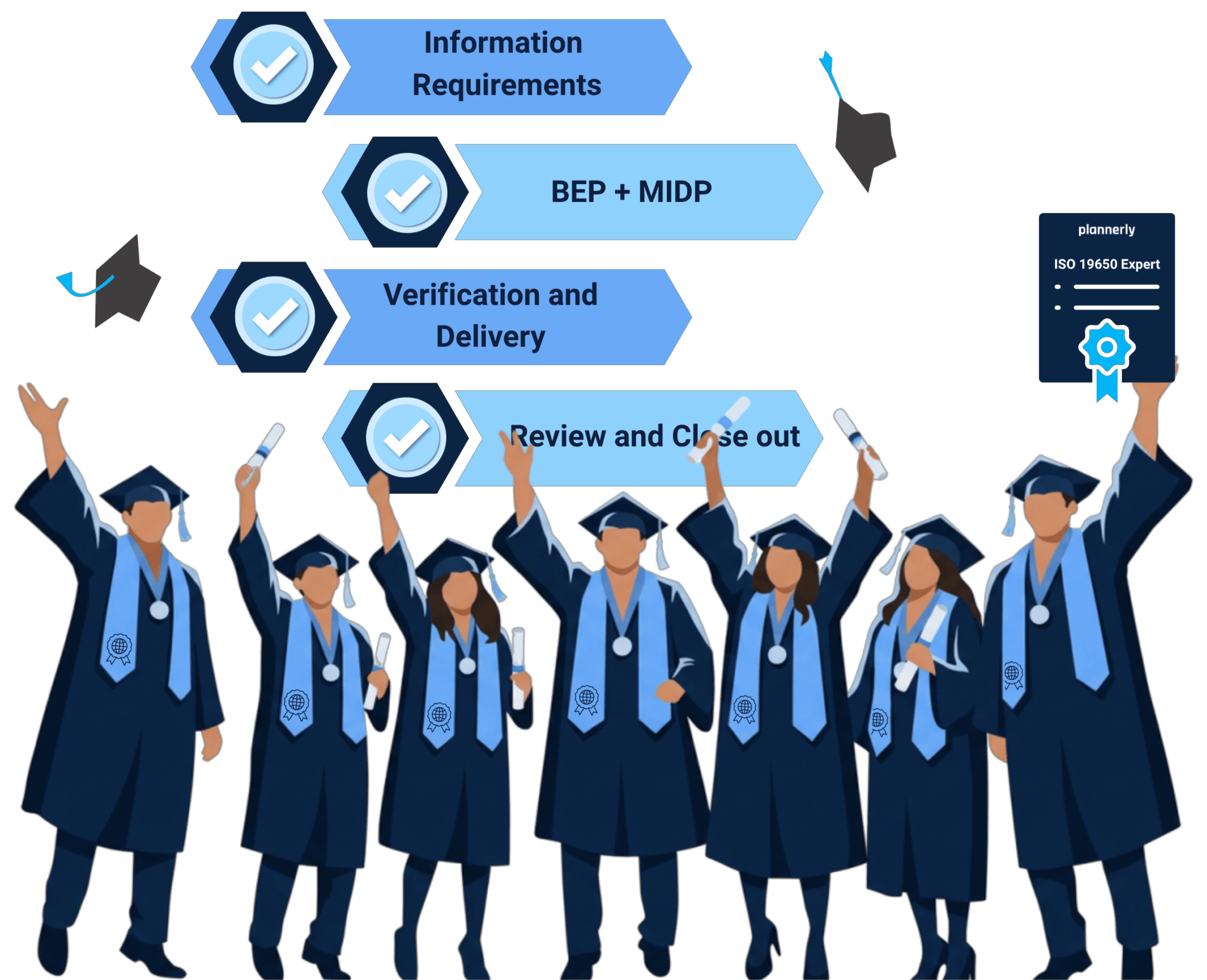
Help students become instantly more employable
Students do not just read about ISO 19650. They work inside the actual workflow, using the same platform real teams use, through free Plannerly access for university learning. They graduate with practical experience employers actually want.
What students will do
A complete ISO 19650 workflow, not just theory
Students work through four tasks that take them through the full information management cycle, from defining requirements to final acceptance.
Define information requirements
Students structure OIRs, AIRs, and PIRs from the appointing party's perspective.
Develop BEP and MIDP
They build a BIM Execution Plan and Master Information Delivery Plan with responsibilities and milestones.
Verify model information
They check information against agreed requirements and quality criteria.
Handover and acceptance
They complete final review, sign-off, and lessons learned within a compliant project environment.
How it fits into your module
Everything you need to know
Time needed
Around 4-5 hours of focused student work. Students can complete it in a single sitting or spread it across sessions.
Prerequisites
A basic introduction to ISO 19650 is enough. The assignment teaches the rest with step-by-step instructions, screenshots, and the walkthrough video.
Format
Designed for individual submission. Students can also work in groups. Book a call to set up a free University Partner education account for group projects.
Assessment
Four-task marking criteria included: Distinction, Merit, Pass, and Fail. Mark students' work directly inside Plannerly.
How educators use it
Two simple steps. No admin work.
Use the professor guide as your starting point, share the student brief, and review completed work inside Plannerly. The program is free for universities, and students do everything in between.
-
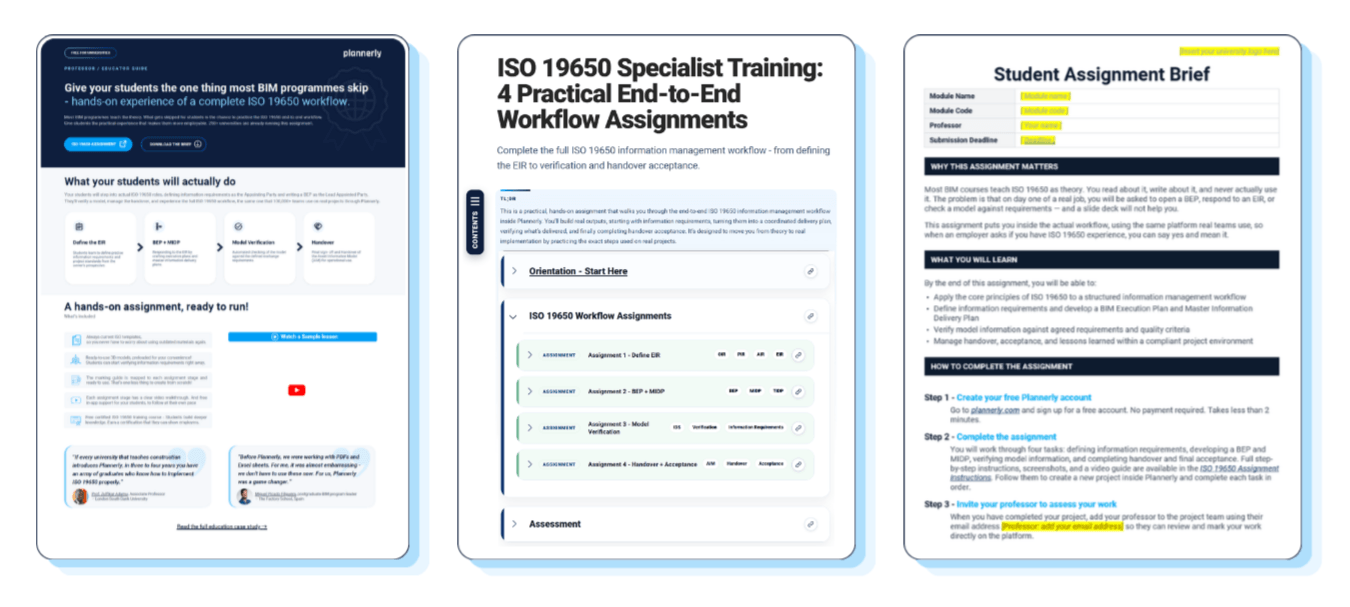
1Download the professor guide Use the guide to access the free training workflow assignment, full student instructions, and editable student brief. Add your university logo, module name, code, and submission deadline before sharing it with students.
-
2Review the completed assignment Students invite you into their free Plannerly projects so you can mark their work directly against the included criteria.
Global partner program
Part of Plannerly's global education partner network
This ISO 19650 teaching pack is a practical starting point for universities. For more support, Plannerly's global partner program includes University, Training, Consultant, and Localizer partners who help bring information management into classrooms and industry programs.
University Partner Plan
Official universities and education programs can use the University Partner path for classroom workflows, free templates, unlimited projects, and unlimited student users.
Free education setup
Professors and course leaders can set up access for a whole class or program, so students can learn ISO 19650 in live Plannerly projects at no cost.
More support as you grow
The partner program also offers training, certification, advisor support, and recognition for organizations teaching or consulting around BIM and information management.
Career and education case studies
Show students where ISO 19650 skills can take them
Start with a career story students can recognize, then show professors how other educators use Plannerly with real classes: structured training, live ISO 19650 workflows, certification, and practical employability outcomes.

0 to BIM: from architecture graduate to BIM coordinator
Ece Mülazımoğlu started with no prior BIM experience and used Plannerly training to build confidence in Revit, ISO 19650, BEPs, and information management workflows.
Read the 0 to BIM case study"I didn't even know what BIM was. Then I discovered how much I enjoyed this part of architecture."

Plannerly embedded into MSc construction curriculum
Dr. Zulfikar Adamu used certification and role-based Plannerly projects to connect ISO 19650 theory with workplace-ready practice.
Read the LSBU case study"If every university that teaches construction introduces Plannerly, in three to four years you have an army of graduates who know how to implement ISO 19650 properly."

From static PDFs and spreadsheets to live BIM education
Miguel Picado Filgueira shows how students moved from documents into live BEPs, scope, IDS, and verification workflows.
Read The Factory School case study"Before Plannerly, we were working with PDFs and Excel sheets. For me, it was almost embarrassing. For us, Plannerly was a game changer."

BIM management at university with Plannerly workflows
Victor Arcos shares how Plannerly supports BIM management education by giving students a practical way to connect structured workflows with real project delivery expectations.
Featured on the current Free for Education page as a recorded example of good Plannerly practice in BIM management education.

Plannerly in a college BIM management program
Petro Karanxha shows how George Brown College used Plannerly in BIM management education, with students learning through hands-on planning and coordination workflows.
Featured on the current Free for Education page as a recorded example of good Plannerly practice in BIM management education.
Frequently asked questions
Everything else you might be wondering
If something is not covered here, book a short call and we will answer directly.
Download the Professor Guide
Enter your university email to download the PDF guide. It includes the links universities need to use the free education program: the training workflow assignment, full student instructions, and the editable student assignment brief.
Need the full University Partner setup?
If your university wants students to collaborate in groups, export completed assignments as PDFs, or set up an Education Workspace for a full cohort, the free education program and global partner network can help.