
Start free Start free Open Plannerly (opens in a new tab)

Bryan the "Lazy BIM-er": Learning BIM on YouTube | Plannerly

Clive Jordan

Updated 1 min read

BIM Manager Bryan

Here's a little intro about me so you can work out if my blogs are worth reading or not

About Me:

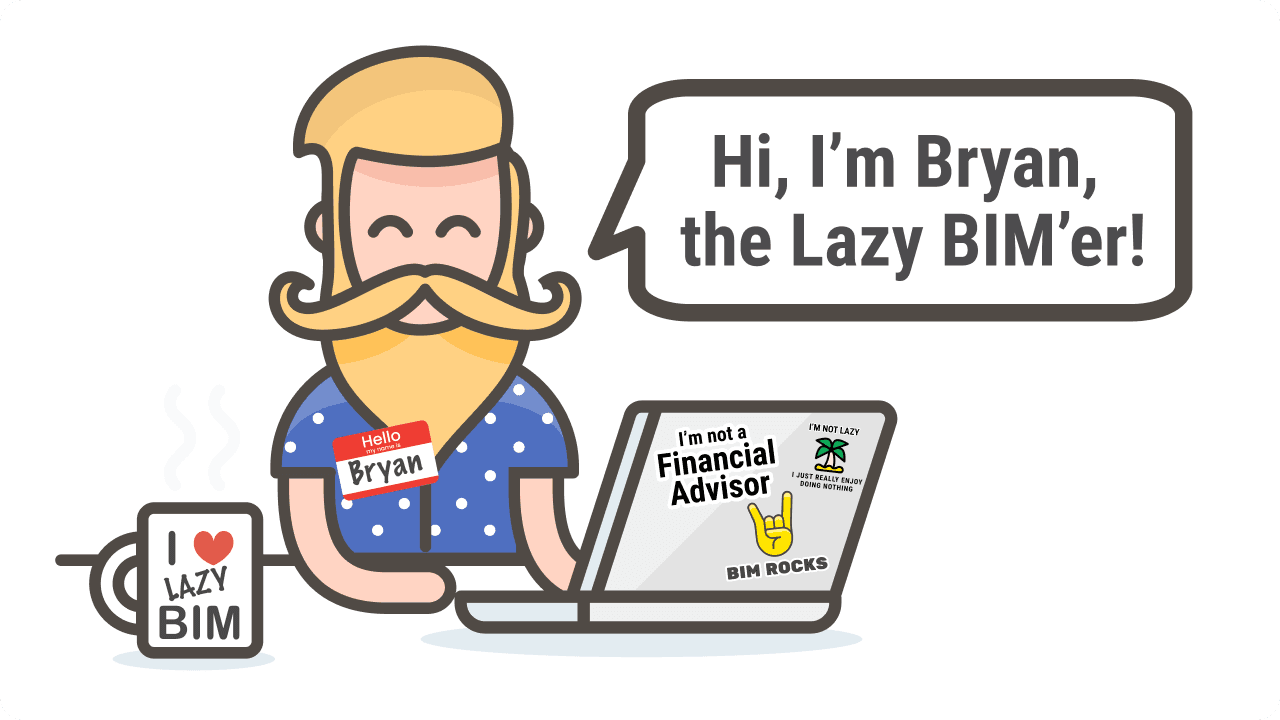
Hi, I'm Bryan. I am what you might call a "lazy BIM-er"

I never went to school for architecture or engineering; I learned everything I know about BIM from watching YouTube tutorials and reading online.

I don't have the patience to spend hours on end working on one model or project, so I prefer to take shortcuts - anything that will get me by in no more than an hour of work is great!

My favorite part of being a BIM Manager is spending 15 minutes telling everyone how to do their job better, then retiring to my desk for another game of Solitaire ♠️ ♥️ ♣️ ♦️

I will write about my BIM wisdom, experiences, and adventures here - I hope they'll be helpful to you in some way!

Namaste

READ MY BLOGS HERE

Fun facts about me

How did you get into BIM?
I really started using BIM because I felt like it was something that would help me get paid more. No joke. It actually worked too!
What is your BIM experience?
I actually have a lot of BIM experience, in fact. I've had the opportunity to work on almost every aspect of BIM! I have embraced the BIM paradigm wholeheartedly. Whether or not any of my ideas are helpful to you, I hope it's clear that I'm passionate about this subject!
What is your favorite BIM technology?
No! I have no idea where that joke started - I hope that you will find my BIM knowledge a little more useful than my knowledge about finance

Keep learning with a free BIM course

Level 1, BIM Management Basics: The full workflow from planning to verification, and the vocabulary that keeps teams aligned.

Self-paced · A shareable certificate for every course

Sign in to keep your progress

Use your Plannerly account - the same email and password as the app. Every lesson stays open either way.

Learned with a different email? Sign in to that account here and we'll bring its courses, progress and certificates into the one you're signed in with. Certificate links and QR codes keep working.

Forgot that password? Reset it first, then come back. Want to keep the other account instead? Sign out and sign in with that one.