
Free certificate
BIM Boot Camp
Learn BIM and ISO 19650 with our free online Boot Camp. Master information requirements, Common Data Environments (CDEs), BIM workflows, verification, and COBie handover. Earn your BIM certificate and simplify information management.
4.84 (294 ratings) 3h 53m 8 lessons Free certificate
Free · certificate included
What learners say
5-star feedback from busy teams
Chosen from 294 reviews of BIM Boot Camp, rated 4.84 out of 5. Every review is further down this page, newest first.
5 out of 5
This Bootcamp delivers a solid, practical foundation in BIM workflows. The content is well-structured, easy to follow, and focused on real project applications. The exercises help reinforce key concepts, and the explanations make even complex topics feel accessible. Overall, it’s a valuable and engaging introduction to BIM for anyone looking to strengthen their skills.
Víctor Mayorga 5 out of 5
Plannerly’s BIM Bootcamp bridges the gap between BIM theory and real-world BIM management
Mohamed Hammam 5 out of 5
Explained all parts very well. Especially liked the full walk through of a fresh project.
John Heaney 5 out of 5
The BIM Boot Camp course was well detailed and provided great insight into the different phases for proper Information Management, from Planning, to Contract, to Tracking, and then to Handover.
Andrew Foncette 5 out of 5
Plannerly BIM Bootcamp is a well-structured and practical course that clearly explains BIM workflows and ISO 19650 concepts. The modules are easy to follow, and the hands-on examples make it simple to apply the knowledge in real projects. A great course for strengthening BIM planning and management skills. highly recommended.
Rajesh Naik 5 out of 5
The BIM Boot Camp was excellent and helped me gain a clear understanding of AIM, PIM, and the ISO 19650 standards.
Savita Nimbaragi
Course contents
4 topics, 8 lessons
Every lesson is open. Sign in with your Plannerly account to track your progress, take the quizzes and earn your free certificate.
Foundations of Information Management4 steps · 75 min
Structured Contracts & CDEs3 steps · 77 min
Automating Verification, Handover & Full Workflow3 steps · 96 min
Action Plan1 step · 2 min
Learner reviews
What learners say about BIM Boot Camp
4.84 out of 5, from 294 reviews
-
Vilakshana De Silva
-
Cristian Chavez Pelaez
-
William Taylor
-
Ruben Pradeep
-
Tomas Muñecas
-
RASIK FAREETH
The Plannerly BIM Boot Camp is incredibly helpful, breaking down complex BIM management into an easy-to-follow, step-by-step workflow. The course provides clear and practical guidelines for managing teams, setting up permissions, and streamlining collaboration. I now have a solid understanding of how to align projects with ISO 19650 standards, implement precise Information Delivery Specifications (IDS), and use automated verification to eliminate manual QA bottlenecks. This training delivers the exact tools needed to reduce model rework, clear up communication, and confidently lead successful BIM projects from start to finish.
-
Tayo Ogunkola
My BIM skills have greatly improved
-
Sergio Teixeira
-
Hakimi Mohd Yusof
-
Dayalan K
Great Course
Keep reading
From the blog
 BIM execution plan
The Complete BIM Management Workflow: A Guide to Using Plannerly
Discover how Plannerly simplifies BIM management by providing a comprehensive web-based solution. Streamline your workflow and improve collaboration with these powerful BIM tools.
 English
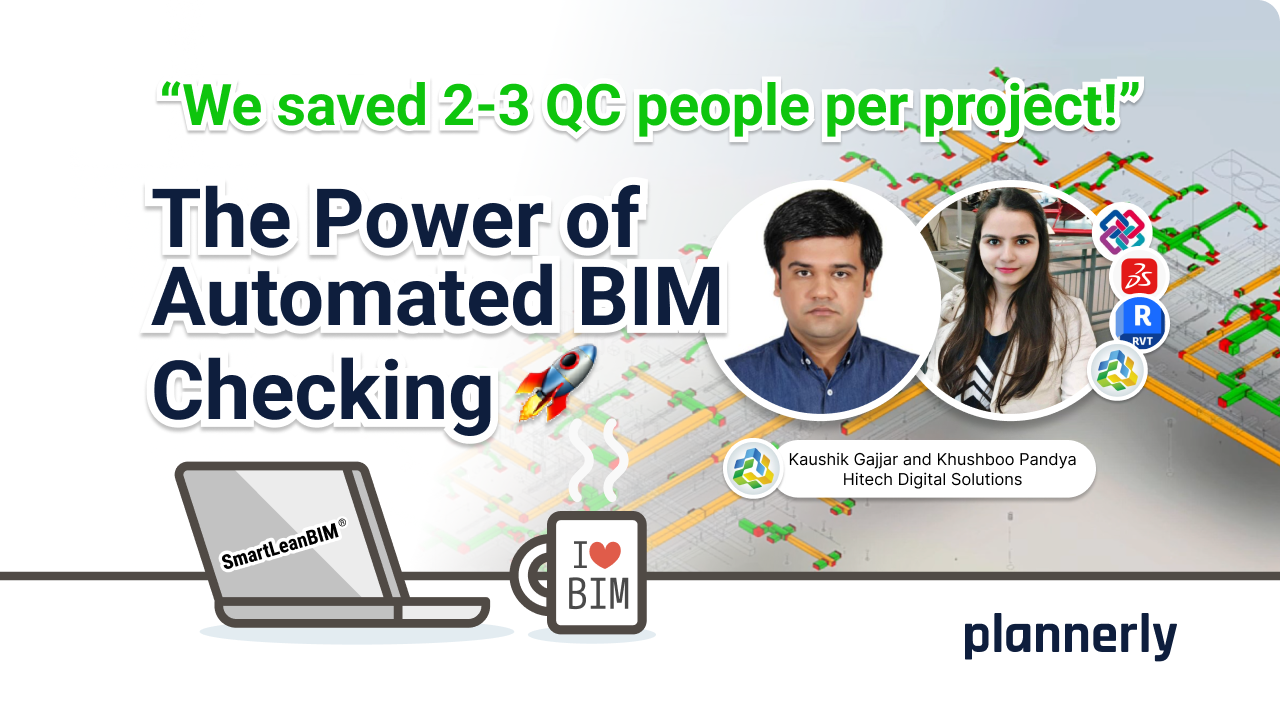
The Power of Automated BIM Checks: How This Company Eliminated the Need for Quality Checking Teams
This company eliminated traditional BIM QC roles, saving between 2 and 3 team members on each BIM project. Learn about their enhanced BIM workflows and how they achieve optimal quality and cost efficiency for their AEC industry clients.
 BIM management
IDS buildingSMART - using bSDD and Plannerly: The Ultimate Duo for Seamless IDS Creation
Simple creation of an IDS (Information Delivery Specification) using the bSDD (buildingSMART Data Dictionary). Learn about the workflow, element classification, information requirements, and exporting the IDS in XML format.
Put it to work on a real project
Every lesson uses Plannerly. Open the free version and follow along.