
Free certificate
BIM Management Basics
The full workflow from planning to verification, and the vocabulary that keeps teams aligned.
4.92 (2,771 ratings) 1h 9m 32 lessons Free certificate
Free · certificate included
Course contents
3 topics, 32 lessons
Every lesson is open. Sign in with your Plannerly account to track your progress, take the quizzes and earn your free certificate.
Docs15 steps · 30 min
- Introduce yourself
- How To Create Professional Project Documents (like EIR, PIR, BEP)Video · 3 min
- Simple and Fast Editing of Docs SectionsVideo · 2 min
- Automated Document Content Hierarchy and OrganizationVideo · 3 min
- Importing and Copy+Paste from Word DocumentsVideo · 2 min
- Using SmartFieldsVideo · 2 min
- Adding Videos and Rich Multimedia in iFramesVideo · 2 min
- Assign Document Responsibilities for AccountabilityVideo · 2 min
- Controlling Document Tab AccessVideo · 2 min
- Using AI to Create DocumentsVideo · 2 min
- More AI Features for Professional OutputsVideo · 3 min
- Create and Manage Tables in DocsVideo · 3 min
- Exporting PDF Documents and eSigned ContractsVideo · 2 min
- ASSIGNMENTVideo · 2 min
- One Quiz Question: DocsQuiz · 1 question
Scope12 steps · 35 min
- Defining your Information Requirements DatabaseVideo · 3 min
- Importing Example Information Requirements from LibraryVideo · 3 min
- Defining Information Exchange MilestonesVideo · 4 min
- Defining your Classification StructureVideo · 4 min
- Visualizing BIM/LOD/Information RequirementsVideo · 3 min
- Connecting to bSDD from buildingSMARTVideo · 3 min
- Defining Information Tasks/ContainersVideo · 5 min
- Collaborative Task Status (Grid + Timeline + Kanban Views)Video · 2 min
- Quickly Assigning Requirements and StatusVideo · 2 min
- Using the Timeline for Efficient Task CoordinationVideo · 3 min
- ASSIGNMENTVideo · 3 min
- One Quiz Question: ScopeQuiz · 1 question
Verify8 steps · 24 min
- Model Checking IntroVideo · 2 min
- Using the Kanban Board for UpdatesVideo · 2 min
- 3D Model NavigationVideo · 7 min
- Linking Models for Auto-CheckingVideo · 4 min
- Connecting to Autodesk Construction Cloud (ACC) and other CDEsVideo · 2 min
- ASSIGNMENTVideo · 4 min
- One Quiz Question: VerifyQuiz · 1 question
- Downloading and sharing your certificationVideo · 3 min
Learner reviews
What learners say about BIM Management Basics
4.92 out of 5, from 2,771 reviews
-
Md zaid uddin
-
William Taylor
-
kam kimmy
-
Siphesihle Hlongwane
Very informative.
-
Mariam Aboelela
-
Abhijit Biswas
Enhanced my understanding of BIM fundamentals, collaborative workflows, information management, and the importance of applying BIM effectively in construction projects.
-
Maureen OKONKWO
-
dev dubey
don't plan late, plan early with plannerly
-
teja pachava
-
GHAZWZAN HAMEDEI
Keep reading
From the blog
- BIM management
RACI matrix examples for construction and BIM projects
Three RACI matrix examples from real construction and BIM projects - an ISO 19650 information management RACI, a design responsibility matrix and a model checking RACI - and the four rules that keep one useful.
 BIM execution plan
ISO 19650 and openBIM Masterclass with Zigurat [Simplifying Information Management with Plannerly]
Learn ISO 19650 and OpenBIM in this practical masterclass by Plannerly and ZIGURAT. Simplify BIM, automate workflows, and get ISO 19650 certified free.
 BIM management
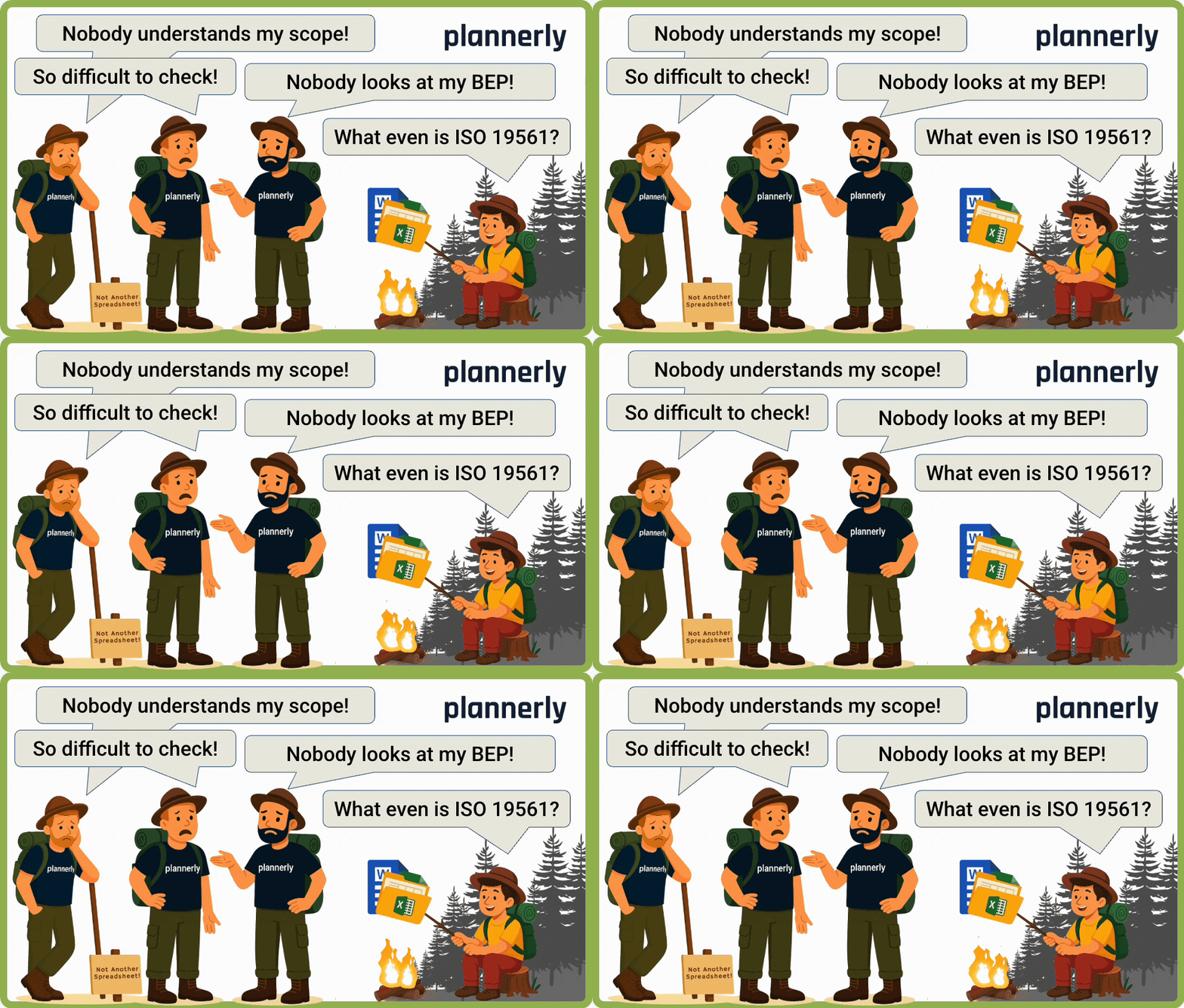
Why Nobody Reads Your BIM Execution Plan (and How to Fix It)
Learn why BIM Execution Plans go unread - and how to fix them. Avoid spreadsheet spaghetti, unclear scope, and disconnected workflows.
Put it to work on a real project
Every lesson uses Plannerly. Open the free version and follow along.