
Start free Start free Open Plannerly (opens in a new tab)

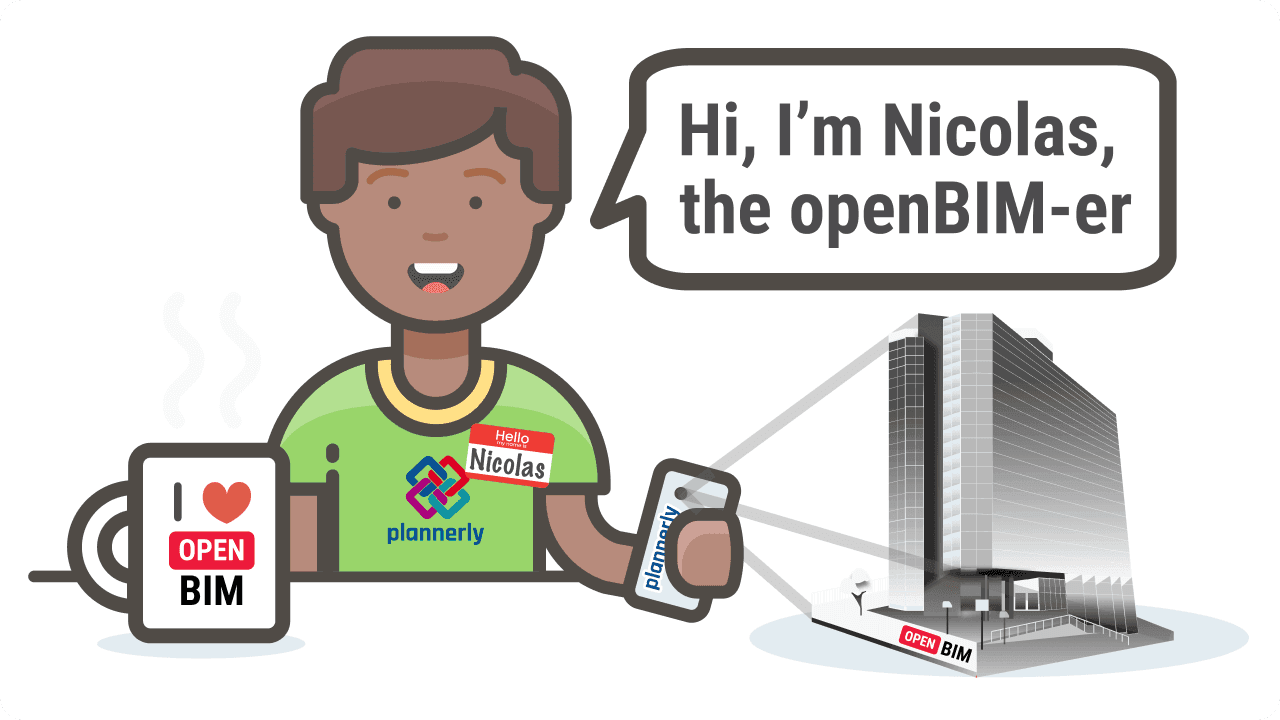
Nick the "openBIM-er" | BIM Manager | Improve Your Life

Clive Jordan

Updated 1 min read

BIM Manager Nicolas

In my blog, I'll argue that better information management might improve your life as well as the BIM community and everyone else's around you!

About Me:

I am Nicolas, a Civil Engineering graduate turned openBIM enthusiast.

BIM is something that is bringing change to our industry and it's an extremely exciting time for many BIM Managers!

However, I believe that we must break down the interoperability barriers for all software programs in order to achieve maximum advancement.

I use lots of BIM acronyms like IFC, BCF, CDE, EIR, BEP, and AIR. However, I believe that BIM is not a buzzword but an approach that will help us build better buildings more efficiently.

See ya!

READ MY BLOGS HERE

Fun facts about me

How did you get into BIM?
I don't think I understood the true meaning of "BIM" until a couple of years ago when an opportunity arose to work using openBIM within a practice. You could say that my career has been defined by change - from being a Civil Engineering graduate to later training as a BIM Technician and finally seeing the openBIM light.
What is your BIM experience?
I started my BIM journey back in 2010 when I was still an undergraduate student. At this time, we were spending lots of time doing structural analysis - I hadn't really heard about Revit or ArchiCAD. As soon as I saw the power of BIM I was hooked! Upon finishing university, I struggled to find a job but it seemed that I was destined to use BIM in my work from the start.
What is your favorite BIM technology?
I have really enjoyed using Vico Office in the past. Recently I have started using BlenderBIM - it's amazing!

Keep learning with a free BIM course

Level 1, BIM Management Basics: The full workflow from planning to verification, and the vocabulary that keeps teams aligned.

Self-paced ยท A shareable certificate for every course

Sign in to keep your progress

Use your Plannerly account - the same email and password as the app. Every lesson stays open either way.

Learned with a different email? Sign in to that account here and we'll bring its courses, progress and certificates into the one you're signed in with. Certificate links and QR codes keep working.

Forgot that password? Reset it first, then come back. Want to keep the other account instead? Sign out and sign in with that one.