BIM quality control means checking that every model contains what the project asked for; BIM quality assurance is the process that makes that likely in the first place. The software that helps most turns your requirements into automatic checks, so you see which element is missing which piece of information before anyone relies on the model.
A lot of people believe high-quality BIM models are essential for projects. They are correct(!), but making sure every BIM model meets the criteria that matter can be a challenge.
In this article, I'll unpack three ideas to keep all of your BIM models at an excellent quality, with a video showing how Plannerly can help you get there.
BIM quality assurance vs BIM quality control
The two terms get used as if they were the same, but they're different jobs:
| BIM quality assurance (QA) | BIM quality control (QC) | |
|---|---|---|
| When | Before and during modelling | Every time a model is delivered |
| What it looks at | The process: requirements, BEP, responsibilities, the checking routine | The product: is this model complete and correct? |
| Who | The information manager, with the client | Each task team first, then the lead appointed party |
Good QA makes QC quick: when the requirements are clear and agreed, checking a model against them can be automated.
1. How to ensure BIM quality control
BIM quality control can seem daunting, but it doesn't have to be! A few simple steps keep your BIM (Building Information Modeling) project at the highest quality.
You must put together a simple BIM quality control checklist...
First, make sure you clearly understand your BIM quality requirements. What are the specific standards you need to meet? Are you following the ISO 19650 BIM standards? What are the thresholds for acceptable BIM quality?
You will need a detailed BIM Execution Plan that sets out how you will meet those requirements. Once you know what you're aiming for, you can plan how to get there. The free lessons The root of BIM problems: poor information requirements and Setting information requirements show how to write requirements a model can actually be checked against.
Next, put together a team of experts who can help you assess BIM quality: people from every discipline on the project, and people with experience in BIM quality assurance. A diverse group makes sure every aspect of BIM quality management is considered.
Then set up a straightforward process for assessing BIM quality. How often will you check? What methods will you use to check compliance with the standards?
Finally, you need to select the right software and tools for the job.
With a plan like this, your BIM quality process is efficient and effective, and your project meets all the relevant standards.
2. Why BIM quality control is important
As you know, BIM is all about creating a digital representation of the built environment. As well as the design, the 3D models may be used to build and operate the facility.
BIM quality management is essential for four main reasons:
- First, BIM models are used to make decisions about buildings' design, construction, and operation. If the models are not of high quality, those decisions are not based on accurate or complete information.
- Second, BIM models are used to create visualisations (renderings and animations), so a poor model means poor visuals.
- Third, BIM models generate the data used in analysis and simulation, so a poor model means inaccurate results.
- Finally, BIM models are a basis for facility management and maintenance, so a poor model makes the facility harder to run.
The bottom line is that BIM quality is crucial because it affects every part of BIM: the modelling process, visualisation, data and more!
3. Using a BIM planning software tool like Plannerly
What to look for in BIM quality assurance software:
- Requirements as data: the properties, values and units each element needs - not a PDF nobody reads twice.
- Automatic checks: every element of every model version checked against those requirements - see how automated BIM model checking works.
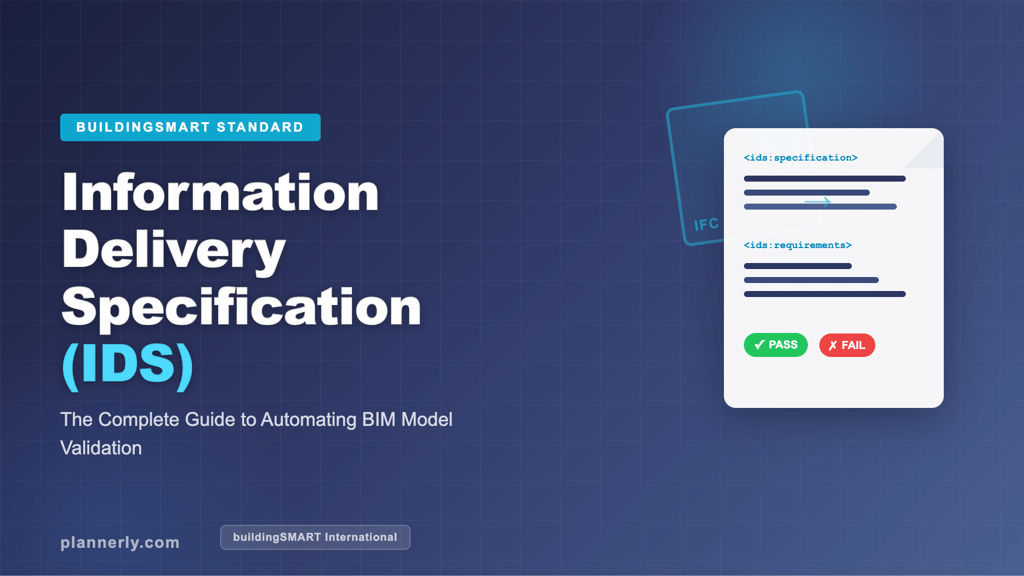
- Open standards: IFC models in, and requirements out as an IDS file, so authors can check their own models before they submit.
- Clear ownership: each failed check lands with the team that owns the fix, and the report writes itself.
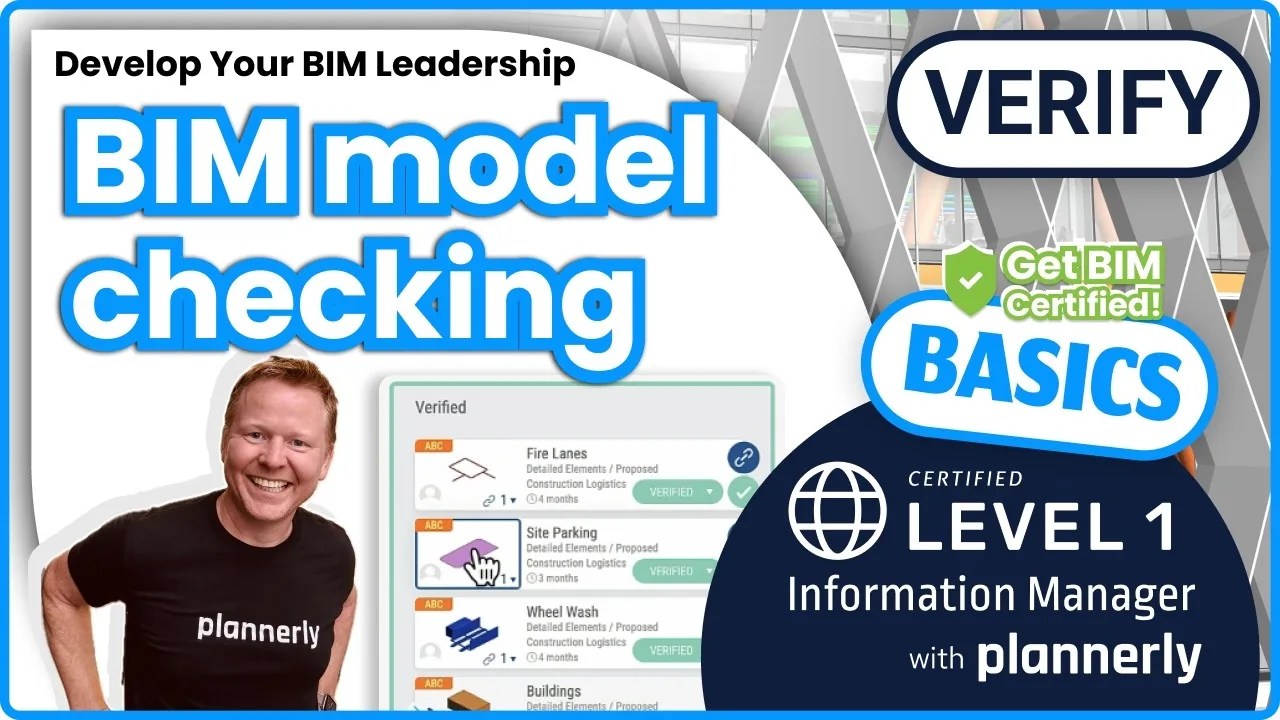
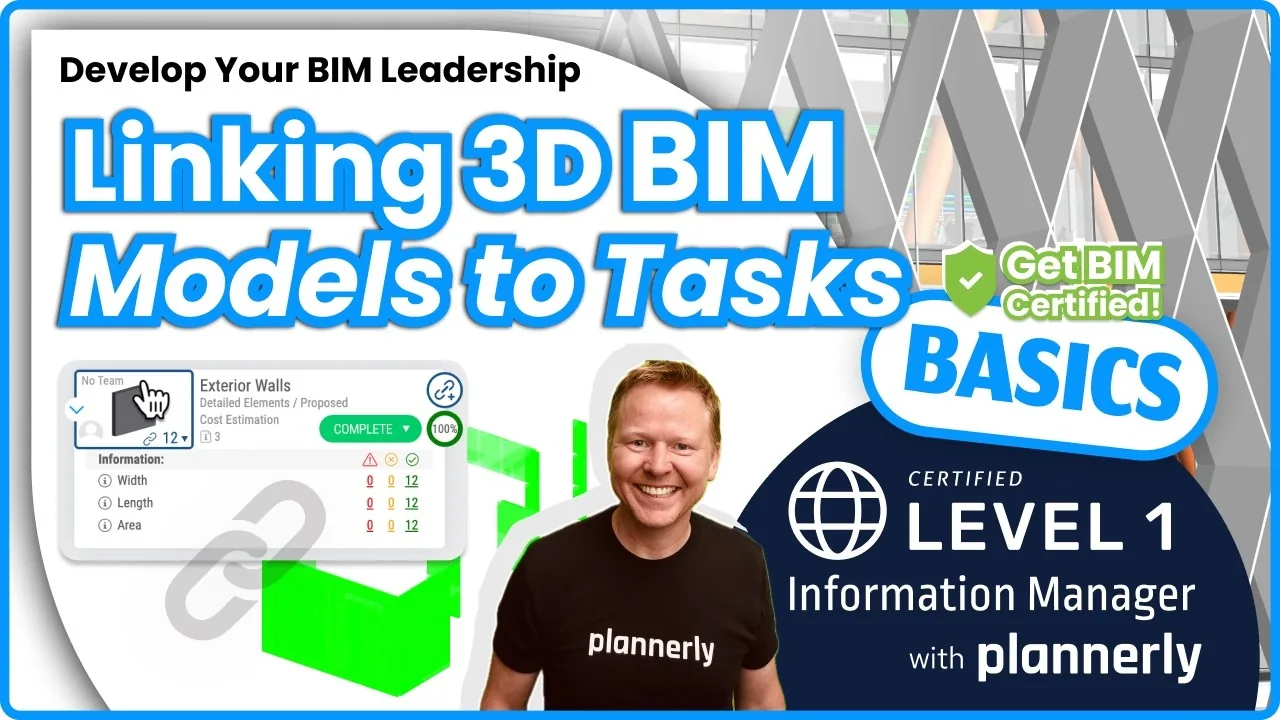
Plannerly is a cloud-based BIM platform that organises your projects and checks that your models meet the project requirements. You write the requirements in Scope, and the Verify module checks each linked element for three things: the property exists, its value meets the requirement (unit included), and it sits in the right property set. Each team sees its own failed checks as tasks on the Kanban board, and a model checking dashboard can send a PDF report every week. The free lesson Model verification and quality assurance walks through it.
Plannerly is simple to use, works with over 60 model file formats and has a Free plan, so you can try it before you buy - and the 14-day Pro trial includes model checking.
To find out more, watch this demo video about defining BIM requirements and checking BIM models:
Summary
BIM models are everywhere now, and they must meet the BIM requirements set for the project. So BIM model quality checks are vital.
First, take time to understand the project requirements and how they align with the owner's (appointing party's) needs.
Create and follow a BIM Execution Plan (BEP), select the right software and tools for the job, set up quality control procedures and run regular quality assurance checks. For the whole route, from requirements to accepted models, see model checking with IDS.
So, if you'd like to simplify defining BIM requirements and checking your BIM models, try the free version of Plannerly right now!
What other tips do you have for ensuring BIM quality? Share them with us! You'll find more on the Plannerly BIM blog and from five BIM bloggers I follow, or join Plannerly free.