
Start free Start free Open Plannerly (opens in a new tab)

Zara the "Practical BIM-er": BIM Director's Blog | Plannerly

Clive Jordan

Updated 1 min read

BIM Manager Zara

In my blog posts, I cover many BIM-related subjects that are likely also applied to your project. I hope you'll read it and feel more encouraged as a result!

About Me:

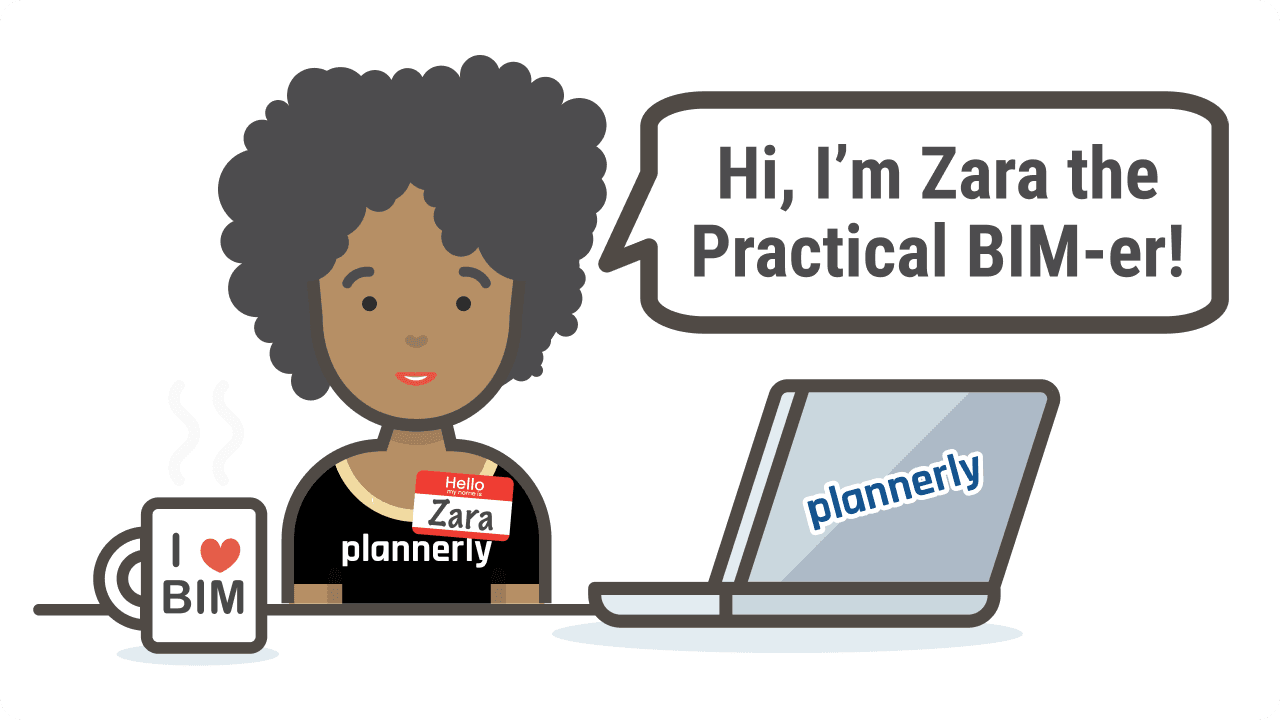
Hey there, I'm Zara! I'm a Regional BIM Director.

I believe that BIM, when properly implemented, allows all project team members the opportunity to be the heroes/heroines of their projects!

Although I adore city life I especially enjoy going out of town on weekends to appreciate fresh air and nature.

I'm always striving to balance BIM, home, interests, and family activities.

In this blog, I'll be discussing BIM-related topics that have actual BIM significance.

I sincerely hope that BIM managers will read this blog and feel less isolated and more supported - don't BIM alone - BIM is a team sport!

I do not expect everyone to agree with everything I say here, but I hope that it will at least start some interesting discussions!

Zara

READ MY BLOGS HERE

Fun facts about me

How did you get into BIM?
I started by teaching myself Revit and Rhino - thanks be to the Autodesk University (AU) classes back then! After several years of messing around, I moved into consulting and training and have been doing this ever since.
What is your BIM experience?
I have worked on projects of all sizes, developed internal BIM training courses, trained hundreds of people, and I've participated in the design and construction phases of over 50 projects.
What is your favorite BIM technology?
I think my favorite technology would be any tools that make BIM planning easier

Keep learning with a free BIM course

Level 1, BIM Management Basics: The full workflow from planning to verification, and the vocabulary that keeps teams aligned.

Self-paced ยท A shareable certificate for every course

Sign in to keep your progress

Use your Plannerly account - the same email and password as the app. Every lesson stays open either way.

Learned with a different email? Sign in to that account here and we'll bring its courses, progress and certificates into the one you're signed in with. Certificate links and QR codes keep working.

Forgot that password? Reset it first, then come back. Want to keep the other account instead? Sign out and sign in with that one.