Virtual design and construction (VDC) means building a project virtually before you build it for real. Teams use BIM models, 4D schedules and agreed processes to plan the product (the building), the organisation (who does what) and the process (in what order) together, so problems get solved on screen instead of on site. VDC uses BIM, but it's bigger than the model.
I practise VDC (Virtual Design and Construction) and I love it!
In this article, I look at what "Virtual Design and Construction" means to me, the 9 main benefits I see from using VDC, and the types of VDC software tools I use in my work.
1) Definitions - VDC and BIM Basics
Let's start with the boring part! VDC is a term often heard in the construction industry, but not everyone fully understands it. The VDC acronym simply stands for "Virtual Design and Construction". But what exactly is virtual design and construction? Let's see if I can break it down:
- "Virtual" means computer-generated digital deliverables, the most common of which are 3D Building Information Models, or "BIM" for short
- "Design" is the process of developing the project's plan or blueprint
- "Construction" is the actual process of building something according to that plan
So, putting the three together, virtual design and construction is the use of digital models and processes to help with both the design and construction phases of a project.
At Stanford's CIFE, where the term comes from, VDC is described as using multidisciplinary performance models of the product (the facility), the organisation (the team) and the process (the work) to support the project's business objectives. In plain English: model the building, the plan and the people, and measure whether it's working.
Where does BIM fit in with VDC?
VDC is usually used together with Building Information Modeling (BIM). BIM provides a digital 3D representation as the backdrop for the project, used to visualise, control, track progress and even manage a building throughout its operation.
The National Institute of Building Sciences (NIBS), home of the US National BIM Standard, describes BIM as a digital representation of the physical and functional characteristics of a facility. VDC is what you do with that representation to design, plan and manage the project collaboratively before it's built.
VDC vs BIM - they are not the same thing!
Virtual design and construction doesn't always involve building information modelling, and BIM can happen without being part of VDC. You could say VDC is a little more general than BIM - but some may argue the other way around! Here's how I tell them apart:
| BIM | VDC | |
|---|---|---|
| Focus | The model and the information in it | The whole project: model, schedule, team and process |
| The question | What are we building? | How will we build it, who does what, and is it working? |
| Typical outputs | Models, drawings, schedules, quantities | Coordinated models, 4D sequences, logistics plans, decisions and metrics |
| Usually led by | Designers and BIM managers | A contractor's VDC team, with the whole project team |
Either way, both are ways of working together to plan and manage design and construction projects. OK, now we know the basics of VDC - let's look at where it started.
2) History of VDC
VDC is actually not a new concept - it's been around for decades in various forms.
Since the early 2000s, Archicad (first released in 1987) and Revit (launched in 2000) have been two of the most popular 3D modelling programs. Since then, three-dimensional BIM software has changed how architects, engineers and construction professionals design and collaborate on projects.
The term VDC came from CIFE (the Center for Integrated Facility Engineering at Stanford University) in 2001, just as BIM, or Building Information Modeling, was starting to become popular. Martin Fischer is arguably the godfather of VDC!
What's more recent is applying digital models to every part of the project life cycle, from pre-design to post-occupancy. Nowadays VDC can include anything from virtual models for coordination and clash detection to using BIM software to manage resources, track progress and hand over a Digital Twin for operating a building. Digital twins are the future!
3) 9 Benefits of Virtual Design and Construction
I've seen many benefits from virtual design and construction workflows - both for me as an individual and for the projects I work on. These are the main ones:
1. Enhanced Collaboration
VDC improves communication among everyone on the project, from the owner to the architect to the general contractor. I've noticed my project's designers and engineers form closer relationships along the way, and the project team spends more of its time on the issues that matter. Better coordination between stakeholders makes the whole construction process more efficient.
2. Greater Project Clarity
We reach clarity on the project scope and timeline more quickly when all stakeholders work from the same virtual model, which avoids the miscommunication and errors that creep in when everyone works from their own paper drawings. Projects that use VDC tend to have fewer misunderstandings and are more successful overall.
3. Better Resource Management
VDC allows better management of construction resources, both materials and people. For example, I can use BIM software to track the delivery of materials to site, and virtual reality simulations to train construction workers to install them correctly.
4. Increased Efficiency
VDC helps optimise processes and reduce waste through the project life cycle. With virtual simulations, we can test different construction methods before building anything on site, which avoids costly mistakes and delays.
5. Improved Sustainability
VDC can reduce a construction project's environmental impact. Virtual models let us optimise the use of materials, and we can simulate different construction scenarios to find the most sustainable option.
6. Reduced Risk
Errors and omissions plague construction projects. Our VDC processes make it easier to identify risks and hazards and plan to reduce them - from something as simple as double-checking the dimensions of a column before it's installed to a virtual walkthrough of the site to spot safety hazards.
7. Improved Quality
Catching errors and discrepancies early improves a project's overall quality. That comes from clash detection and coordination workflows, better collaboration and more transparency about the project scope and timeline.
8. Enhanced Safety
Safer planning and execution is another benefit. Virtual simulations help us identify hazards and develop safe work procedures to avoid them, and virtual reality lets workers practise tasks before they set foot on site. More on this in how BIM affects health and safety.
9. Reduced Costs
VDC can reduce project costs by increasing efficiency and improving communication. The savings come from less material waste, better-coordinated construction activities and less rework. Fewer errors and less rework are the big targets when we use VDC.
These are just a few of the benefits virtual design and construction can offer - I'm sure there are more I haven't even thought of!
4) How I Use VDC Technologies
In my opinion, the advantage of virtual design and construction is simple: prototype your project virtually before you spend money. That improves the planning, efficiency and sustainability of building projects.
But remember that software is also a critical part of any virtual design and construction workflow! In my work, I use a combination of VDC technologies to support project planning, execution and delivery:
- I obviously use Plannerly to plan my BIM Execution Plan (BEP) and BIM scope.
- I use Autodesk Revit to create virtual models of projects, and ACC/Navisworks to run clash detection.
- I used Assemble Systems for quantities, and have also looked at MTWO and the newer Autodesk Takeoff.
- I use Synchro to manage 4D sequences and construction resources, and to simulate construction scenarios for safety planning.
- I use both PlanGrid and Bluebeam Revu to manage drawings and collaborate with project stakeholders.
These are just a few of the virtual design and construction tools I use - many more are out there!
Where Plannerly fits in my VDC workflow
VDC lives or dies on scope: which elements each team models, to what level of detail and information, by which milestone. If that isn't agreed up front, every coordination meeting turns into an argument about whose job something was.
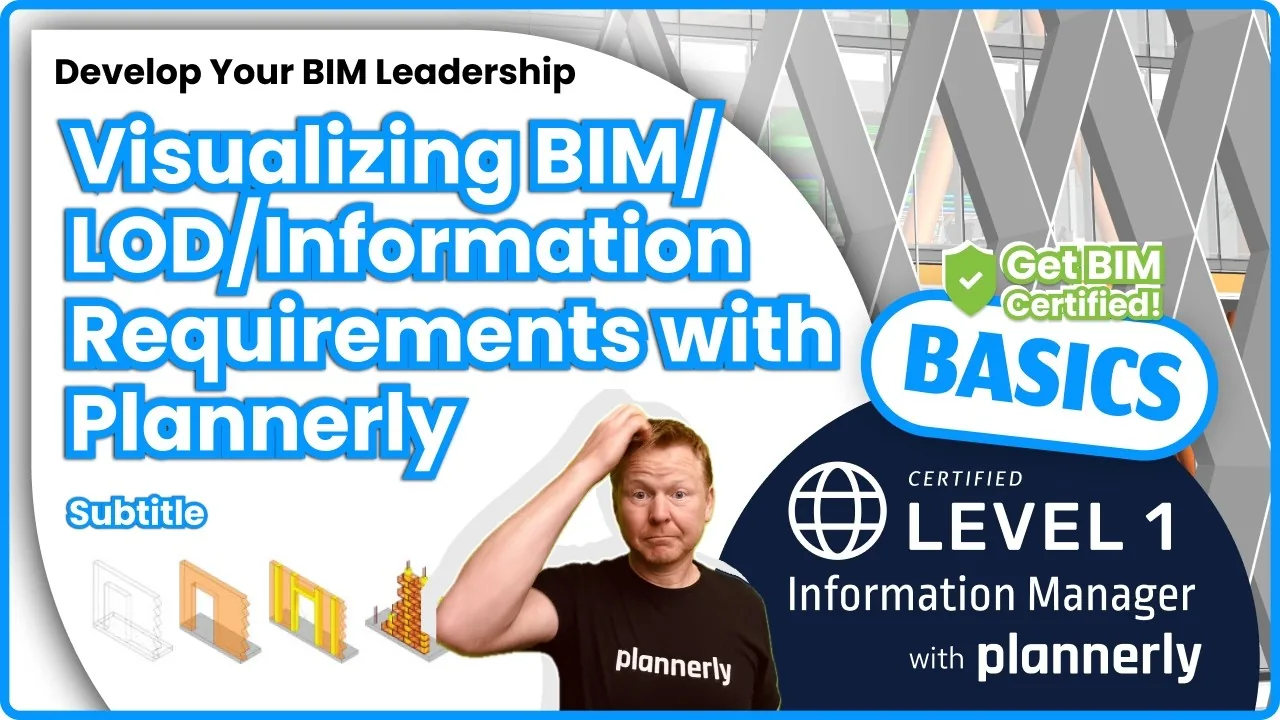
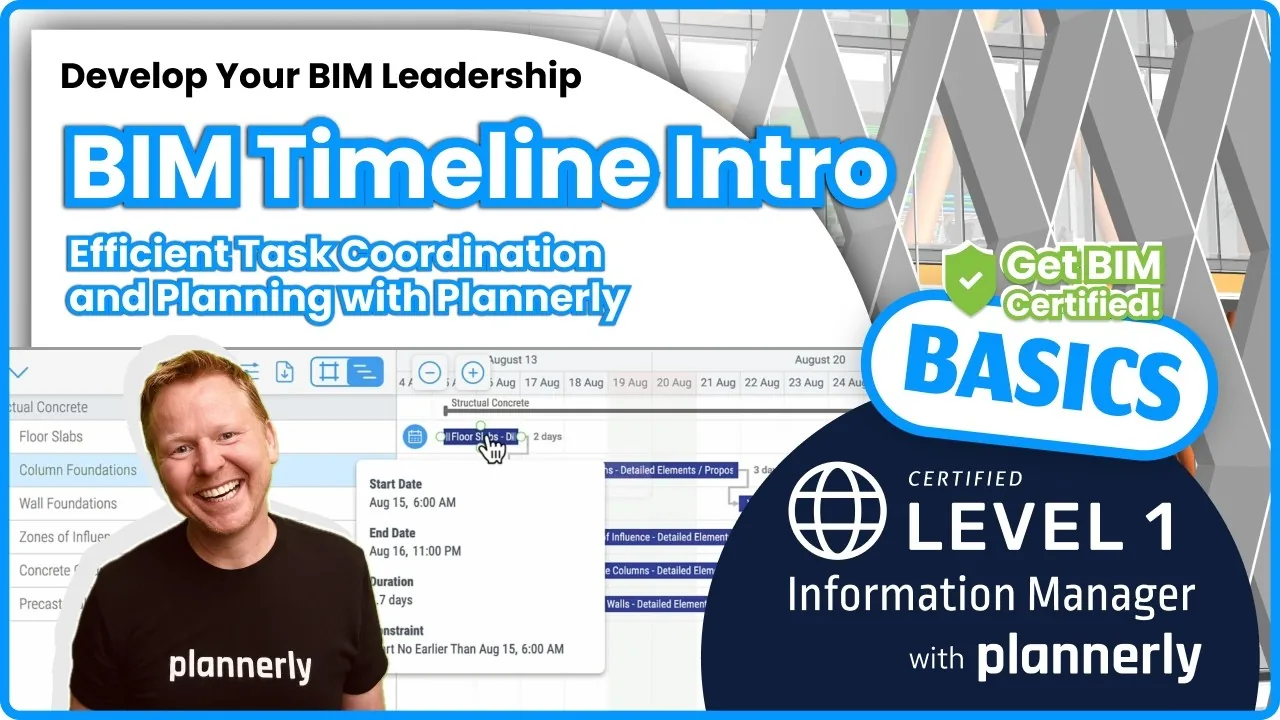
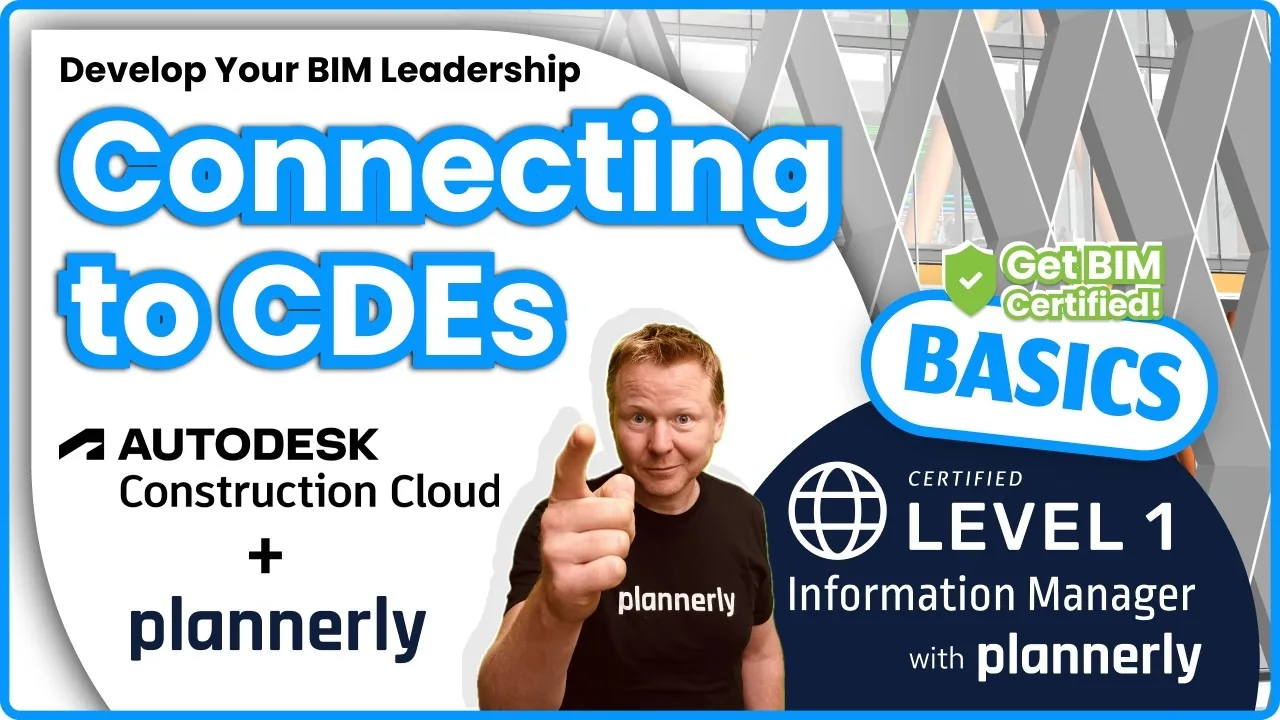
So I set the scope once in Plannerly - the level of detail and information for each element and milestone - get each team to agree its part, connect our Autodesk Construction Cloud hub, and every model version is checked against the scope automatically before the coordination meeting. It follows the ISO 19650 process, so the same scope feeds the BEP and the delivery plan. The free lessons on visualising LOD and information requirements and connecting ACC and other CDEs show how, and here's the full guide to LOD and LOIN scope at scale.
reiSource, a VDC consultancy, replaced five disconnected tools this way, cut scope preparation from eight hours to two and grew from 3 to 15 people. Read the reiSource VDC case study or download it as a PDF (opens in a new tab).
I hope this has helped you understand what VDC is, why it's important and how it's used on construction projects. Introducing VDC can be a challenge, so I highly recommend a tool like Plannerly to kick-start your planning, simplify your BIM processes and keep you organised. If you're not already using VDC on your projects, I encourage you to try it!
What do you think about VDC - can it help your company?

I blog for the Five BIM Bloggers series, where every week we share different perspectives on important BIM topics. To hear our views first, join Plannerly free or browse the Plannerly BIM blog.