BIM software is the set of programs used to design, coordinate, check and manage building information models. Our pick of the 10 best BIM software programs for 2026, in no particular order: Autodesk Revit, Plannerly, Trimble Connect, Revizto, BIMcollab, Dalux, Autodesk Construction Cloud (ACC), Graphisoft Archicad, Solibri and BricsCAD BIM, each with a video.
If you're in the market for the best Building Information Modeling (BIM) software, you'll be happy to know there are plenty of options. This post shares my thoughts on the top 10 best BIM software solutions, highlighting the different kinds of BIM tools on the market.
Picking just ten was hard. I chose each program for its own set of features and my own experience with it, so do your own research before you decide. The best BIM program for you may not be the most popular one!
I've added a video of each tool so you can see it in action. Updated for 2026, with a quick comparison table and a guide to the different types of BIM software - here's my BIM software list!
The 10 best BIM software programs at a glance
| BIM software | What it's for | Best for |
|---|---|---|
| Autodesk Revit | Designing the model (BIM authoring) | Architects and engineers |
| Plannerly | Running the BIM process: BEP, scope, MIDP and model checks | BIM and information managers |
| Trimble Connect | Sharing and coordinating project data in the cloud | Contractors and civil teams |
| Revizto | Coordination, clash and issue tracking in 2D and 3D | Coordination teams |
| BIMcollab | BCF issue management across different BIM tools | Mixed-software teams |
| Dalux | BIM viewing, site and document management | Contractors on site |
| Autodesk Construction Cloud | Common data environment and construction management | Teams already on Autodesk |
| Graphisoft Archicad | Designing the model (BIM authoring), on Mac or Windows | Architects |
| Solibri | Rule-based model checking and quality assurance | Checkers and QA leads |
| BricsCAD BIM | DWG-based BIM design | CAD-first teams |
Most projects use several of these together: one to model, one to coordinate, one to share files and one to manage the requirements and check the models against them.
Introduction to BIM
BIM stands for Building Information Modeling (BIM): a way of creating and managing a digital representation of the physical and functional characteristics of buildings and other assets. Those digital models serve the whole life of a project, from planning and design to construction, operation and maintenance.
Done well, BIM gives everyone on a BIM project the same picture, so the client, designers and contractors make decisions on the same information and catch problems on screen rather than on site. Whether you're an individual, a business or a government agency, BIM makes construction project management more efficient and more collaborative.
Types of BIM software
The tools on this list do different jobs. BIM software falls into a few types:
- Authoring (design modelling): builds the model. Revit, Archicad and BricsCAD BIM.
- Coordination and clash detection: combines models and finds the clashes. Navisworks, Revizto and BIMcollab.
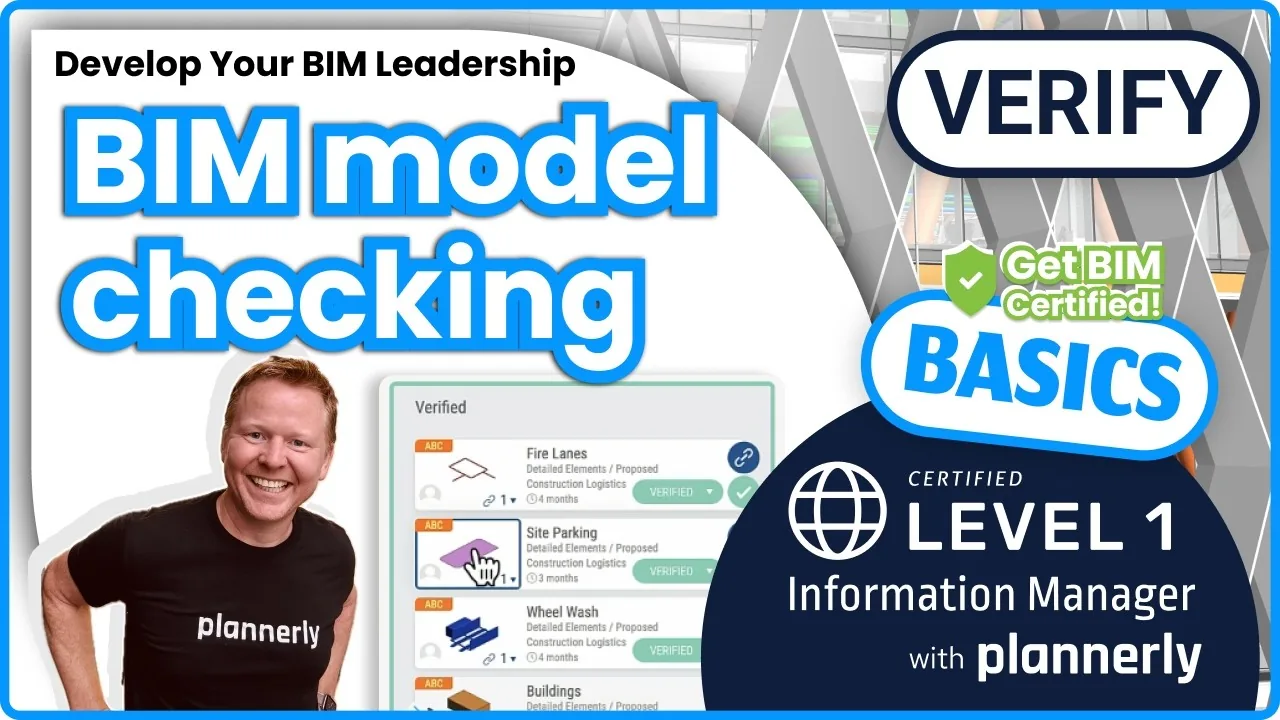
- Model checking: checks the model against rules and information requirements. Solibri and Plannerly's Verify module - see how to check every model against your requirements with IDS.
- Common data environment (CDE) and collaboration: where the files live and get shared. Autodesk Construction Cloud, Trimble Connect and Dalux - and how Plannerly connects to your CDE.
- BIM management: runs the process around the models - the BIM execution plan, who models what to which level of information need, and by when. That's Plannerly - see LOD and LOIN scope at scale.
The gaps between those types (who models what, to what level, and whether the model meets the requirements) are where most projects lose time, so it pays to think about how your tools hand over to each other.
1. Autodesk Revit

The first program on my list is Autodesk Revit. Revit is an established BIM design software that lets you create, edit and view building models in 3D. It is one of the most popular BIM software programs on the market, used by BIM architects, BIM engineers and construction professionals worldwide.
Using Revit to produce 3D BIM models significantly reduces miscommunication and helps create better visualisations and construction documents.
How does Revit work?
Autodesk Revit is a powerful BIM production tool that helps BIM architects and MEP engineers collaborate on projects and create high-quality design and construction documents, built on Autodesk's parametric BIM technology.
Revit coordinates changes made by different team members and tracks revisions to the BIM model. It also generates construction documents such as floor plans, elevations and sections.
If you want to learn Revit, Autodesk offers free online training to help you get started.
There's also a large community of Revit users and BIM consultants, like the Balkan Architect, who produce lots of Revit training, like this video:
What makes Autodesk Revit different?
One of the main benefits of using Revit is sometimes simply that everyone else on the project is using Revit too.
Revit runs only on Microsoft Windows, so Mac users run it through Parallels or a similar virtual machine.
The interface is quite user-friendly and it has strong collaboration tools. Still, in 2020 a group of large practices wrote an open letter on behalf of disgruntled customers (opens in a new tab), arguing that Revit's development had slowed compared with the price they paid.
My simple view on Revit
In my opinion, Revit is still the best BIM authoring tool for creating BIM models.
2. Plannerly - The BIM Management Platform

Plannerly is a BIM management software loaded with free BEP, EIR, AIR and other templates to make a BIM manager's life easier!
I believe that if you're doing BIM you need an organised approach, and Plannerly makes it a couple of clicks to define your BIM Execution Plan (BEP) and information requirements, and simple to check the BIM models against them automatically.
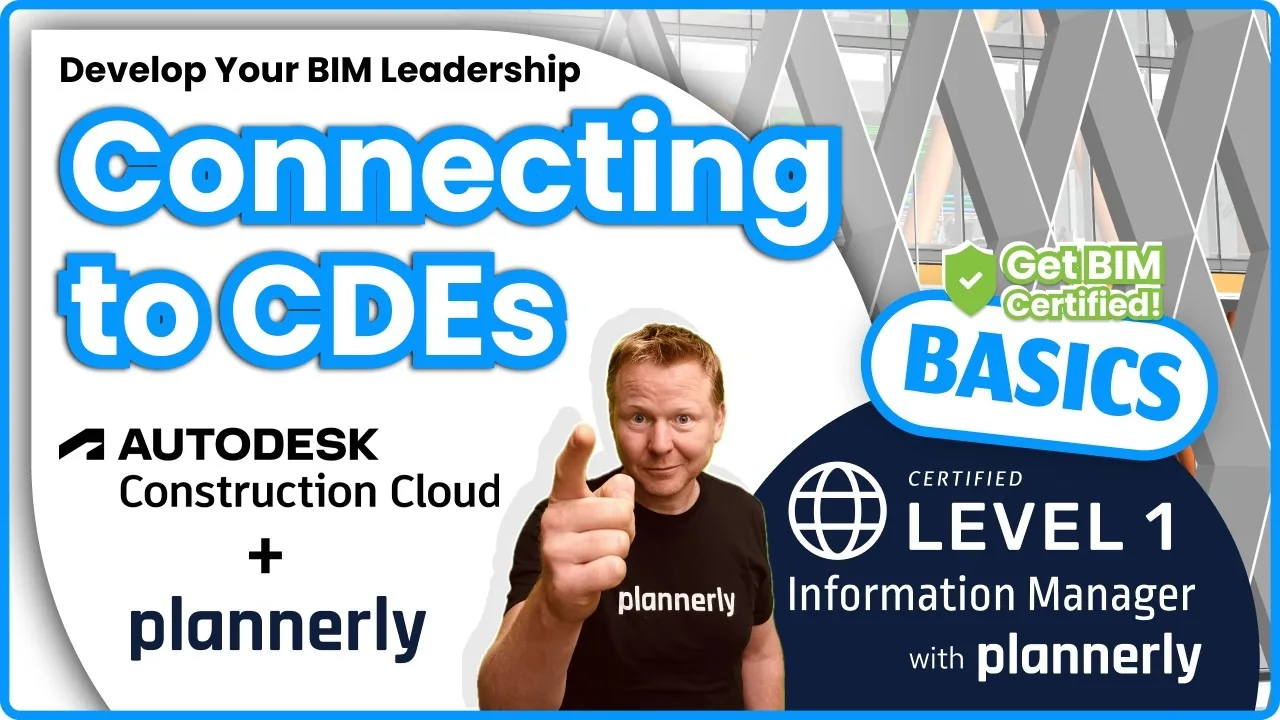
Plannerly also connects to your CDE (common data environment), such as Autodesk Construction Cloud, so models can be checked where they already live.
How does Plannerly work?
Plannerly is a web-based application that breaks complex BIM management into three simple steps: 1) Plan, 2) Scope and 3) Verify.
- Plan: write the BEP, EIR and other BIM execution plan documents from templates, with your team in the same document.
- Scope: agree who models what, to which level of information need, by which milestone - see the free lesson on visualising LOD and information requirements.
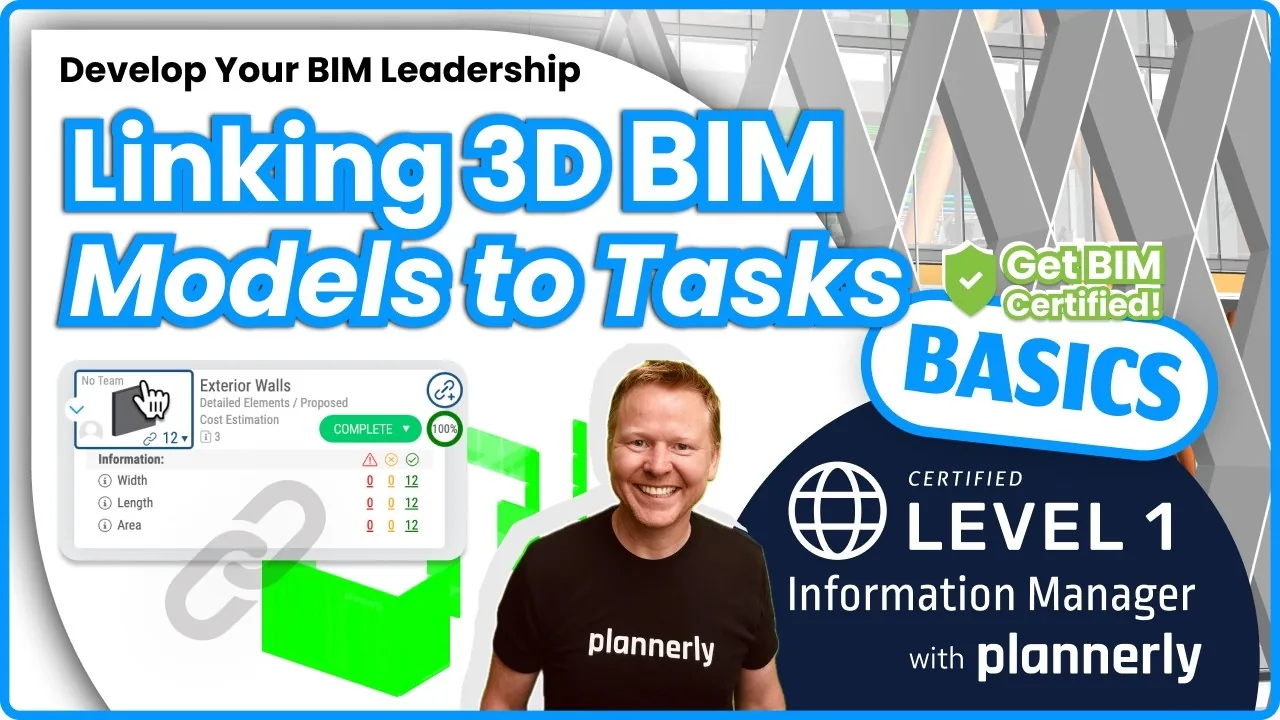
- Verify: link each model version and check it against the requirements automatically - see the free lesson on linking models for auto-checking.
These steps keep your BIM requirements managed from start to finish. Here's a quick rundown of the complete BIM management workflow in Plannerly:
What makes Plannerly different?
Plannerly stands out among BIM tools because it focuses on BIM and information management for design and construction projects, rather than on modelling. It's also possibly the simplest of all the BIM tools around!
Plannerly comes packed with the BIM document templates for EIRs, BEPs and more, covers the key ISO 19650 requirements out of the box, and works with other BIM software such as Autodesk Revit, BIM 360/ACC and IFC files, so you can move data between platforms easily. It also exports your requirements as an IDS file for other checkers - here's how IDS XML works. And Plannerly is free for university students!
My view on Plannerly
Plannerly is one of the simplest yet most powerful BIM tools available, and I believe it's an essential tool for every BIM project. However, I may be a little partial!
3. Trimble Connect

Trimble Connect is a cloud-based platform that provides a central place for managing, viewing and sharing construction data. Its main jobs are design coordination and project management.
MEP specialists, subcontractors and architects all use it, and many of Trimble's products are popular on civil infrastructure projects.
I believe collaborative BIM construction software is what Trimble is aiming for.
How does Trimble Connect work?
Trimble Connect helps project teams work faster and improve project quality.
It gives the team a secure, central home for project data, so people can find and update information from anywhere.
It also has strong collaboration tools, so team members stay connected and work together efficiently.
What makes Trimble Connect different?
First, Trimble Connect is designed for the construction industry, so it includes construction-specific features such as the ability to create and manage punch lists.
Second, Trimble updates it regularly with new features and improvements.
Finally, it has a robust security system to keep project data safe.
My view on Trimble Connect
Trimble Connect's features and focus on the construction market make it an excellent platform for contractors and subcontractors managing construction projects with BIM.
4. Revizto

Revizto is a cloud-based BIM solution that helps architecture, engineering and construction professionals improve communication and project coordination.
Revizto moves smoothly between 3D models and 2D drawings, so everyone can talk about the same thing in one collaborative environment.
You can use Revizto in every design and construction phase, and its standout features are excellent clash management and issue tracking workflows.
How does Revizto work?
Revizto lets you combine your project's models for clash detection, coordination, change management and more.
It also offers plenty of communication and collaboration features, such as format conversion, real-time markups and file sharing.
What makes Revizto different?
Revizto provides a simple, interactive 3D environment where you can view, measure, mark up and share many types of 3D models. As BIM visualisation software it also offers model comparison, clash detection and an advanced issue tracker with predefined workflows. Revizto is powerful and easy to use, which makes sharing models and BIM data easy.
My view on Revizto
Revizto is a great tool, used by some of the world's leading architects, engineers and construction firms, and a central, user-friendly way to cover many of your coordination needs in one place.
5. BIMCollab

BIMcollab is a BCF-based issue management system that closes the gaps between different BIM tools (see open BIM concepts for more about BCF). It helps firms handle issues throughout the design and construction phases.
How does BIMCollab work?
BIMcollab is a set of tools for model coordination and clash detection that helps AEC professionals work together on BIM projects.
Its features include real-time collaboration, model comparisons and visualisations.
You can connect with project partners and view BIM models together, and BIMcollab provides tools for markup, issue tracking and version management, so teams resolve issues quickly and avoid conflicts.
Here's more about BIMcollab:
What makes BIMCollab different?
BIMcollab connects to the leading building information modelling applications, so it slots into the workflows your team already has, whichever authoring tool each team uses.
My view on BIMCollab
BIMcollab is an essential tool for construction professionals who need to collaborate on BIM projects across different software.
6. Dalux

Dalux is a BIM software that helps with construction project management. It's a cloud-based application you can reach from anywhere, covering BIM viewing, document management and site work such as quality and safety checks.
How does Dalux work?
Dalux is a versatile BIM solution for managing your construction project from start to finish. It lets you work with your project's 2D drawings and 3D models and collaborate with the rest of the team in real time, and it includes document management tools such as a document library, version control and commenting.
Dalux has a free BIM viewer too:
What makes Dalux different?
Dalux is different because it offers a free version for small projects and paid plans for larger ones, and it's built to be used on site, on a phone or tablet, as much as in the office.
My view on Dalux
I believe that with Dalux you can be confident your site team and office team are looking at the same information.
7. Autodesk Construction Cloud ACC / BIM 360

As well as Revit, Autodesk sells Autodesk Construction Cloud (the successor to BIM360) to support BIM project delivery. Autodesk Construction Cloud is known as ACC for short.
ACC aims to centralise information and improve decision-making at every stage of a project.
How does ACC/BIM360 work?
Notable features include design review, BIM coordination, safety checklists, issues management and deliverable coordination, among others.
What makes ACC/BIM360 different?
ACC connects the field and the office, which makes for better coordination and collaboration.
ACC also offers a suite of mobile apps, so people can reach data and documents from anywhere, at any time.
Already on ACC? Plannerly connects to it, so you can check the models stored there against your requirements - see the free lesson on connecting to ACC and other CDEs.
A special mention for Autodesk Navisworks
Historically, Autodesk's flagship coordination product has been Navisworks, used mainly for clash detection.
I'd like to give it a special mention because it has been fundamental to so many of my projects.
Navisworks has some of the most advanced import and model management for visualising and managing construction BIM models. It has been around for a long time, though, and the cloud-based Autodesk Construction Cloud is slowly taking over many of its jobs.
My view on ACC/BIM360
Autodesk has many BIM tools, and the ACC/BIM360 products help teams run data-driven tasks that improve project quality and coordination. The mobile apps are handy for anyone who needs data on the go.
8. Graphisoft ArchiCAD

Graphisoft Archicad (long written ArchiCAD) is a BIM and CAD application for Building Information Modeling (BIM) and 2D computer-aided design (CAD).
Many regard Archicad as the first implementation of BIM.
Archicad is developed by the Hungarian company Graphisoft, owned by Nemetschek.
How does Graphisoft ArchiCAD work?
Graphisoft, founded in 1982, first built Archicad for Apple computers, and it has long run on both Macs and Microsoft Windows computers.
Archicad offers a wide range of BIM tools for the architectural design process, including project collaboration, MEP, energy analysis and construction documentation.
It also has strong rendering and presentation tools, so you can create visuals that show off your project.
What makes Graphisoft ArchiCAD different?
Although the "Arch" in the name suggests otherwise, Archicad isn't only for architecture. It's also used for structures, other buildings and even urban design.
Whether you're working on a small house or a large commercial development, Archicad has the tools to bring your ideas to life.
My view on Graphisoft ArchiCAD
Archicad is much more common in Europe than in the Americas. I love its flexibility, but sometimes that flexibility doesn't help BIM workflows that need more structured data and information management.
9. Solibri Model Checker

Solibri Model Checker (SMC for short, now sold as Solibri Office) is an open BIM model-checking tool that helps architects and engineers check the quality of their building information models. It isn't for structural analysis, but it is used to run rules and find clashes in BIM models. Solibri is owned by Nemetschek.
How does Solibri Model Checker work?
Solibri is a desktop application you can use to define very detailed rules for checking BIM models.
For example, a rule could "check that all doors are ADA compliant" or "check that all stairs meet the building code".
That way you can check that the BIM model meets the local building code rules and requirements.
Solibri analyses the model for problems and shows the results in an easy-to-read report. The report, or the BCF data exported from it, is then used to fix the model so it meets the requirements.
What makes Solibri Model Checker different?
Solibri is one of the few BIM tools that gets right into the detail of model checking and BIM quality assurance. It helps make sure the final BIM is of the highest quality, which in turn helps keep project costs under control.
My view on Solibri Model Checker
Solibri promotes better BIM quality assurance and control. I think it's a great tool for catching mistakes in the BIM model that would be costly and slow to fix later. Solibri can also be combined with Plannerly's BIM scope requirements: export them from Plannerly as an IDS file and check them in Solibri. Download the free IDS slides on checking with Plannerly and Solibri (PDF) (opens in a new tab).
10. BricsCAD BIM

Another comprehensive BIM tool is BricsCAD BIM, a versatile solution from Bricsys, which is owned by Hexagon - another of the big CAD players.
BricsCAD BIM can be used at every stage of the design process, from sketching to adding the BIM data for the complete building information model. You can shape components and properties on your projects in almost any way you like.
How does BricsCAD BIM work?
BricsCAD BIM is BIM modelling software for design and construction that creates a digital model, much like Revit and Archicad.
Like them, it reduces the need for paper drawings and documents.
BricsCAD BIM helps architects, structural engineers and construction professionals plan, design and build, and share design information across the team.
It gives design and construction professionals a common platform to work on - see it in this video:
What makes BricsCAD BIM different?
BricsCAD says it has a different vision for BIM. It takes a CAD-first approach on the familiar DWG format, and combines early design, BIM and fabrication in one continuous workflow.
My view on BricsCAD BIM
BricsCAD BIM is a solid platform with an intuitive interface, good 3D modelling and capable BIM tools. Hexagon made a wise decision buying Bricsys, as BricsCAD complements its other products, and I'm looking forward to seeing how it develops.
BIM Software Comparison Criteria
When you choose BIM software, a few criteria make the decision much easier.
Here are the factors I'd weigh:
Key Features to Consider
- 3D modelling and visualisation: detailed, accurate 3D models matter, but there's more to BIM than that. Don't forget the BIM management work that comes before anyone starts a model: the requirements, the BEP and who delivers what.
- Collaboration and communication tools: choose software that makes it easy to share data and talk to the rest of the project team in real time.
- Cost estimation and management: accurate cost features help keep your project within budget.
- Scheduling and project management: scheduling and task management keep the project on track.
- Clash detection and resolution: finding clashes early in design saves time and costly mistakes.
- Checking against requirements: can it tell you whether each model contains the information the project asked for? Start with the free lesson Model checking intro, or download the free slides on automated model checking dashboards (PDF) (opens in a new tab).
- Data management and open standards: look for IFC, BCF and IDS support so your tools can hand data to each other.
Pricing and Cost-Benefit Analysis
The cost of BIM software varies a lot with the features you need. Weigh the price against the long-term benefits: the hours saved and the errors avoided. Watch how each one is priced, too - per user, per project or per company - because that decides what it costs to bring every task team in.
Customer Reviews and Ratings
Customer reviews and ratings show how BIM software performs in real use. Look for strong satisfaction and feedback from other people in construction; they'll tell you about the strengths and the drawbacks before you find them yourself.
Weigh these criteria together and you'll pick the BIM software that fits your needs and your projects.
Summary of my favorite Building Information Modeling (BIM) tools!
There you have it!

As you can see, there are many different BIM software programs on the market today, and these are some of the best examples. Each has its own features and benefits to help manage your construction project.
These are my 10 top BIM software picks:
- Autodesk Revit
- Plannerly - The BIM Management Platform
- Trimble Connect
- Revizto
- BIMcollab
- Dalux
- Autodesk Construction Cloud (ACC)
- Graphisoft Archicad
- Solibri Model Checker (SMC)
- BricsCAD BIM

This list is in no particular order.
Each BIM software program has its own features and benefits that can help manage your construction project.
Some are very popular paid BIM programs, and others are still emerging.
To stay ahead in this fast-moving industry, you need a good grasp of BIM concepts and fundamentals. Investing in BIM courses and training will give you an advantage that lasts for years - and our BIM and ISO 19650 courses are free.
When choosing a BIM software program, start from the specific needs of your project and pick the tool that fits them.
Do you have a favourite BIM program?
Next Steps
This post gives you an overview of some of the most popular BIM software tools available today. If you'd like to go further, here are three posts I'd read next:
- What is meant by Building Information Modeling (BIM)? My comprehensive guide
- How to implement IDS XML in your BIM workflow
- From civil engineer to BIM manager: how I became a successful BIM manager
You'll find plenty more in the other blog posts on this website, on the Plannerly BIM blog and from five BIM bloggers I follow.
Do you have experience with any of these programs? Let us know in the chat! And if you have feedback on my thoughts or a question, email hello@plannerly.com and it will get to me. We're always happy to help!
Ready to try the BIM management side yourself? Join Plannerly free.
Happy modelling!