A BIM project is a construction project where the design, construction and handover information is created and shared as structured digital models and data, not just drawings. The client sets out the information it needs, the team agrees a BIM execution plan, every team delivers to a shared common data environment, and what's delivered is checked before it's accepted.
You wanna learn about types of BIM projects? Well, you've come to the right place! My guide and FAQs below cover what you really must know about BIM projects (I hope!).
Let's get the basics out of the way first: BIM is an acronym for Building Information Modeling. It's a method of building design that replaces paper drawings with digital models so architects, engineers, contractors and other professionals can work together on a project. That makes sharing information and coordinating the work much easier.
In this article I go through the fundamentals, what makes a project a BIM project, and how BIM is used in the four project categories of new construction, refurbishment, demolition and historic preservation. Please read on!
1. What Is BIM?
I could go on and on about BIM, but this awesome post does the job nicely: Building Information Modeling (BIM). For anyone new to it, BIM is the process of building and using 3D models of buildings and infrastructure. The models let people see how a structure will look before it's built, compare different designs and see the effect of changes.
Each type of project needs a different approach, but they all have one thing in common: BIM software, which lets you create, view and manage digital models of buildings. There are many types of BIM software, and some of the most popular are Autodesk Revit, Bentley MicroStation and Graphisoft ArchiCAD - and, to plan and check the information, of course Plannerly: "The BIM Management Platform"!
What makes a project a BIM project?
Using Revit on a job doesn't make it a BIM project. Agreeing how information is asked for, produced, shared and checked does. A BIM project has five things in place:
- Information requirements. The client says what information it needs, when and in what form - on an ISO 19650 project, the exchange information requirements (EIR). See the free lesson on the EIR.
- A BIM execution plan (BEP). The delivery team's answer: how it will meet those requirements, with which software, standards and people. Here's how to write a BEP, and a free BEP template.
- A delivery plan. Who delivers which model or document, by when - the responsibility matrix and the MIDP and TIDPs.
- A common data environment (CDE). One place where every team shares its information, with agreed naming and status codes.
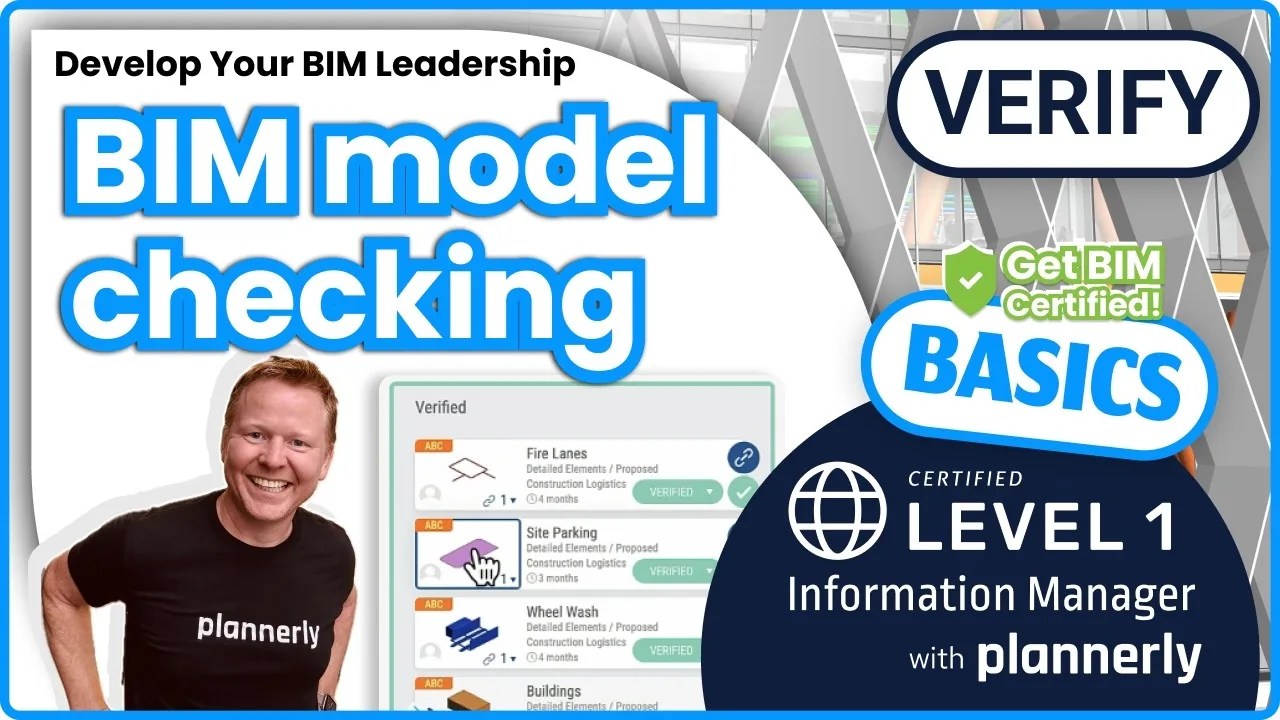
- Checking. Models and documents are checked against the requirements before they're accepted - automatically, where you can.
Projects run to ISO 19650 give these formal names and a set order, but even a small project goes better with all five.
2. Why Should You Care About BIM?
BIM has been used for decades by architects, engineers, contractors and others who design and build structures, but only more recently has it been widely adopted by general contractors and builders. That's largely because BIM software makes it easier for them to collaborate with others and share data, and to easily communicate with subcontractors and suppliers.
It's also increasingly expected: many governments now require BIM on public projects (the UK has done so on centrally procured projects since 2016), and ISO 19650 has turned the UK's approach into an international standard.
3. Benefits Of Using BIM
There are several reasons why using BIM is beneficial for both designers and builders:
- It saves time. Building the project virtually first means fewer costly mistakes on site.
- It improves communication between team members.
- It shows the building accurately as it will appear when completed.
- It enables collaboration among the different disciplines.
- It makes progress and costs easier to track and manage.
In general, it's truly great to implement BIM!
4. Types Of BIM Projects
When it comes to BIM projects, there are really only two types: the ones that go well, and the ones that don't! If you're lucky enough to be working on a BIM project that falls into the former category, congratulations. You're in for a treat.
Joking aside, BIM projects fall into four main categories: new build, refurbishment, demolition and historic preservation. Each presents its own challenges, but all four benefit from BIM, so it pays for architects and engineers to know the differences and use the best tool for the job.
| Type of BIM project | Where BIM helps most |
|---|---|
| New build | Design coordination, clash detection, 4D sequencing and handover data |
| Refurbishment | Surveying what's there, planning around it and clashes with existing services |
| Demolition | Safe sequencing, protecting what stays and recording materials for reuse |
| Historic preservation | A detailed record of the fabric and testing changes before touching it |
4.1 BIM for new build projects:
On a new build, BIM means creating a digital model of the project that generates layouts, schedules, material lists and other data the whole team can use to collaborate and coordinate.
BIM can also create realistic simulations of the construction process, which help to identify potential problems and risks before work starts on site. The result is better communication across the project team and real insight into how the job will be built. Good read: 9 benefits of virtual design and construction (VDC).
4.2 BIM for refurbishment projects:
Refurbishing an existing building is complex, made harder by the need to update and upgrade existing systems and infrastructure. Building Information Modelling gives refurbishment teams the information they need to plan and carry out the work.
BIM can create accurate 3D models of existing buildings (often from a laser scan survey), identify potential problems and hazards, and plan refurbishment workflows. It can also be used for clash detection during construction, helping avoid delays and disruption - so refurbishment teams can be sure they have the information they need to deliver a successful project.
4.3 BIM for demolition projects:
Demolishing a building is a complex and dangerous job that needs careful planning and coordination to keep workers and the public safe.
BIM models can simulate demolition scenarios, so teams can plan the safest and most efficient way to bring a building down. As-built models of existing structures also help when a demolition must preserve certain parts of a building, and they can record which materials can be recovered and reused. Here's more on how BIM affects health and safety.
4.4 BIM for historic preservation projects:
BIM has become a popular tool for historic preservation, where it's often called heritage BIM or HBIM. It gives a more accurate and detailed record of a building, which is invaluable when trying to preserve its historic integrity.
One of the biggest challenges in historic preservation is making sure any change to the existing structure won't compromise that integrity. A complete virtual model of the building lets the team test different scenarios first, so proposed changes are compatible with the existing structure.
The same four categories apply to infrastructure - roads, rail, bridges and utilities - where the models cover the site and the network as well as the structures.
5. What Questions Should You Think About?

Before any BIM project starts, I'd want answers to these:
- Why are we doing BIM on this project, and how will we know it worked?
- What information does the client need, when, and in what format?
- Who delivers which models and documents, and who checks them?
- Which software, file formats and common data environment will we use?
- What happens to the information at handover - who will use it, and in which systems?
6. How To Start Your First BIM Project
If you're looking to get started with BIM, there are a few things you'll need to do to make sure your first project is a success:
- Assemble the team. Architects, engineers and construction professionals who are familiar with BIM and its potential, and someone responsible for managing the information.
- Get clear on your goals. What are you hoping to achieve with BIM? What are your specific needs and requirements? Here are BIM goals and objectives to start from.
- Write down the information you need. Turn the goals into information requirements every team can see - here's how to write OIR, AIR and EIR.
- Agree a BIM execution plan. How BIM will be used throughout the project, with the standards, software and responsibilities everyone signs up to. The free lesson on creating the delivery team's BEP shows how.
- Plan who delivers what, by when. List every model and document as a deliverable for a team and a milestone - see the free lessons on defining information tasks and containers and creating the MIDP and TIDPs, or the step-by-step guide to running the MIDP without chasing task teams.
- Check as you go. Check models against the requirements at each milestone rather than at handover - start with the model checking intro lesson.
- Train the team. Make sure everyone knows the process, not just the software. Our BIM and ISO 19650 courses are free.
By following these steps, you can set yourself up for success on your first BIM project. For more, here are some ideas to help your BIM process.
Feeling a little lost? Don't worry - we've got your back. Ready to start your first BIM project? You can start free.
Summary PDF Download: "What is a BIM project"
Everything above in one PDF to keep or share with your team: What is a BIM project? The ultimate guide (PDF) (opens in a new tab). For the delivery plan itself, grab the free MIDP Survival Kit below.
I blog for the Five BIM Bloggers series, where every week we share different perspectives on important BIM topics. To hear our views first, join Plannerly free or browse the Plannerly BIM blog.