Building Information Modeling (BIM) is a way of designing, building and running buildings and infrastructure in which every team works from a shared digital model and the information attached to it. This guide follows BIM through each stage of a project - planning, design, construction and operation - and sets out the benefits you can see and measure.
Concerns about high costs, long lead times, and poor communication have dogged our Architecture, Engineering, and Construction (AEC) industry for years.
Let me help you become familiar with the fundamentals of Building Information Modeling BIM, including how it works at every project stage and how it can benefit your business.
Intro
Contractors, architects, engineers, designers, owners, and facilities managers (a lot of people!) are all involved in a construction project, and the lack of efficient collaboration between them is a major factor in cost and delay.
With so much at stake on each project, that's a potentially costly challenge! A study for the US National Institute of Standards and Technology (NIST) put the cost of poor interoperability in the US capital facilities industry at $15.8 billion a year, about two-thirds of it carried by owners and operators. That was 2004 - and the problem hasn't gone away.
Advanced technology like Building Information Modeling (BIM) is making construction processes more efficient.
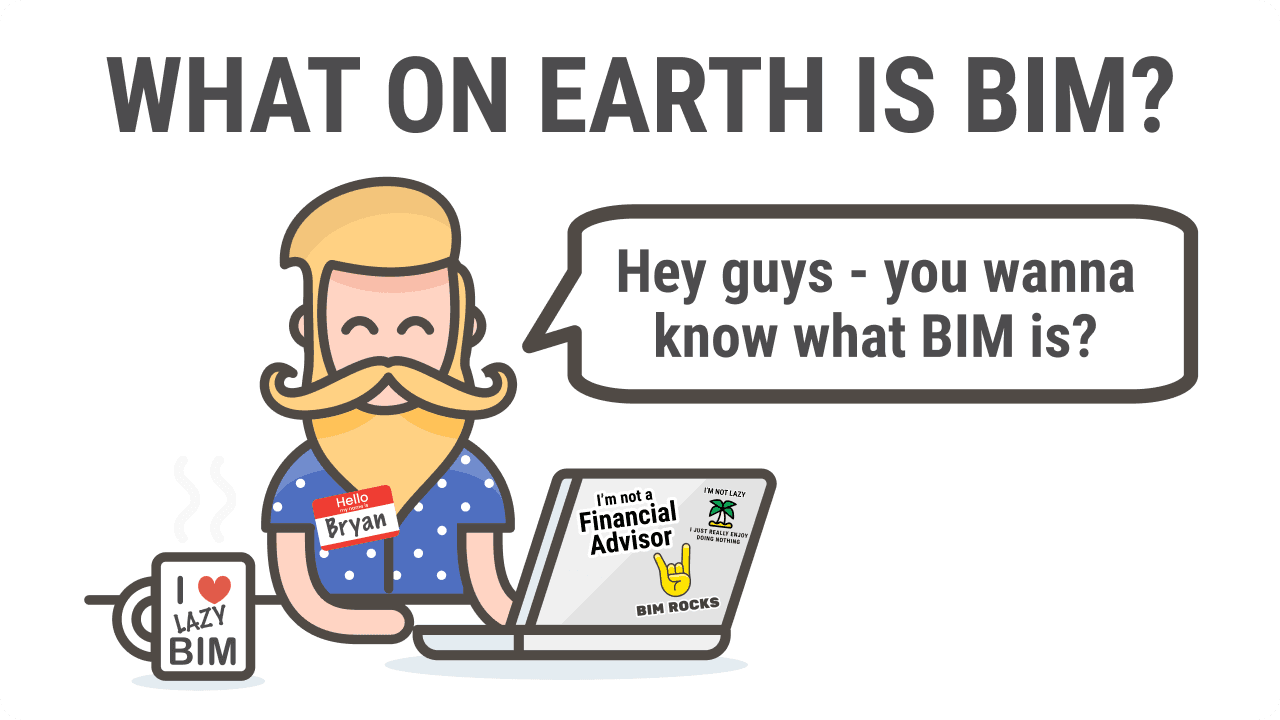
Introducing BIM: BIM is a digital representation of a building's physical and functional characteristics. This visual representation gives a deeper understanding of the geometry and processes involved in space planning, design, construction, and building operation.
In the right hands, BIM can ease construction's communication woes and create a shared knowledge base to rely on for sound decisions throughout a building's lifespan.
Right, let me share what you need to know about BIM and why you should use it in your company!
1) What Is Meant By Building Information Modeling BIM
An intelligent 3D model is the first step in Building Information Modeling. Every element in it knows what it is - a wall, a door, a duct - and carries information such as its type, material, size and performance.
Building Information Modeling systems today don't just provide digital versions of physical plans - they serve as a single source of truth from which everyone can view the plans, alter and improve them for smoother design, construction and operation.
The most advanced BIM systems include all relevant building data, construction sequencing, costs, and lifecycle information. That data supports document management and simulations throughout the project's life, as well as collaboration and communication between everyone involved.
If everyone can see exactly what the site will look like and has all relevant information in one central, actionable place, the whole project team benefits.
Good Read - I also wrote this on BIM: Building Information Modeling? What the M in BIM means - modeling, model or management - and who uses it
2) BIM and Its Current Importance
The global population is expected to reach 9.7 billion people by 2050, according to the UN.
Buildings that meet growing global demand, with better construction solutions, must be the goal of the worldwide AEC industry from now on.
As a result, BIM is now being mandated for public contracts by more and more governments, and a growing number of private clients ask for it too. Since 2018 the ISO 19650 series has given everyone the same international rules for managing BIM information.
On many projects, BIM is more than just a nice-to-have.
3) How Can BIM Enhance Every Stage of a Building Project?
The construction of a building can be made more precise and cost-effective by using BIM throughout the project lifecycle. Here's what BIM does at each stage - and the one thing to set up so it works.
a) Planning Stage:
With BIM, teams use reality capture and real-world data to understand how a building will look in its natural environment long before it is built. It's like being able to see into the future!
Set up: decide what information you need, and when. On ISO 19650 projects that's the client's information requirements - the free lesson on exchange information requirements (EIR) shows how.
b) Design Stage:
Any construction project design can be time-consuming and challenging. With a data-rich BIM process you can iron out design challenges, coordinate the disciplines, sort out constructability issues, and see how well a design will perform.
Set up: agree how much detail each element needs at each milestone (LOD or Level of Information Need) - see visualising BIM, LOD and information requirements.
c) Construction Stage:
BIM helps with construction logistics planning, sequencing, and scheduling, and makes sure all teams have the information they need. BIM specifications and shared documents also make prefabrication and modular construction much simpler.
Set up: a delivery plan for who provides which information, when - the MIDP. The free lesson on creating the MIDP and TIDPs walks through it.
d) Operational Stage:
With BIM's information-rich models and asset data, operations, maintenance, renovation, extension, and even demolition can all be supported. This is the phase where Digital Twins and predictive analytics can help enormously!
Set up: agree the asset information the owner needs to run the building before design starts - asset information requirements (AIR).
GO BIM!
Want the whole BIM workflow on one page? Download the ISO 19650 BIM workflow diagram (PDF) (opens in a new tab), explained step by step in the ISO 19650 PDF guide.
Good Read: What is openBIM? 10 Critical Things You Must Know About openBIM!
4) The Potential of BIM
a) Identify the Specifications for the Construction Project
One of BIM's key benefits is identifying a project's specifications with a high level of precision: everything from the materials used, to the dimensions of individual components, to the overall layout of the finished structure.
That way construction professionals spot issues or discrepancies in the plans before work begins, and construction runs more smoothly.
b) Recognise the Site's Potential Design Options
A digital representation of the site and its surroundings lets architects and engineers analyse the constraints and opportunities of the location: topography, natural resources, local climate and the impact on the environment.
With that, professionals make better-informed decisions about the design and layout and make the most of the available resources. BIM also helps show the design options to stakeholders, so decisions are made together.
c) Organise and Control your Data Easily
BIM lets people store and access A LOT(!) of data - the cost of the project, when parts will be done, or plans for how to build it.
With BIM, everyone who is allowed to can see this information in one place. That makes it easier to share information and less likely that someone will make a mistake.
Also, BIM can automate certain tasks, such as generating reports or updating schedules, which saves time and reduces the workload for the team.
d) Get Detailed Information on Building Design and Analysis
A BIM model shows how the building will look and work. It can help people see if the building will be safe, how much energy it will use, and whether it will be easy to use - so problems are found before the building is built. That saves time and money and makes the building the best it can be.
BIM also helps people explain the design to others who aren't design or construction savvy, so they can make decisions about the project together.
e) Manage all Deliverables in a Single Location
BIM and CDEs are tools that help people manage the different parts of a building project.
A CDE (common data environment) is like a special electronic set of folders that holds BIM documents and information about the project, with a status on each one so everyone knows what's work in progress, shared or published.
CDEs help people access and share information, keep the project organised, and mean that if people need to find something later on, they know where to look. Most projects have more than one, so connecting them matters - see connecting your CDE to your requirements.
5) BIM: The Big-picture Benefits that can be seen and Measured
a) Delivering Projects with Greater Efficiency
With BIM you can create manufacturing BIM drawings and databases, so prefabrication and modular construction can be used more often - reducing waste, labour and material costs, and helping avoid problems like:
- Poor coordination: with BIM you can coordinate the efforts of your design team, architects and other key players far more effectively
- Clashes: clash detection before construction reduces delays, last-minute changes and rework.
b) Enhancing the Control of Design Data
3D visualisation and space-use simulations let you plan a project before construction begins, and let everyone experience a space during preconstruction - fewer delays, setbacks and late changes.
Because BIM is based on "database-first" modeling, everyone can use their familiar formats to access and edit building information within a single dataset, which prevents the inconsistencies that arise when everyone keeps their own files.
The result is better productivity and planning, and easier experimenting with new designs. Building owners can expect longer asset lives and lower maintenance costs - how BIM is used in construction management.
c) Design Tables and Scheduling Improvements
With BIM, AEC firms can streamline their design and documentation and update it quickly when information or the site changes.
Scheduling and site communication improve too: 4D scheduling (linking the model to the programme) can reduce or eliminate construction delays, so the project is completed on time or even ahead of schedule.
d) Consistency Among Stakeholders and those who are Involved
Digital BIM models make it easier to collaborate, analyse, manage and visualise data, and to share, plan and update plans.
Many BIM systems work in the cloud, so users update data from any location, and viewing models and drawings on site and on mobile devices means project information is always up to date.
e) Improvements in Renovation and Retrofit Capabilities
Renovations benefit from better visualisation, collaboration and accuracy, and less waste. That helps both the original construction and every renovation or retrofit after it - especially when the as-built model is handed over.
f) Cost Savings And Risk Reduction
75 percent of companies that had adopted BIM reported a positive return on their investment, according to a 2016 McKinsey study. There are many ways BIM saves money:
- Lower risk premiums in tenders
- Lower insurance costs
- Fewer variations and change orders
- Fewer chances for claims
- Less material waste and unused resources
- Lower labour costs
- Less time lost to out-of-date information
g) Safer Construction Sites
BIM can identify potential dangers before you start on site and map out your site logistics. A well-developed model also supports visual risk assessments and safety reviews - all helping prevent harm and keep workers safe.
h) Increased Return on Investment (ROI)
BIM can increase a construction project's return on investment (ROI). It improves accuracy, collaboration and value and reduces waste. And because stakeholders can visualise, design and construct buildings that are more energy efficient, sustainable and cost-effective to run, the value keeps growing over time.
It shows in real firms, too: BuildEXT in Hungary grew from 6 employees to over 50 engineers working to ISO 19650, and now handles projects 30 times larger - read the BuildEXT case study (PDF) (opens in a new tab).
Good Read: Top 14 Bad BIM Habits (aka Evil BIM) That BIM Managers Must Stop
How to start BIM on your next project
You don't need to do everything at once. The order that works on most projects:
- Set the information requirements: what the client needs, at which milestone - OIR, AIR and EIR, step by step.
- Write the BEP: how the team will deliver it, from a free BEP template.
- Plan the deliverables: who delivers what, when - run the MIDP.
- Check every model against the requirements - model checking with IDS.
- Hand over the asset information the owner asked for, and keep it for operation.
My Final Thoughts
The benefits of using BIM include more transparency, better productivity and scheduling, safer sites, lower costs, and a better return on investment for construction projects.
When starting a new project, Plannerly is an excellent place to begin. It brings your BIM documents, scope and model checking together, so you can plan the work in one place with your whole team.
Using Plannerly, you can create BIM requirements, assign tasks to your coworkers, and track their progress.
Plannerly (The BIM Management Platform) is FREE TO JOIN - try Plannerly for free and see how it can improve your BIM and project management processes.
Keep reading: my perspective on BIM, why you need a BIM manager - 10 important reasons and the 5 BIM Bloggers.
Follow
I blog for the Five BIM Bloggers series. Every week we share different perspectives on important BIM topics! To hear our views first, join free or read more Building Information Modeling expert articles.