A model in operation
The as-built model, kept current as the building changes, rather than filed away at handover.

Level of development
There's no LOD 600 in the BIMForum or AIA frameworks, which stop at LOD 500. When people say LOD 600, they usually mean a model kept up to date after handover and connected to the systems that run the building. That's a fair thing to want. It just needs writing down as requirements, not a number.
Free plan, no card. Everyone you invite joins free.
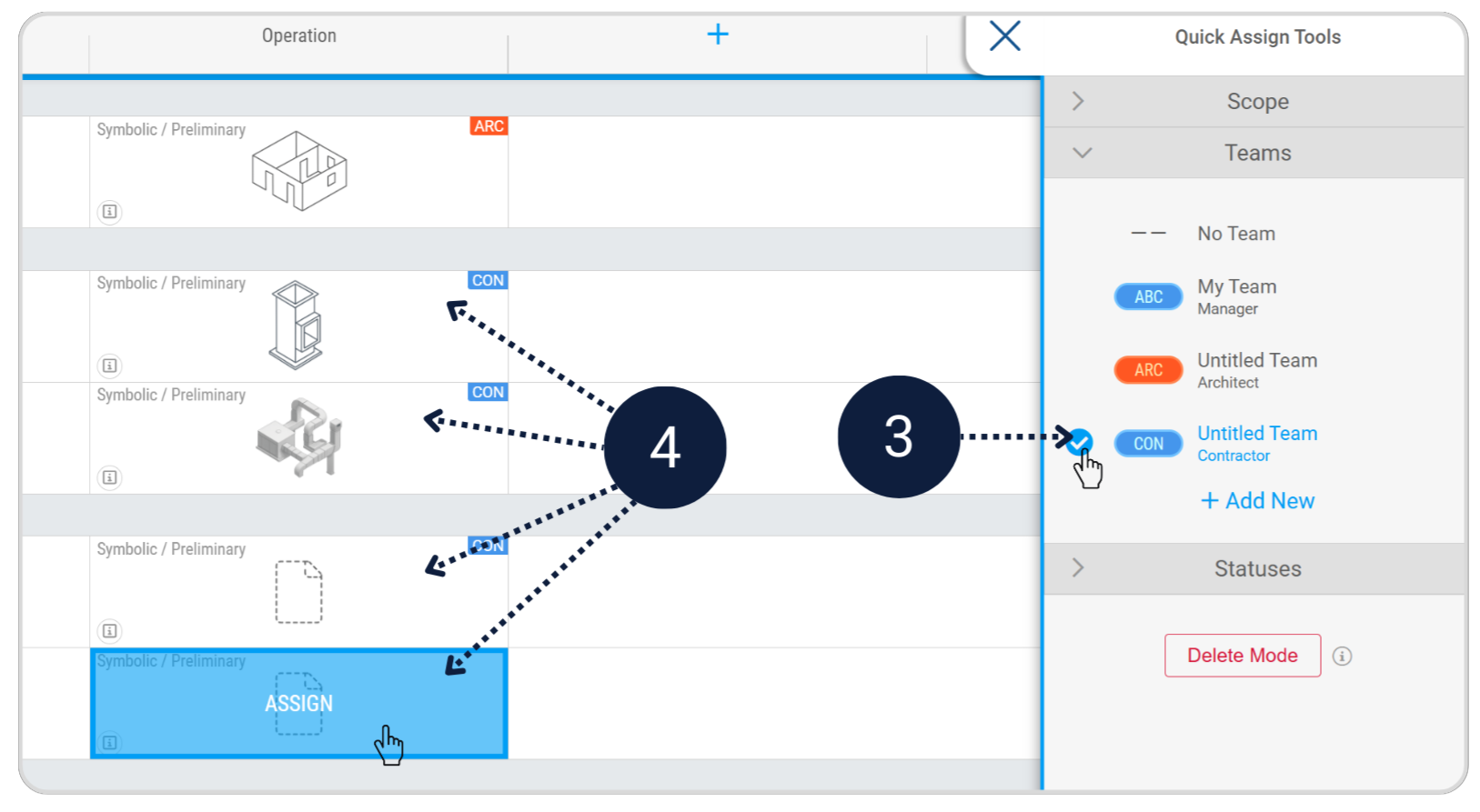
The levels most teams use come from the AIA and the BIMForum LOD Specification: LOD 100, 200, 300, 350, 400 and 500. LOD 600 isn't one of them. You'll see it used, informally, for one of three things:
The as-built model, kept current as the building changes, rather than filed away at handover.
Elements that carry the information a maintenance or facility management system needs, such as asset tags, maintenance and warranty data.
A model connected to live data from the building, such as sensors and the building management system. More in digital twins and BIM.
LOD describes how developed an element's geometry is. What an owner needs in operation is mostly information, and the work of keeping it current:
None of that fits in a number. Under ISO 19650 it's the asset information requirements (AIR), which come from the owner's organisational information requirements (OIR).
If a contract or a client says LOD 600, turn it into requirements everyone can check:
| Instead of | Ask for |
|---|---|
| LOD 600 for the whole model | LOD 500 (field verified) for the assets the owner will maintain, at the handover milestone |
| FM-ready data | The named properties each asset carries, with their property sets and values, or a COBie deliverable |
| A model that stays current | Who updates the model after handover, how often, and how the changes are checked |
| A digital twin | Which systems the model links to, and the identifiers that connect them |
In Plannerly
Scope
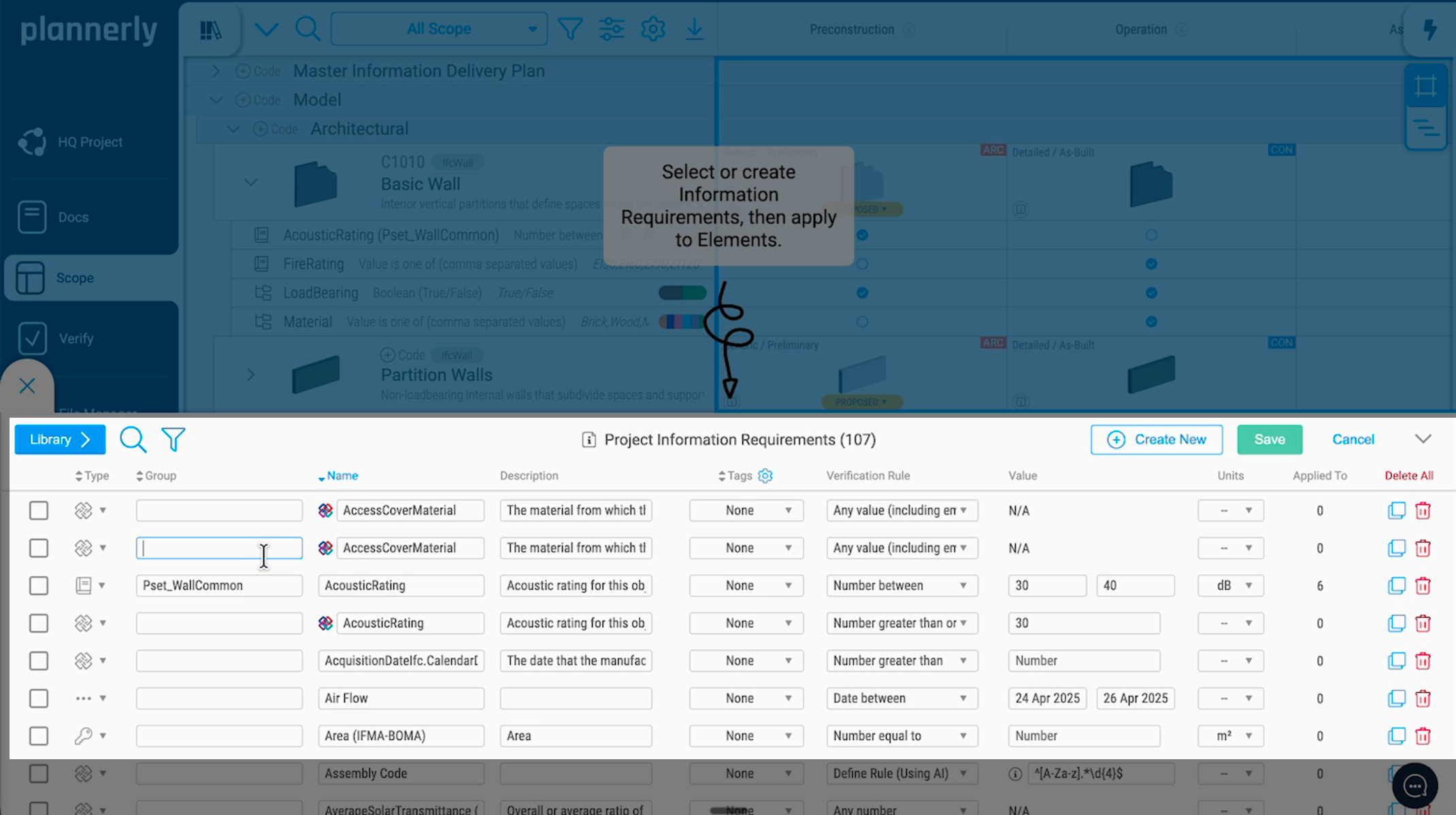
Plannerly Scope runs from preconstruction to operation. Add the handover and operation milestones, set the level each asset must reach and the information it must carry, and give every line an owner, so keeping the model current is someone's job, not everyone's.
Verify
Each model can be checked against the same requirements automatically, element by element, so you see what the operation model is missing before it reaches the facilities team.
See how Verify works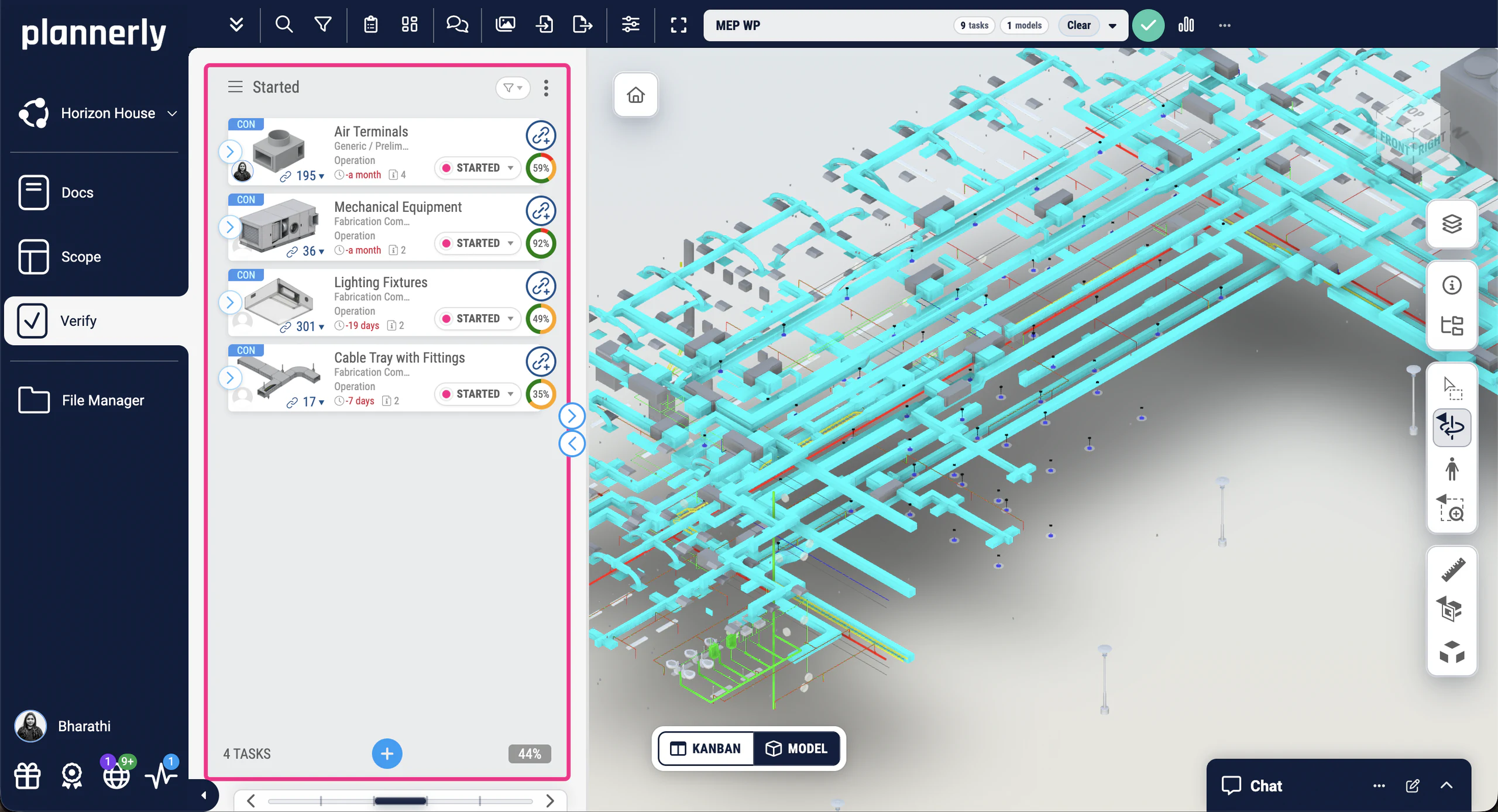
Look closer
Free lessons
 Level 3 lesson - the owner's needs
What the owner needs to run the asset, and how it becomes the information each element carries.
 Level 3 lesson - where it starts
What the organisation needs information for, which every AIR traces back to.
 BIM Boot Camp lesson - handover
Checking the handover data automatically, and handing it over as COBie.
 Level 3 - free certificate
The whole ISO 19650 process, from the OIR to handover, with a free certificate.
Free download
Stop copying the last job's EIR. Start from a requirements project for Plannerly, with the EIR, OIR and AIR explained in three PDFs from our free ISO 19650 training.
OIR and EIR documents in Docs and a structured requirements list in Scope, staged by milestone and ready for your own assets and task teams.
Read more
What field verified means, and what to ask for at handover.
GuideWhat each LOD means, and how to use them on a project.
GuideThe organisational, project and asset information requirements, with the slides for each.
TemplateWhat a digital twin is, the three types and five ways to use one.
GuideHow detail, information and accuracy fit in one set of requirements.
GuideLOD numbers or plain language: the options, and when each one works.
GuideQuestions
Start free, add the operation milestone and set the information every asset must carry, so everyone agrees what you'll get.
Free plan · No card · Everyone you invite joins free
