Who's who
The delivery team's information management roles: the lead appointed party, each task team and, once appointed, the people by name.

BIM execution plan (BEP)
A BIM execution plan (BEP) is the delivery team's plan for managing information on a project: who produces what, to which standards, with which tools, and how it meets the client's requirements. ISO 19650 asks for one with the tender and a confirmed one after appointment.
Free plan, no card. The template is in the Library in Plannerly Docs.
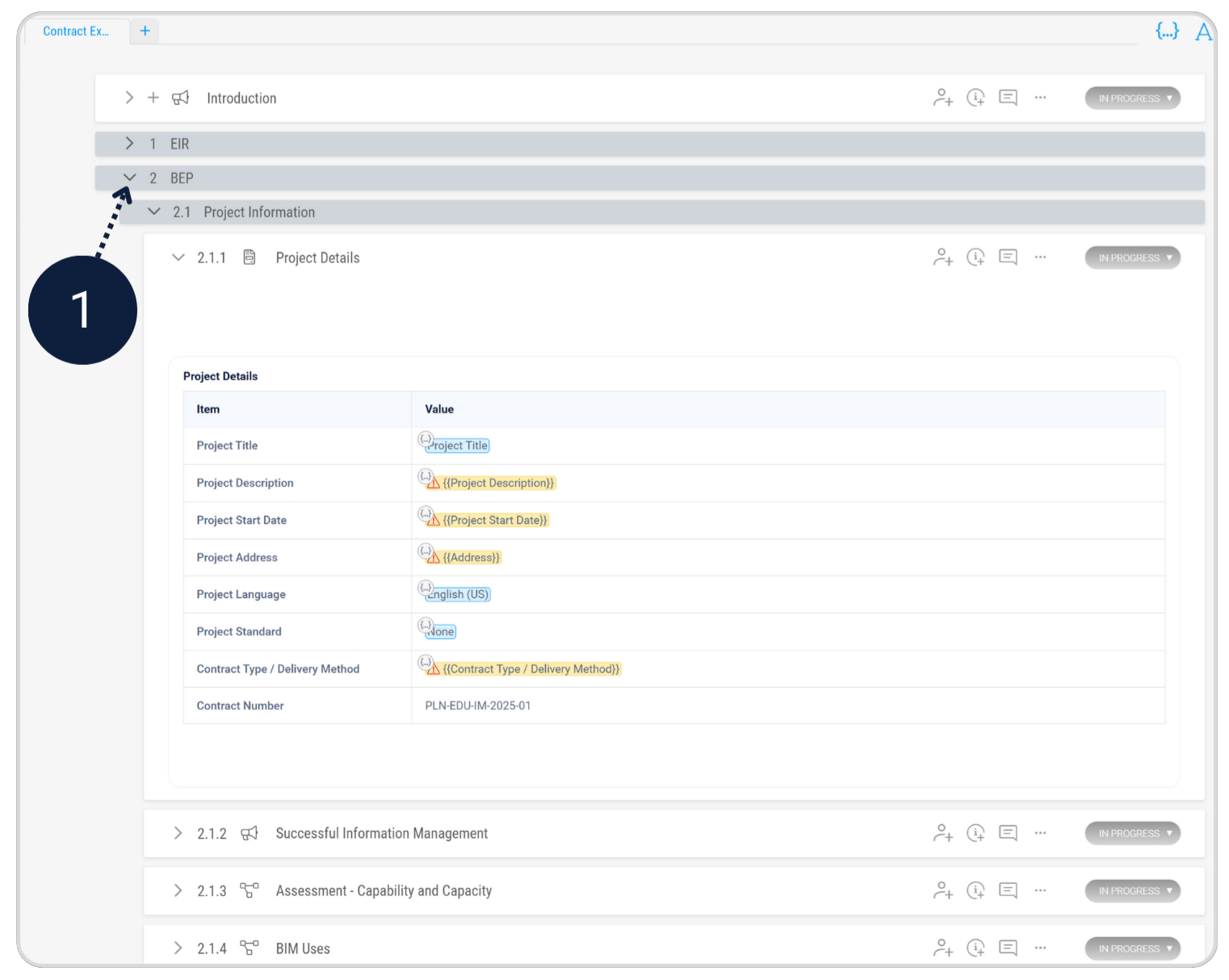
Every BEP answers the client's exchange information requirements (EIR). Whichever template you start from, it needs these five parts:
The delivery team's information management roles: the lead appointed party, each task team and, once appointed, the people by name.
The information delivery strategy, which is how the team will meet the EIR, and the federation strategy, which is how the models are split up and brought together.
The responsibility matrix: high level with the tender and detailed after appointment, with the MIDP and TIDPs behind it.
Naming and classification, the level of information need, and how information is checked, shared and approved in the common data environment.
The tools each task team uses, their versions, and the formats information is exchanged in, such as IFC and BCF.
ISO 19650-2 asks for the BEP twice. It's one document growing up, not two documents:
| Pre-appointment BEP | Post-appointment BEP | |
|---|---|---|
| When | With the tender | Once the team is appointed, before the work starts |
| What it is | A proposal: how the team would meet the EIR | The agreed plan the team works to |
| People | Proposed roles | A named person in every role |
| Responsibilities | A high-level responsibility matrix | The detailed matrix, the MIDP and every TIDP |
| Afterwards | Compared with the other bids | Kept up to date as the project changes |
Two free lessons go through both: the pre-appointment BEP and the delivery team's BEP.
Before you send it, check that:
Want it section by section? Our 16-point BEP checklist goes deeper.
In Plannerly Docs
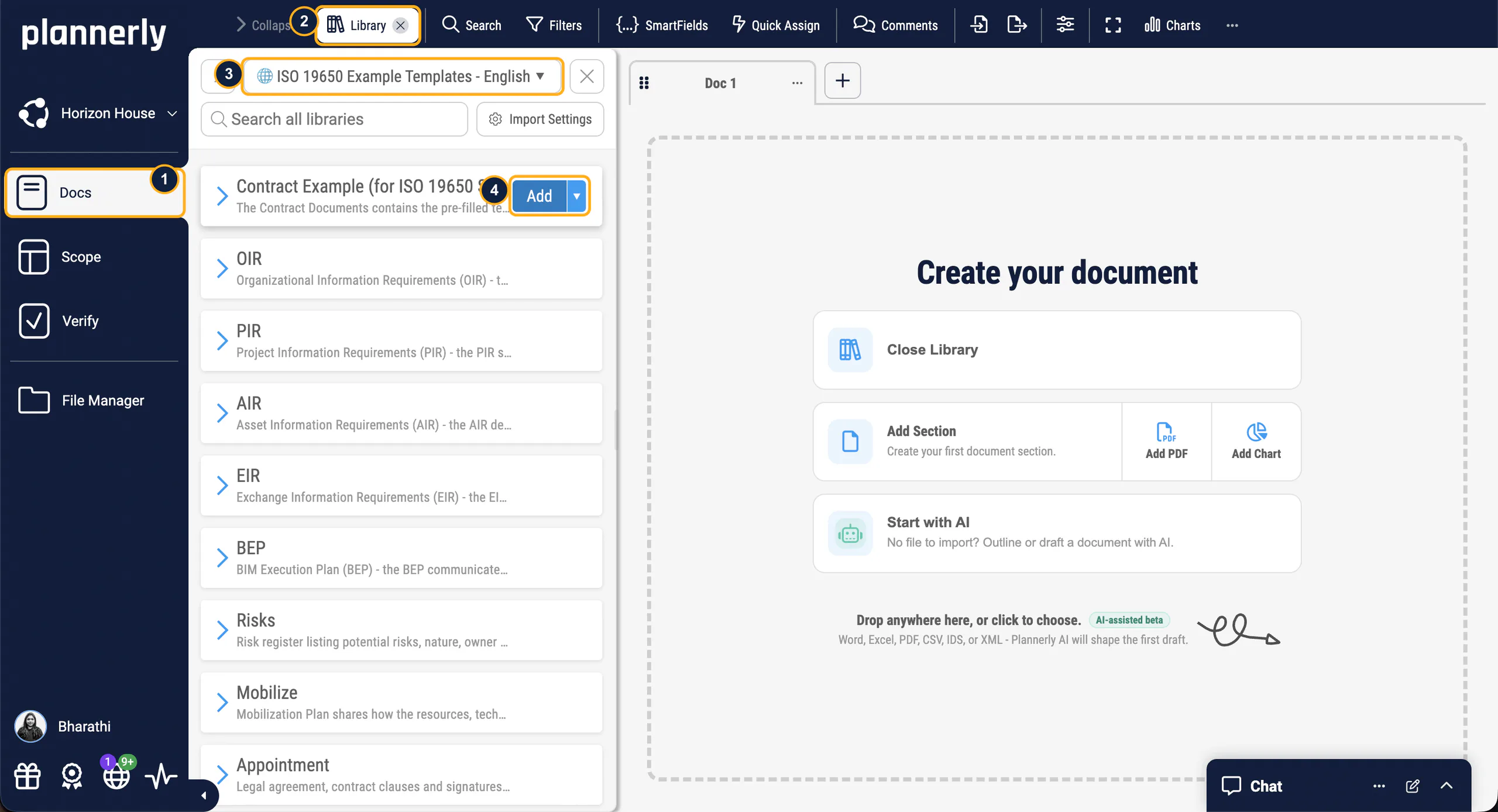
Start from the template
The BEP template in the Library in Plannerly Docs already has the pre- and post-appointment sections. SmartFields fill in the project's details once, and AI can draft a first version of any section for you to check and edit.
Agree it
Assign each section to the team that knows it, with a deadline. Teams suggest and comment, every change is kept in the version history, and the agreed BEP is signed with e-signatures. Bringing every task team in as an editor is part of Pro, which you can try free for 14 days.
Write the BEP with your teams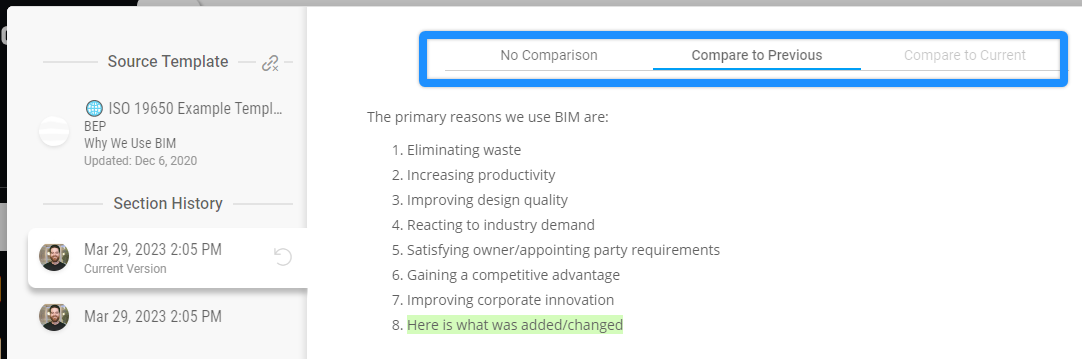
Look closer
Free lessons
 Level 3 lesson - the tender
What goes in the BEP you send with the tender, part by part.
 Level 3 lesson - after appointment
Confirming the BEP once you're appointed, without starting again.
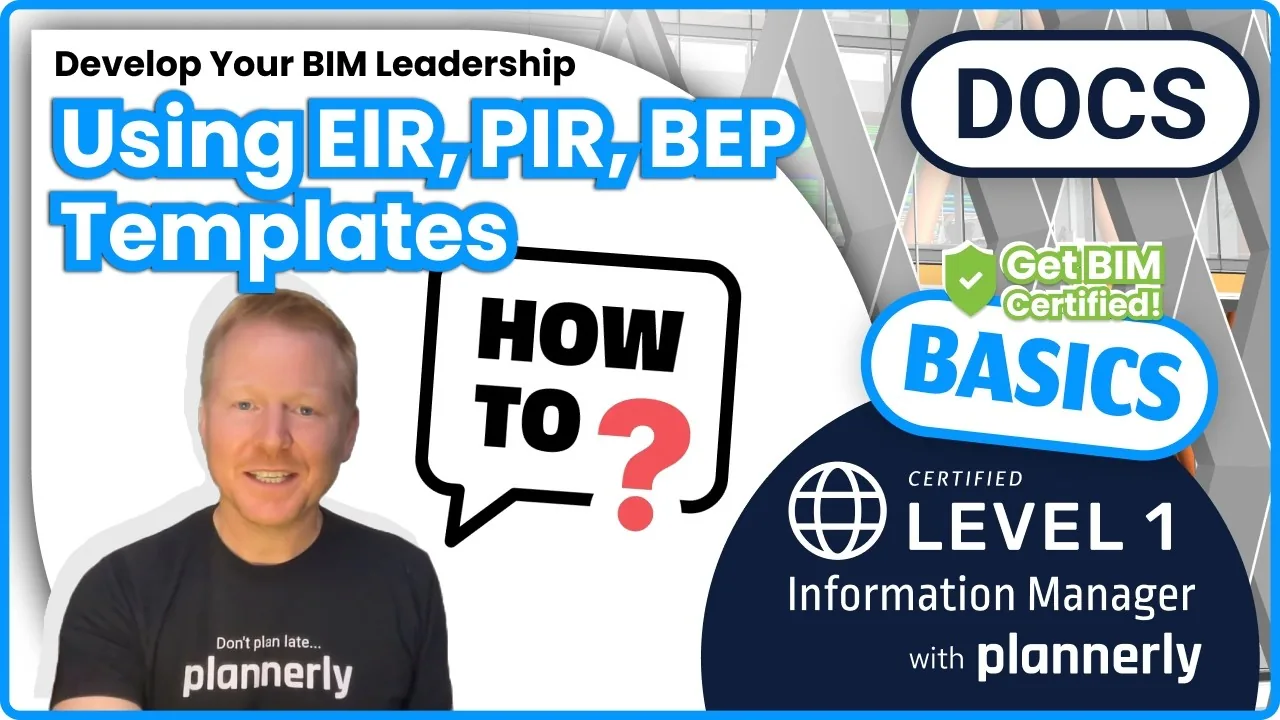 Level 1 lesson - templates
Starting a BEP from a template in Plannerly and making it your own.
 Level 3 - free certificate
The whole ISO 19650 process, the BEP included, with a free certificate.
Free webinar replay
Free download
Stop copying the last job's BEP. Start from an ISO 19650 BEP for Plannerly, with three PDFs from our free training on the pre-appointment BEP, the post-appointment BEP and better BIM management.
An ISO 19650 BEP in Docs with the pre- and post-appointment sections in place, ready for you to assign, write and share with your task teams.
Read more
Every section ISO 19650 expects, ready to open in Plannerly Docs.
TemplateThe whole job, from the tender BEP to the plan every team works to.
Use caseWhat goes in a BEP and how to write it, section by section.
GuideLet AI draft the first answers to the client's EIR, then edit them into your own words.
Use caseBEPs that become wallpaper, and how to fix them.
GuideTeamwork, clear expectations and responsibilities without duplicates.
GuideFrom the blog
 BIM execution plan
Learn ISO 19650 and OpenBIM in this practical masterclass by Plannerly and ZIGURAT. Simplify BIM, automate workflows, and get ISO 19650 certified free.
 BIM management
Learn why BIM Execution Plans go unread - and how to fix them. Avoid spreadsheet spaghetti, unclear scope, and disconnected workflows.
 Gestion de BIM
Los pasos esenciales para optimizar su proceso de Modelado de Información de Construcción (BIM) con un Plan de Ejecución de BIM (BEP) bien definido. Esta guía ofrece consejos prácticos y recomendaciones concretas.
 BIM management
The essential steps to optimize your Building Information Modeling (BIM) process with a well-defined BIM Execution Plan (BEP). This guide provides practical tips and actionable advice.
 BIM execution plan
Learn best practices for creating visually appealing and actionable BIM Execution Plans (BEP). Discover strategic insights from 15 years of experience as BIM managers to ensure your effective BEP implementation.
 BIM execution plan
The secret weapon for successful BIM management: How an online BIM collaboration platform can simplify BEPs and IDS to improve information management and streamline BIM workflows.
 BIM execution plan
Hear from a BIM Manager about better ways to create a BIM Execution Plan and manage the BIM workflow. Hear tips to enhance collaboration, improve project outcomes, tailor BIM Execution Plans, engage with teams, and transform your approach to project management.
 BIM execution plan
3 Tips for your BIM Execution Plan BEP! There are three essential components to a successful BIM Execution Planning process: PLANNING, SCOPING, and MANAGEMENT. Without these three elements in place, it's almost impossible for teams to effectively collaborate and generate useful, accurate, and reliable deliverables. In this blog post, I will discuss each of these components in more detail and...
Questions
Start free, open the ISO 19650 BEP template in Docs and answer the client's requirements section by section.
Free plan · No card · Try Pro free for 14 days