
Free For Education
How to Teach ISO 19650
A free program for universities and education programs, with a professor guide and teaching pack that helps educators run a practical ISO 19650 workflow assignment with less setup.
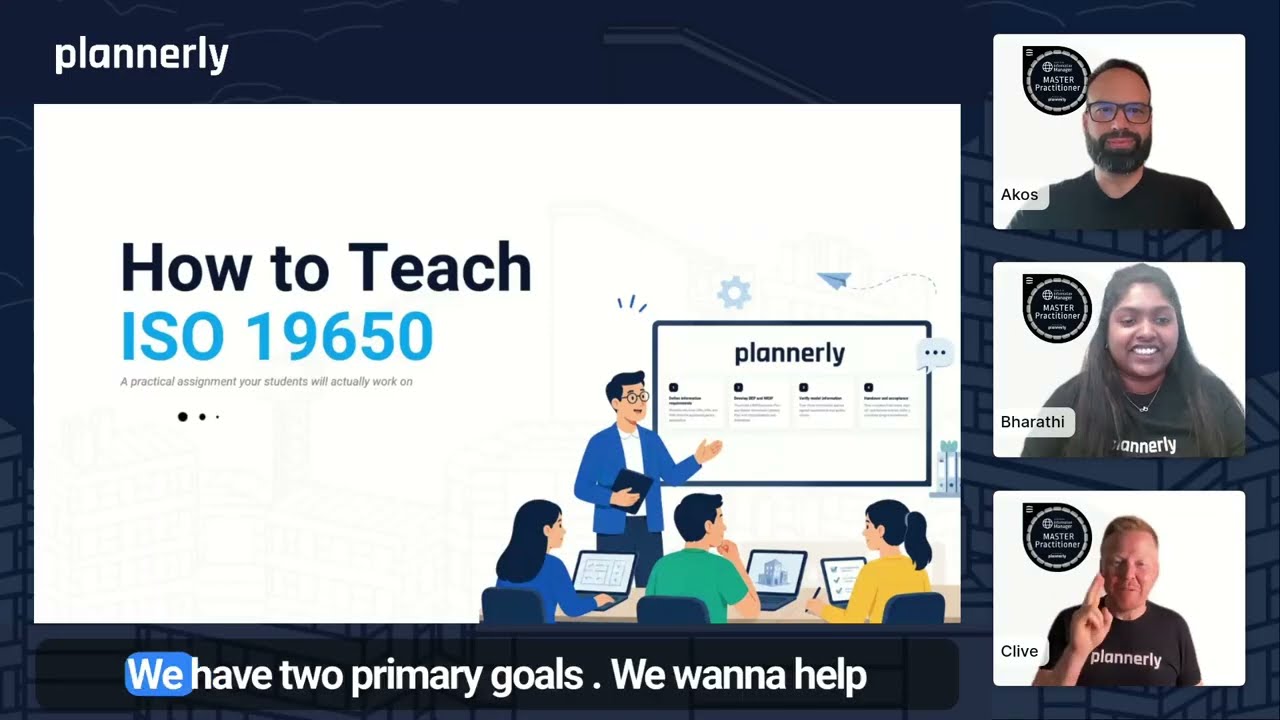
Click to play Download Professor Guide
What this assignment does
An academic framework for practical ISO 19650 learning

Help educators become instantly more efficient
Skip the work of building an ISO 19650 assignment from scratch. This free university program links to the training workflow assignment, full student instructions, marking criteria, and editable student brief. Just add your module details and share.
Help students become instantly more employable
Students do not just read about ISO 19650. They work inside the actual workflow, using the same platform real teams use, through free Plannerly access for university learning. They graduate with practical experience employers actually want.
What students will do
A complete ISO 19650 workflow, not just theory
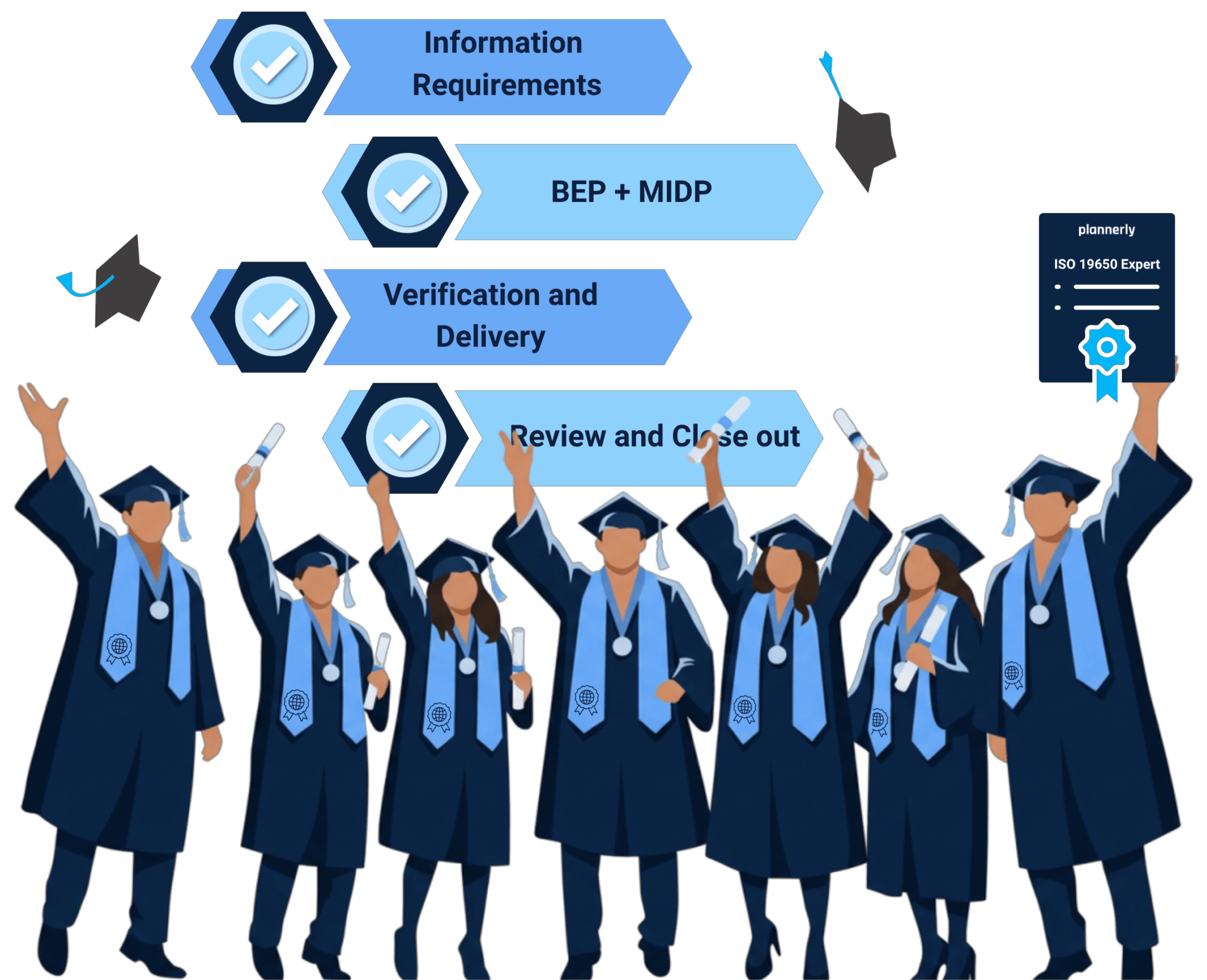
Students work through four tasks that take them through the full information management cycle, from defining requirements to final acceptance.
1
Define information requirements
Students structure OIRs, AIRs, and PIRs from the appointing party's perspective.
2
Develop BEP and MIDP
They build a BIM Execution Plan and Master Information Delivery Plan with responsibilities and milestones.
3
Verify model information
They check information against agreed requirements and quality criteria.
4
Handover and acceptance
They complete final review, sign-off, and lessons learned within a compliant project environment.
ISO 19650 Practical Assignment
How it fits into your module
Everything you need to know
Time needed
Around 4-5 hours of focused student work. Students can complete it in a single sitting or spread it across sessions.
Prerequisites
A basic introduction to ISO 19650 is enough. The assignment teaches the rest with step-by-step instructions, screenshots, and the walkthrough video.
Format
Designed for individual submission. Students can also work in groups. Book a call to set up a free University Partner education account for group projects.
Assessment
Four-task marking criteria included: Distinction, Merit, Pass, and Fail. Mark students' work directly inside Plannerly.
How educators use it
Two simple steps. No admin work.
Use the professor guide as your starting point, share the student brief, and review completed work inside Plannerly. The program is free for universities, and students do everything in between.
- 1 Download the professor guide Use the guide to access the free training workflow assignment, full student instructions, and editable student brief. Add your university logo, module name, code, and submission deadline before sharing it with students.
- 2 Review the completed assignment Students invite you into their free Plannerly projects so you can mark their work directly against the included criteria.
Global partner program
Part of Plannerly's global education partner network
This ISO 19650 teaching pack is a practical starting point for universities. For more support, Plannerly's global partner program includes University, Training, Consultant, and Localizer partners who help bring information management into classrooms and industry programs.
University Partner Plan
Official universities and education programs can use the University Partner path for classroom workflows, free templates, unlimited projects, and unlimited student users.
Free education setup
Professors and course leaders can set up access for a whole class or program, so students can learn ISO 19650 in live Plannerly projects at no cost.
More support as you grow
The partner program also offers training, certification, advisor support, and recognition for organizations teaching or consulting around BIM and information management.
Explore Global Partner Program Book a Partner Call
Career and education case studies
Show students where ISO 19650 skills can take them
Start with a career story students can recognize, then show professors how other educators use Plannerly with real classes: structured training, live ISO 19650 workflows, certification, and practical employability outcomes.

Career case study
0 to BIM: from architecture graduate to BIM coordinator
Ece Mülazımoğlu started with no prior BIM experience and used Plannerly training to build confidence in Revit, ISO 19650, BEPs, and information management workflows.
0 prior BIM experience Plannerly certified BIM coordinator path
"I didn't even know what BIM was. Then I discovered how much I enjoyed this part of architecture."

London South Bank University
Plannerly embedded into MSc construction curriculum
Dr. Zulfikar Adamu used certification and role-based Plannerly projects to connect ISO 19650 theory with workplace-ready practice.
100% certified 70+ students Core module
"If every university that teaches construction introduces Plannerly, in three to four years you have an army of graduates who know how to implement ISO 19650 properly."

The Factory School, Spain
From static PDFs and spreadsheets to live BIM education
Miguel Picado Filgueira shows how students moved from documents into live BEPs, scope, IDS, and verification workflows.
Live BEPs IDS practice Model checking
"Before Plannerly, we were working with PDFs and Excel sheets. For me, it was almost embarrassing. For us, Plannerly was a game changer."
Read The Factory School case study

Universidad Católica de Colombia
BIM management at university with Plannerly workflows
Victor Arcos shares how Plannerly supports BIM management education by giving students a practical way to connect structured workflows with real project delivery expectations.
University workflow BIM management Educator interview
Featured on the current Free for Education page as a recorded example of good Plannerly practice in BIM management education.
V Victor Arcos BIM Evangelist, Universidad Católica de Colombia Watch the Universidad Católica de Colombia case study

George Brown College, Canada
Plannerly in a college BIM management program
Petro Karanxha shows how George Brown College used Plannerly in BIM management education, with students learning through hands-on planning and coordination workflows.
College program Hands-on BIM Student practice
Featured on the current Free for Education page as a recorded example of good Plannerly practice in BIM management education.
P Petro Karanxha Professor, George Brown College Watch the George Brown College case study
Frequently asked questions
Everything else you might be wondering
If something is not covered here, book a short call and we will answer directly.
The PDF guide gives educators one starting point for the free university program. It includes links to the training workflow assignment, full student instructions, the editable student assignment brief, and the practical steps for running the assignment with a class. Yes. It is a free program for official universities and education programs. Professors or course leaders sign up on behalf of a class or program, students use free Plannerly access, and you can mark their work directly inside Plannerly at no cost. This page gives universities a ready-to-teach ISO 19650 assignment. If your university wants broader classroom access, unlimited student users, templates, training, certification, or partner recognition, explore the Plannerly global partner program. No. The assignment includes step-by-step instructions, screenshots, and the walkthrough video. A basic introduction to ISO 19650 is enough for students to begin. Around 4-5 hours of focused student work. You can set your own submission deadline in the editable student brief linked from the professor guide. Yes. The student brief is designed for individual submission by default, but group work is supported. Book a short call and we can help set up a free education workspace for collaborative projects. Each student invites you into their Plannerly project using your email address. You can review their work inside the platform and mark against the four-task criteria included in the assignment brief. Yes. The professor guide links to an editable student assignment brief. Add your university logo, module name, code, your name, and submission deadline. You can also adjust the marking criteria if your module uses a different grading scheme. Yes. The video on this page shows a walkthrough of the assignment so you can see what your students will produce.
Download the Professor Guide
Enter your university email to download the PDF guide. It includes the links universities need to use the free education program: the training workflow assignment, full student instructions, and the editable student assignment brief.
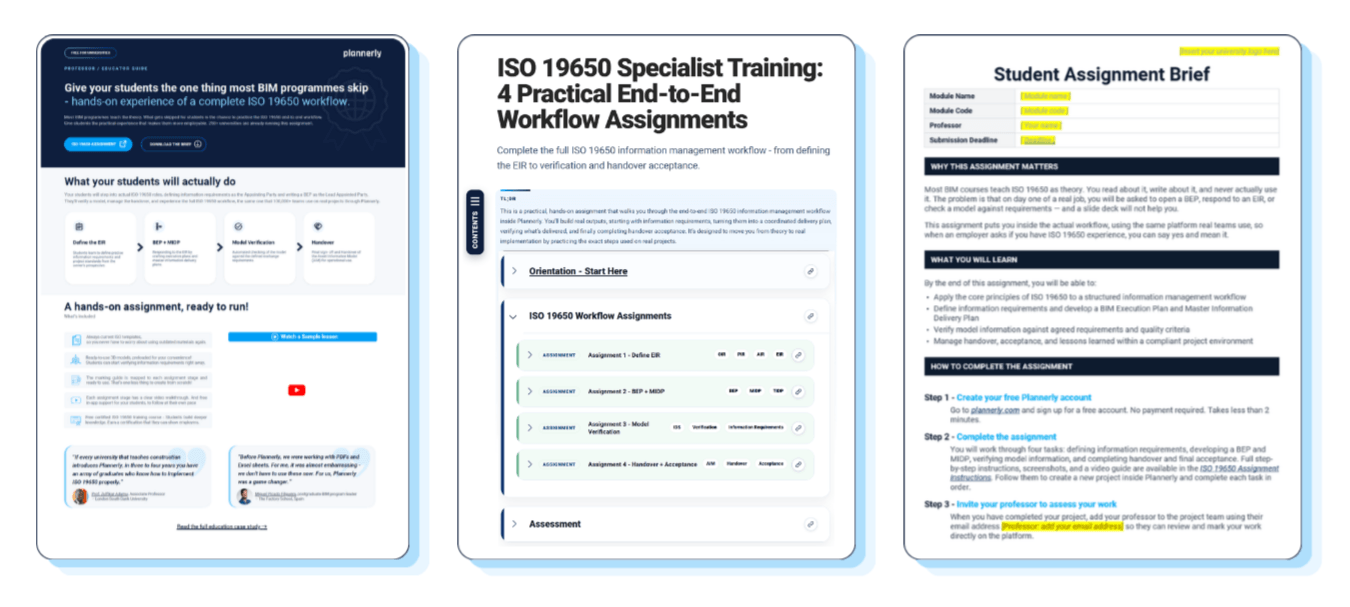
Professor guide PDF Training workflow assignment Editable student brief Free university program
Need the full University Partner setup?
If your university wants students to collaborate in groups, export completed assignments as PDFs, or set up an Education Workspace for a full cohort, the free education program and global partner network can help.
University Partner Plan Unlimited student users Global partner network Explore Partners