
Who it's for Owners and clients
For owners and clients
Stop finding the missing data at handover
Plannerly helps owners and clients run ISO 19650 as the appointing party. Set your information requirements once, see every appointed party agree its part of the plan, and check each model against what you asked for before you accept it. Your supply chain joins free.
Free plan, no card. Your appointed parties join free.
Owners and clients among 100,000+ teams in 100+ countries






The problem
Why owners end up paying for models they can't use
Your jobs, in order
The ISO 19650 jobs an owner meets, in the order you meet them
Set the information requirements
Requirements copied from the last job ask for everything and explain nothing. Write your OIR, AIR and EIR as one list, staged by milestone, that every model is checked against.
Step 1Episode 3Scope LOD and LOIN at scale
A LOD matrix nobody reads gets you models nobody can use. Say what you need for each element at each stage once, then reuse it on every project and with every supplier.
Step 2Write the BEP
Bidders' BEPs arrive in formats you can't compare. Have each bidder answer your requirements in one ISO 19650 structure, and keep the winning team's BEP live after appointment.
Step 3Run the MIDP
Stop waiting for someone to re-issue the delivery spreadsheet. Every appointed party's plan rolls up into one MIDP you can open any day: each deliverable named, owned and dated.
Step 4Episode 1Agree the RACI
When a deliverable goes missing, know which company was accountable and that it agreed. Each appointed party signs a contract with only its own work in it.
Step 5Episode 2Connect your CDE
See what's been delivered without asking. Appointed parties keep working in their own Autodesk hub, and files they share that match your plan's requests fill them.
Step 6Episode 4Check every model with IDS
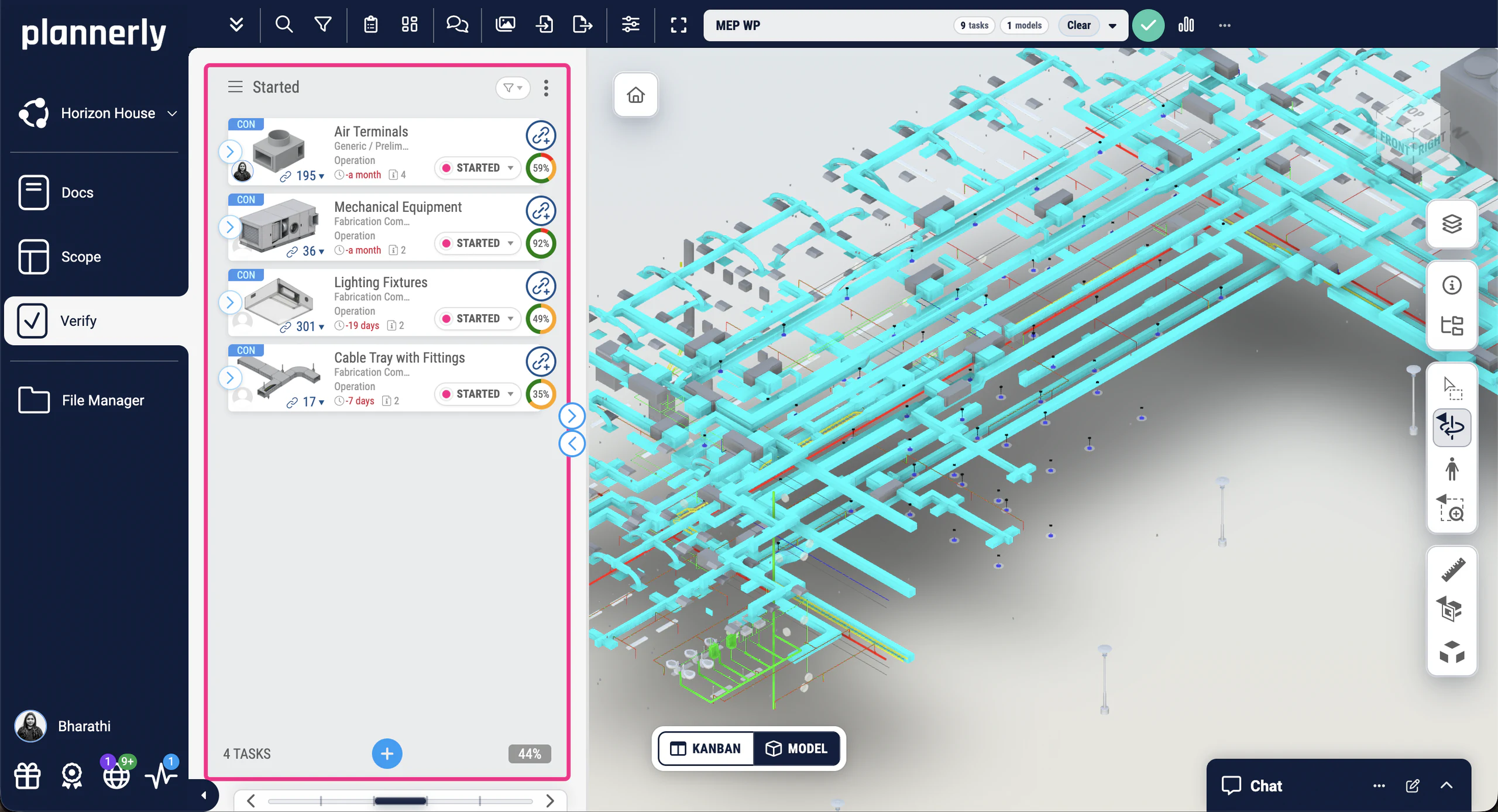
Accept only the models that carry the data you asked for. Hand every supplier your requirements as an IDS file, and see each model checked automatically, element by element.
Step 7Make it your company standard
Write your requirements once for the whole portfolio. Keep your OIR, AIR and EIR as templates, and start every new project from them with its own details filled in.
Step 8Case studies
Owners who stopped finding the gaps at handover
A government agency that replaced 11,000 Excel rows with automated checks and cut model validation time by 95%, a transport department that checks its supply chain's model data against its requirements, and a $130M project whose process started cross-company conversations months before they'd have caused problems.
-
 Singapore

95% faster
Model validation time
From 11,000 Excel rows to automated checks
JTC Corporation · Government agency
Eliminated 11,000 Excel rows and automated compliance checks across 2,000+ object types and 27 model categories with Plannerly's Verify module.
Before Plannerly, it took weeks to do model checks. Now we do it in hours.
John Kiong, Director · JTC Corporation -
 Australia
Government QA
Model data checked against information requirements
Government model checking for transport infrastructure
Queensland Department of Transport and Main Roads · Government owner
Queensland's Department of Transport and Main Roads uses Plannerly Verify to check supply-chain model data against defined information requirements, giving the team more certainty that model deliverables contain the information they expect.
It highlights the need for due diligence when pulling all of the pieces of the puzzle together.
Bryan McSweeney, Manager - Special Projects · TMR -
 United States
53% fewer clashes
$130M residential project
53% fewer clashes on a $130M project
Major Real Estate Developer · 800+ O&M team
A $130M apartment project achieved 16.5% time savings and 53% fewer clashes, with 98% of constructability issues solved vs 31% on the control project.
The Plannerly process prompted critical cross-company conversations months before they would have caused problems.

See all case studiesOwners, design teams, contractors, consultants and educators - filter them by your kind of organisation.
From an owner's BIM team
A BIM manager at Amazon on running projects in Plannerly
It's a great platform. I can't imagine managing projects without Plannerly.
What owners say
Owners on agreement, clarity and checks they can trace
5 out of 5
Plannerly makes our conversations easier, it makes buy-in easier. It's a great basis of conversation and agreement.
Jeff ThompsonAssistant Director · Broward County 5 out of 5
Our design teams, PMs, and Clients love the clarity that Plannerly brings!
Matthew FullerBIM Program Lead · Texas Instruments 5 out of 5
Compliance checks used to be a black box. Now, every requirement is traceable and auditable.
John KiongDirector, Future of Building & Infrastructure · JTC Corporation 5 out of 5
It highlights the need for due diligence when pulling all of the pieces of the puzzle together to make sure there are no errors in the definition of our information requirements.
Bryan McSweeneyManager - Special Projects, Digital Systems · Queensland Department of Transport and Main Roads


Free live webinar · Episode 3
Surviving ISO 19650 Information Requirements with AI
Build it. Connect it. Just ask Javis. Most owners aren't sure what to ask for, and requirements copied from the last job create work nobody needs. Three ways into your project's information requirements - build on the Plannerly API, connect your own AI with Plannerly MCP, or just ask Javis - on one structure your supply chain can check against.
Free webinar on Zoom · 45 minutes · How to survive as a BIM Manager
Thursday 22 October 2026
You'll leave with
- Requirements your supply chain can check against
- The ten building blocks every requirement hangs on
- Questions to ask Javis, Claude and ChatGPT about your project
- The example project and the MCP setup guide
Free download
Write requirements your suppliers can meet: a starter project and three free PDFs on the EIR, OIR and AIR
Information Requirements Survival Kit: a starter project and the EIR, OIR and AIR PDFs
Stop copying the last job's EIR. Start from a requirements project for Plannerly, with the EIR, OIR and AIR explained in three PDFs from our free ISO 19650 training.
- 1 starter project
- 3 PDFs
- Free
Information requirements starter project
OIR and EIR documents in Docs and a structured requirements list in Scope, staged by milestone and ready for your own assets and task teams.
Free training
Learn the appointing party's side of ISO 19650, free, with a certificate
 Level 3 lesson - before the tender
ISO 19650 Assessment and Need & Invitation to Tender
What the appointing party does first: assess the need, set the requirements and invite the tender.
 Level 3 lesson - the AIR
(AIR) Asset Information Requirements
List the assets you'll run and the data you need on each one, so handover gives you something you can use.
 Level 3 · Free
ISO 19650 Expert
The whole ISO 19650 process, from your requirements to handover, with a free certificate. 16,600+ learners have taken our free courses.
 For companies · Free
ISO 19650 for Companies
Get your organisation audit-ready: a readiness check, a gap analysis and an action plan, with a free certificate.
Setup guides
Set up your requirements and model checks in Plannerly, step by step
Short Help Center guides that walk you through each step in Plannerly. Open one beside the app and follow along.
Learn it properly
Level 3 - ISO 19650 Expert
(OIR) Organizational Information Requirements
Read more
Owner's guides to requirements, model checking and handover
ISO 19650 templates: OIR, EIR, AIR and more
Free templates for every ISO 19650 requirement document, with what goes in each.
TemplatesISO 19650 in one diagram
The whole process on one page, with the appointing party's steps marked, and the PDF to download.
Free PDFLevel of information need (LOIN)
How much detail and information to ask for at each stage, the ISO 7817 way.
GuideIDS: the complete guide
Your requirements as a file software can check models against, from buildingSMART.
GuideThe benefits of BIM for clients
Who gains most from BIM, and why the client is the one who has to ask for it.
ArticleDigital twins with BIM
What owners can do with the information they asked for, once the building is running.
ArticleQuestions
ISO 19650 for owners: your questions, answered
What does ISO 19650 ask of an owner or client?
How do I write an EIR my supply chain can actually meet?
How do I check that delivered models carry the data we asked for?
Do our appointed parties have to pay to join?
How do we know which company delivered what?
Can we use the same requirements on every project?
Can we keep our project data in our own region?
Is there free ISO 19650 training for our own team?
Pricing
Start free, and your appointed parties join free too
- Five projects included
- The account owner edits; everyone they invite can view
- 100 MB of project files
- Explore Docs, Scope and Verify
- Set up your requirements; everyone you invite can view and comment
- Five projects included
- Unlimited editors and viewers
- 50 GB of project files
- Your branding on everything you export
- Each project beyond five: $49 a month
- Every appointed party edits its own part, at no cost to them
- Models checked against your requirements, in over 60 file formats
- Try every Pro feature free for 14 days, model checking included, no card
Prices in US dollars. You'll see the price for your country in the app.
Get the information you asked for, from every appointed party
Start free, set your requirements and invite your appointed parties. They join free, and you'll see who has agreed what - and who has delivered it.
Free plan · No card · Everyone you invite joins free