
For consultants
Stop rebuilding the same BEP and EIR for every client
Plannerly helps BIM and information management consultants run every client's ISO 19650 process from their own templates. Start each project from your standard, bring in the client and every task team at no cost to them, and show progress and model checks as you go.
Free plan, no card. Your clients and their teams join free.
Consultants among 100,000+ teams in 100+ countries




The problem
Why your method gets lost on every new client
Your jobs, in order
The ISO 19650 jobs a consultant runs for clients, in order
Make it your company standard
Turn your method into templates: your BEP, EIR, requirements and scope in one template project. Start every client from it, and offer each improvement to every project that used it.
Step 1Set the information requirements
Stop rewriting requirements for every client. Start from ISO 19650 templates, the buildingSMART Data Dictionary or your own library, and hand over requirements teams can check.
Step 2Episode 3Write the BEP
Stop starting every client's BEP from scratch. Start from your template, let AI draft the first answers, and agree each section with the client and the task teams.
Step 3Scope LOD and LOIN at scale
Reuse your LOD and LOIN standard on every project: drag in your template, adjust it for the client, and hand over a scope the whole team can read.
Step 4Run the MIDP
Set up the MIDP once, bring in every task team at no cost to them, and hand your client a plan that's agreed, signed and tracked - the same way on every project.
Step 5Episode 1Agree the RACI
Give clients accountability they can rely on: one accountable company per deliverable, a signed contract per team, and evidence of what each one delivered.
Step 6Episode 2Check every model with IDS
Run the same checks for every client: one set of requirements, an IDS file for their model authors, and models checked automatically, with charts you can hand over.
Step 7Connect your CDE
Track delivery for clients without owning their CDE. Connect each client's Autodesk hub once, with their administrator's say-so, and matching files fill the plan.
Step 8Episode 4Teach ISO 19650
Train client teams on the real workflow: a recorded guest lecture, a four-stage ISO 19650 assignment with marking criteria, and free courses with certificates.
Step 9Case studies
Consultants who run their method on every project
A consultancy that coordinated 50 companies, cut BEP planning from 100+ hours to under 30 and saved over $4.5M on one development, a VDC firm that replaced five tools with one, and a BIM services firm bringing government compliance checks to Southeast Asia.
-
 Portugal

$4.5M / €4M
Saved · 310,000 sqm project
How one team saved over $4.5 million
LIMSEN Consultants · BIM management
Coordinated 50 companies and 45 BIM models on one of Portugal's largest mixed-use developments. BEP planning time dropped from 100+ hours to under 30.
Using Plannerly was a cornerstone for us. There is no going back.
Filipe Lima, Managing Partner · LIMSEN -
 United States

5x growth · 60% faster
VDC workflows streamlined
Five tools gone, one source of truth
reiSource · VDC consultancy
Replaced 5 disconnected tools with one platform. Scope prep dropped from 8 hours to 2 and the team scaled from 3 to 15 without compromising quality.
What we used to do with five tools, we now do with one, and with more consistency.
Christopher Allen, Co-founder · reiSource -
Southeast Asia

3 countries · Plannerly + Solibri
Singapore, Malaysia & Indonesia
Bringing government BIM compliance to Southeast Asia
AdRem IT Solutions · BIM services
Integrated Plannerly with Solibri's Accessibility Code Checker for automated CORENET X compliance in Singapore, and now rolling out ISO 19650 certification across Malaysia and Indonesia.
Plannerly is critical to our information compliance standards and now with the tracking reports built in, we can spend more time ensuring better quality deliverables and less time collecting compliance statistics with screenshots.
Voon Lok, Managing Director · AdRem IT Solutions

See all case studiesOwners, design teams, contractors, consultants and educators - filter them by your kind of organisation.
What the auditor says
An ISO 19650 auditor on clients who run Plannerly
It's always a dream to audit a client who has adopted Plannerly.
What consultants say
Consultants on running Plannerly for their clients
5 out of 5
I feel like I work at Disneyland when I show off Plannerly. It's so simple and visual!
Cindy BaldwinPresident · VDCO Tech 5 out of 5
Plannerly accelerated our standards creation and virtually eliminated the burden to get updates to end users.
John RussoPresident · USIBD 5 out of 5
When you're helping governments go digital, you need a platform teams actually understand. That's Plannerly.
Voon LokManaging Director · AdRem IT Solutions 5 out of 5
Plannerly cut the time we spent tracking scope and verifying models by 60%.
Jonathan GriffithsSenior VDC Engineer · reiSource



Free live webinar · Episode 3
Surviving ISO 19650 Information Requirements with AI
Build it. Connect it. Just ask Javis. Most owners aren't sure what to ask for, and requirements copied from the last job create work nobody needs. Three ways into your project's information requirements - build on the Plannerly API, connect your own AI with Plannerly MCP, or just ask Javis - on one structure your supply chain can check against.
Free webinar on Zoom · 45 minutes · How to survive as a BIM Manager
Thursday 22 October 2026
You'll leave with
- Requirements your supply chain can check against
- The ten building blocks every requirement hangs on
- Questions to ask Javis, Claude and ChatGPT about your project
- The example project and the MCP setup guide
Free download
Make your method the start of every client project: a template project and three free PDFs
Company Standards Survival Kit: a template project and 3 free PDFs
Everything to turn your best work into a company standard: a template project to make your own, and three PDFs on the ISO 19650 templates, the organisational requirements behind them and a simple way to improve BIM management.
- 1 template project
- 3 PDFs
- Free
Company standard template project
A template project with ISO 19650 documents in Docs and a scope structure in Scope, ready for your wording, SmartFields and requirements. Start each new project from it.
Training
Take your clients through ISO 19650, and get certified yourself
 For companies lesson - compliance
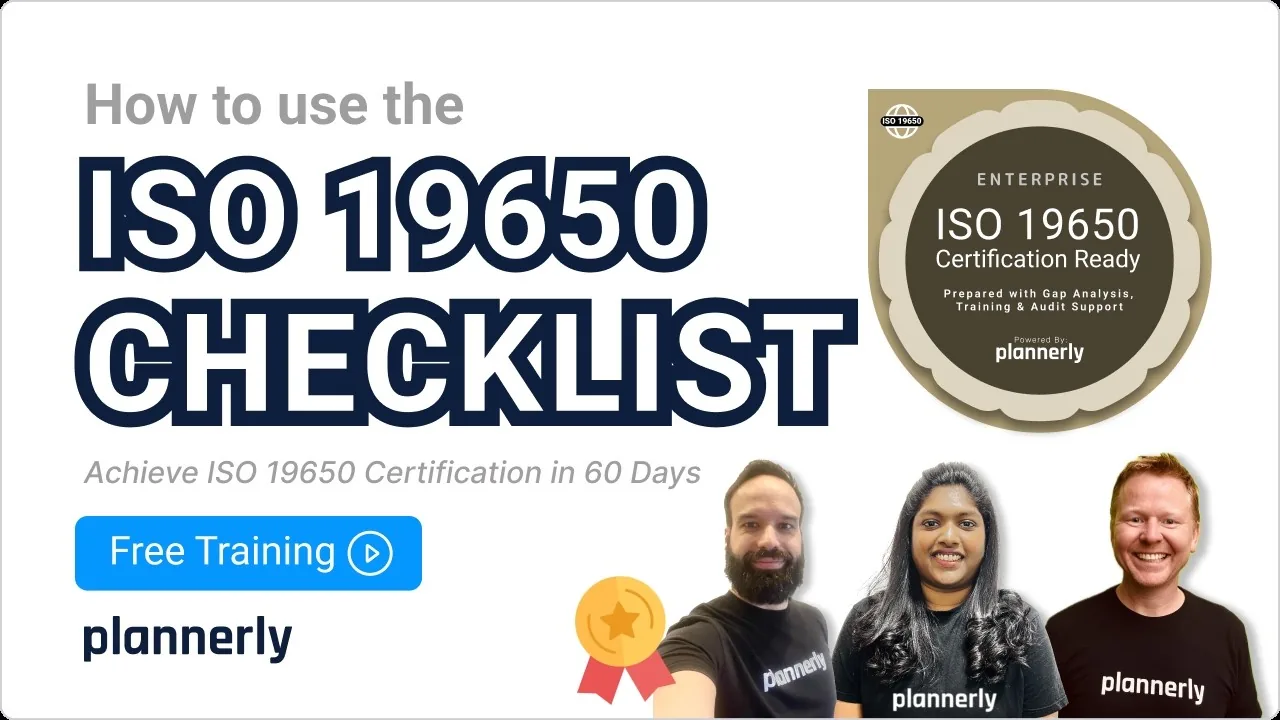
Your ISO 19650 Compliance Checklist
What an organisation needs in place for ISO 19650, as a checklist to take your clients through.
 Digital Troublemaker lesson - the case
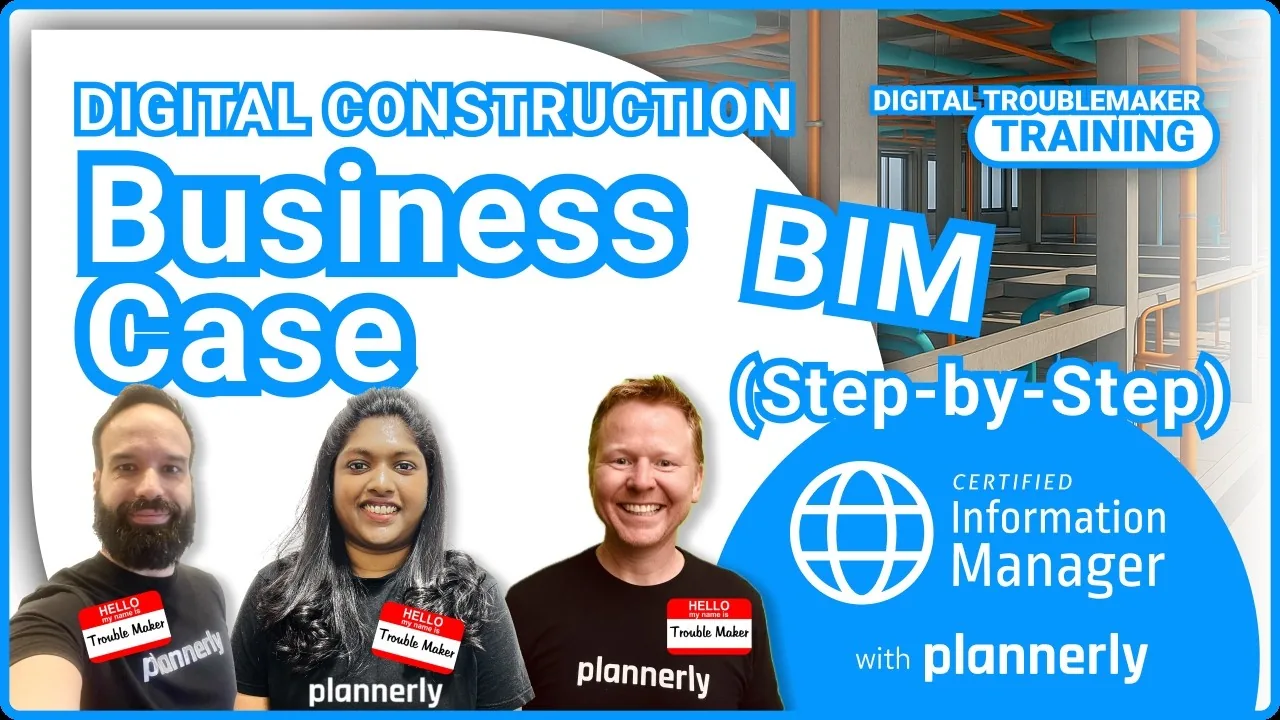
Digital Construction Business Case
How to make the business case for better information management, so the client signs off the change.
 For companies · Free
ISO 19650 for Companies
Readiness check, gap analysis, action plan and audit preparation, with a free certificate. 16,600+ learners have taken our free courses.
 Paid credential
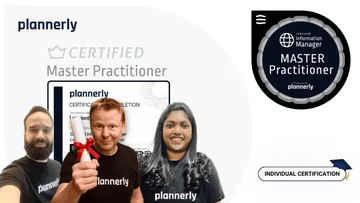
Master Practitioner
Plannerly's highest ISO 19650 credential, earned through a practical, advisor-guided assignment - one to show your clients.
Setup guides
Set up your company standard and client projects, step by step
Short Help Center guides that walk you through each step in Plannerly. Open one beside the app and follow along.
Read more
Consultant's guides to standards, compliance and partnership
Lessons from a BIM consultant
What an architect turned BIM consultant learned about people, data and keeping requirements simple.
InterviewHow to get ISO 19650 compliant
The three steps from gap analysis to a passed audit, for your organisation or your client's.
GuideISO 19650 compliant in 60 days
Gap analysis, training and audit preparation for a company, with our team alongside.
ProgrammeISO 19650 templates in your language
OIR, PIR, EIR, AIR and BEP templates to start your own standard from.
Templates5 steps to better BIM management
A simple order of work for any BIM management service, client by client.
GuideThe Certified Partner Program
Partner plans for consultants, trainers and universities who use Plannerly with clients.
PartnersQuestions
ISO 19650 for consultants: your questions, answered
How do BIM consultants use Plannerly with their clients?
Who owns the project - us or the client?
Can we put our own branding on what we deliver?
How do we keep every client project up to date when our standard changes?
Is there a partner programme for consultants?
Can we get a client's organisation ready for an ISO 19650 audit?
Can we run model checking as a service for clients?
How is Plannerly priced for consultants?
Pricing
Pay per project, with your clients and their teams free
- Five projects included
- The account owner edits; everyone they invite can view
- 100 MB of project files
- Explore Docs, Scope and Verify
- Build your template project and start client projects from it
- Five projects included
- Unlimited editors and viewers
- 50 GB of project files
- Your branding on everything you export
- Each project beyond five: $49 a month
- Your branding on everything you export
- Editors unlimited, so the client and every task team work in the plan
- SmartFields fill in each client's details
- Try every Pro feature free for 14 days, no card
Prices in US dollars. You'll see the price for your country in the app.
Put your method into every client project
Start free, turn your best BEP and requirements into a template, and start your next client project from it. Your client and their teams join free.
Free plan · No card · Everyone you invite joins free