
Who it's for Architects and design teams
For architects and design teams
Stop chasing consultants for sections, models and dates
Plannerly helps architects and design teams run ISO 19650 without the chasing. Write the BEP with every consultant in one place, agree who models what, to what level and by when, and check each model against the client's requirements before you issue it. Consultants join free.
Free plan, no card. Every consultant you invite joins free.
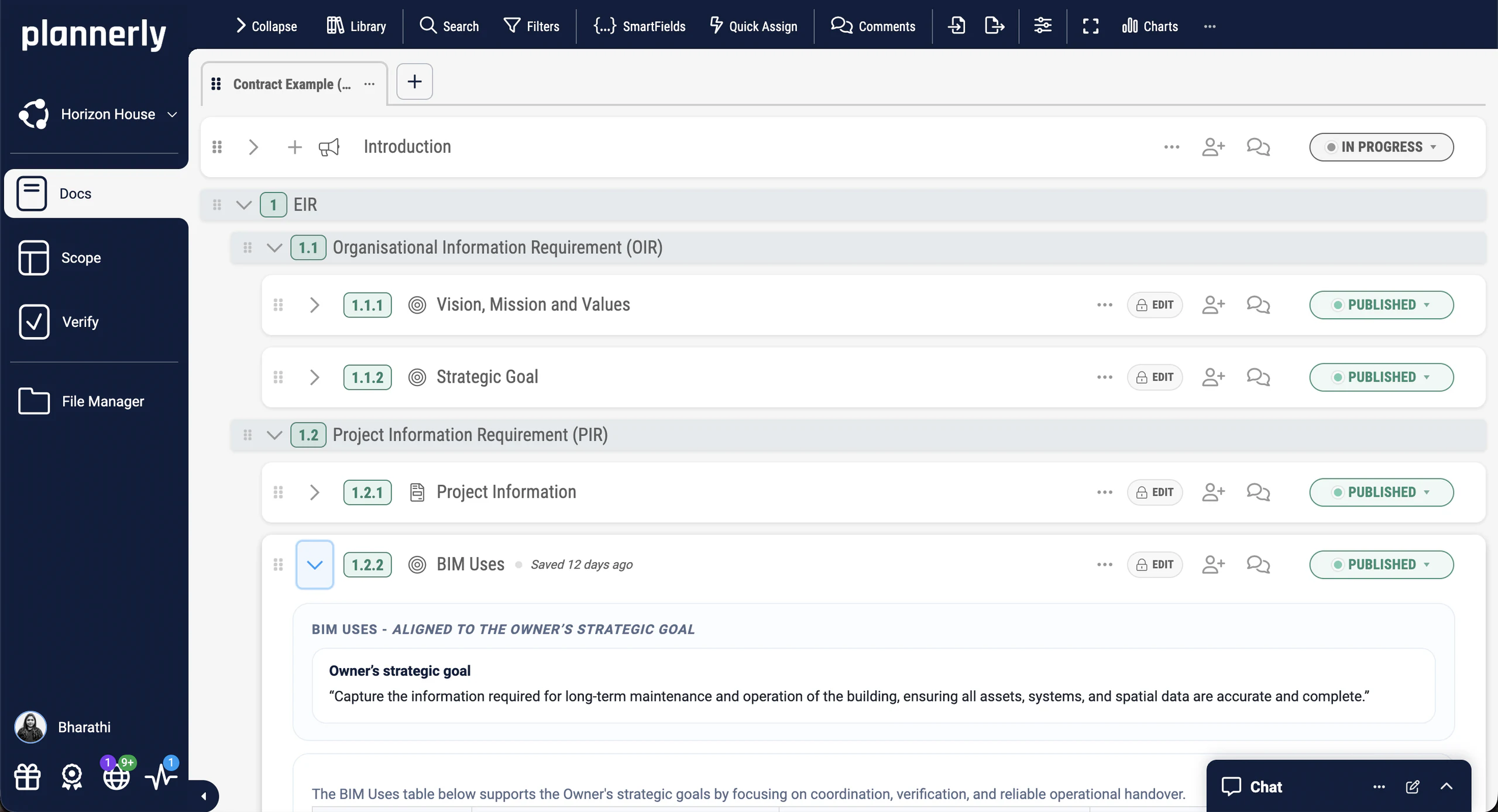
Design teams among 100,000+ teams in 100+ countries



The problem
Why the design team's plan is out of date by the next issue
Your jobs, in order
The ISO 19650 jobs a design team meets, in the order you meet them
Set the information requirements
Stop modelling what nobody asked for. See what the client needs for each element at each stage, with the rule that checks it, before anyone starts modelling.
Step 1Episode 3Turn the EIR into a BEP with AI
Answering the client's EIR for the whole design team eats the tender period. AI drafts each BEP section from the requirement it answers, and each consultant agrees its own part.
Step 2Write the BEP
Stop chasing consultants for their sections. Each one writes and agrees its own part in one place, and the PDF you issue is always the current version.
Step 3Scope LOD and LOIN at scale
Model only what each stage needs. Agree the level of detail and information for every element with your consultants, on one grid they can all see.
Step 4Run the MIDP
Get the design programme out of your inbox. Every consultant's TIDP in one MIDP: each model and drawing named, owned and dated, agreed in the open.
Step 5Episode 1Agree the RACI
Settle who designs what before the first model, not at the first clash. Each consultant signs a contract with only its own deliverables and sections.
Step 6Episode 2Check every model with IDS
Know your models meet the client's requirements before each issue. Check yours and your consultants' automatically, and see which property is missing on which element.
Step 7Connect your CDE
Keep working where you model. Files your team shares in ACC or BIM 360 that match a request fill it in the plan - no download, rename and upload.
Step 8Episode 4Make it your company standard
Stop rebuilding the BEP for every job. Keep your best BEP, responsibility matrix and scope as templates, and start each new project from them.
Step 9Case studies
Design teams that stopped rewriting the same plan
A practice that cut over 70% of its BIM admin with reusable templates, a design firm that grew from 6 people to 50+ engineers as it moved from Excel to ISO 19650, an airport team that cut setup from 90 days to 20, and a world-leading studio running BIM requirements across its portfolio.
-
 Hungary
70% less admin
BIM management time saved
70% less admin, zero spreadsheet chaos
SODArchitects · Architecture
Cut over 70% of BIM administration time with reusable templates and a workflow that replaces Dropbox, SharePoint, and scattered spreadsheets.
Plannerly saved us a lot of time and hassle. We'd highly recommend it to anyone managing BIM projects.
Ivo Galantai, CEO · SODArchitects -
Hungary

8x growth
6 → 50+ engineers · −10% costs
From Excel chaos to ISO 19650 at scale
BuildEXT · General design firm
Grew from 6 employees to 50+ engineers across 4 departments. Now handles projects 30x larger with 10% lower construction and FM costs.
I cannot imagine using Excel or Word to start writing a BIM contract anymore.
András Ábele-Nagy, Head of BIM · BuildEXT -
 Hong Kong

80% time saving
BIM & ESG verification
No more 90-day BIM setup delays
MTECH Engineering · Digital construction
Delivered 16+ major projects at Hong Kong International Airport. Setup time dropped from 90 days to 20 days, with ESG goals embedded from day one.
With Plannerly, we don't just create a plan, we live it. It's how we put the BIM Execution Plan into daily practice.
Stephen Au, Director · MTECH -
 United Kingdom

Global practice
World-leading architecture studio
Making global BIM scope visible
Foster + Partners · Architecture
One of the world's most celebrated architecture studios uses Plannerly to manage structured BIM requirements across their global portfolio of landmark projects.
Trusted by one of the world's most iconic architecture practices to manage BIM requirements at a global scale.

See all case studiesOwners, design teams, contractors, consultants and educators - filter them by your kind of organisation.
What design teams say
Architects and engineers on working from one agreed plan
5 out of 5
It gives structure. It restructures everything. Everyone knows what they have to do.
András Ábele-NagyHead of BIM · BuildEXT 5 out of 5
Everyone was able to work from different countries in a collaborative way online.
Sean PillanRegional Design Technology Manager · Gensler 5 out of 5
We use Plannerly for every proposal!
Steve GermanoDirector Design Technology · MSA Engineering


Free live webinar · Episode 4
Surviving the seven CDEs
Connect them. Keep them in step. Stop re-uploading. Most projects run more than one common data environment, so the single source of truth quietly becomes several and you spend your week re-uploading. How to keep every CDE in step with the agreed plan, so delivered files check themselves off and the dashboards move on their own.
Free webinar on Zoom · 45 minutes · How to survive as a BIM Manager
Thursday 5 November 2026
You'll leave with
- Every CDE on the project connected to one plan
- Delivered files matched to the request they fill
- Dashboards that move as files arrive
Free download
Stop copying the last job's BEP: a starter BEP and the pre- and post-appointment BEP PDFs, free
BEP Survival Kit: a starter BEP and the pre- and post-appointment BEP PDFs
Stop copying the last job's BEP. Start from an ISO 19650 BEP for Plannerly, with three PDFs from our free training on the pre-appointment BEP, the post-appointment BEP and better BIM management.
- 1 starter project
- 3 PDFs
- Free
BEP starter project
An ISO 19650 BEP in Docs with the pre- and post-appointment sections in place, ready for you to assign, write and share with your task teams.
Free training
Learn the design team's side of ISO 19650, free, with a certificate
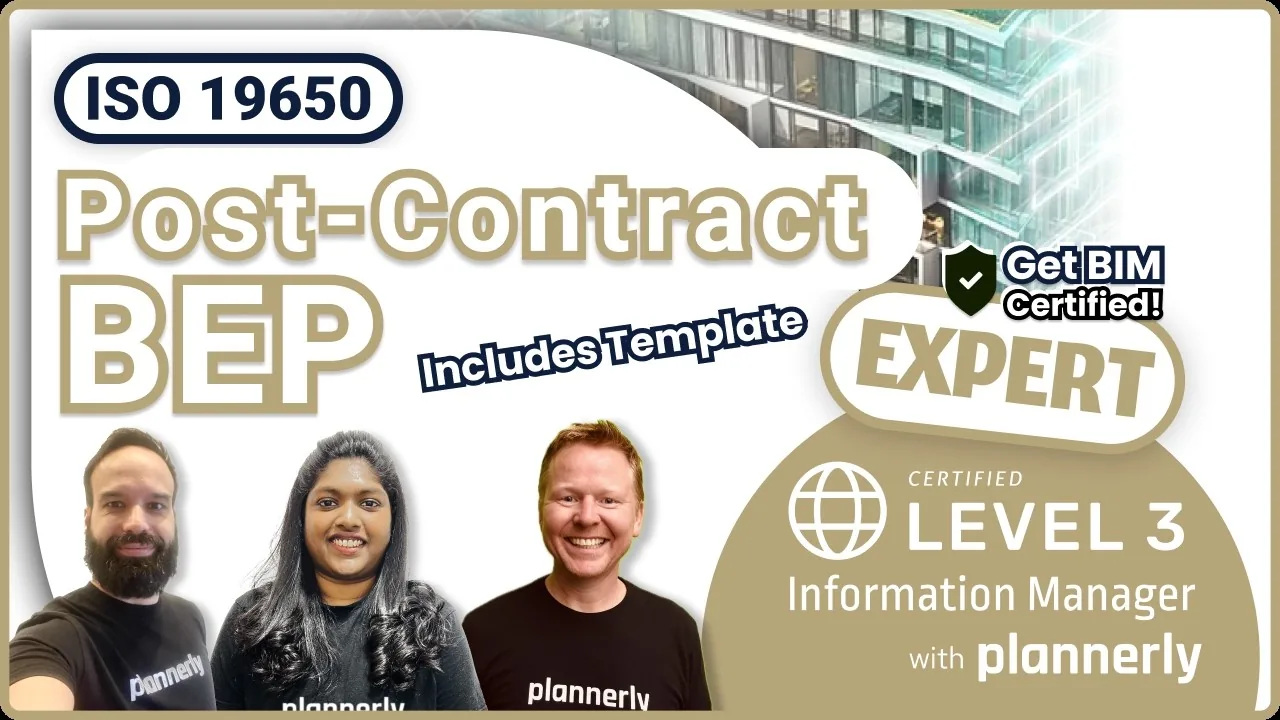 Level 3 lesson - the BEP
Creating the delivery team's BEP
What goes in the delivery team's BEP after appointment, and who writes each part.
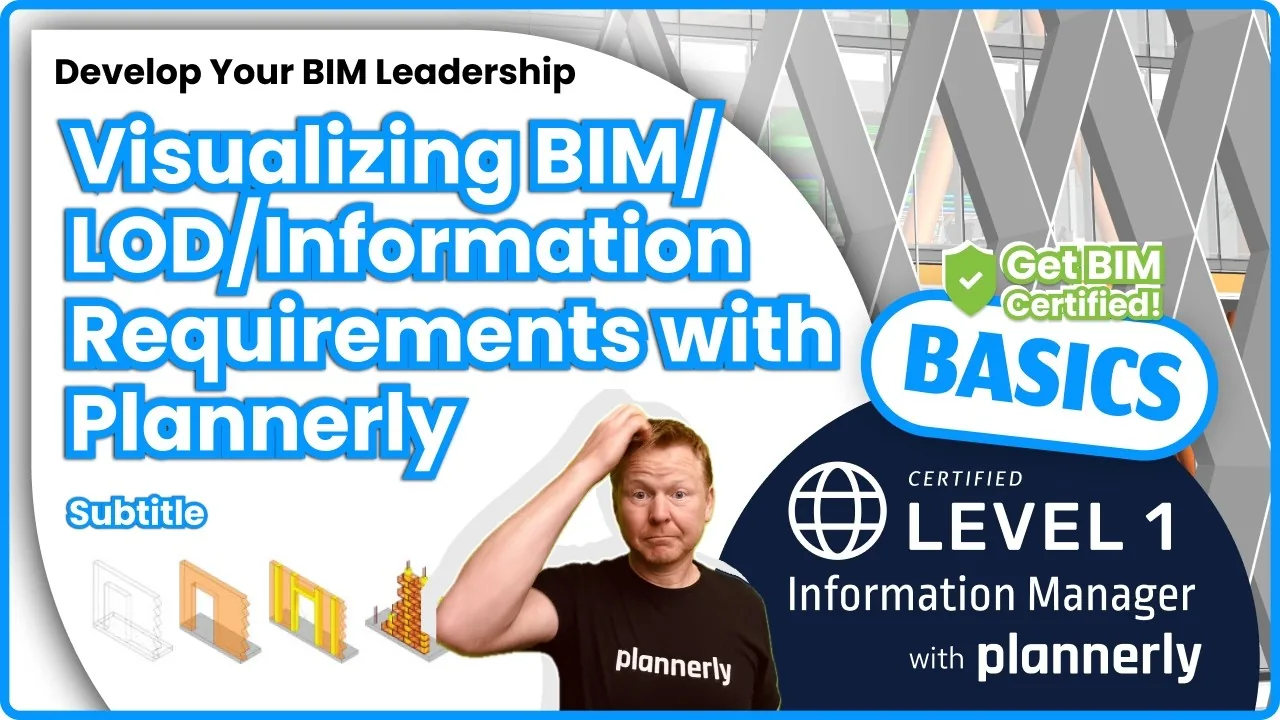 Level 1 lesson - LOD
Visualizing BIM/LOD/Information Requirements
Show what each level looks like for every element, so nobody has to guess what 'detailed' means.
 Level 1 · Free
BIM Management Basics
Docs, Scope and Verify in short videos: the workflow from planning to model checks, with a free certificate.
 Level 3 · Free
ISO 19650 Expert
The whole ISO 19650 process, from the BEP and the responsibility matrix to handover, with a free certificate. 16,600+ learners have taken our free courses.
Setup guides
Set up your BEP and design scope in Plannerly, step by step
Short Help Center guides that walk you through each step in Plannerly. Open one beside the app and follow along.
Learn it properly
Level 3 - ISO 19650 Expert
Creating the Detailed Responsibility Matrix
Read more
Design team guides to the BEP, LOD and BIM software
The BIM execution plan template
The BEP your design team writes and agrees, already structured for ISO 19650.
Template7 things to consider for your BEP
What to settle before you write it, with a 16-point checklist.
ChecklistLevel of information need (LOIN)
How much detail and information each element needs at each stage, the ISO 7817 way.
GuideCreating a responsibility matrix
Who designs what, agreed before the first model - with IDS and RACI.
GuideThe 10 best BIM software programs
The modelling, coordination and management tools design teams use, compared.
GuideFrom architect to BIM advocate
An architect's route into BIM, and the three Ps that made it pay.
InterviewQuestions
BIM management for design teams: your questions, answered
What does ISO 19650 ask of a design team?
How do we agree who models what with our consultants?
Can each consultant write its own section of the BEP?
Does Plannerly work with Revit?
Can we check our models before we issue them?
What's the difference between LOD and LOIN?
Can we reuse our BEP on the next project?
Do our consultants pay to join?
Pricing
Pay per project, with every consultant free to join
- Five projects included
- The account owner edits; everyone they invite can view
- 100 MB of project files
- Explore Docs, Scope and Verify
- You write the BEP; every consultant you invite can view and comment
- Five projects included
- Unlimited editors and viewers
- 50 GB of project files
- Your branding on everything you export
- Each project beyond five: $49 a month
- Every consultant edits its own sections, at no cost to them
- Unlimited e-signatures for each consultant's contract
- Add Scope when the level of detail matters
- Try every Pro feature free for 14 days, model checking included, no card
Prices in US dollars. You'll see the price for your country in the app.
Know who models what, before the first model
Start free, bring in your BEP and responsibility matrix, and invite your consultants. They join free, and you'll know who models what by the end of the week.
Free plan · No card · Everyone you invite joins free