
Video
Forget the BEP Template - Use Plannerly Instead
About this video
Dr. Zulfikar Adamu explains why he stopped asking students to use Word and Excel templates for BIM Execution Plans. Students would download someone else's template, forget to change the project title, leave another company's email in - and produce work that did not meet industry standards.
Plannerly replaces that confusion with a structured, guided platform. Students put in their project details, customize the fields, and produce professional BEP documentation that matches what employers actually expect.
This is part of a series exploring how LSBU embedded Plannerly into their MSc Construction curriculum.
Read the full case study: https://plannerly.com/case-studies-lsbu-bim-education/
Start free: https://plannerly.com/
BIM Execution Plan templates: https://plannerly.com/bim-execution-plan/
#BIM #ISO19650 #Plannerly #BIMExecutionPlan #BEP #InformationManagement #DigitalConstruction #BIMEducation #LSBU #ConstructionTechnology
Featured in
Where this video is used
 Video · 0:31
How Universities Are Creating an Army of BIM Graduates #BIM #ISO19650 #Construction
Dr. Zulfikar Adamu shares a bold vision for the future of construction education: if every university that teaches construction introduces Plannerly to their students, in three to four years you have an army of graduates who know how to implement ISO 19650 properly. That is how you change the...
 Video · 0:55
Every BIM Student Certified in a Weekend - Plannerly at LSBU
Dr. Zulfikar Adamu reveals the simple incentive that drove 100% certification completion: allocating 10% of the module mark to individual Plannerly certification. If a student's group scored 72% but they had not completed their certification, their mark dropped to 62%.
 Video · 0:47
The BIM Certification That Gets You Noticed by Big Firms - Plannerly at LSBU
Dr. Zulfikar Adamu, Associate Professor at London South Bank University, explains how Plannerly certification gives construction students a real competitive edge in the job market - and why the training videos make it easy to get there.
 Video · 0:44
BIM Students Missing Out on This Are Falling Behind (From Elective to Essential BIM+AI)
Dr. Zulfikar Adamu shares how his Information Management and AI in Construction module went from an optional elective to a mandatory core requirement across two MSc programmes at London South Bank University. The accrediting body (CIOB) reviewed the programme and recommended it become essential...
 Video · 0:54
Students Becoming the Go-To BIM Person at Work (The ISO 19650 Employability Edge)
Dr. Zulfikar Adamu explains how Plannerly certification gives LSBU's MSc students a tangible advantage in the construction job market. Part-time students bring what they learn straight back to their employers, becoming the go-to person for ISO 19650 implementation.
 Video · 2:28
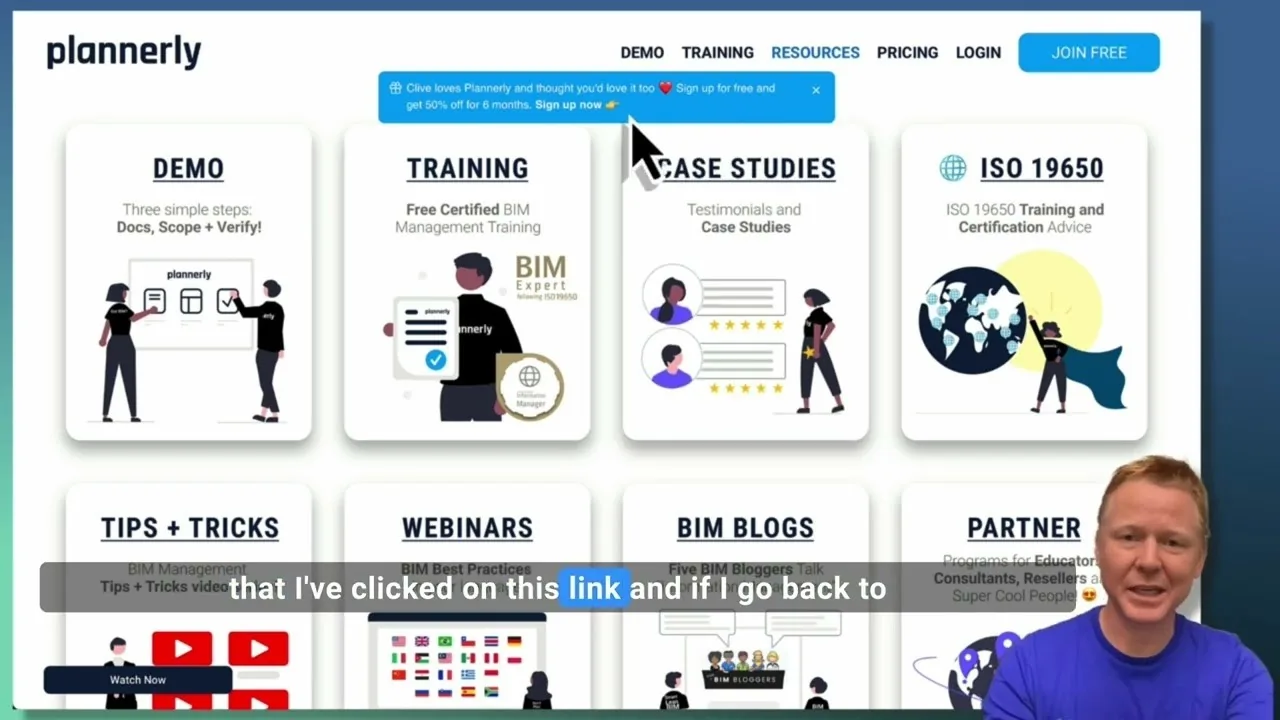
Create a Customized Referral Link
Learn how to create custom referral links for our website in this step-by-step guide. We'll show you how to set up links that point to different pages and ensure your referrals are properly tagged. Best of all, you'll earn a $1000 commission for each person who signs up for a plan through your...