
Video
Quickly create the perfect BIM Execution Plan (BEP) - from free BEP templates
About this video
We demonstrate using BEP templates to build your BIM Execution Plan (BEP), collaborate, comment and approve the BEP sections using the ISO 19650 standard workflow (Work In progress (WIP), Shared and Published statuses). https://www.plannerly.com/plan This simple BEP strategy helps set the project standard and align team expectations to get more value from BIM.
LEARN ABOUT THE BEP SOFTWARE: https://www.plannerly.com/plan
👉 More BIM Management webinars: https://www.plannerly.com/wednesdays-with-plannerly 👈
FOLLOW:
👇👇👇👇👇👇👇
- SUBSCRIBE: https://bit.ly/BIM-Channel
- LinkedIn: https://www.linkedin.com/company/plannerly
- Twitter: https://twitter.com/plannerlyAEC
- Instagram: https://www.instagram.com/plannerlyAEC
- Facebook: https://www.facebook.com/plannerlyAEC
👆👆👆👆👆👆👆
#BIM #BEP #BIMExecutionPlan #BEPtemplates #VDC #ISO19650 #BIMManager #design #construction #engineering #architects #contractors #smartleanbim #plannerly
Featured in
Where this video is used
 Video · 21:44
Best practices to help you produce higher quality BIM models
BIM promises many things - so many that sometimes we can fall a little short of the BIM expectations set. Here we list the things that can go wrong and share some best practices to help produce a higher quality model. Don't waste time and money sharing and using bad quality BIM - make sure your...
 Video · 27:37
How To Simplify The BIM Management Process
There are many ISO 19650 recommendations for BIM processes and BIM management workflows. Learn more here: https://www.plannerly.com/iso-19650-webinar 👈 We talk about consolidating and simplifying the most important ISO steps. We help you get the best from your OIR (Organizational Information...
 Video · 20:00
Best Practices For Your BIM Management Templates (OIR, EIR, BEP, AIR, TIDP, MIDP)
We show you how to use https://app.plannerly.com to standardize BIM management templates, simplify access by your teams and make it easier to collect and incorporate critical feedback for: - Organizational Information Requirements (OIR) - Exchange Information Requirements (EIR) - BIM Execution...
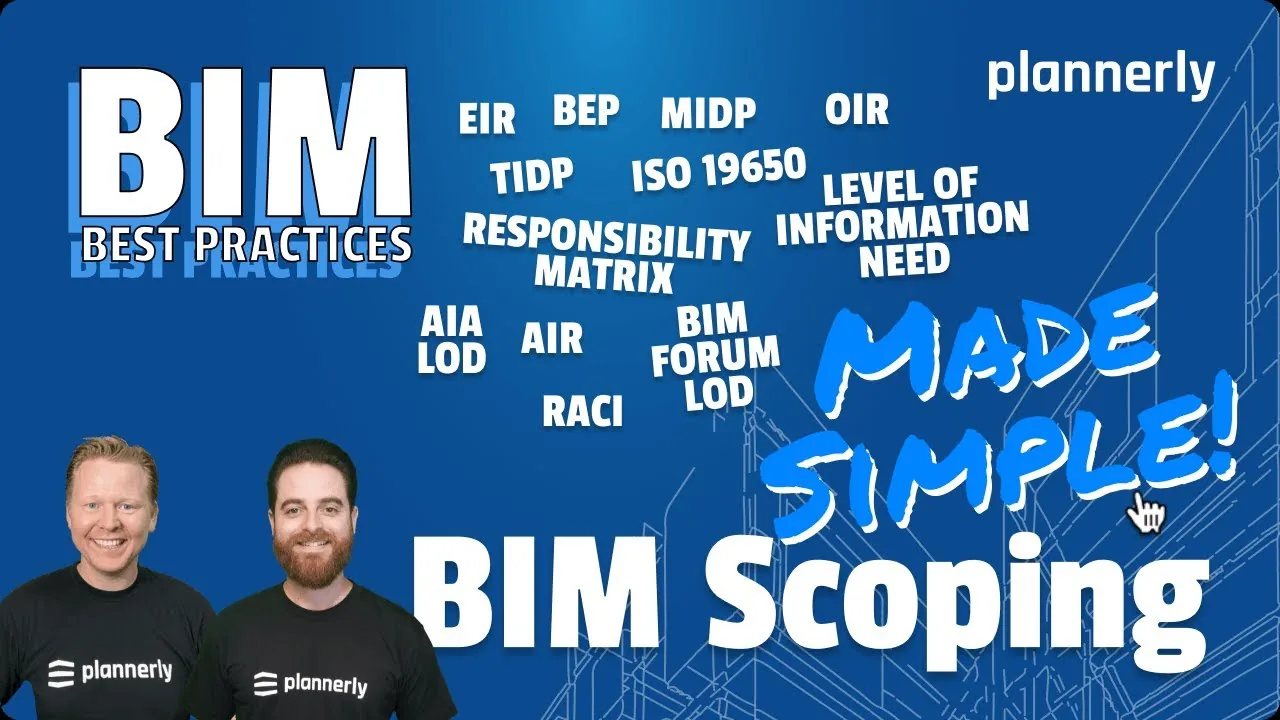 Video · 18:48
BIM Best Practices For Collaborative BIM Scoping - to meet both ISO 19650 and AIA guidelines
👉 More BIM Management webinars: https://www.plannerly.com/wednesdays-with-plannerly 👈 Use either the AIA LOD or ISO 19650 Level of Information Need approach to create the best possible BIM scope for your project.
 Video · 2:28
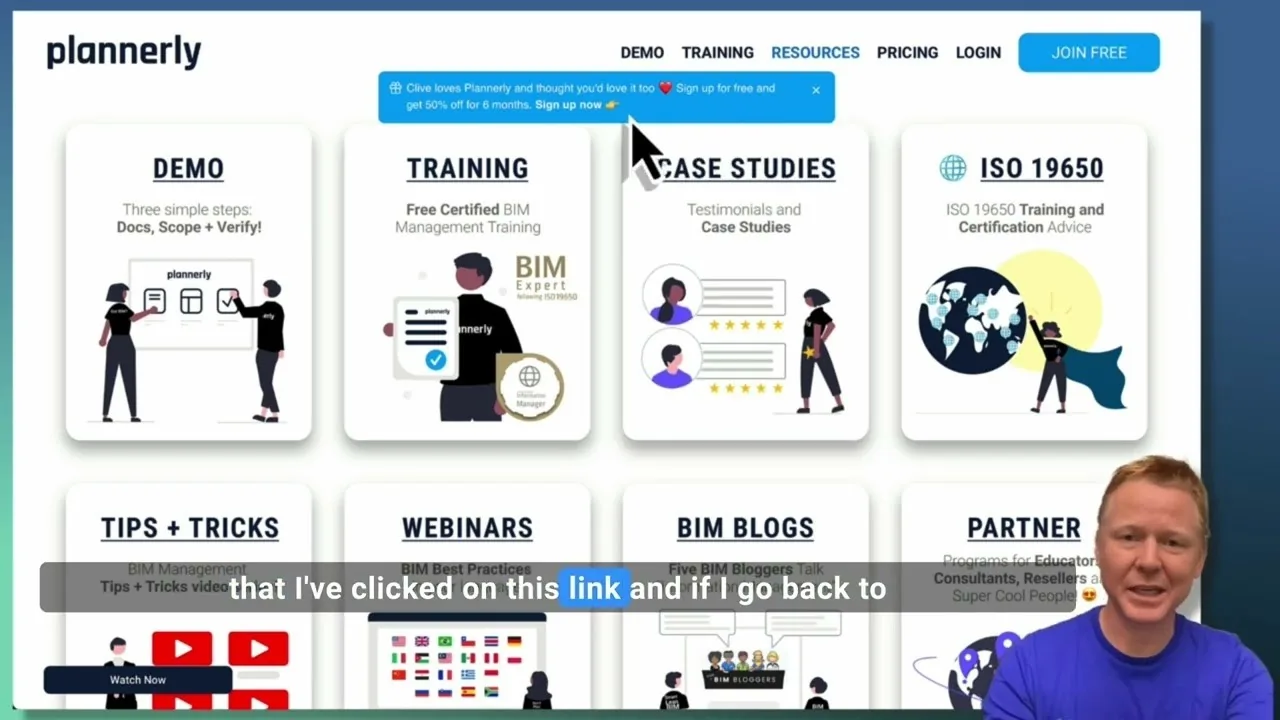
Create a Customized Referral Link
Learn how to create custom referral links for our website in this step-by-step guide. We'll show you how to set up links that point to different pages and ensure your referrals are properly tagged. Best of all, you'll earn a $1000 commission for each person who signs up for a plan through your...
 Video · 1:27
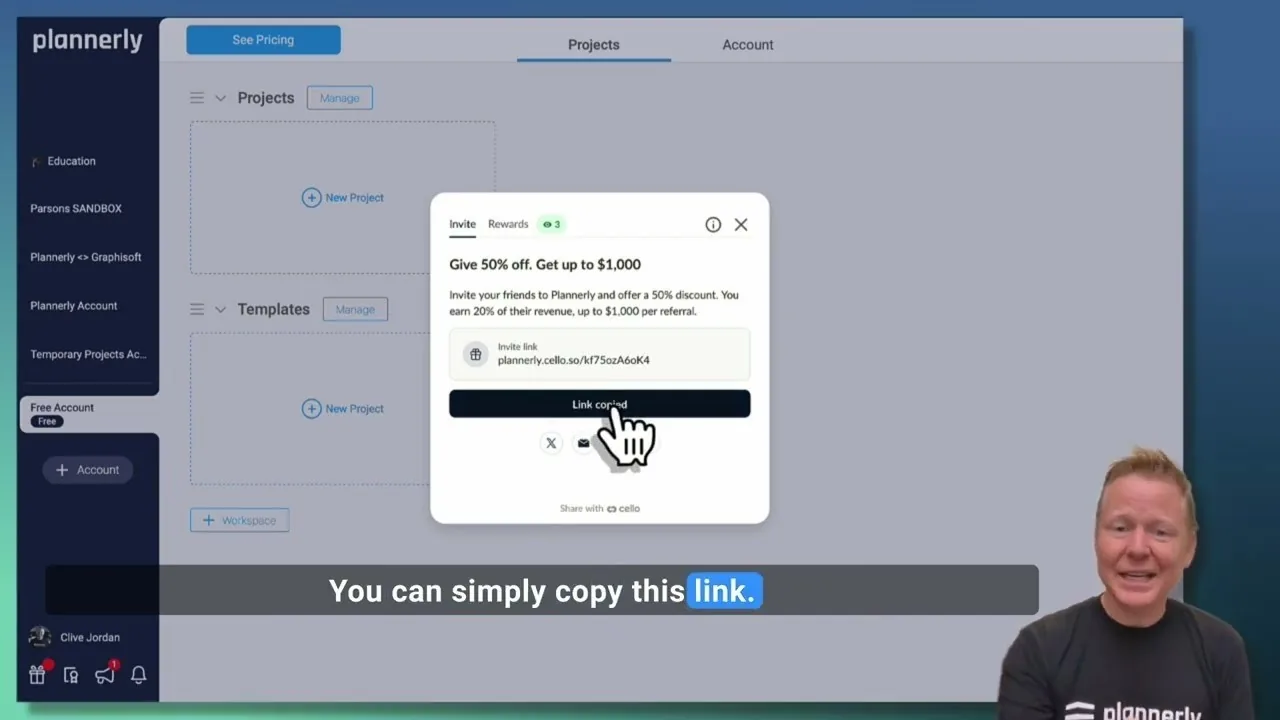
Plannerly Referral Program - You get $1,000 per referral!
You get $1,000 per referral! They get 50% off their Plannerly subscription!