
Video
The Root of BIM Problems: Poor Information Requirements (BIM Summer Camp Week 2)
About this video
Watch BIM Summer Camp recordings here: https://plannerly.com/summercamp/ Welcome back to Week 2 of BIM Summer Camp! In this session, we dive headfirst into one of the most critical (and often misunderstood) parts of BIM: defining clear, actionable information requirements that actually get followed.
You’ll learn:
- Why most BIM requirements fail before they even begin
- How to move from vague LOD tables to structured, verifiable tasks
- The relationship between information needs, appointments, and actual model deliverables
- Real-world examples using ISO 19650 and IDS (Information Delivery Specification)
- Tips for aligning clients, consultants, and contractors early on
This isn’t just theory - we walk through practical workflows using Plannerly to show how information requirements can be created, shared, reviewed, and checked automatically against models. Say goodbye to PDF chaos and spreadsheet spaghetti.
Get the Free Guide + Resources 👉 https://plannerly.com/summercamp
- Week 1: https://youtu.be/jgjyfmNrwIM
- Week 2: IS THIS ONE!
- Week 3: https://youtu.be/Kg8Q2wPT7cA
- Week 4: https://youtu.be/Nn7M-AdurPA
- Week 5: https://youtu.be/lD-Hur_EwH4
- Week 6: https://youtu.be/Ur5TQOyC4mY
Subscribe and be first to get notified about all upcoming episodes.
FREE CERTIFIED BIM TRAINING: https://plannerly.com/training 👈
Featured in
Where this video is used
 Video · 45:58
Full BIM Workflow - 80% Less Admin - ISO 19650 Made Simple (BIM Summer Camp Week 6)
Watch BIM Summer Camp recordings here: https://plannerly.com/summercamp/ Tired of BIM craziness? In Week 6 of the BIM Summer Camp, we walk through the entire BIM + Information Management workflow - from planning and scoping to verification - all aligned with ISO 19650.
 Video · 54:06
BIM Verification + COBie Handover in One Seamless Workflow (BIM Summer Camp Week 5)
Week 5 of BIM Summer Camp is here! Watch BIM Summer Camp recordings here: https://plannerly.com/summercamp/ In this session, we jump into automated model-checking, visual dashboards, and COBie handover workflows. You’ll learn how to ditch the spreadsheets and PDFs, and instead use a connected,...
 Video · 37:42
The Truth About CDEs and BIM Tracking (BIM Summer Camp Week 4)
Welcome to Week 4 of BIM Summer Camp! Watch BIM Summer Camp recordings here: https://plannerly.com/summercamp/ This week, we pull back the curtain on CDEs (Common Data Environments) and how most construction projects still rely on outdated, disconnected systems - spreadsheets, folder chaos, and...
 Video · 47:32
The Secret to BIM Accountability: Structured Collaborative Contracts (BIM Summer Camp Week 3)
Watch BIM Summer Camp recordings here: https://plannerly.com/summercamp/ In Week 3 of BIM Summer Camp, we tackle the thing everyone signs but no one reads: the contract.
 Video · 37:47
BIM Summer Camp [Training Course]
Watch BIM Summer Camp recordings here: https://plannerly.com/summercamp/ 🌍 1500+ BIM professionals from over 80 countries in the live sessions!
 Video · 2:28
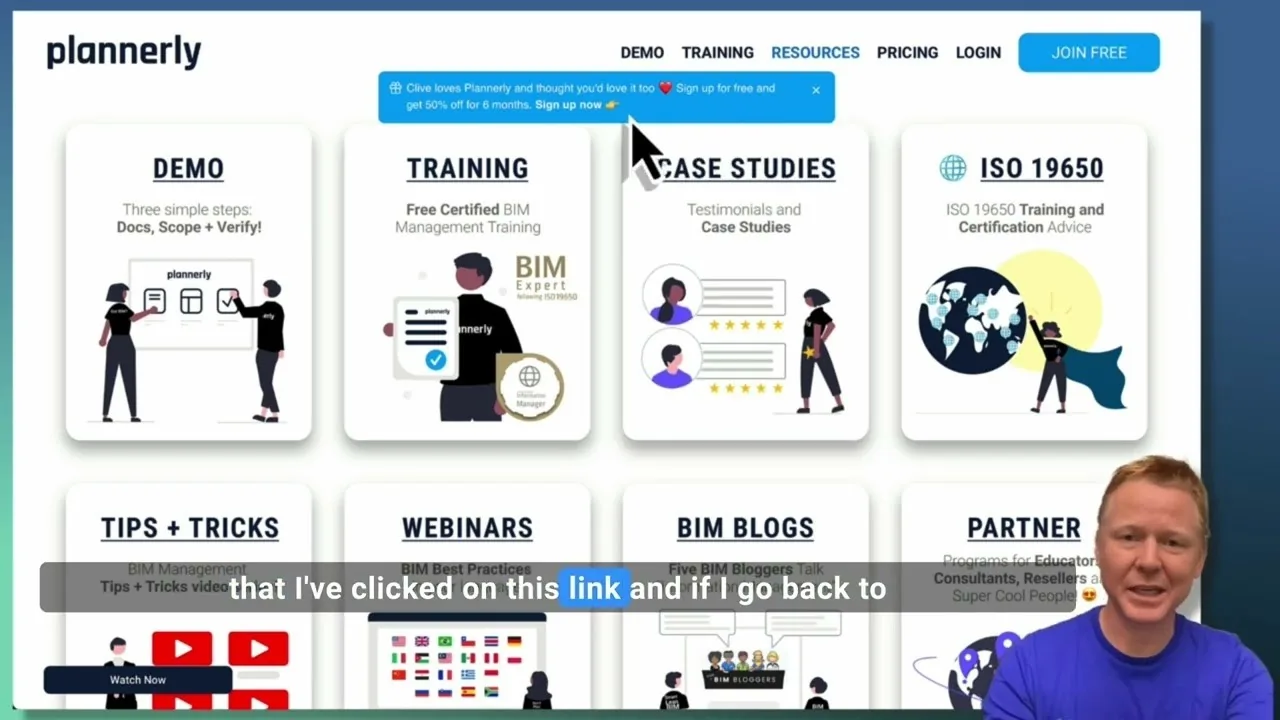
Create a Customized Referral Link
Learn how to create custom referral links for our website in this step-by-step guide. We'll show you how to set up links that point to different pages and ensure your referrals are properly tagged. Best of all, you'll earn a $1000 commission for each person who signs up for a plan through your...