
The Plannerly intro deck
Meet Plannerly in 17 slides
Why we exist, the headaches we fix for project teams, how Plannerly works and what teams have done with it. Click through the slides here, or download the PDF to share with your team.
Free to share with your team, your clients and your event audience.
The intro deck
Click through the slides
All 17 slides. Use the arrows, swipe or the thumbnails, or download the PDF to present it yourself.
Read all the slide text
Slide 1: Know who owns what on every project, and prove it was delivered
The BIM management platform for ISO 19650.
Know who owns what on every project, and prove it was delivered.
One plan where every line has an owner who agreed to it. Documents drafted faster, models checked automatically and files kept in step with your CDEs.
Don't plan late - Plannerly.
Slide 2: Ever been the person everyone avoids in the corridor?
Why we exist.
Ever been the person everyone avoids in the corridor?
Our co-founder, Clive Jordan, was a BIM manager. To most of the project, he was the person who turned up with extra work.
Getting buy-in was like pulling teeth. And the buy-in he did get often wasn't real.
Plannerly started right there.
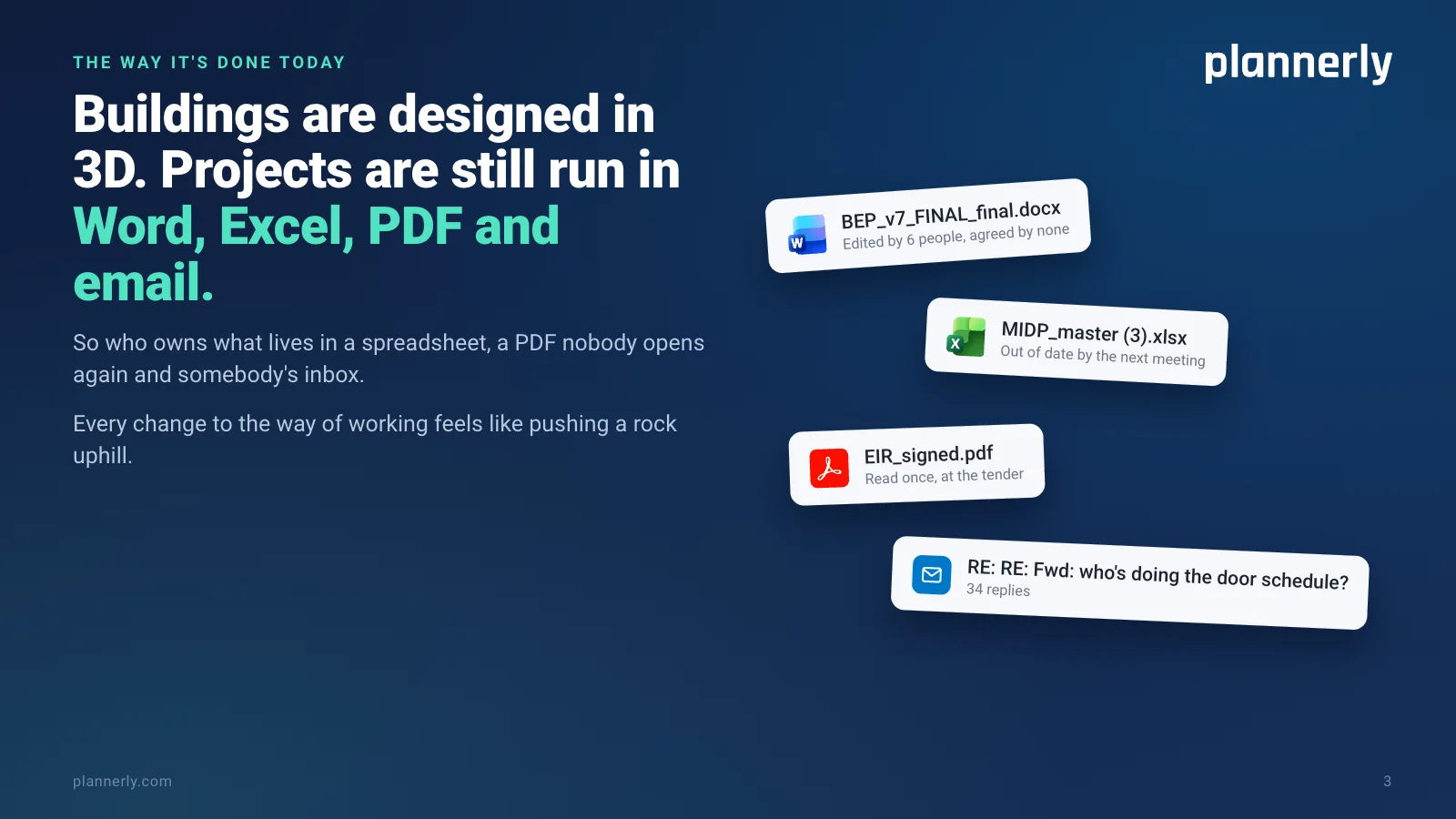
Slide 3: Buildings are designed in 3D. Projects are still run in Word, Excel, PDF and email.
The way it's done today.
Buildings are designed in 3D. Projects are still run in Word, Excel, PDF and email.
So who owns what lives in a spreadsheet, a PDF nobody opens again and somebody's inbox. Every change to the way of working feels like pushing a rock uphill.
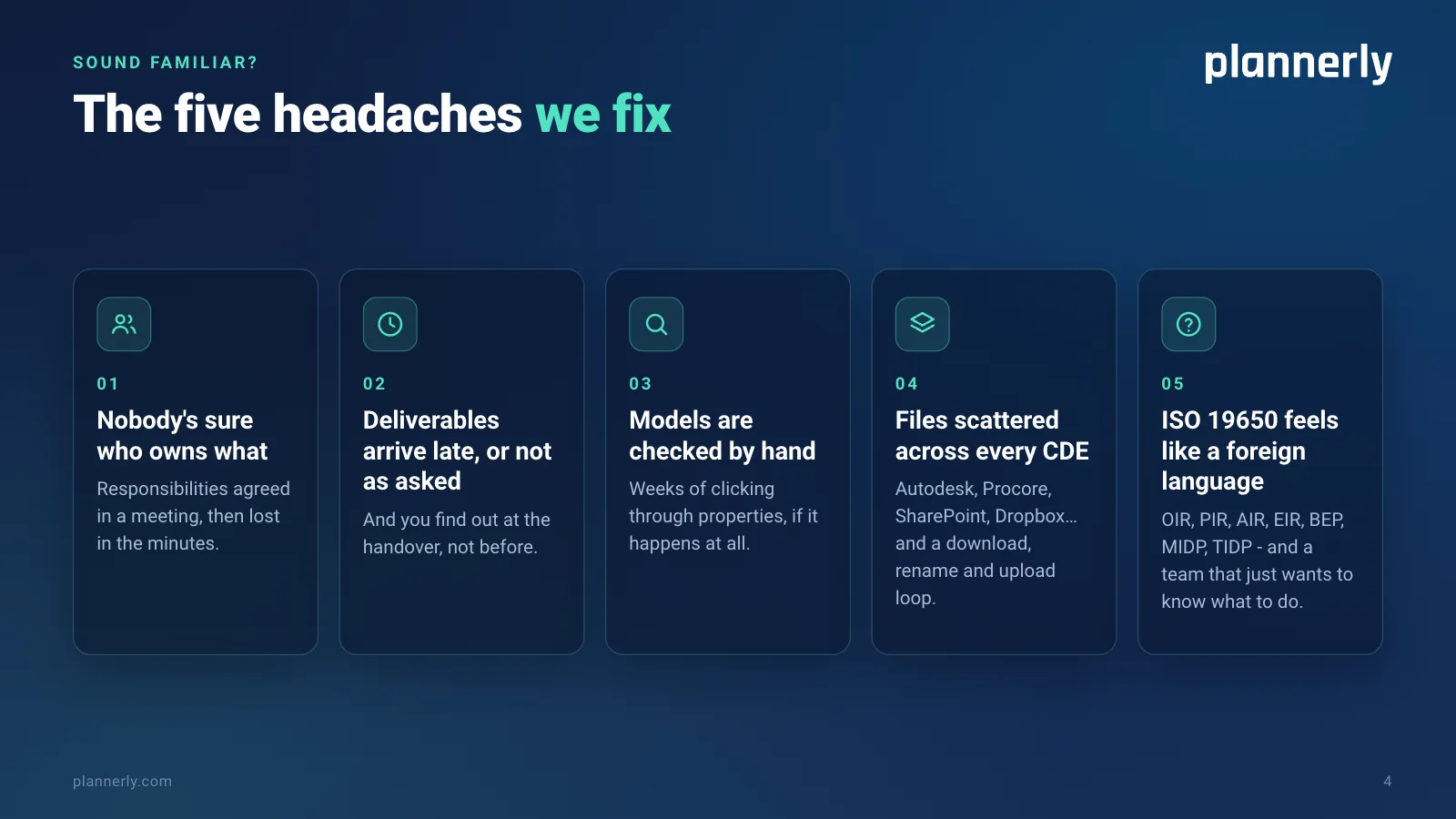
Slide 4: The five headaches we fix
Sound familiar? The five headaches we fix.
1. Nobody's sure who owns what: responsibilities agreed in a meeting, then lost in the minutes.
2. Deliverables arrive late, or not as asked - and you find out at the handover, not before.
3. Models are checked by hand: weeks of clicking through properties, if it happens at all.
4. Files scattered across every CDE: Autodesk, Procore, SharePoint, Dropbox… and a download, rename and upload loop.
5. ISO 19650 feels like a foreign language: OIR, PIR, AIR, EIR, BEP, MIDP, TIDP - and a team that just wants to know what to do.
Slide 5: From the person bringing extra work to the one making the difference
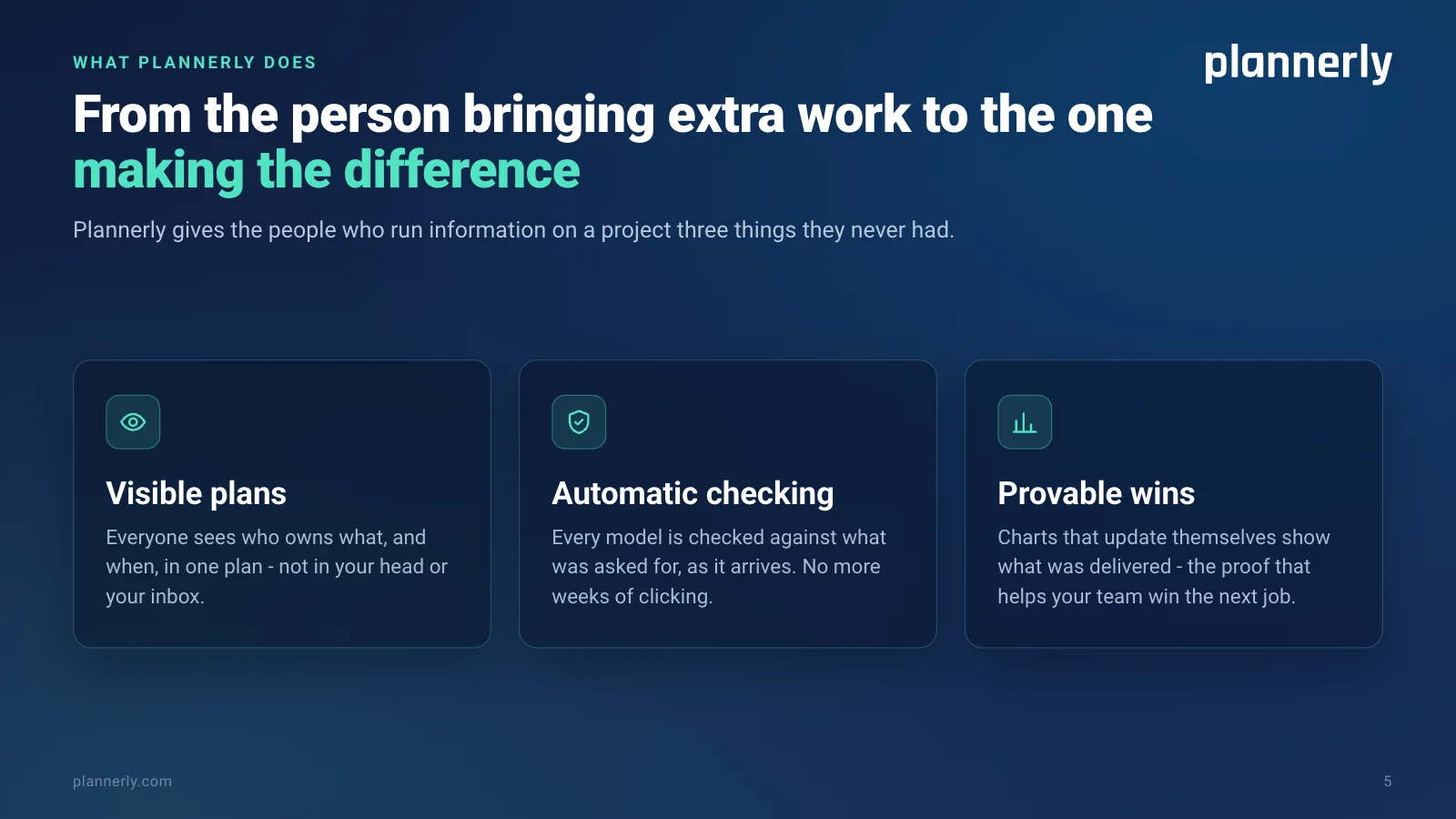
What Plannerly does: from the person bringing extra work to the one making the difference.
Plannerly gives the people who run information on a project three things they never had.
Visible plans: everyone sees who owns what, and when, in one plan - not in your head or your inbox.
Automatic checking: every model is checked against what was asked for, as it arrives. No more weeks of clicking.
Provable wins: charts that update themselves show what was delivered - the proof that helps your team win the next job.
Slide 6: What we care about
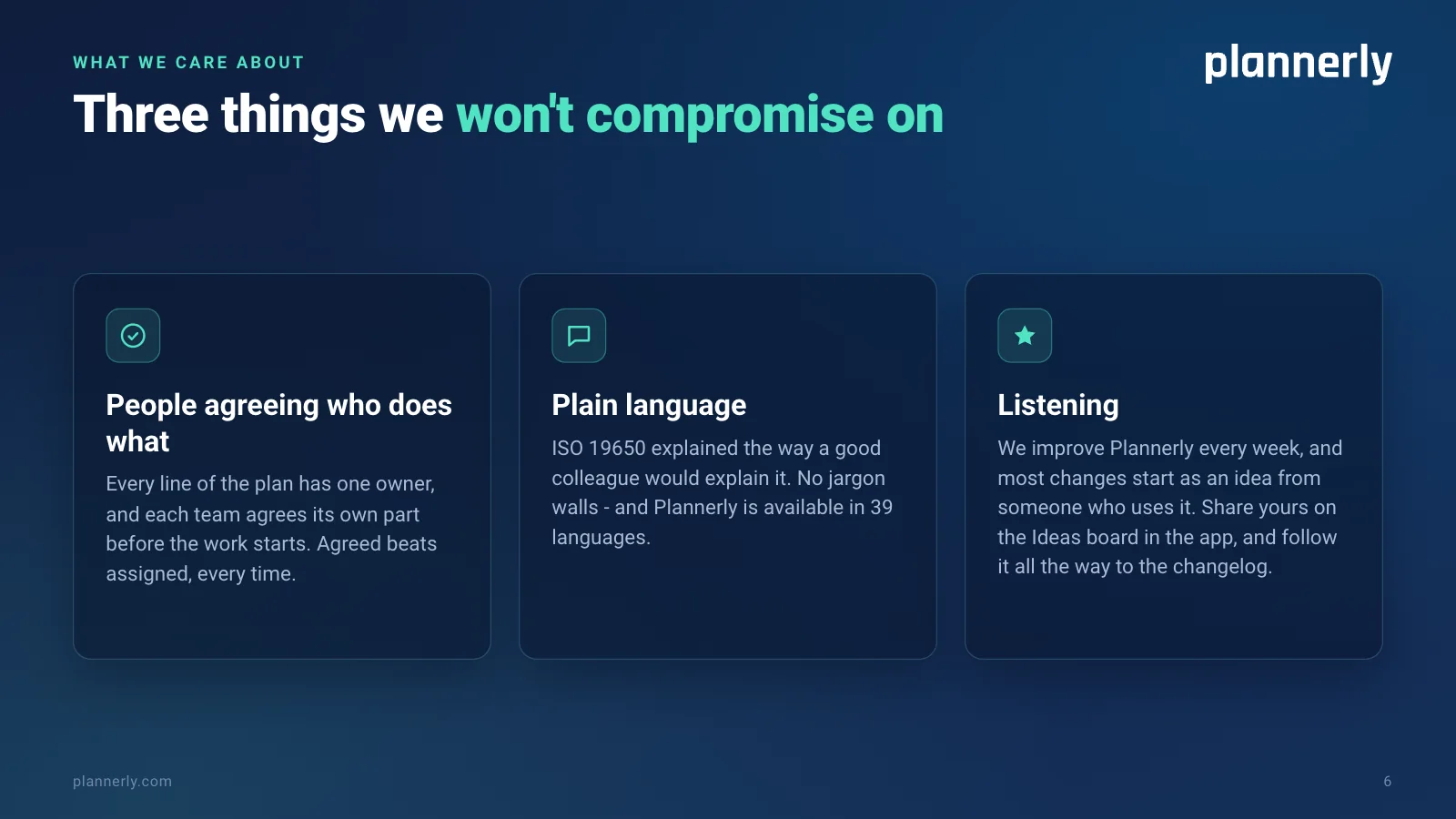
What we care about: three things we won't compromise on.
People agreeing who does what. Every line of the plan has one owner, and each team agrees its own part before the work starts. Agreed beats assigned, every time.
Plain language. ISO 19650 explained the way a good colleague would explain it. No jargon walls - and Plannerly is available in 39 languages.
Listening. We improve Plannerly every week, and most changes start as an idea from someone who uses it. Share yours on the Ideas board in the app, and follow it all the way to the changelog.
Slide 7: Built by someone who's sat on every side of the table
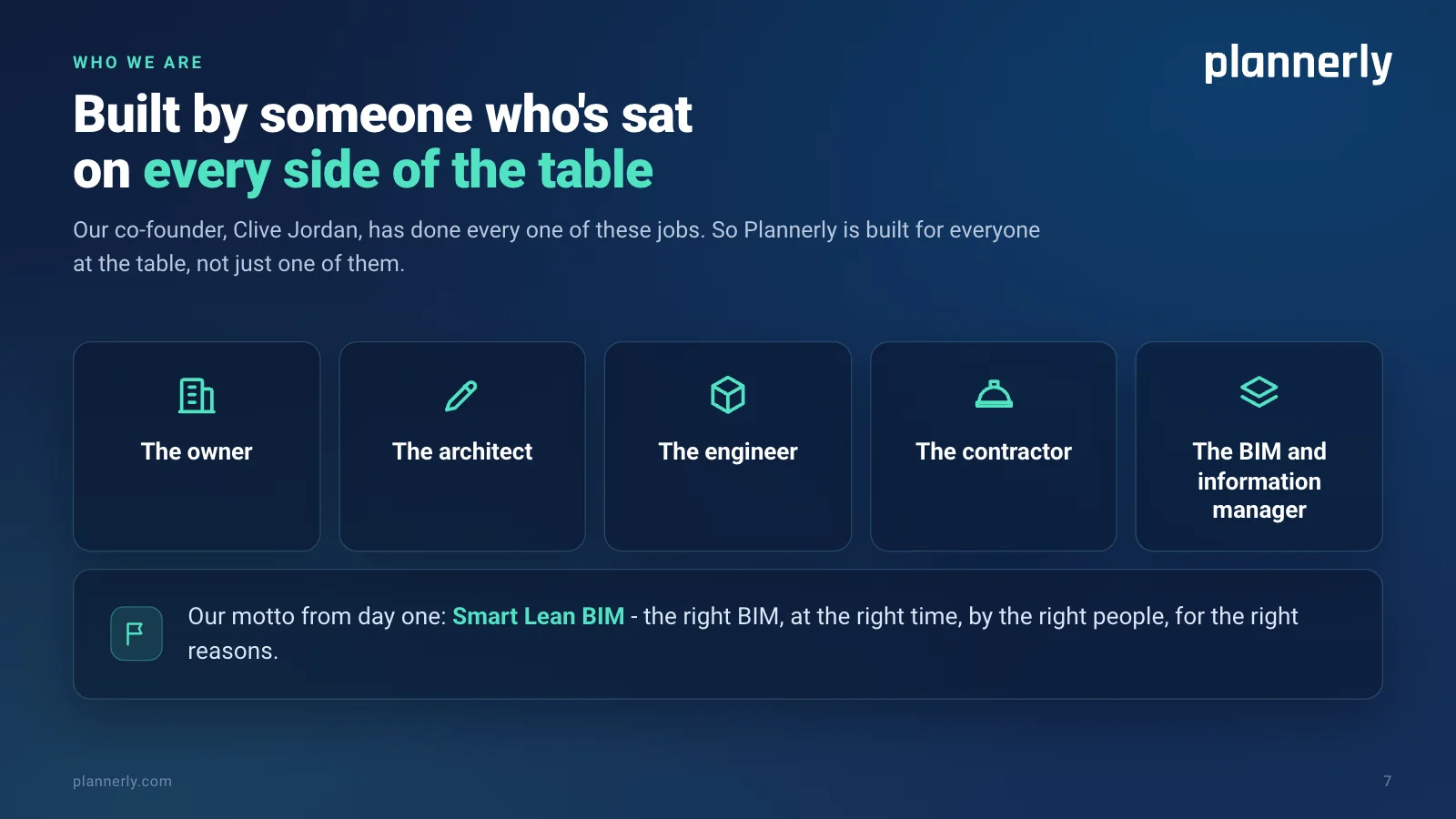
Who we are: built by someone who's sat on every side of the table.
Our co-founder, Clive Jordan, has been the owner, the architect, the engineer, the contractor and the BIM and information management services provider. So Plannerly is built for everyone at the table, not just one of them.
Our motto from day one: Smart Lean BIM - the right BIM, at the right time, by the right people, for the right reasons.
Slide 8: Trusted by nearly 150,000 teams around the world
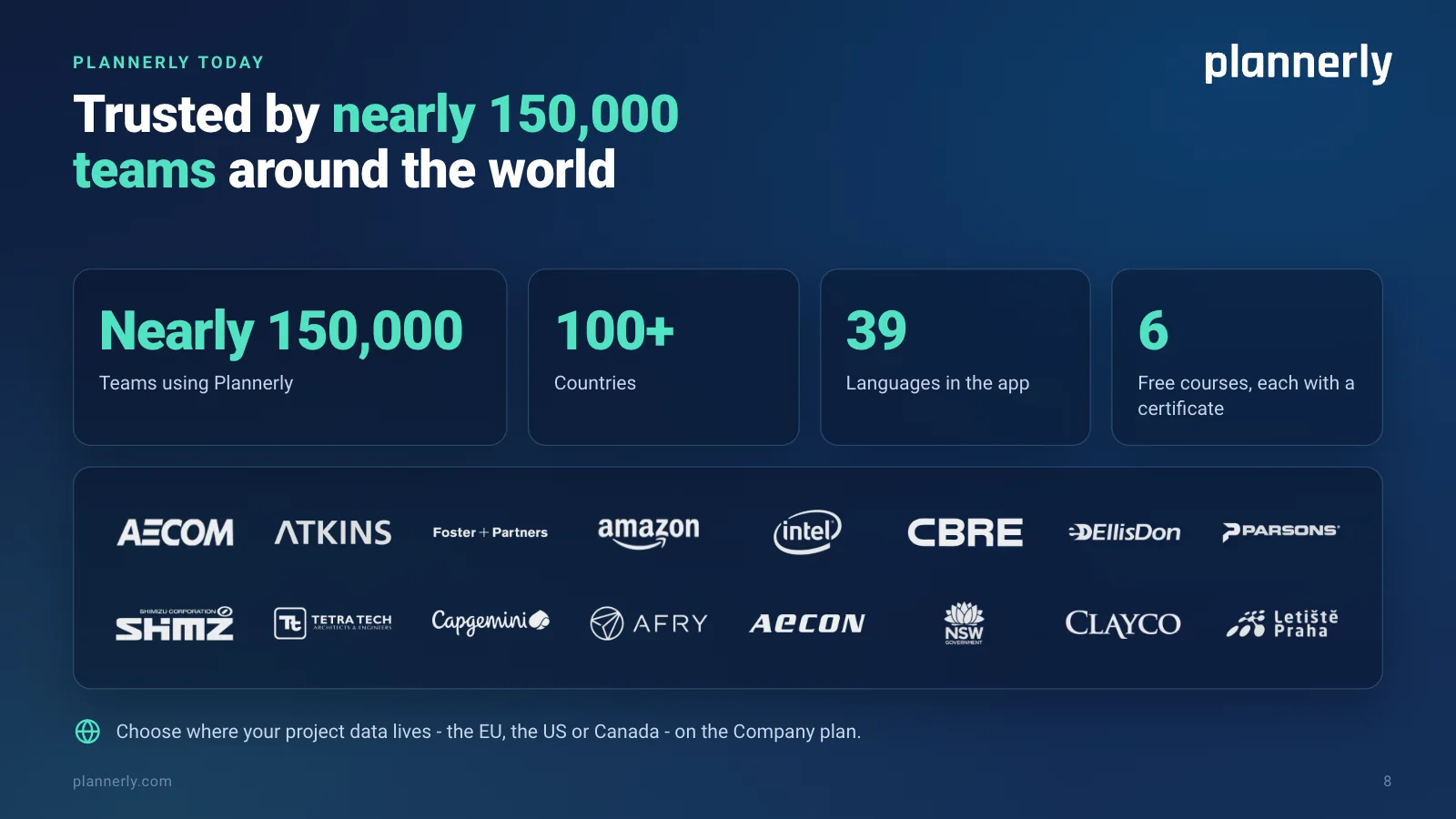
Plannerly today: trusted by nearly 150,000 teams around the world.
Nearly 150,000 teams. 100+ countries. 39 languages in the app. 6 free courses, each with a certificate.
Teams at AECOM, Atkins, Foster + Partners, Amazon, Intel, CBRE, EllisDon, Parsons, Shimizu, Tetra Tech, Capgemini, AFRY, AECON, NSW Government, Clayco and Letiště Praha.
Choose where your project data lives - the EU, the US or Canada - on the Company plan.
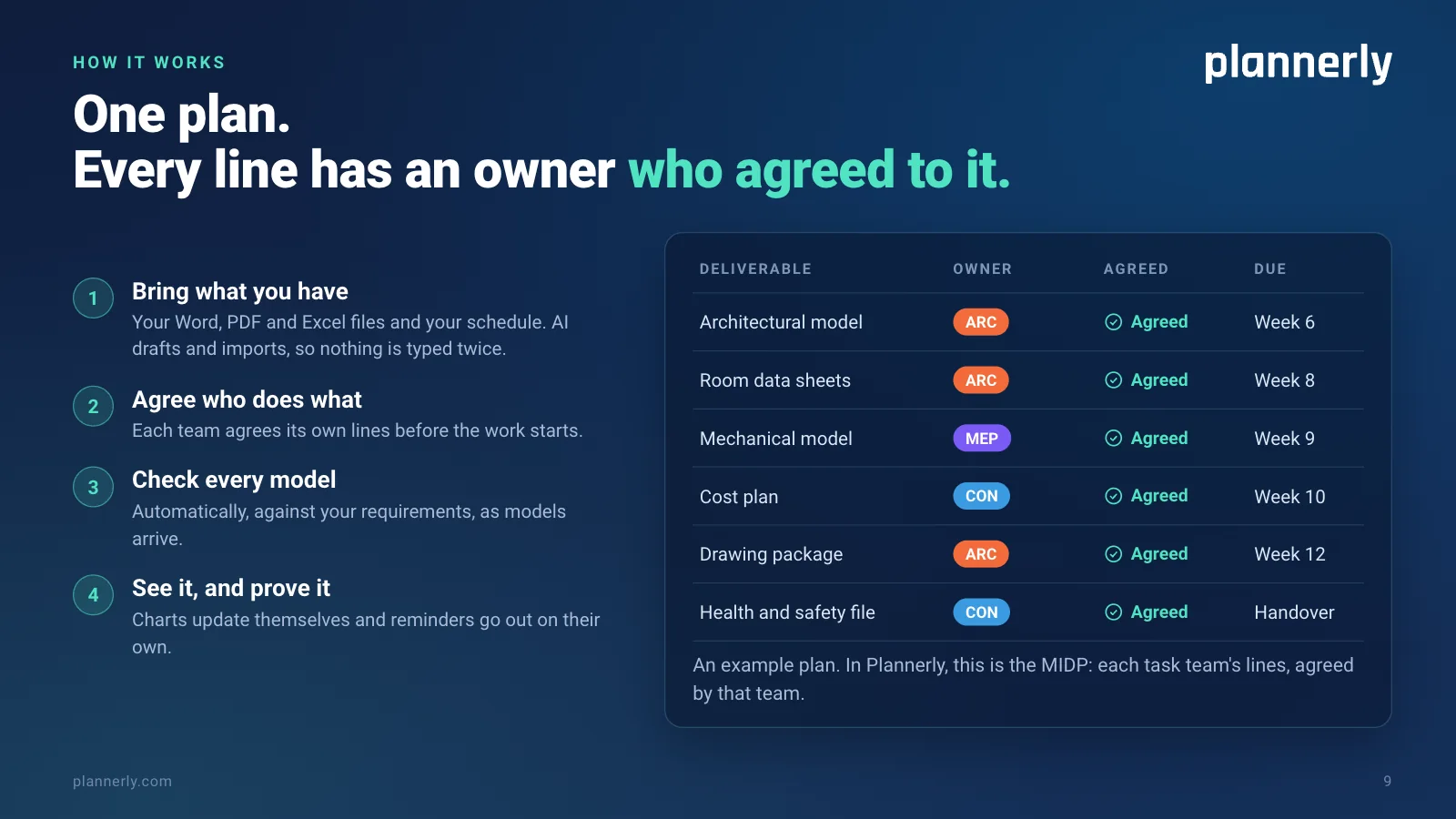
Slide 9: One plan. Every line has an owner who agreed to it.
How it works: one plan. Every line has an owner who agreed to it.
1. Bring what you have: your Word, PDF and Excel files and your schedule. AI drafts and imports, so nothing is typed twice.
2. Agree who does what: each team agrees its own lines before the work starts.
3. Check every model: automatically, against your requirements, as models arrive.
4. See it, and prove it: charts update themselves and reminders go out on their own.
In Plannerly, the plan is the MIDP: each task team's lines, agreed by that team.
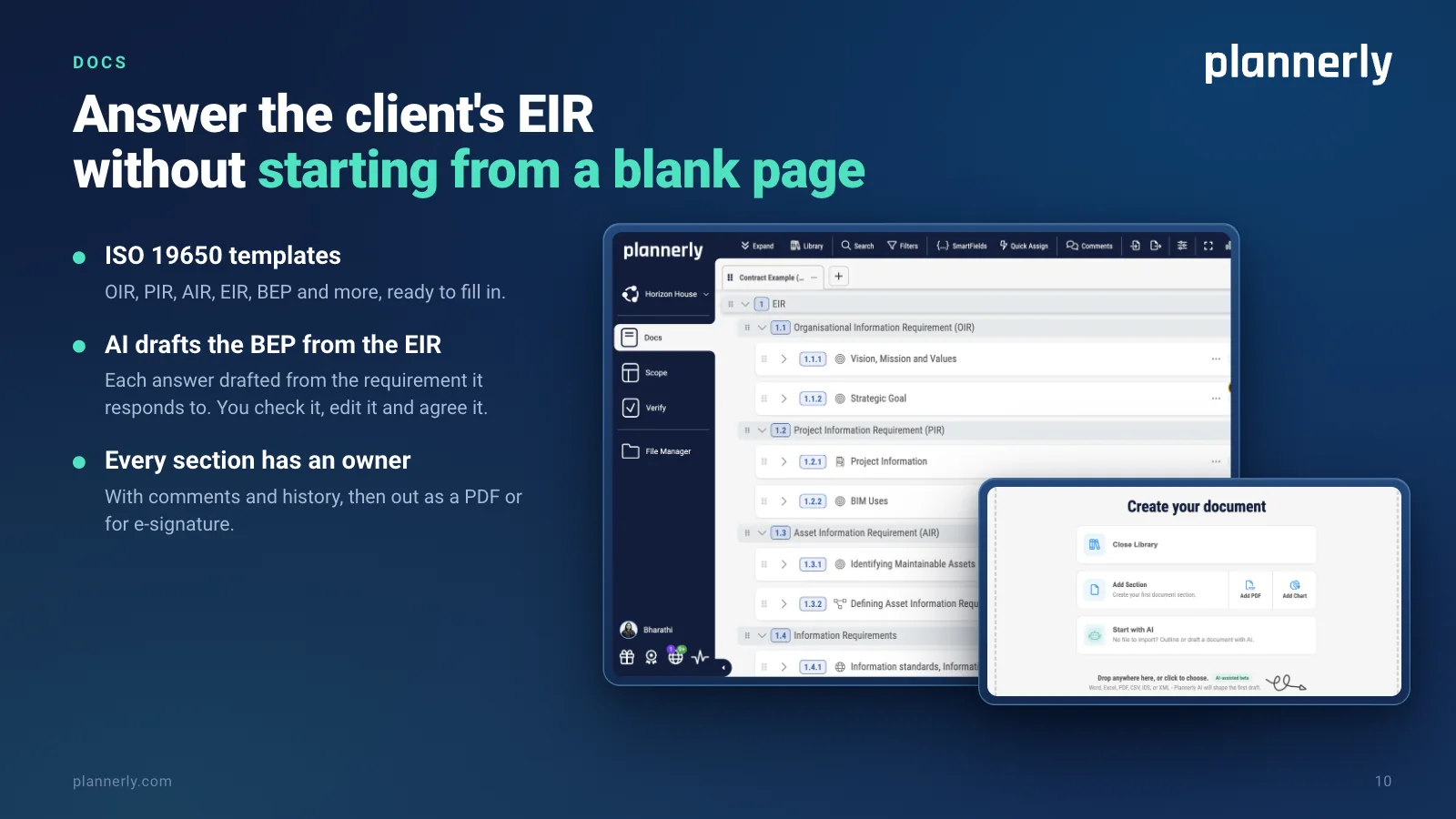
Slide 10: Docs: answer the client's EIR without starting from a blank page
Docs: answer the client's EIR without starting from a blank page.
ISO 19650 templates: OIR, PIR, AIR, EIR, BEP and more, ready to fill in.
AI drafts the BEP from the EIR: each answer drafted from the requirement it responds to. You check it, edit it and agree it.
Every section has an owner, with comments and history, then out as a PDF or for e-signature.
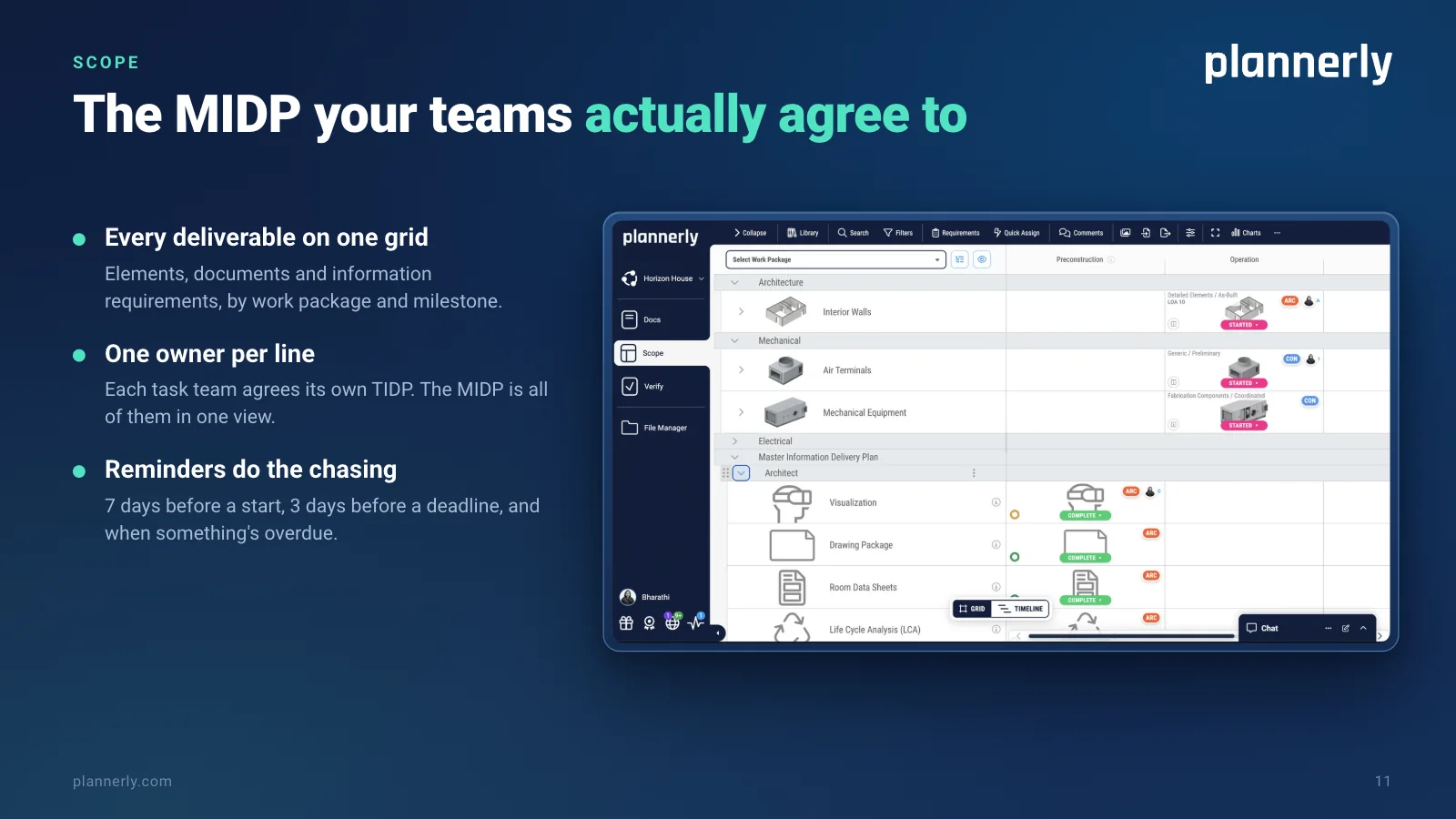
Slide 11: Scope: the MIDP your teams actually agree to
Scope: the MIDP your teams actually agree to.
Every deliverable on one grid: elements, documents and information requirements, by work package and milestone.
One owner per line: each task team agrees its own TIDP. The MIDP is all of them in one view.
Reminders do the chasing: 7 days before a start, 3 days before a deadline, and when something's overdue.
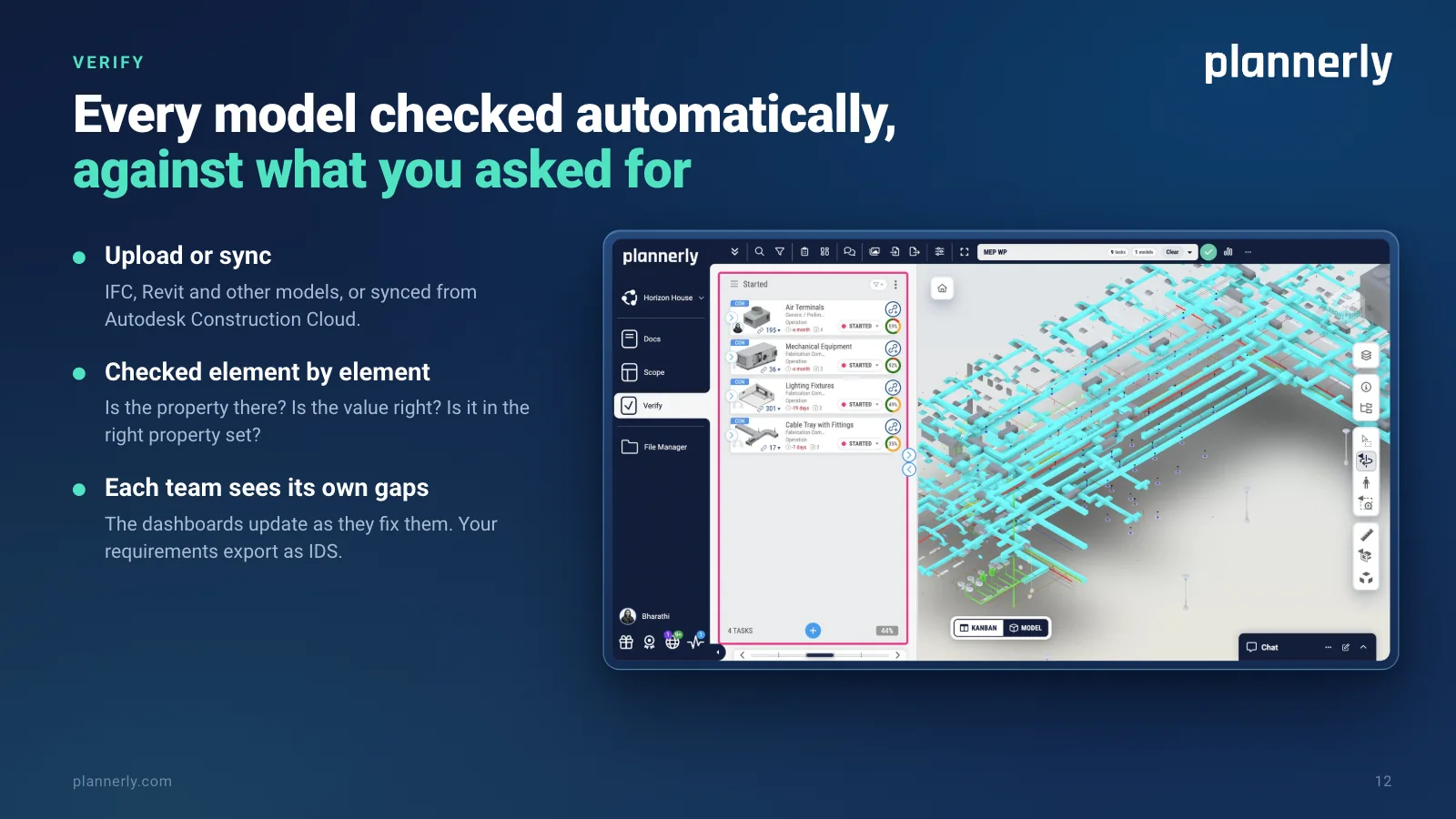
Slide 12: Verify: every model checked automatically, against what you asked for
Verify: every model checked automatically, against what you asked for.
Upload or sync: IFC, Revit and other models, or synced from Autodesk Construction Cloud.
Checked element by element: is the property there? Is the value right? Is it in the right property set?
Each team sees its own gaps, and the dashboards update as they fix them. Your requirements export as IDS.
Slide 13: File Manager: your files, wherever they live, filling one plan
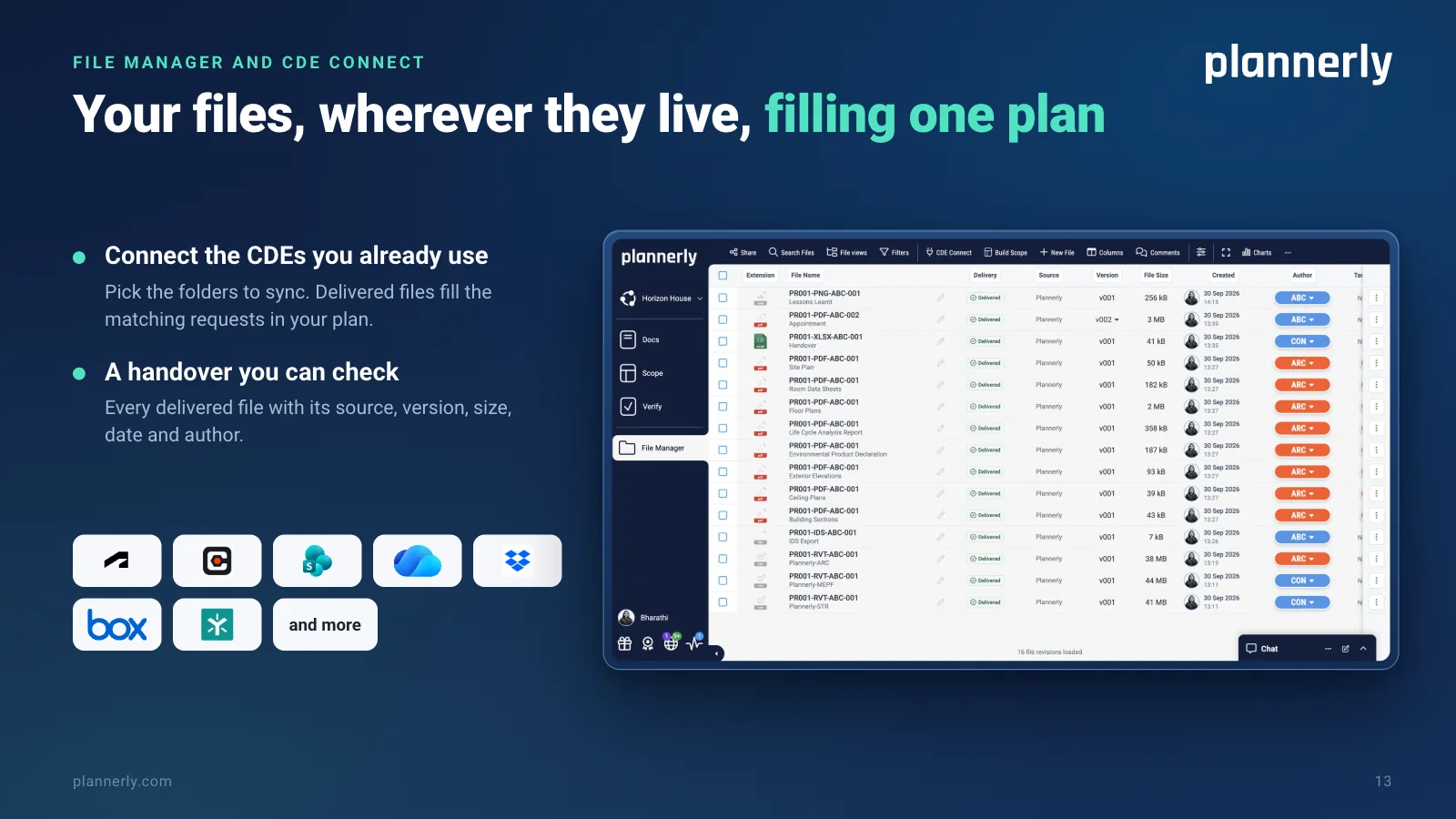
File Manager and CDE Connect: your files, wherever they live, filling one plan.
Connect the CDEs you already use - Autodesk, Procore, SharePoint, OneDrive, Dropbox, Box, Egnyte and more - and pick the folders to sync. Delivered files fill the matching requests in your plan.
A handover you can check: every delivered file with its source, version, size, date and author.
Slide 14: ISO 19650, without the headache
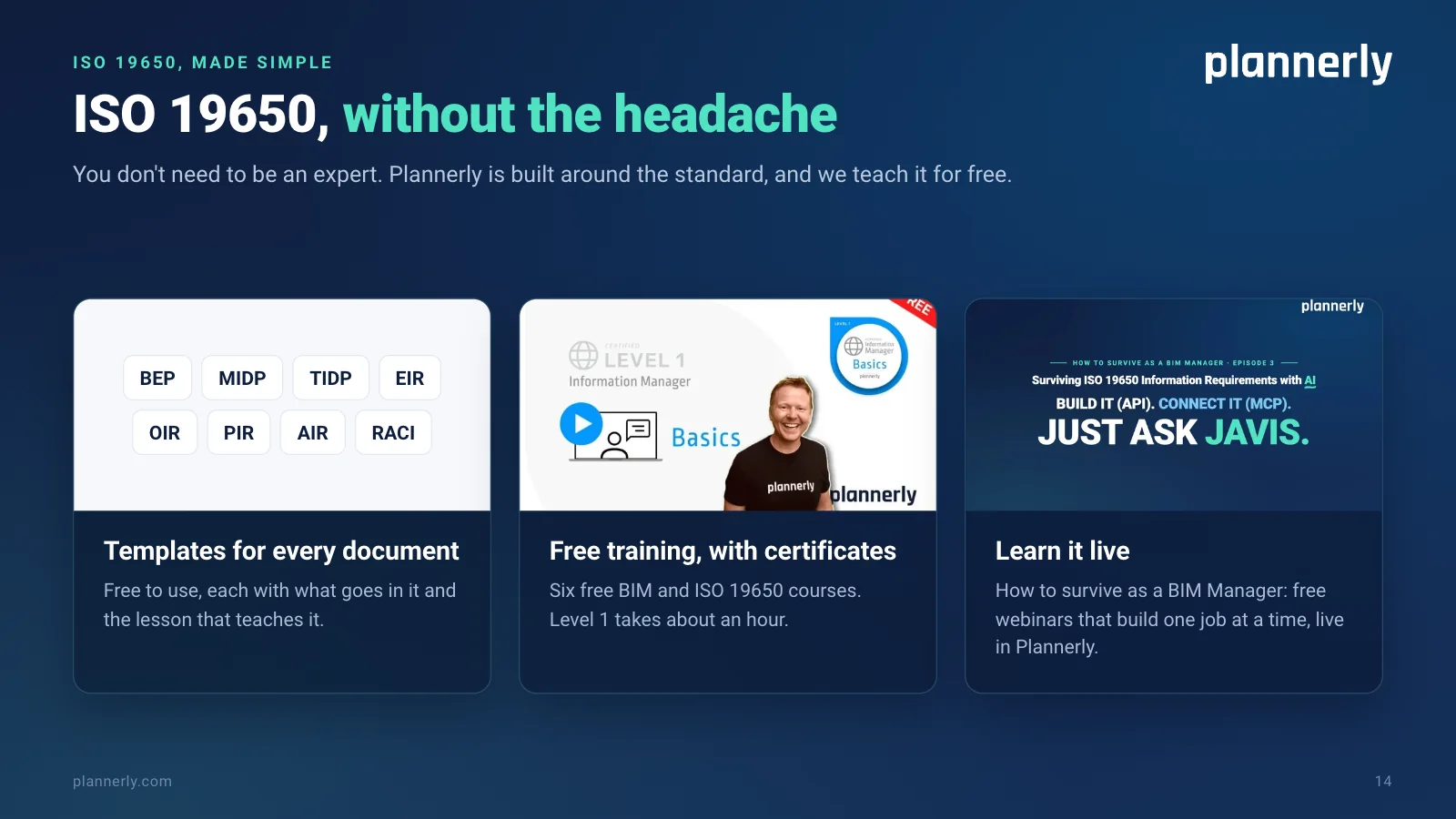
ISO 19650, without the headache. You don't need to be an expert. Plannerly is built around the standard, and we teach it for free.
Templates for every document - BEP, MIDP, TIDP, EIR, OIR, PIR, AIR and RACI - free to use, each with what goes in it and the lesson that teaches it.
Free training, with certificates: six free BIM and ISO 19650 courses. Level 1 takes about an hour.
Learn it live: How to survive as a BIM Manager, free webinars that build one job at a time, live in Plannerly.
Slide 15: What teams have done with Plannerly
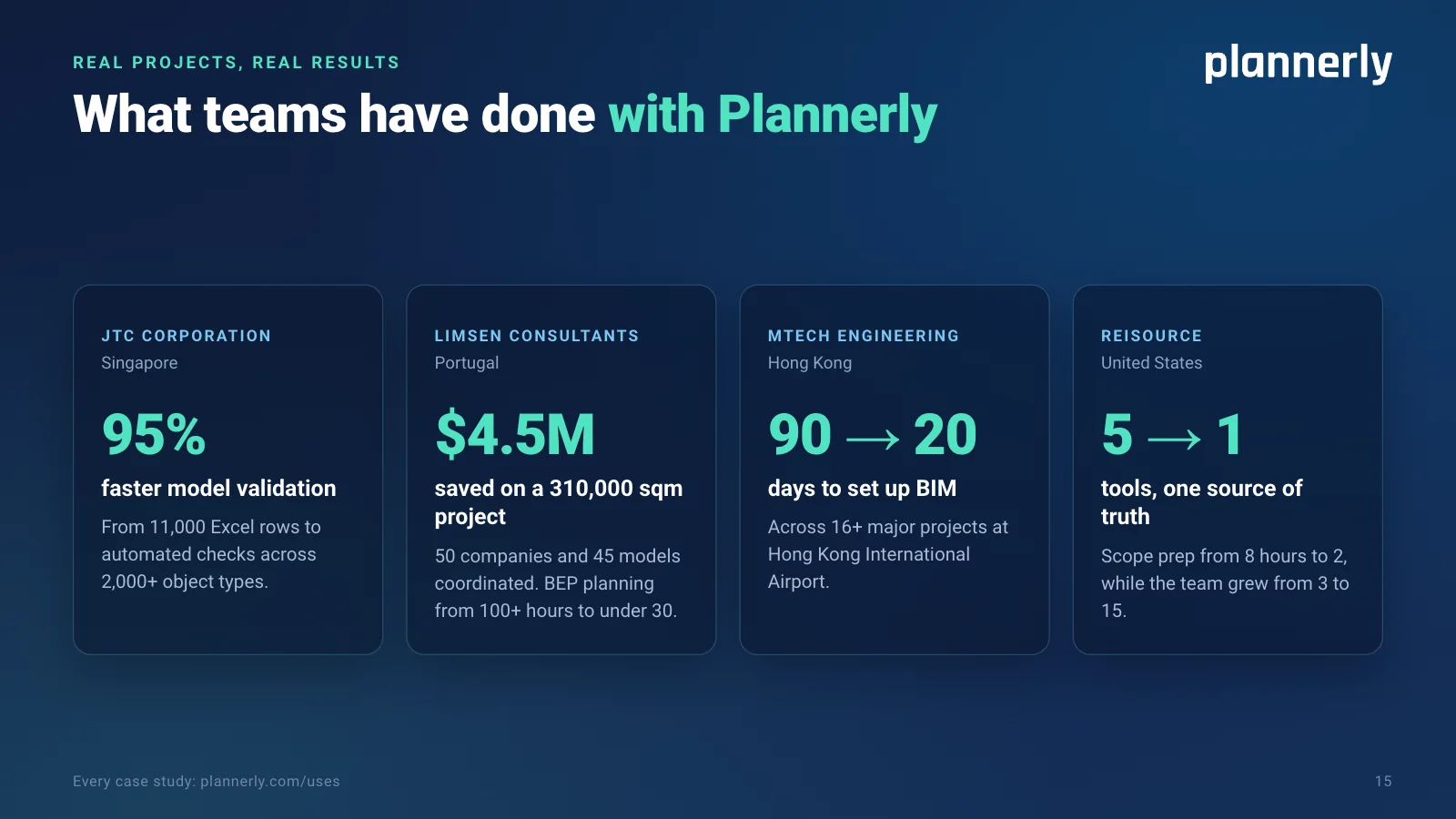
Real projects, real results: what teams have done with Plannerly.
JTC Corporation, Singapore: model validation 95% faster, from 11,000 Excel rows to automated checks across 2,000+ object types.
LIMSEN Consultants, Portugal: $4.5M saved on a 310,000 sqm project. 50 companies and 45 models coordinated, and BEP planning from 100+ hours to under 30.
MTECH Engineering, Hong Kong: BIM set-up from 90 days to 20, across 16+ major projects at Hong Kong International Airport.
reiSource, United States: five tools replaced by one source of truth. Scope prep from 8 hours to 2, while the team grew from 3 to 15.
Every case study: plannerly.com/uses.
Slide 16: From pulling teeth to real buy-in
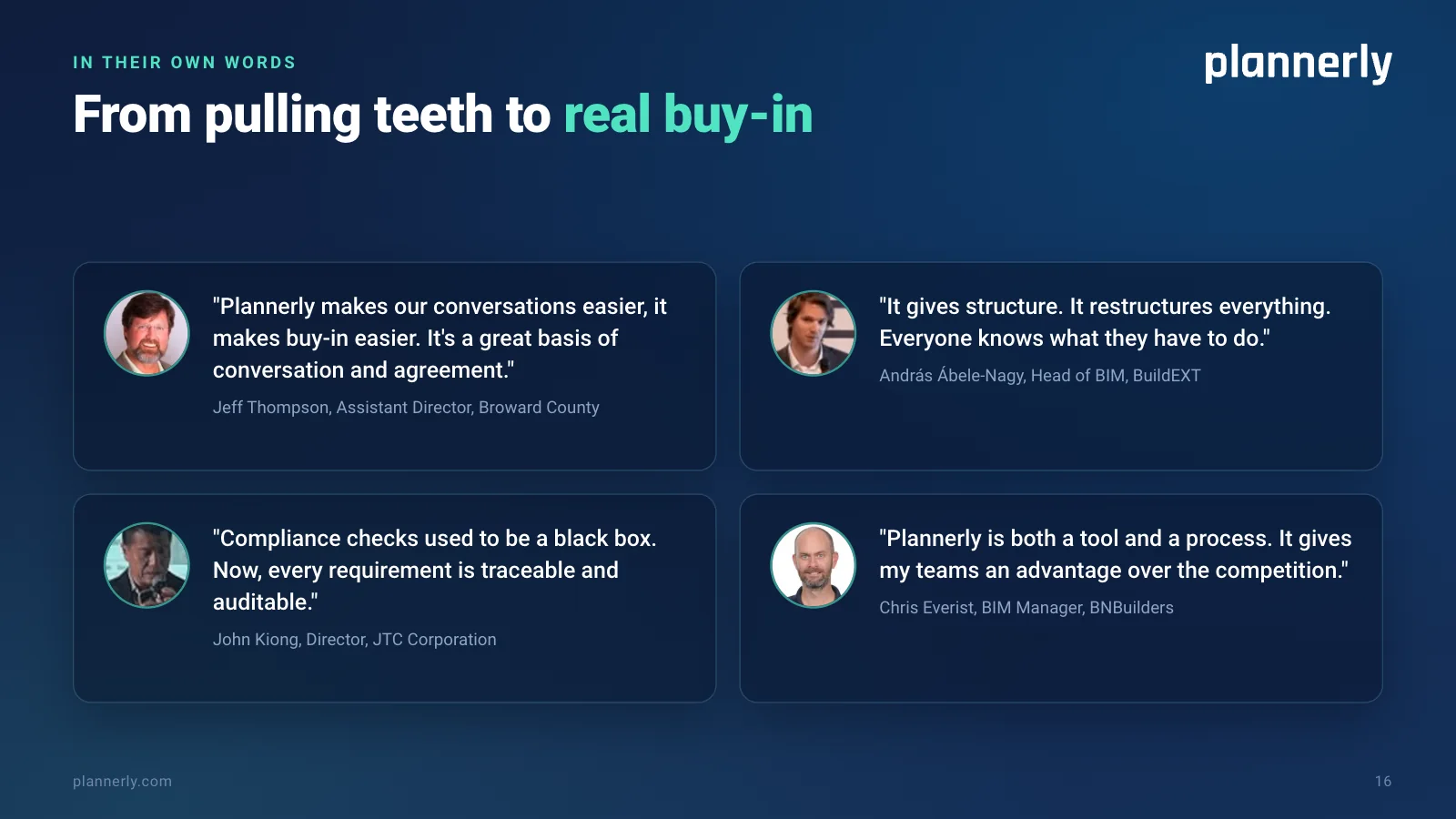
In their own words: from pulling teeth to real buy-in.
"Plannerly makes our conversations easier, it makes buy-in easier. It's a great basis of conversation and agreement." - Jeff Thompson, Assistant Director, Broward County.
"It gives structure. It restructures everything. Everyone knows what they have to do." - András Ábele-Nagy, Head of BIM, BuildEXT.
"Compliance checks used to be a black box. Now, every requirement is traceable and auditable." - John Kiong, Director, JTC Corporation.
"Plannerly is both a tool and a process. It gives my teams an advantage over the competition." - Chris Everist, BIM Manager, BNBuilders.
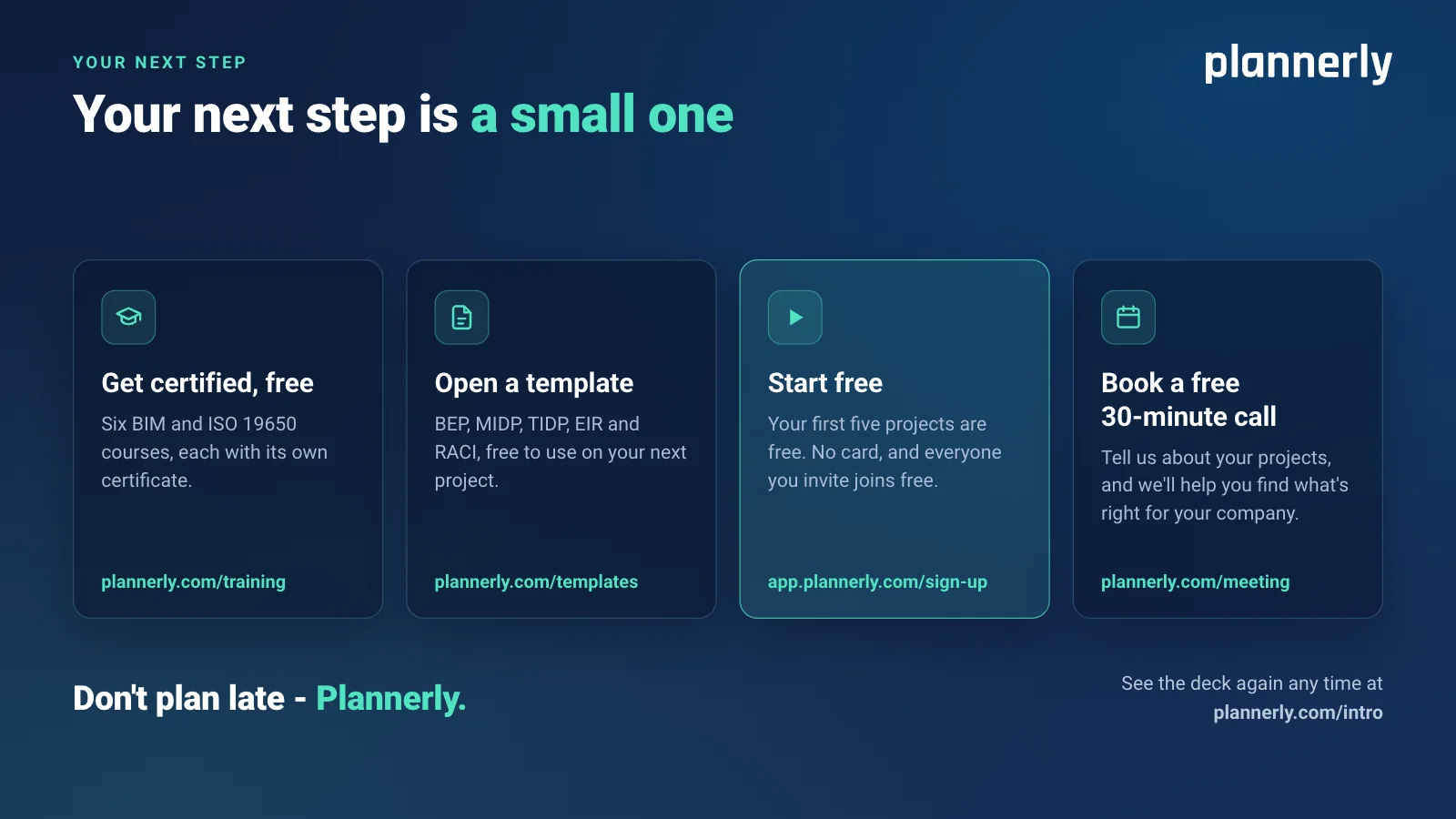
Slide 17: Your next step is a small one
Your next step is a small one.
Get certified, free: six BIM and ISO 19650 courses, each with its own certificate - plannerly.com/training.
Open a template: BEP, MIDP, TIDP, EIR and RACI, free to use on your next project - plannerly.com/templates.
Start free: your first five projects are free. No card, and everyone you invite joins free - app.plannerly.com/sign-up.
Book a free 30-minute call: tell us about your projects, and we'll help you find what's right for your company - plannerly.com/meeting.
Don't plan late - Plannerly. See the deck again any time at plannerly.com/intro.
Your next step
Pick the easiest next step
Get certified, free
Six BIM and ISO 19650 courses, each with its own certificate. Level 1 takes about an hour.
FreeWatch a webinar
How to survive as a BIM Manager: one job built live in Plannerly, start to finish, with the replays.
FreeOpen a template
BEP, MIDP, TIDP, EIR and RACI templates, each with what goes in it and the lesson that teaches it.
FreeRead the case studies
How teams like JTC, LIMSEN and MTECH plan, agree and check their work in Plannerly.
Start free
Your first five projects are free. No card, and everyone you invite joins free.
Book a free 30-minute call
Tell us about your projects, and we'll help you find what's right for your company.
Start your first project free
Your first five projects are free, with no card, and everyone you invite joins free.
Presenting Plannerly? Share plannerly.com/intro, or download the PDF above.