
Video
BIM Management at University - a case study with BIM Evangelist + interview
About this video
Case study showing the use of LOD Planner to help educate future BIM Managers - listen to an interview with Professor Arcos who has implemented LOD Planner for his BIM Management course https://www.plannerly.com
Here we learn how this university has changed from 2D to 3D - now even using Virtual Reality for reviewing their students work!
In the first year students just learn 2D drafting skills, then progress to using Revit and Archicad in years 2 and 3 for creating 3D models.
In year 4 they take a year in industry - to put their skills to work.
In the last year (Year 5) students are taught the SmartLeanBIM workflow - learning what a BIM Manager needs to know so that they can manage BIM on real projects when they graduate.
This workflow is taught using LOD Planner - for BIM Execution Planning (BEP), BIM Scoping and BIM Management. The students also use Vico Office for 4D and 5D deliverables.
The LOD Planner platform is free to use for education institutions - you can register your institution here: https://www.plannerly.com/partners/
Would you like to find out more about simple BIM planning?: https://www.plannerly.com/product
Stay up to date?:
- LinkedIn: https://www.linkedin.com/company/plannerly
- Twitter: https://twitter.com/plannerlyAEC
- Instagram: https://www.instagram.com/plannerlyAEC
- Facebook: https://www.facebook.com/plannerlyAEC
#BIM #SmartLeanBIM @plannerlyAEC
Featured in
Where this video is used
 Video · 5:25
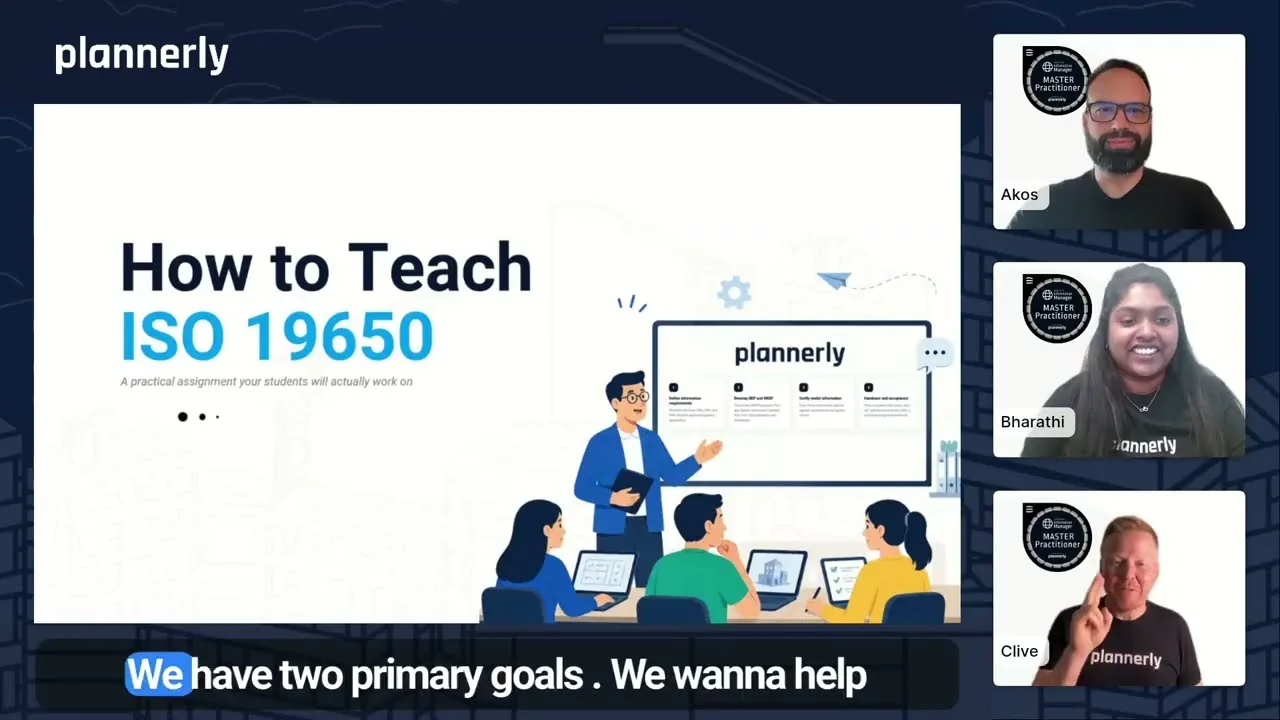
Teaching ISO 19650? Give your students this assignment
Teaching ISO 19650 is hard when it stays on slides. Students memorise the acronyms - OIR, EIR, PIR, TIDP, MIDP - pass the exam, then freeze on their first real project. This video shows how a free, practical ISO 19650 assignment lets your students complete the real ISO 19650 workflow inside...
 Video · 8:39
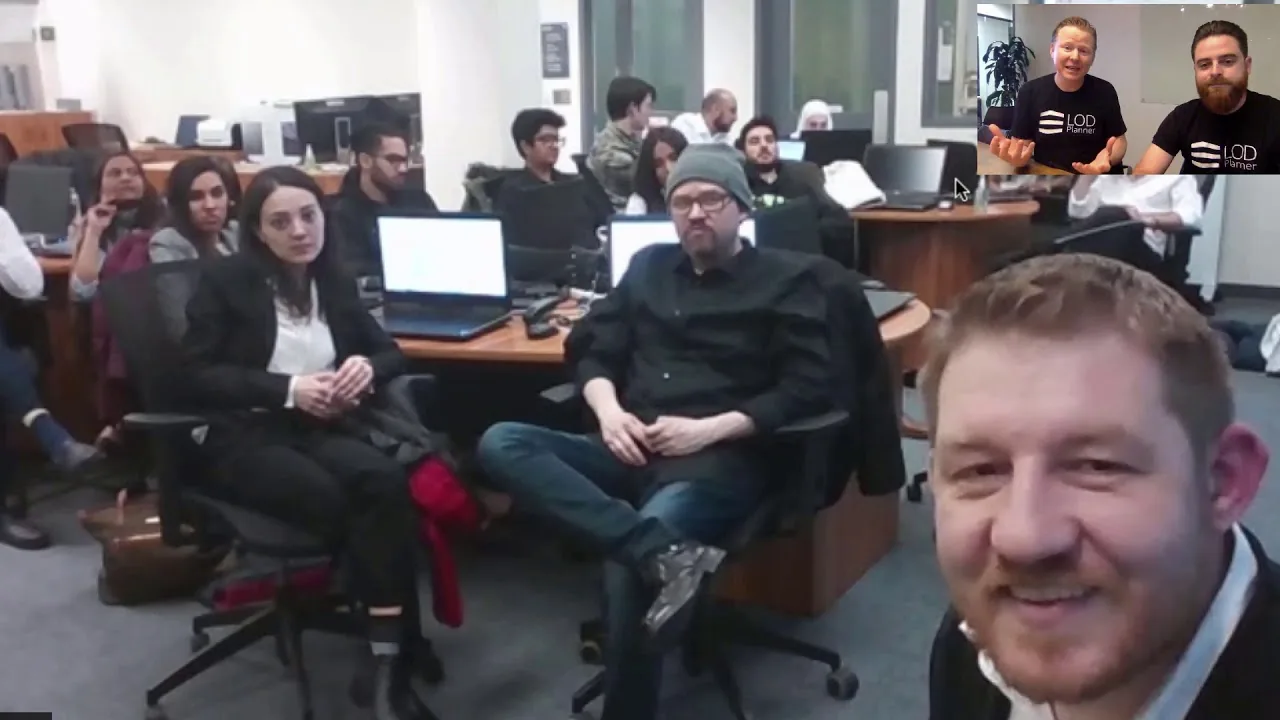
Part 1 of 2: George Brown BIM Management with Plannerly (formerly LOD Planner)
Congratulations for such a successful BIM Management Program! BIM students have been learning BIM management workflows using LOD Planner. Do you want to stay up to date with simple BIM execution planning?: Stay up to date?: - LinkedIn: https://www.linkedin.com/company/plannerly - Twitter:...
 Video · 2:28
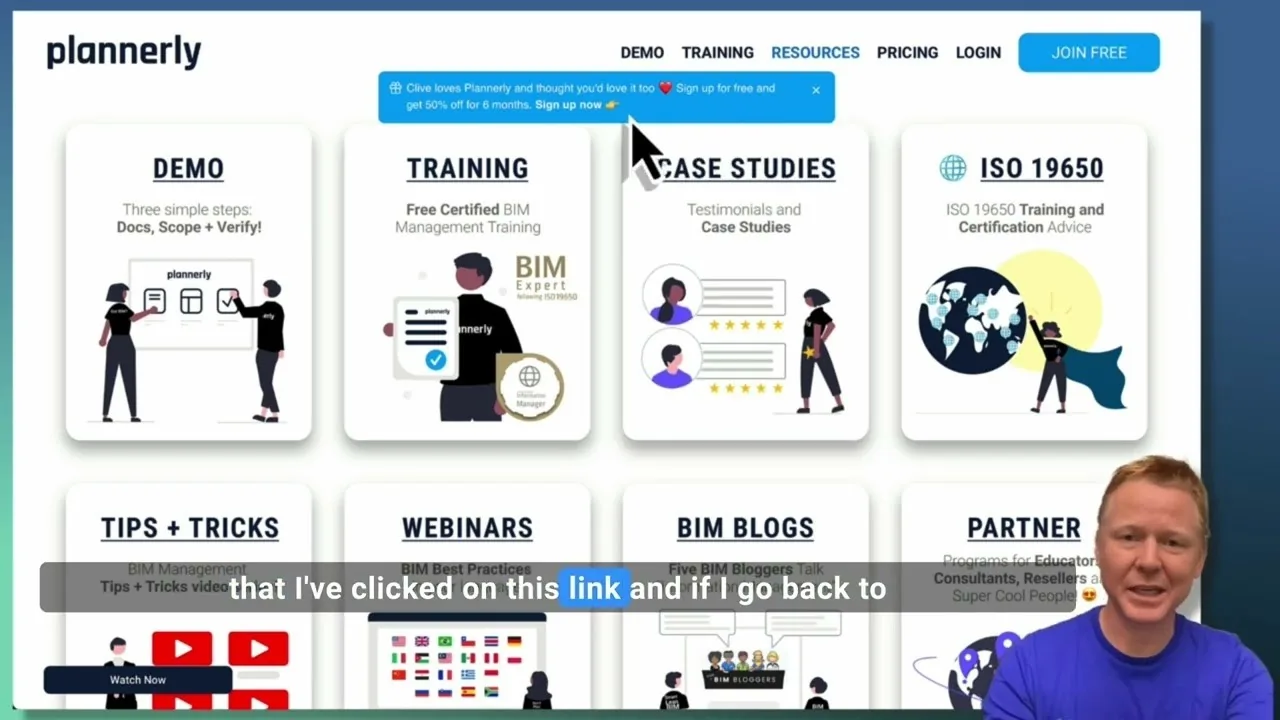
Create a Customized Referral Link
Learn how to create custom referral links for our website in this step-by-step guide. We'll show you how to set up links that point to different pages and ensure your referrals are properly tagged. Best of all, you'll earn a $1000 commission for each person who signs up for a plan through your...
 Video · 1:27
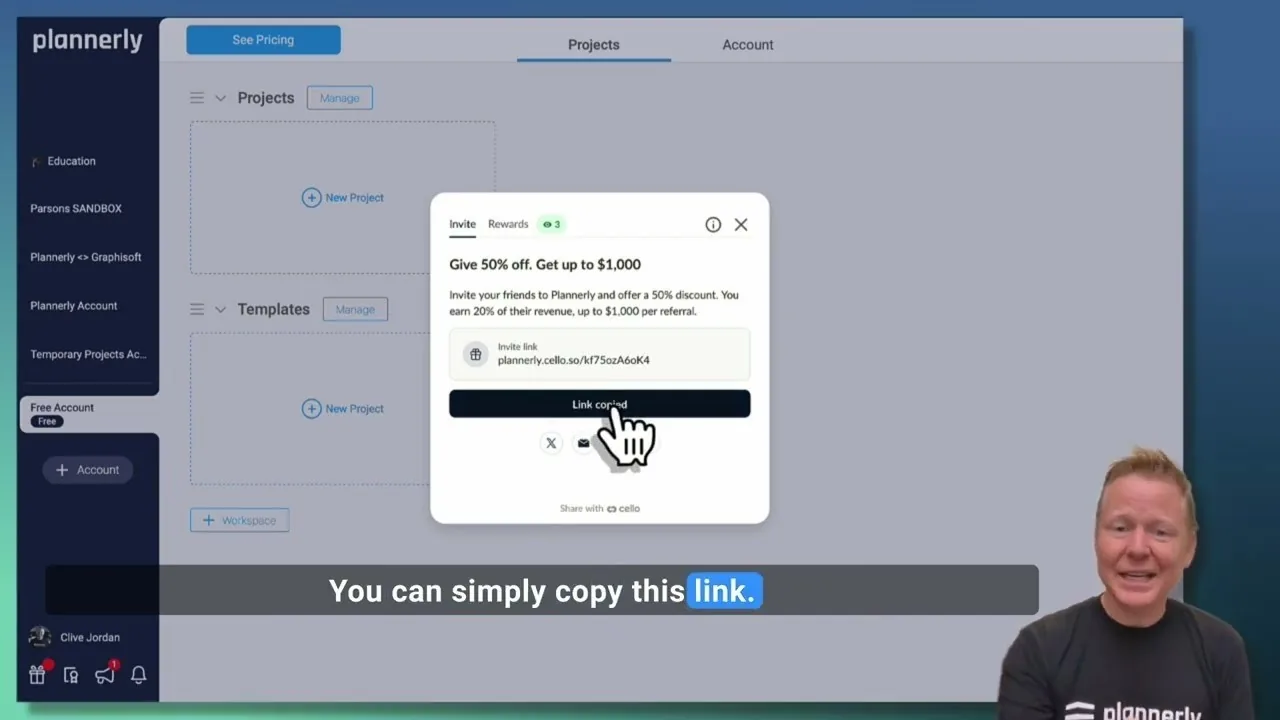
Plannerly Referral Program - You get $1,000 per referral!
You get $1,000 per referral! They get 50% off their Plannerly subscription!
 Video · 39:19
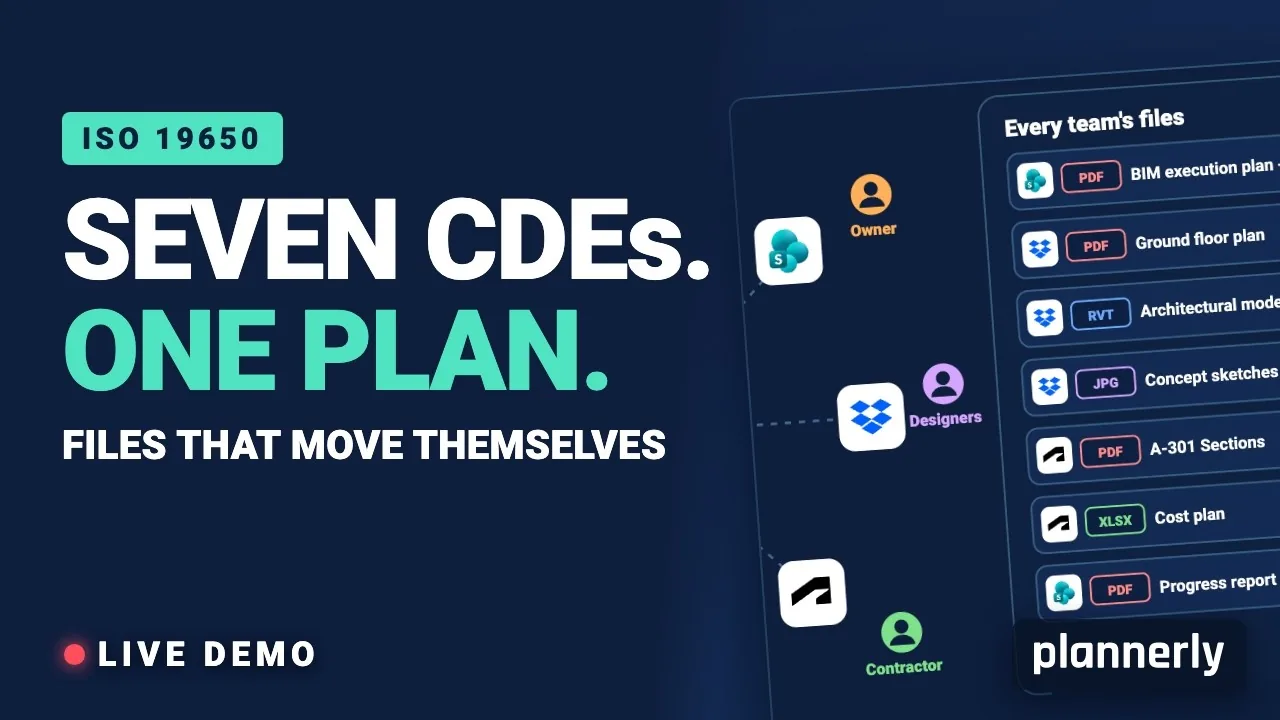
Why Your BIM Files Are Lost in Seven CDEs
Seven CDEs. One plan. In this live session an approved document files itself in the client's SharePoint, files dropped in the design team's Dropbox fill their requests in the MIDP, and a reviewed drawing goes straight on to the contractor's Autodesk Forma.
 Video · 1:01
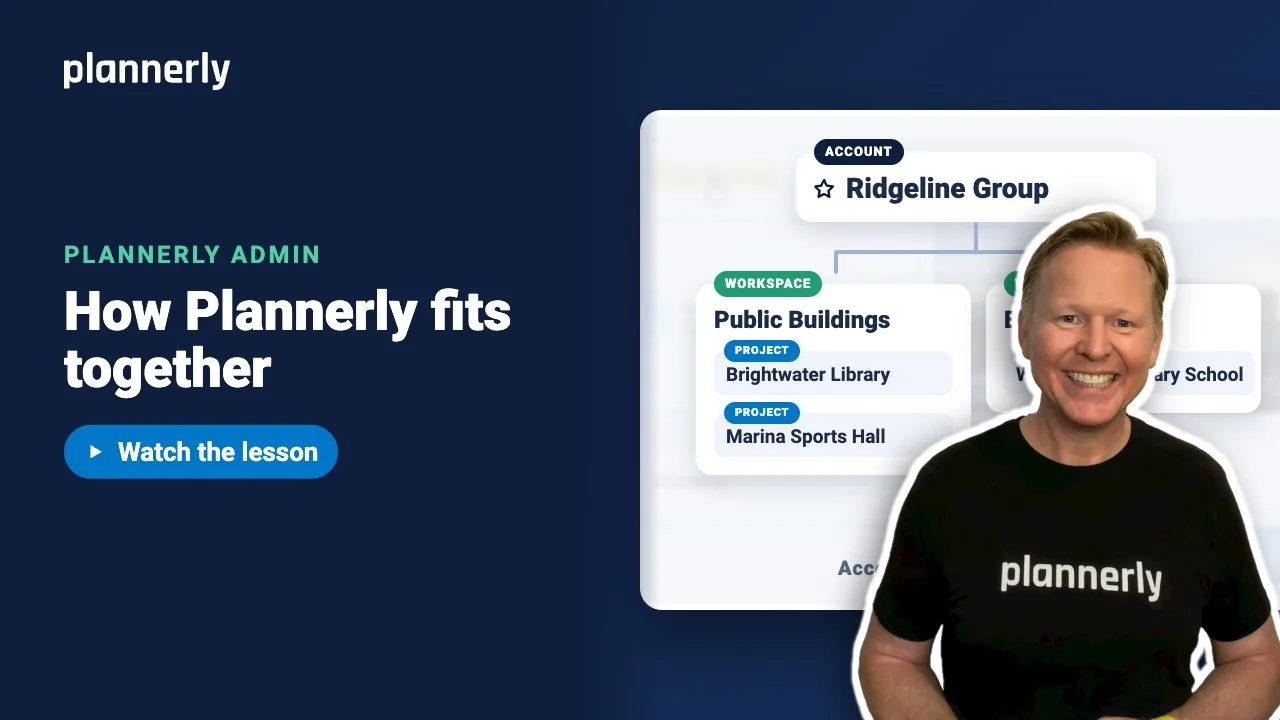
Plannerly Accounts, Workspaces and Projects Explained
Step-by-step guide: https://help.plannerly.com/en/article/accounts-workspaces-and-projects-in-plannerly-explained Free Certified Plannerly Administrator course with certificate: https://plannerly.com/courses/admin/