
Video
How This VDC Team Built 60% Faster BIM Workflows (and Scaled 5x) - Without Losing Quality or Control
About this video
Tired of chasing down scope updates, formatting Word docs, and manually checking models? This fast-growing VDC team used to be in the same boat - until they made one shift that changed everything.
In this short breakdown, you’ll see how reiSource:
- Replaced 5 disconnected tools with 1 structured platform
- Cut scope review time by 75%
- Grew from 3 to 15 team members while keeping quality high
- Built repeatable, scalable workflows that actually stick
🔍 Want to see exactly how they did it?
👉 Read the full case study here: https://plannerly.com/vdc-case-study-with-plannerly/
This isn’t a theory - it’s a behind-the-scenes look at the real systems that are making BIM managers’ lives easier.
BIM Managers: You’ll Want to Steal This Workflow
🎓 FREE CERTIFIED TRAINING: Now you've checked this out, you can register for the free certified BIM management training course here: https://plannerly.com/training 👈
Stay up to date with BIM Management?:
- LinkedIn: https://www.linkedin.com/company/plannerly
- Twitter: https://twitter.com/PlannerlyAEC
- Instagram: https://www.instagram.com/plannerlyAEC
- Facebook: https://www.facebook.com/plannerlyAEC
#BIM #ISO19650 #InformationManagement #AEC #design #engineering #construction #BEP #LevelofInformationNeed #LOIN #LOD #planning #engineers #architects #contractors #smartleanbim #plannerly
Featured in
Where this video is used
 Video · 2:28
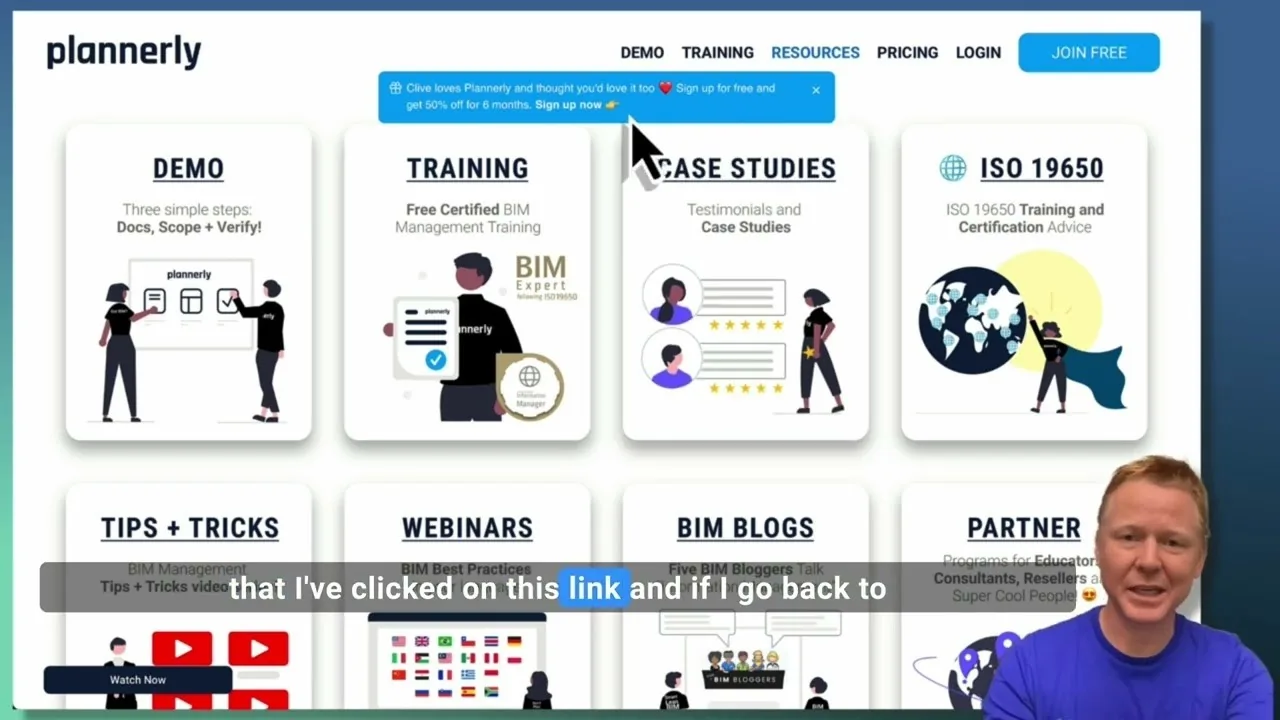
Create a Customized Referral Link
Learn how to create custom referral links for our website in this step-by-step guide. We'll show you how to set up links that point to different pages and ensure your referrals are properly tagged. Best of all, you'll earn a $1000 commission for each person who signs up for a plan through your...
 Video · 1:27
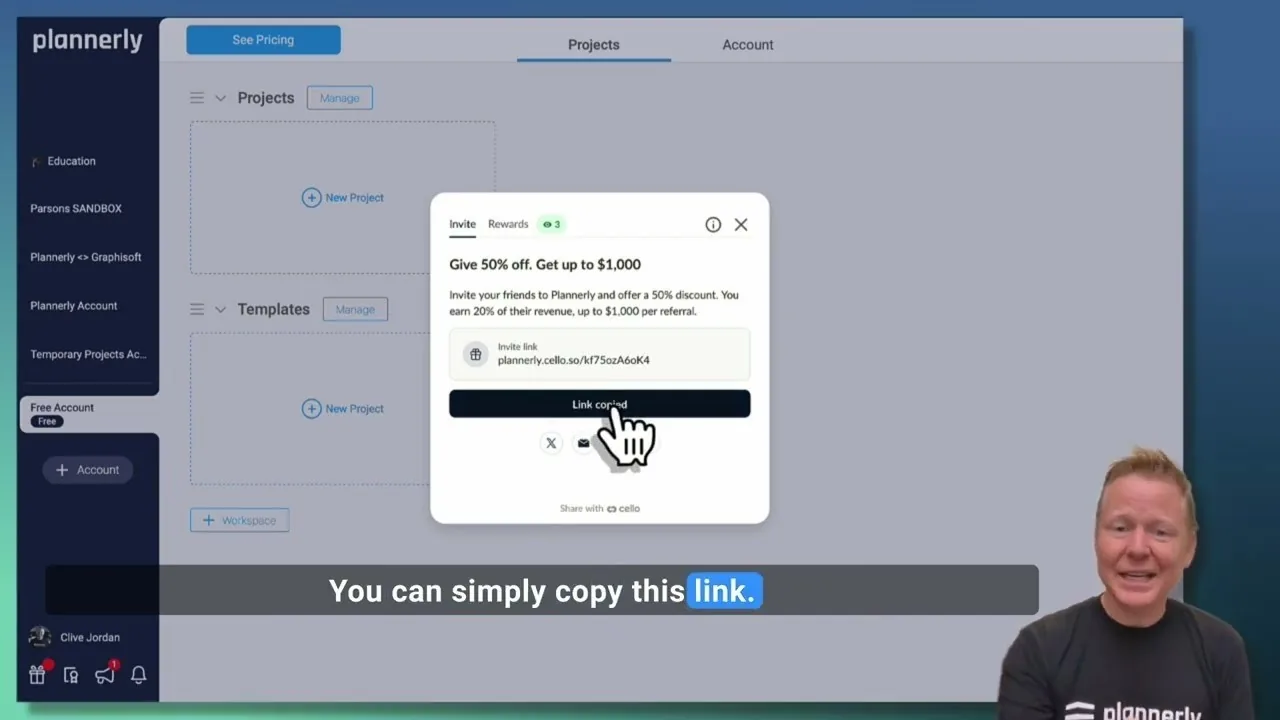
Plannerly Referral Program - You get $1,000 per referral!
You get $1,000 per referral! They get 50% off their Plannerly subscription!
 Video · 39:19
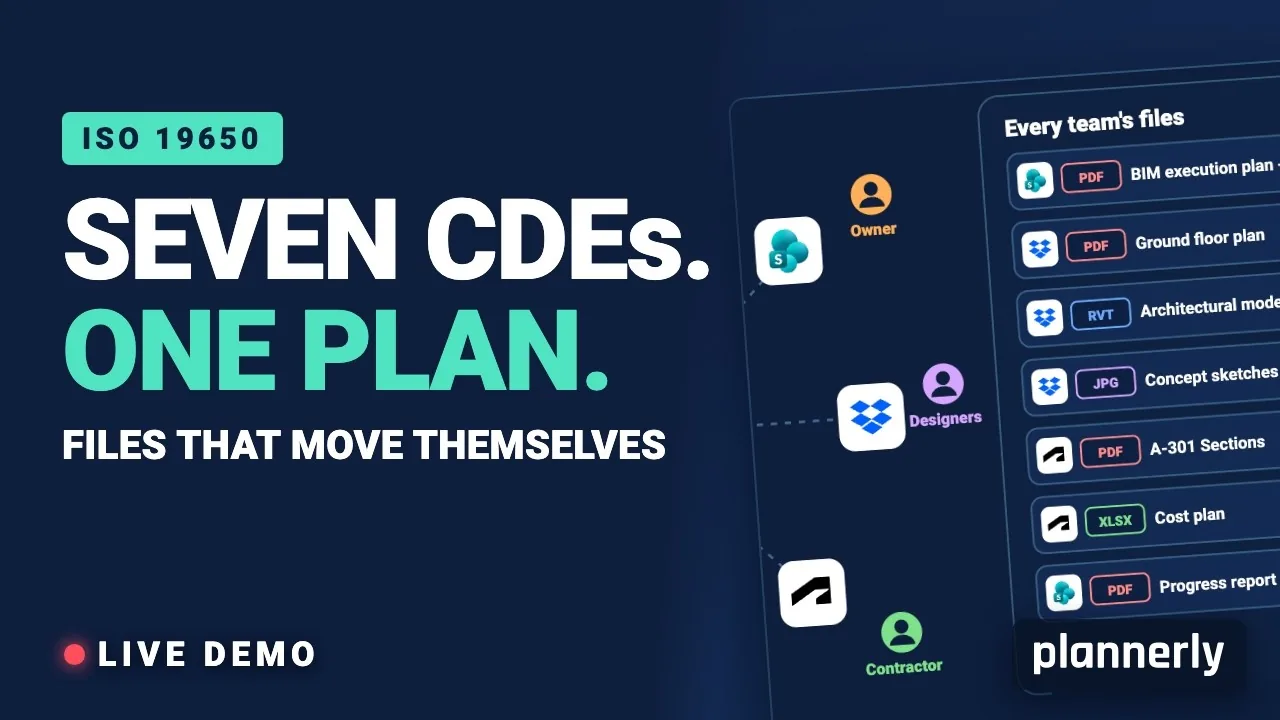
Why Your BIM Files Are Lost in Seven CDEs
Seven CDEs. One plan. In this live session an approved document files itself in the client's SharePoint, files dropped in the design team's Dropbox fill their requests in the MIDP, and a reviewed drawing goes straight on to the contractor's Autodesk Forma.
 Video · 1:01
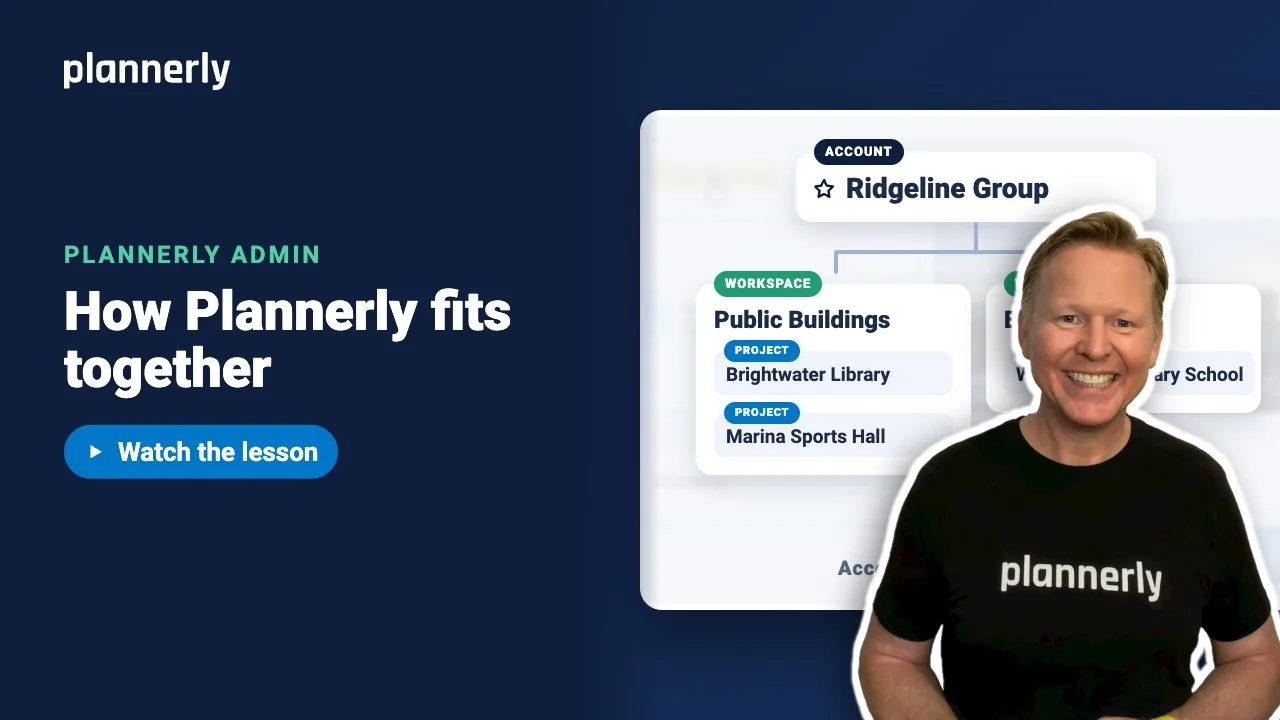
Plannerly Accounts, Workspaces and Projects Explained
Step-by-step guide: https://help.plannerly.com/en/article/accounts-workspaces-and-projects-in-plannerly-explained Free Certified Plannerly Administrator course with certificate: https://plannerly.com/courses/admin/
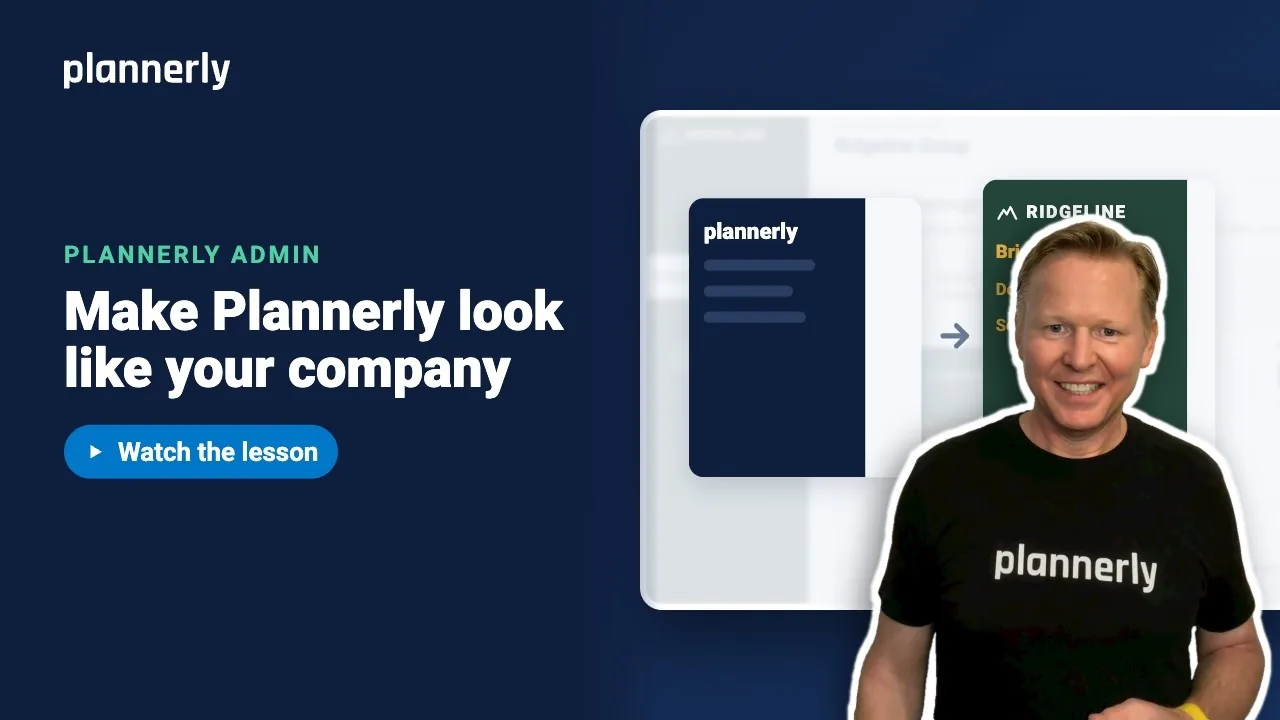 Video · 0:47
How to Add Your Logo and Colors to Your Plannerly Account
Step-by-step guide: https://help.plannerly.com/en/article/how-to-add-your-company-logo-and-colors-to-plannerly Free Certified Plannerly Administrator course with certificate: https://plannerly.com/courses/admin/
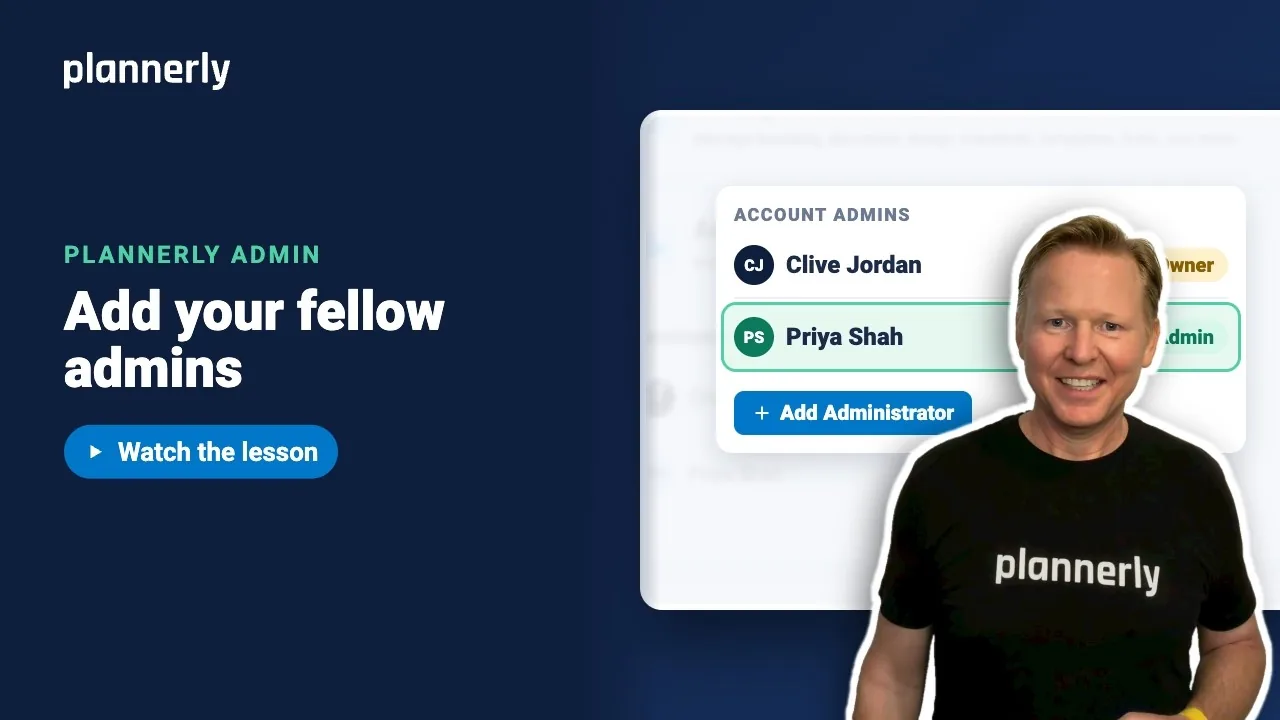 Video · 0:49
How to Add a Second Admin to Your Plannerly Account
Step-by-step guide: https://help.plannerly.com/en/article/how-to-add-another-account-admin-in-plannerly Free Certified Plannerly Administrator course with certificate: https://plannerly.com/courses/admin/