
Video
How to Import an IDS File and See What It Asks For
About this video
Step-by-step guide: https://help.plannerly.com/en/article/import-ids-files
Free Certified Plannerly Professional course with certificate: https://plannerly.com/courses/professional/
An IDS file is a precise list of what a model must contain, but nobody wants to read the XML. Import it into Plannerly Scope and its specifications become rows and its rules become requirements, so you can see what's asked, of whom and when, then check the model.
In this video:
0:00 What an IDS is
0:10 Import the IDS
0:23 See what is asked
0:34 Check in Verify
Next: How to Export an IDS File from Your Information Requirements: https://youtu.be/qQ_3DygwC_0
The whole Certified Plannerly Professional course in order: https://www.youtube.com/playlist?list=PLBbqFLwV3gRs
Plannerly is the BIM management platform used by nearly 150,000 teams to plan, scope and check project information.
Try it free: https://plannerly.com/
Free training: https://plannerly.com/training/
Help Center: https://help.plannerly.com/en/
LinkedIn: https://www.linkedin.com/company/plannerly
Instagram: https://www.instagram.com/plannerlyAEC
#BIM #ISO19650 #Plannerly
Featured in
Where this video is used
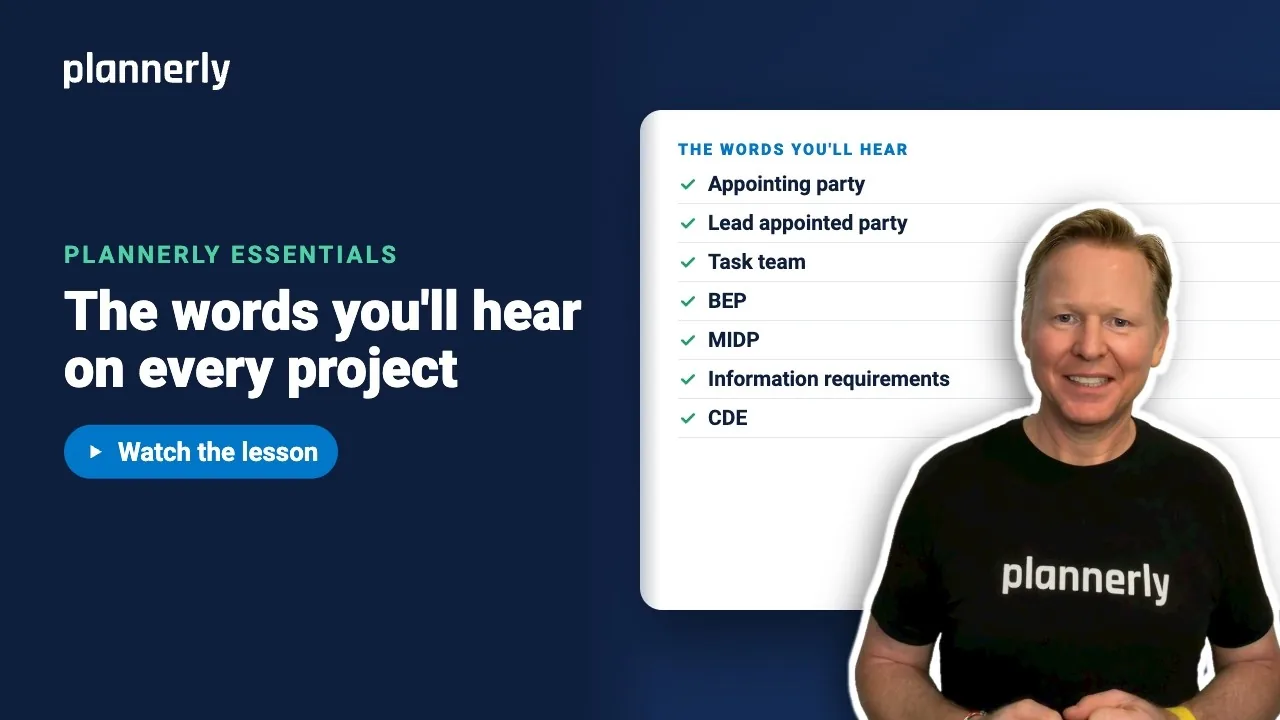 Video · 1:05
ISO 19650 Key Terms Explained in Plain English
Step-by-step guide: https://help.plannerly.com/en/article/iso-19650-key-terms-in-plain-english-with-us-words Free Certified Plannerly Professional course with certificate: https://plannerly.com/courses/professional/
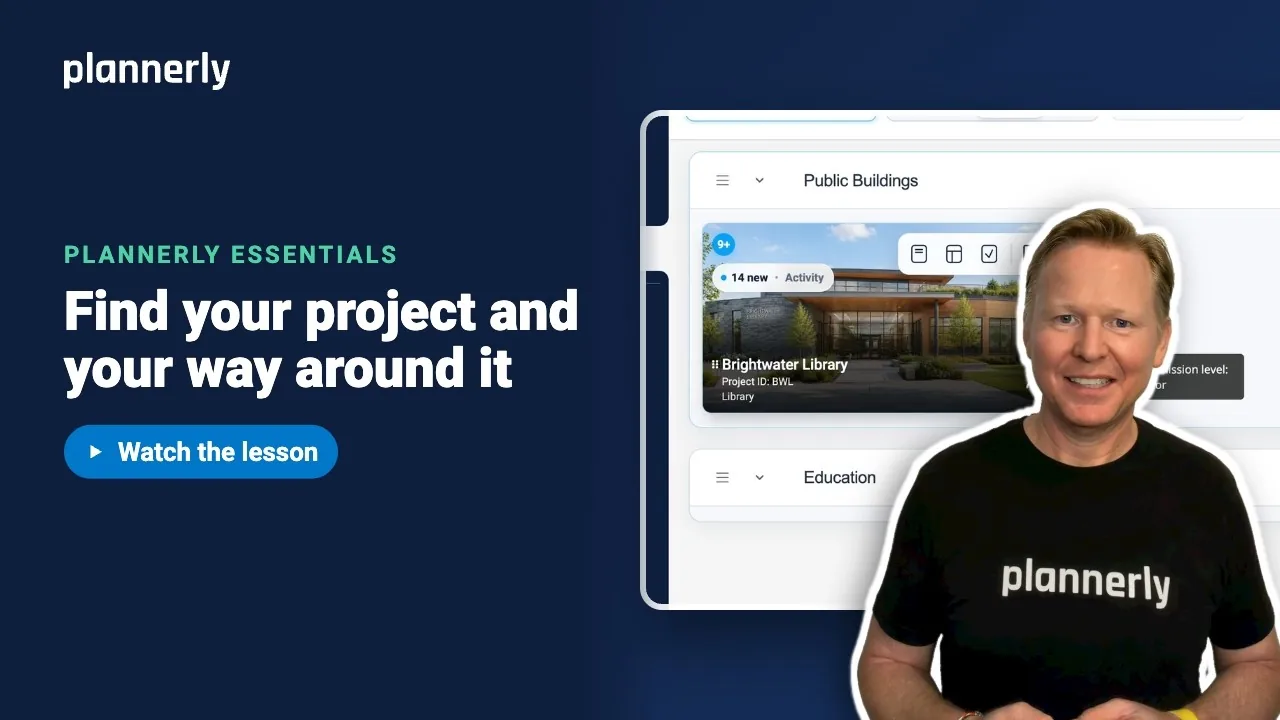 Video · 0:51
Finally Invited to a Plannerly Project? Start Here
Step-by-step guide: https://help.plannerly.com/en/article/how-to-find-your-project-and-get-around-it-in-plannerly Free Certified Plannerly Professional course with certificate: https://plannerly.com/courses/professional/
 Video · 0:38
The Fastest Way to See Your Work in Plannerly
Step-by-step guide: https://help.plannerly.com/en/article/how-to-see-your-own-tasks-on-a-plannerly-project Free Certified Plannerly Professional course with certificate: https://plannerly.com/courses/professional/
 Video · 0:41
How to Ask Questions Where the Work Actually Happens
Step-by-step guide: https://help.plannerly.com/en/article/how-to-ask-a-question-on-a-task-in-plannerly-and-mention Free Certified Plannerly Professional course with certificate: https://plannerly.com/courses/professional/
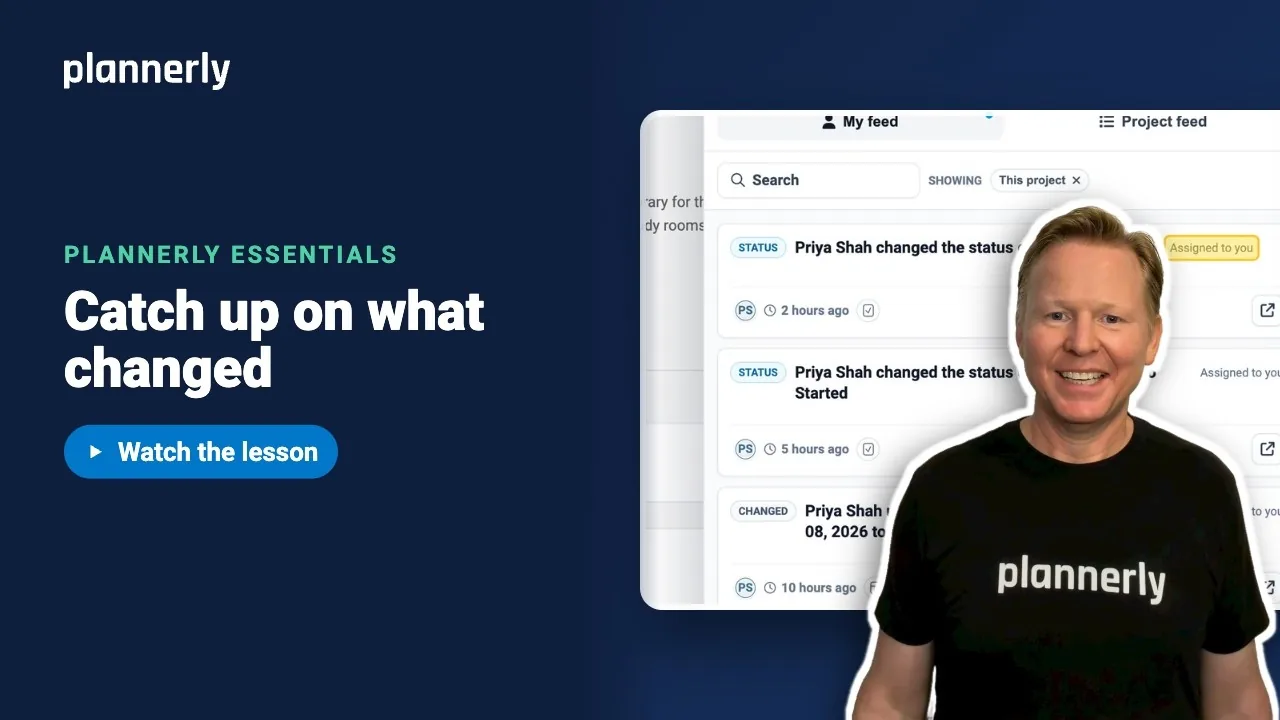 Video · 0:30
Stop Reading Every Notification: The Smarter Way to Catch Up
Step-by-step guide: https://help.plannerly.com/en/article/how-to-catch-up-on-project-activity-in-plannerly Free Certified Plannerly Professional course with certificate: https://plannerly.com/courses/professional/
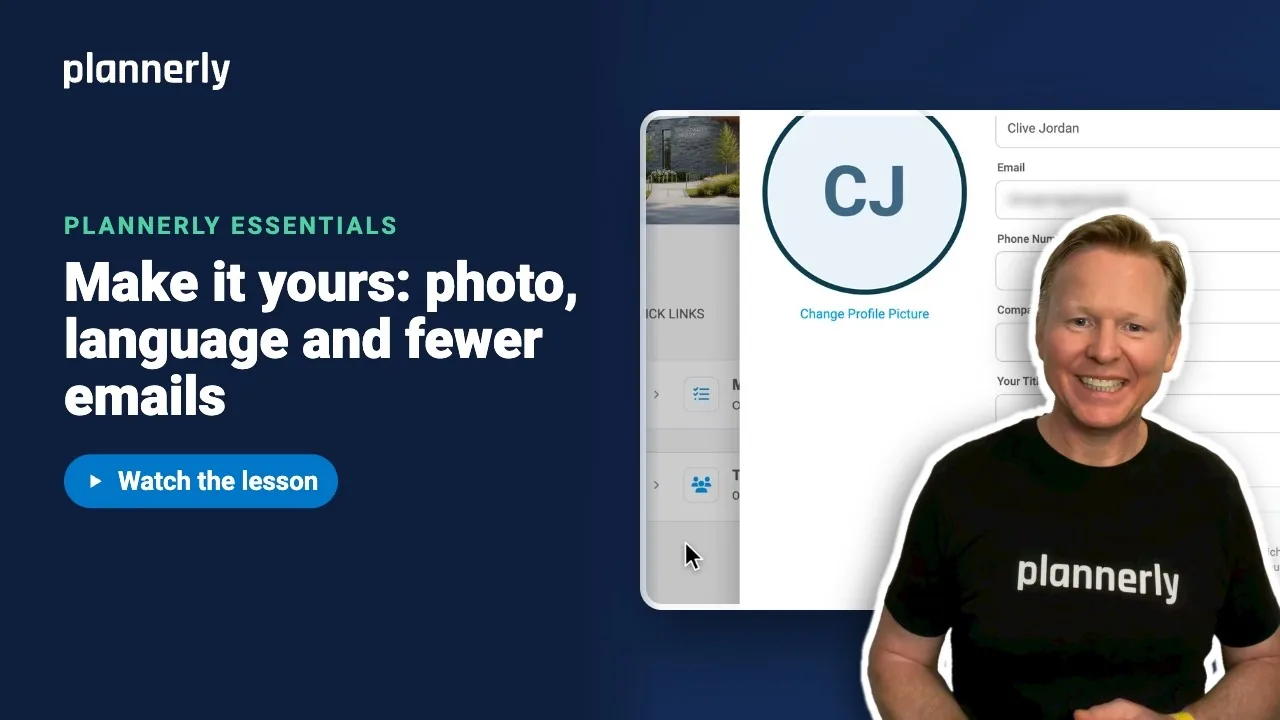 Video · 0:45
How to Set Up Your Profile and Notification Preferences
Step-by-step guide: https://help.plannerly.com/en/article/71-how-can-i-add-my-photo-to-my-profile-in-the-plannerly-app Free Certified Plannerly Professional course with certificate: https://plannerly.com/courses/professional/