
Video
How to Roll Out a Company Standard Update to Projects in Plannerly
About this video
Step-by-step guide: https://help.plannerly.com/en/article/how-to-roll-out-a-company-standard-update-to-projects-in-plannerly
Free Certified Plannerly Administrator course with certificate: https://plannerly.com/courses/admin/
Change a company standard mid-project and you either rework every live document overnight or nobody notices. See how to change a standard once, how each project is offered the update, and how teams choose Use update or Keep current when it suits them.
In this video:
0:00 Why changes get missed
0:14 Change a standard once
0:24 Review the update
0:34 Use update or Keep current
Next: How to Create and Configure a Plannerly Project: What You'll Learn: https://youtu.be/RaodQnza35Q
The whole Certified Plannerly Administrator course in order: https://www.youtube.com/playlist?list=PLXI2hGj1X37s
Plannerly is the BIM management platform used by nearly 150,000 teams to plan, scope and check project information.
Try it free: https://plannerly.com/
Free training: https://plannerly.com/training/
Help Center: https://help.plannerly.com/en/
LinkedIn: https://www.linkedin.com/company/plannerly
Instagram: https://www.instagram.com/plannerlyAEC
#BIM #ISO19650 #Plannerly
Featured in
Where this video is used
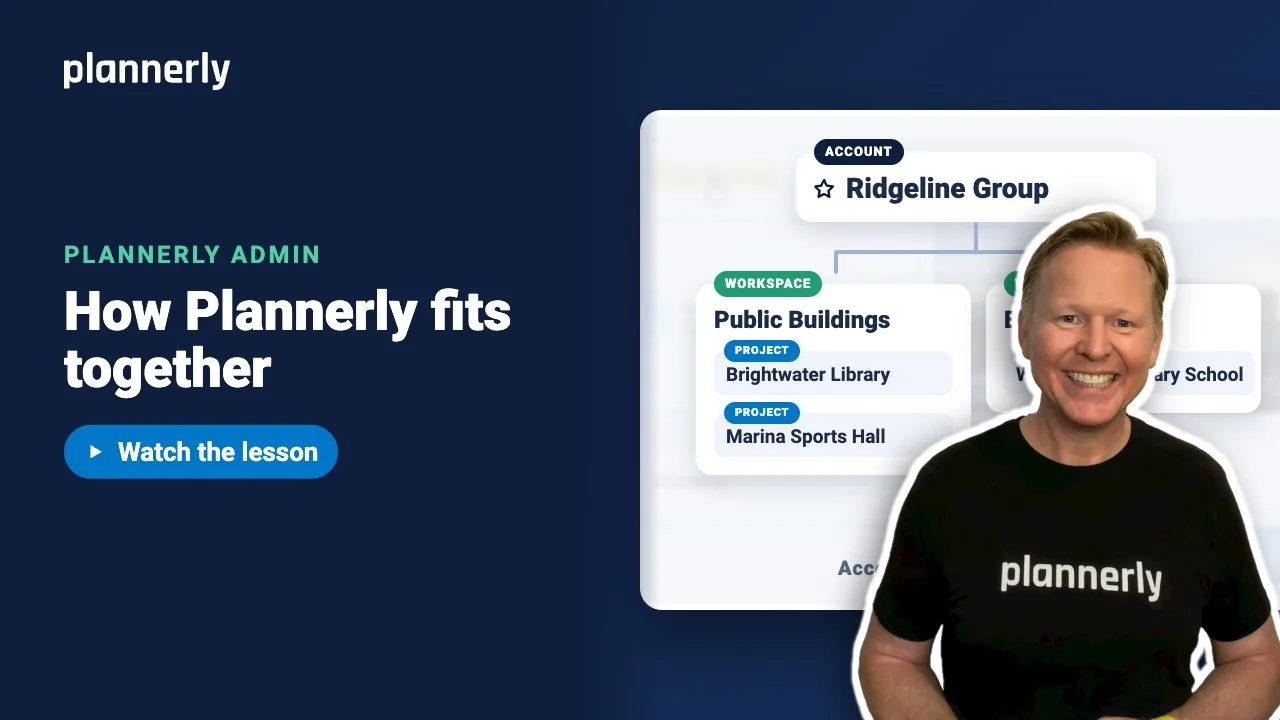 Video · 1:01
Plannerly Accounts, Workspaces and Projects Explained
Step-by-step guide: https://help.plannerly.com/en/article/accounts-workspaces-and-projects-in-plannerly-explained Free Certified Plannerly Administrator course with certificate: https://plannerly.com/courses/admin/
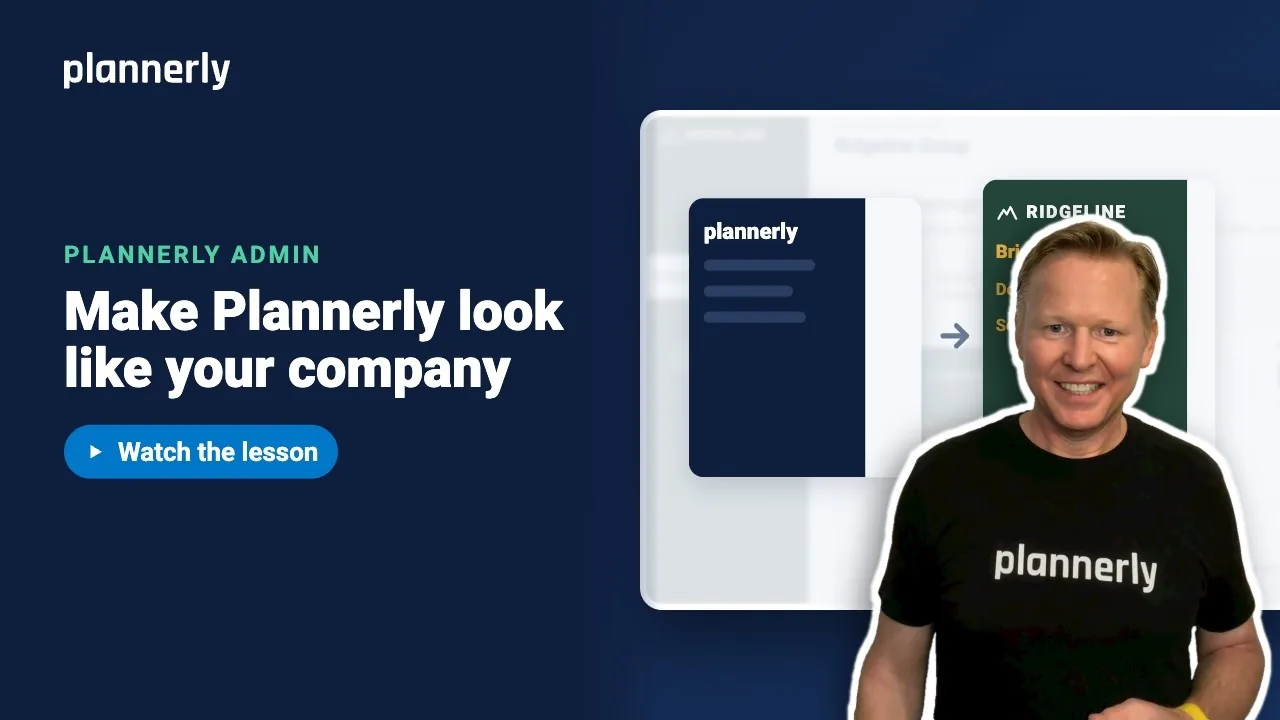 Video · 0:47
How to Add Your Logo and Colors to Your Plannerly Account
Step-by-step guide: https://help.plannerly.com/en/article/how-to-add-your-company-logo-and-colors-to-plannerly Free Certified Plannerly Administrator course with certificate: https://plannerly.com/courses/admin/
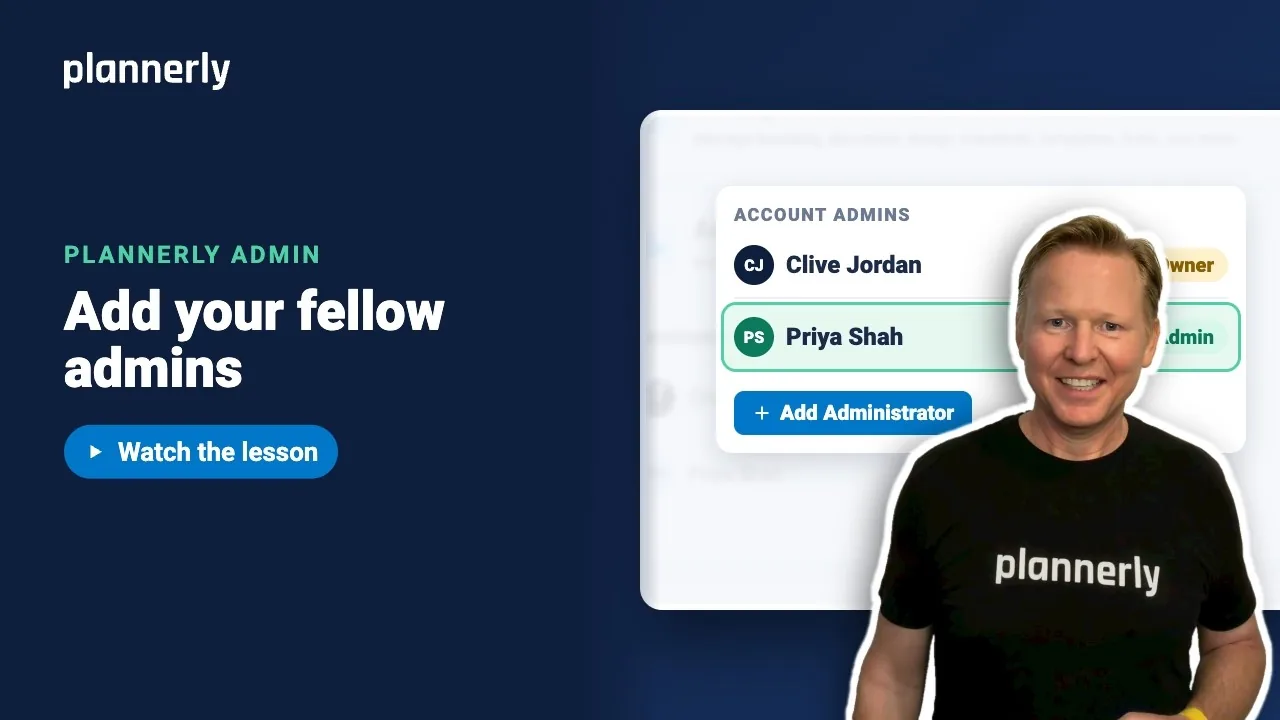 Video · 0:49
How to Add a Second Admin to Your Plannerly Account
Step-by-step guide: https://help.plannerly.com/en/article/how-to-add-another-account-admin-in-plannerly Free Certified Plannerly Administrator course with certificate: https://plannerly.com/courses/admin/
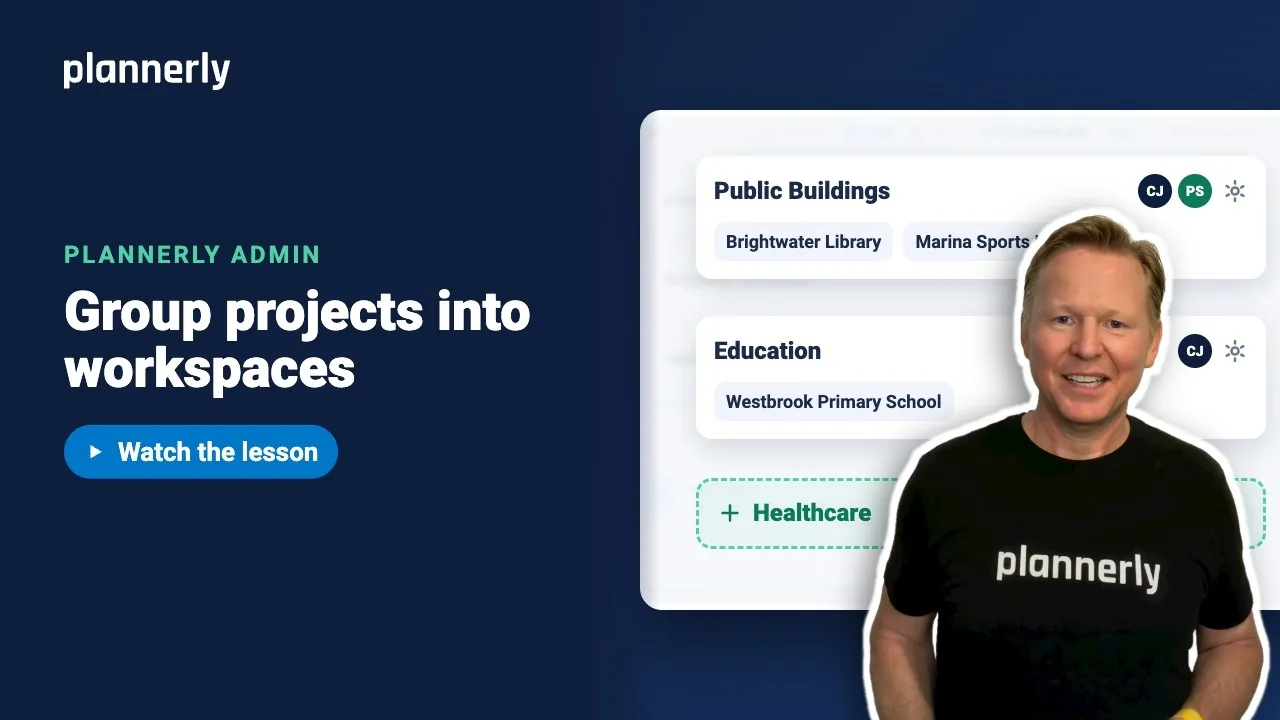 Video · 0:54
How to Group Projects into Workspaces in Plannerly
Step-by-step guide: https://help.plannerly.com/en/article/66-how-to-create-a-new-workspace-in-plannerly Free Certified Plannerly Administrator course with certificate: https://plannerly.com/courses/admin/
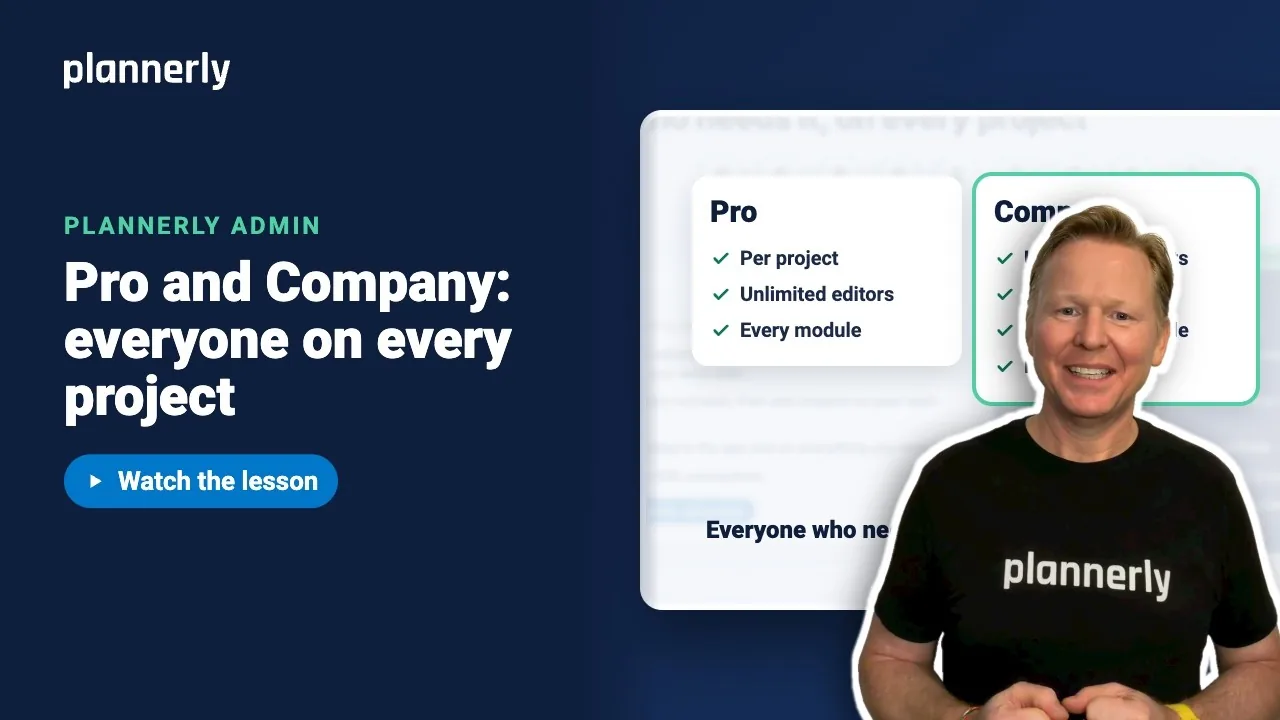 Video · 0:55
Plannerly Pro or Company? Choosing the Right Plan for Your Team
Step-by-step guide: https://help.plannerly.com/en/article/51-how-much-does-plannerly-cost Free Certified Plannerly Administrator course with certificate: https://plannerly.com/courses/admin/
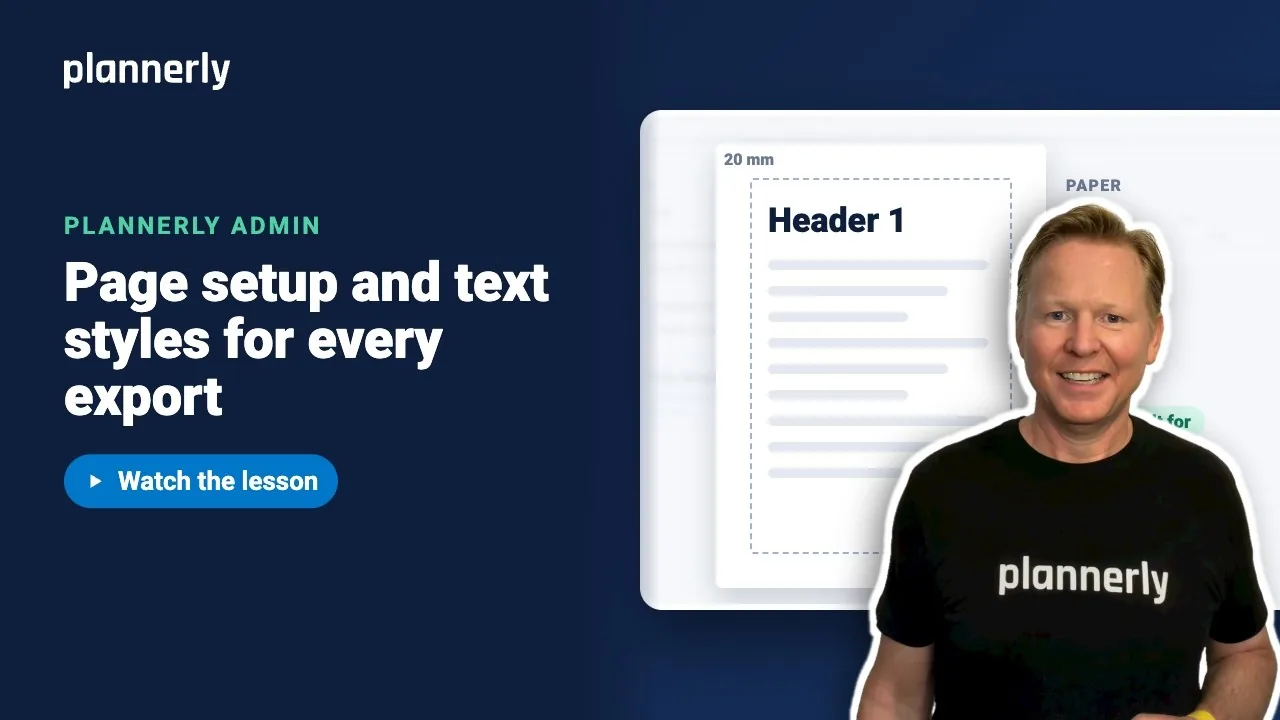 Video · 1:00
How to Set a Default Page Size and Margins in Plannerly
Step-by-step guide: https://help.plannerly.com/en/article/set-company-page-size-margins-and-text-styles-in-plannerly Free Certified Plannerly Administrator course with certificate: https://plannerly.com/courses/admin/