
Video
Level of Information Need and bSDD: Set Them Up from Day One
About this video
Step-by-step guide: https://help.plannerly.com/en/article/project-lod-loin-standards
Free Certified Plannerly Administrator course with certificate: https://plannerly.com/courses/admin/
If every team classifies scope in its own way, information never lines up. Learn how to set the project standard, such as ISO 19650 Level of Information Need, and choose bSDD dictionaries like Uniclass in Plannerly, so everyone and your model checks use the same codes.
In this video:
0:00 Why classification matters
0:14 Project standard (LOIN)
0:25 bSDD and Uniclass
0:39 Same codes for model checks
Next: How to Add Custom Task Statuses with Progress Percentages: https://youtu.be/yxNMCZOwfco
The whole Certified Plannerly Administrator course in order: https://www.youtube.com/playlist?list=PLXI2hGj1X37s
Plannerly is the BIM management platform used by nearly 150,000 teams to plan, scope and check project information.
Try it free: https://plannerly.com/
Free training: https://plannerly.com/training/
Help Center: https://help.plannerly.com/en/
LinkedIn: https://www.linkedin.com/company/plannerly
Instagram: https://www.instagram.com/plannerlyAEC
#BIM #ISO19650 #Plannerly
Featured in
Where this video is used
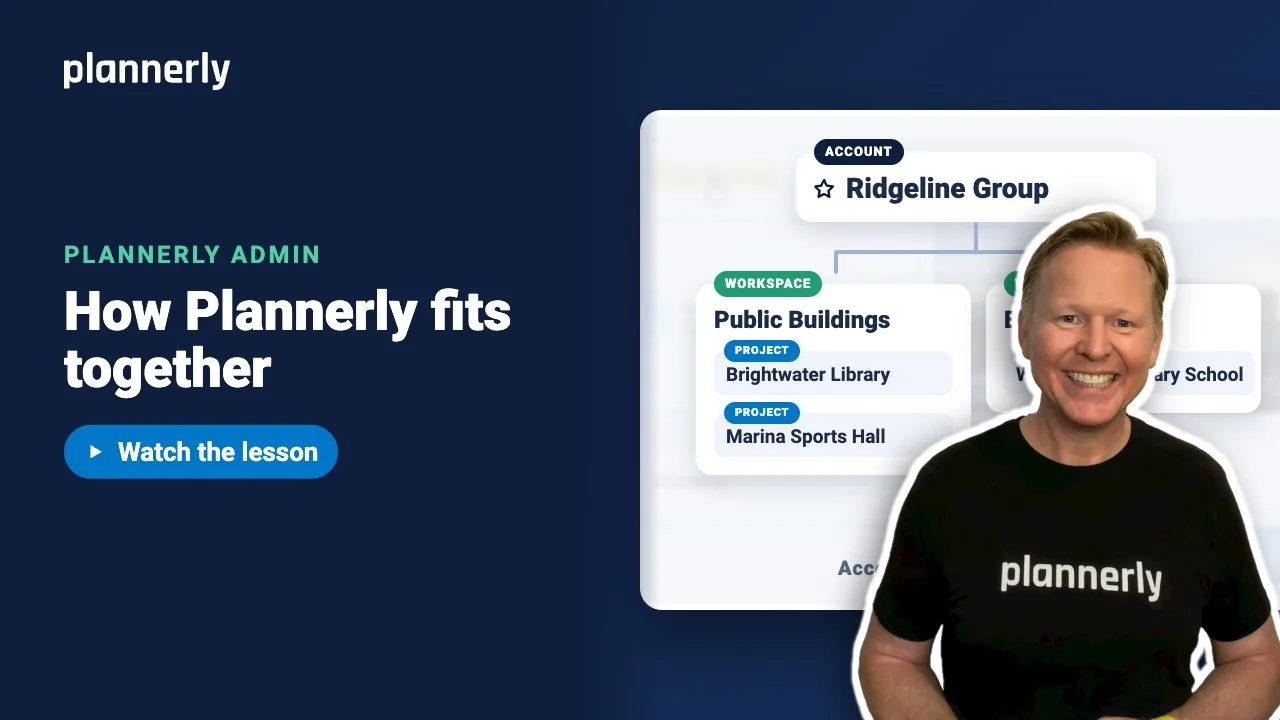 Video · 1:01
Plannerly Accounts, Workspaces and Projects Explained
Step-by-step guide: https://help.plannerly.com/en/article/accounts-workspaces-and-projects-in-plannerly-explained Free Certified Plannerly Administrator course with certificate: https://plannerly.com/courses/admin/
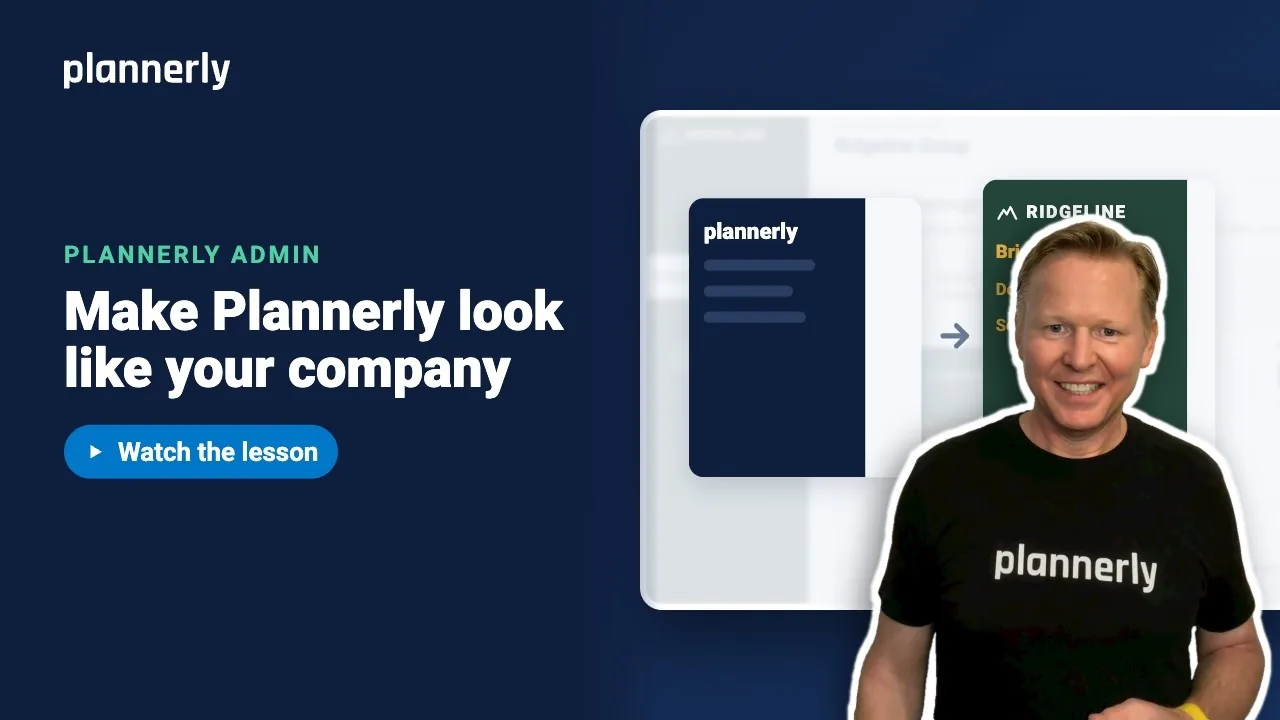 Video · 0:47
How to Add Your Logo and Colors to Your Plannerly Account
Step-by-step guide: https://help.plannerly.com/en/article/how-to-add-your-company-logo-and-colors-to-plannerly Free Certified Plannerly Administrator course with certificate: https://plannerly.com/courses/admin/
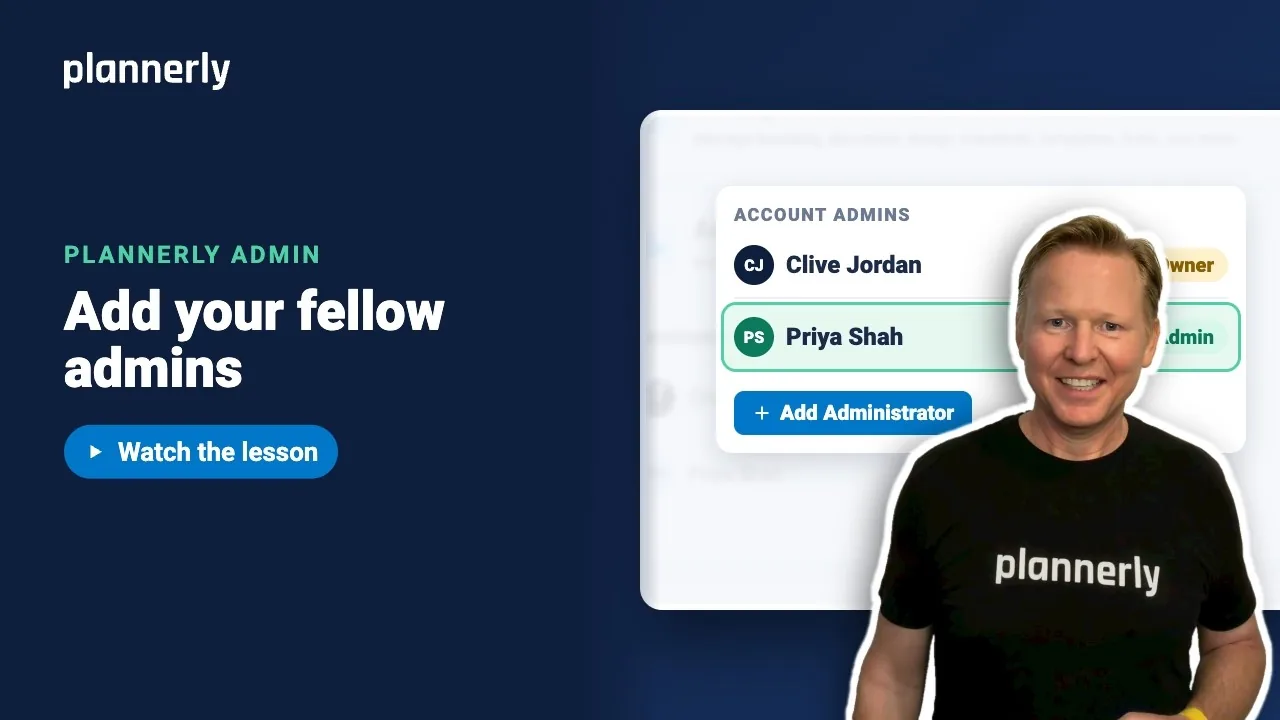 Video · 0:49
How to Add a Second Admin to Your Plannerly Account
Step-by-step guide: https://help.plannerly.com/en/article/how-to-add-another-account-admin-in-plannerly Free Certified Plannerly Administrator course with certificate: https://plannerly.com/courses/admin/
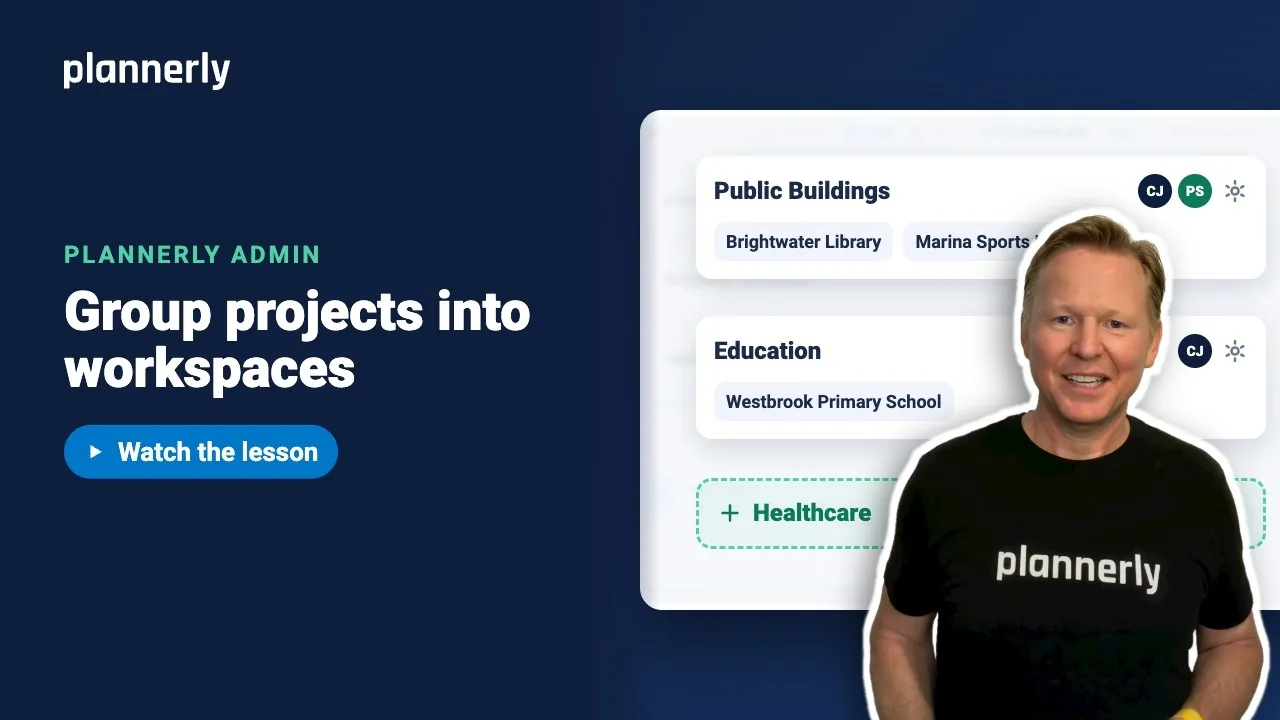 Video · 0:54
How to Group Projects into Workspaces in Plannerly
Step-by-step guide: https://help.plannerly.com/en/article/66-how-to-create-a-new-workspace-in-plannerly Free Certified Plannerly Administrator course with certificate: https://plannerly.com/courses/admin/
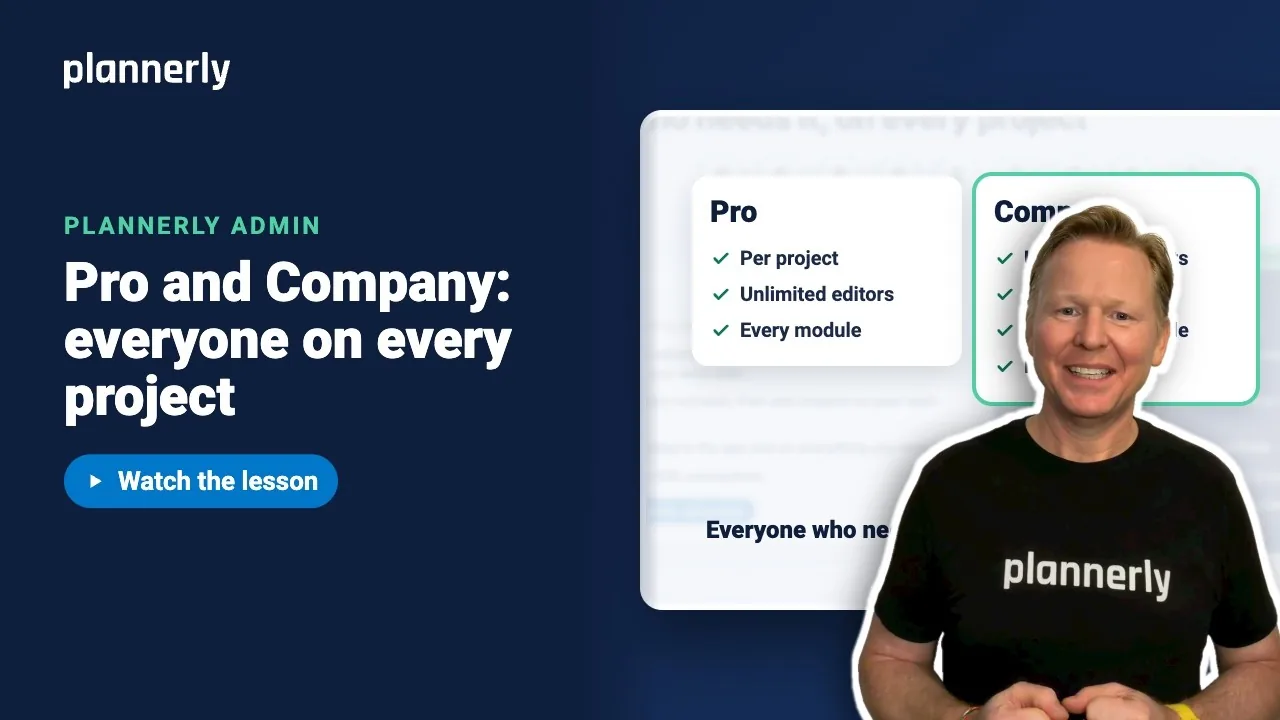 Video · 0:55
Plannerly Pro or Company? Choosing the Right Plan for Your Team
Step-by-step guide: https://help.plannerly.com/en/article/51-how-much-does-plannerly-cost Free Certified Plannerly Administrator course with certificate: https://plannerly.com/courses/admin/
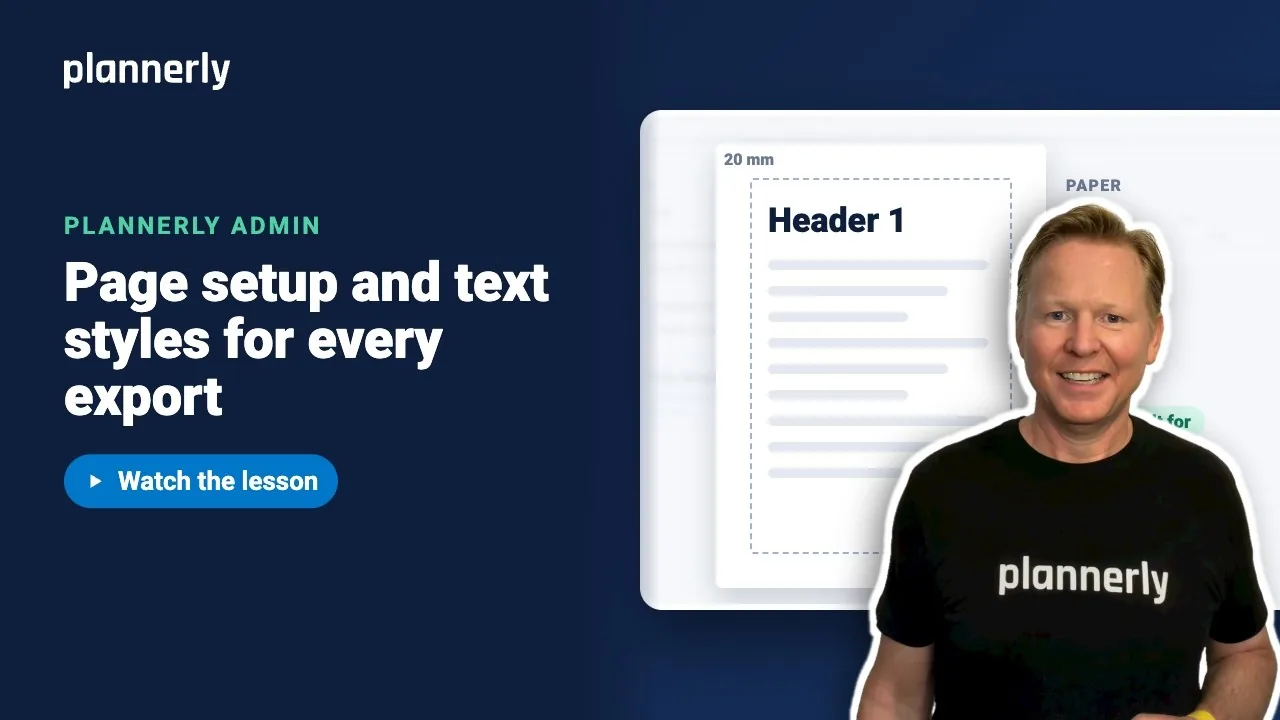 Video · 1:00
How to Set a Default Page Size and Margins in Plannerly
Step-by-step guide: https://help.plannerly.com/en/article/set-company-page-size-margins-and-text-styles-in-plannerly Free Certified Plannerly Administrator course with certificate: https://plannerly.com/courses/admin/