
Video
NEW: The Complete BIM Management Workflow - with Plannerly
About this video
BIM management can be a complex process, but we can make it easier with the right tools and techniques! This video shows how to create a BIM Execution Plan (BEP) with a single click, as well as how to auto-check your BIM models. MORE: https://www.plannerly.com
Plannerly is a powerful BIM software that includes free BEP templates, and a simple three-step workflow that even includes checking of your BIM models.
BIM management is a serious business, but that doesn't mean we can't have some fun with it! So watch this video to learn more about how it works!
Stay up to date with BIM Management?:
- LinkedIn: https://www.linkedin.com/company/plannerly
- Twitter: https://twitter.com/PlannerlyAEC
- Instagram: https://www.instagram.com/plannerlyAEC
- Facebook: https://www.facebook.com/plannerlyAEC
#BIM #bimmanager #bimsoftware #design #engineering #construction #BEP #LOIN #LOD #planning #engineers #architects #contractors #smartleanbim #plannerly
Featured in
Where this video is used
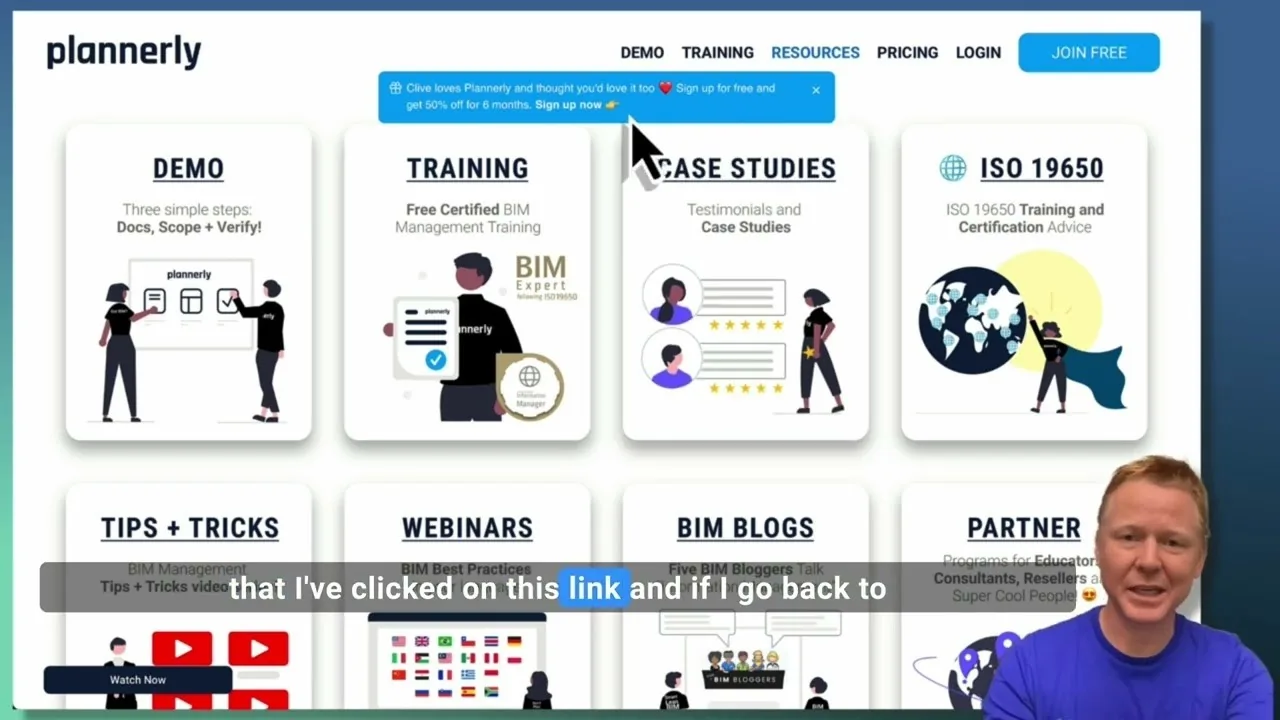 Video · 2:28
Create a Customized Referral Link
Learn how to create custom referral links for our website in this step-by-step guide. We'll show you how to set up links that point to different pages and ensure your referrals are properly tagged. Best of all, you'll earn a $1000 commission for each person who signs up for a plan through your...
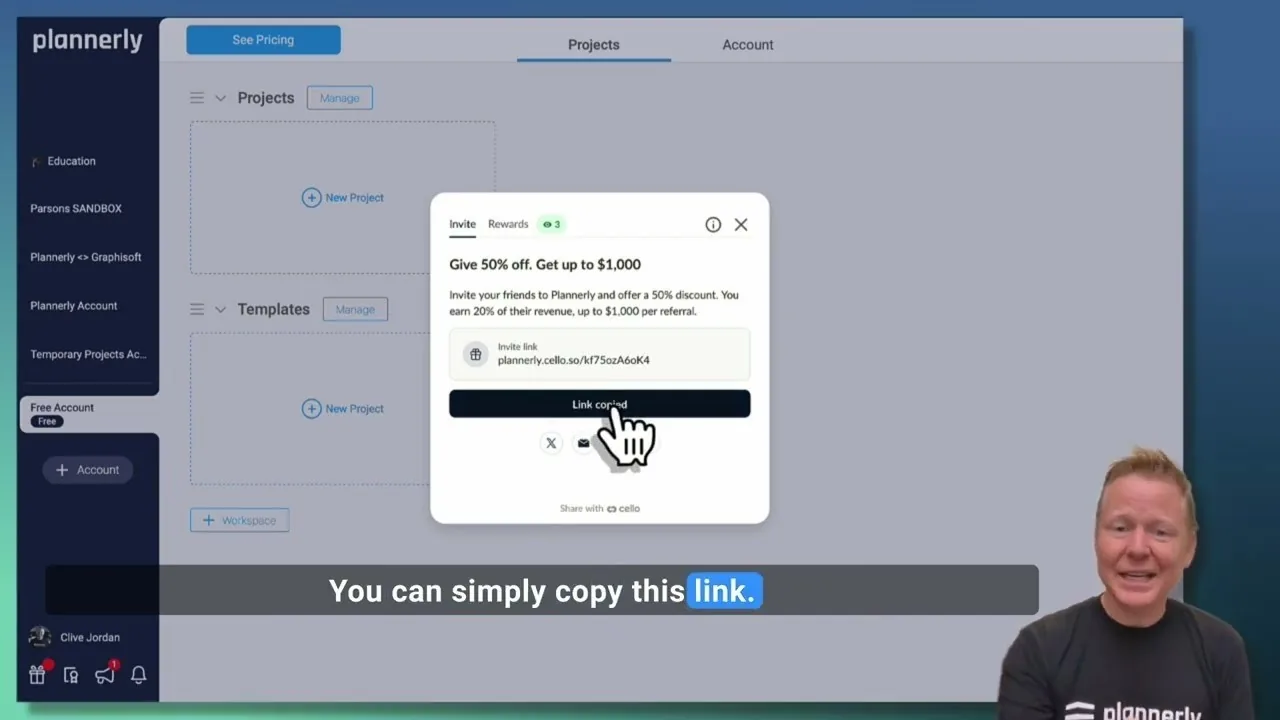 Video · 1:27
Plannerly Referral Program - You get $1,000 per referral!
You get $1,000 per referral! They get 50% off their Plannerly subscription!
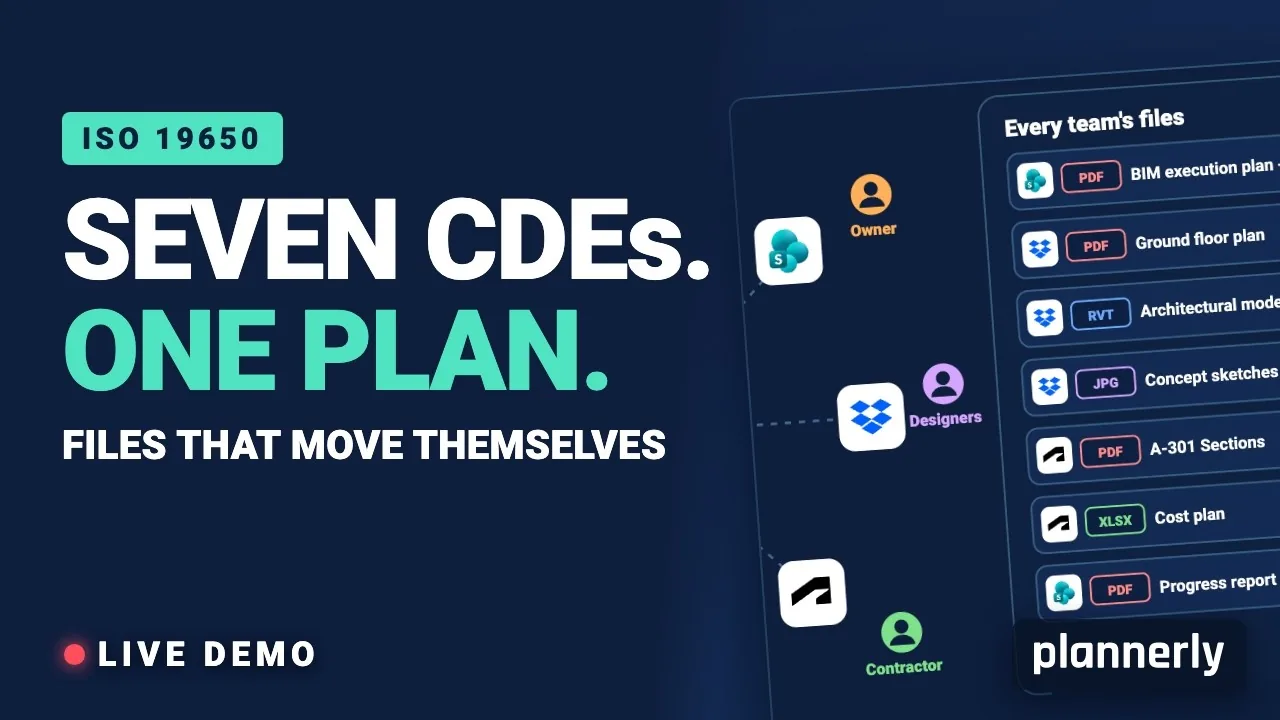 Video · 39:19
Why Your BIM Files Are Lost in Seven CDEs
Seven CDEs. One plan. In this live session an approved document files itself in the client's SharePoint, files dropped in the design team's Dropbox fill their requests in the MIDP, and a reviewed drawing goes straight on to the contractor's Autodesk Forma.
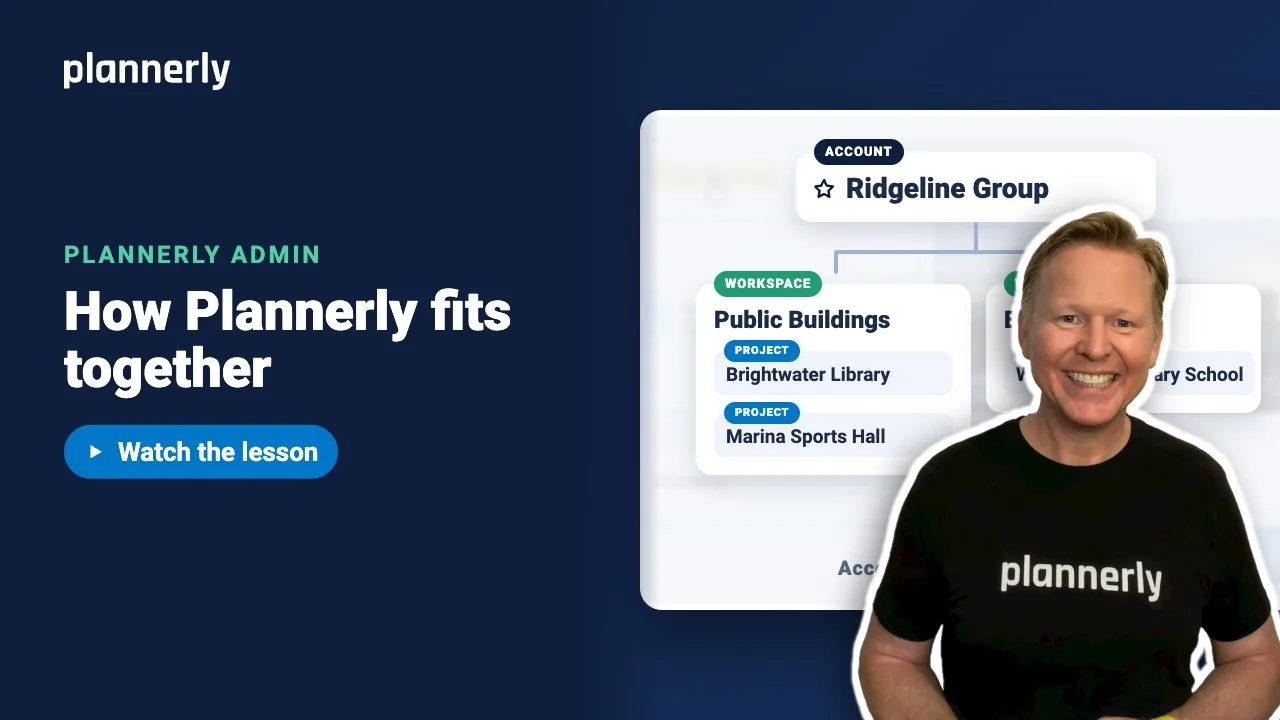 Video · 1:01
Plannerly Accounts, Workspaces and Projects Explained
Step-by-step guide: https://help.plannerly.com/en/article/accounts-workspaces-and-projects-in-plannerly-explained Free Certified Plannerly Administrator course with certificate: https://plannerly.com/courses/admin/
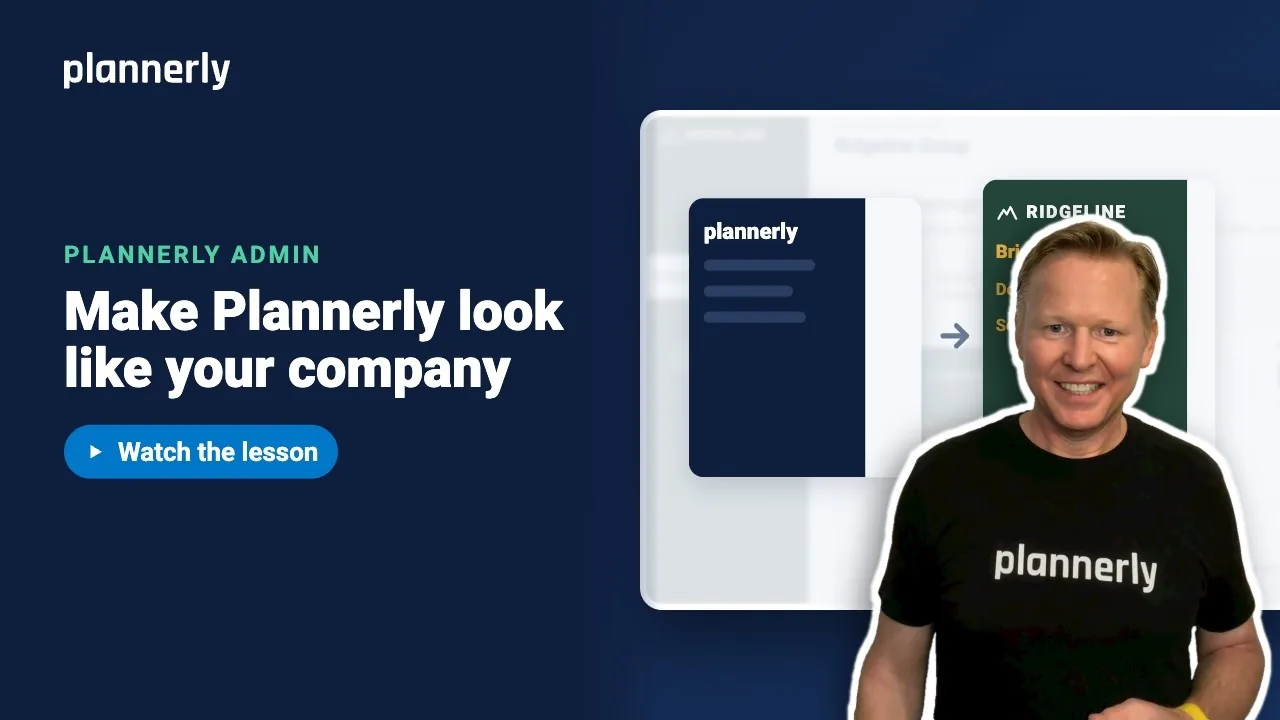 Video · 0:47
How to Add Your Logo and Colors to Your Plannerly Account
Step-by-step guide: https://help.plannerly.com/en/article/how-to-add-your-company-logo-and-colors-to-plannerly Free Certified Plannerly Administrator course with certificate: https://plannerly.com/courses/admin/
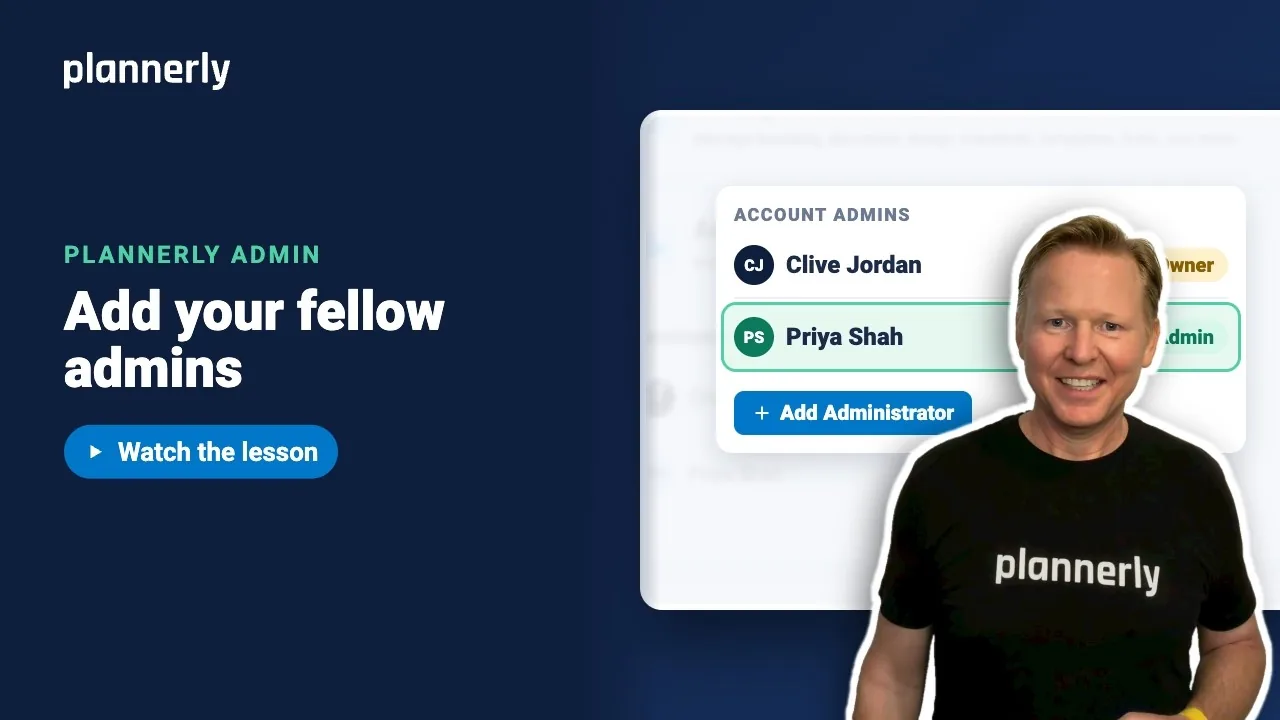 Video · 0:49
How to Add a Second Admin to Your Plannerly Account
Step-by-step guide: https://help.plannerly.com/en/article/how-to-add-another-account-admin-in-plannerly Free Certified Plannerly Administrator course with certificate: https://plannerly.com/courses/admin/