
Video
Automated BIM Model Checking: Ensuring Quality and Efficiency
About this video
In this video, learn how Plannerly has made model checking easier and more efficient for teams. With traditional processes, checking models against contractual requirements is time-consuming and labor-intensive. Plannerly has developed an autonomous and automated system that allows teams to check their deliverables themselves before sending them to receiving parties. Through the use of colour-coded visual indicators, teams can easily determine if models meet the required specifications. The video also explains the importance of understanding the purpose and scope of model creation and demonstrates how Plannerly's system allows for linking model components to specific requirements for accurate and efficient checking.
Timestamps:
0:00 - Introduction
0:03 - Checking Models Against Contractual and Agreed Requirements
0:16 - Making Model Checking Easy and Automated
1:01 - Visualizing Model Quality
1:09 - Understanding Model Creation and Use Cases
1:33 - Defining Scope and Modelling Components
1:52 - Defining Modelling Properties and Expected Values
2:04 - Representing Tasks in the Verify Module
2:32 - Linking Model Components to Requirements
2:40 - Creating Linking Rules on Model and Task Levels
3:38 - Creating Sophisticated Selections and Task Rules
4:08 - Automatic Checking of Model Requirements
🎓 FREE CERTIFIED TRAINING: Now you've checked this out, you can register for the free certified BIM management training course here: https://plannerly.com/training 👈
Stay up to date with BIM Management?:
- LinkedIn: https://www.linkedin.com/company/plannerly
- Twitter: https://twitter.com/PlannerlyAEC
- Instagram: https://www.instagram.com/plannerlyAEC
- Facebook: https://www.facebook.com/plannerlyAEC
#BIM #ISO19650 #InformationManagement #AEC #design #engineering #construction #BEP #LevelofInformationNeed #LOIN #LOD #planning #engineers #architects #contractors #smartleanbim #plannerly
Featured in
Where this video is used
 Video · 2:28
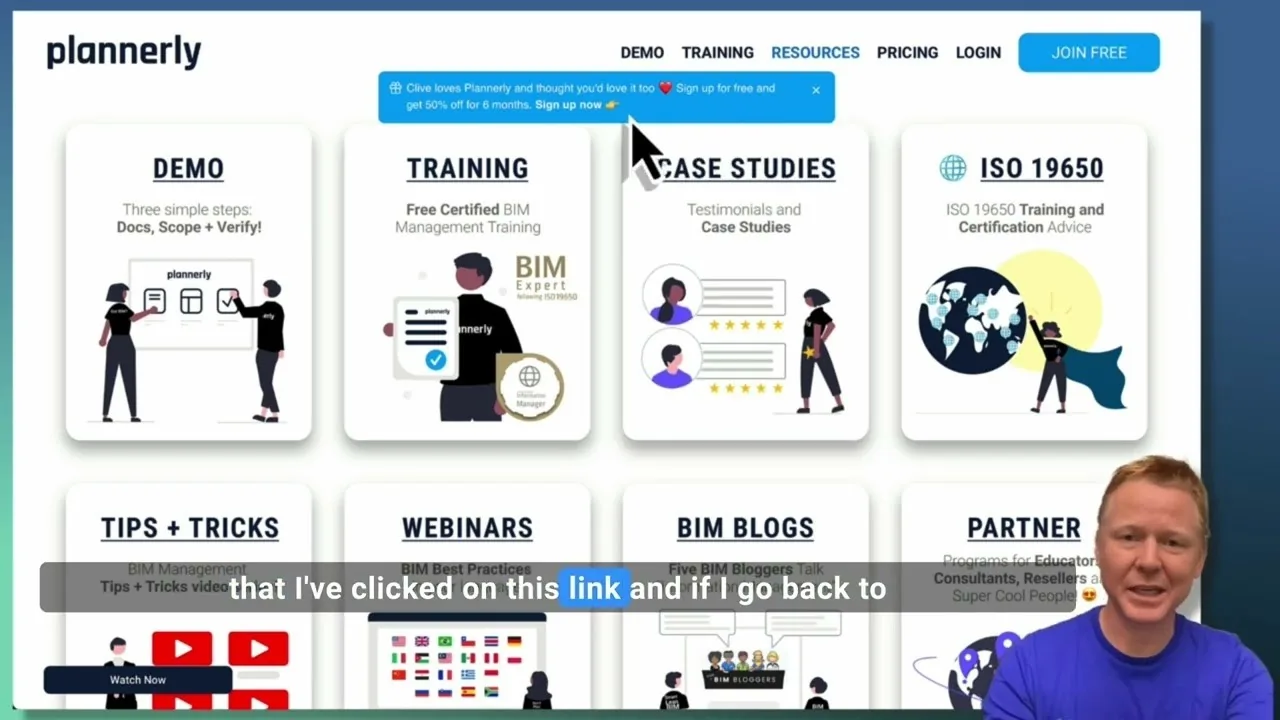
Create a Customized Referral Link
Learn how to create custom referral links for our website in this step-by-step guide. We'll show you how to set up links that point to different pages and ensure your referrals are properly tagged. Best of all, you'll earn a $1000 commission for each person who signs up for a plan through your...
 Video · 1:27
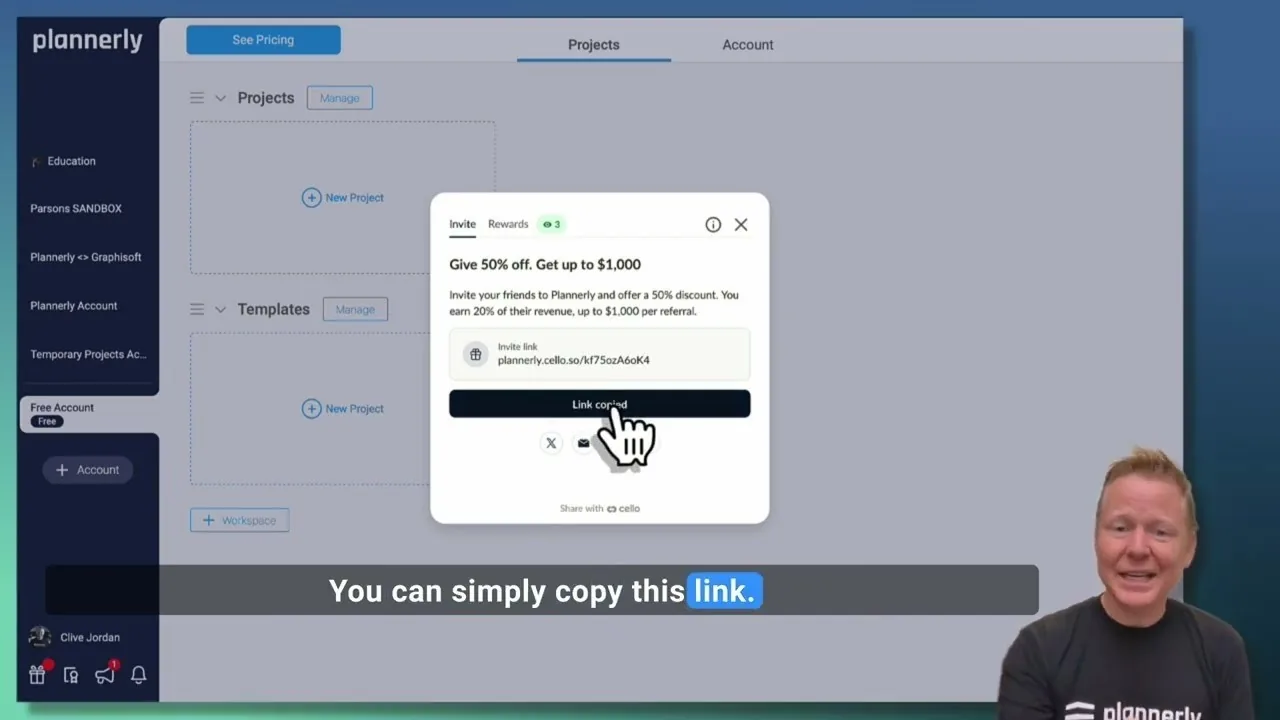
Plannerly Referral Program - You get $1,000 per referral!
You get $1,000 per referral! They get 50% off their Plannerly subscription!
 Video · 39:19
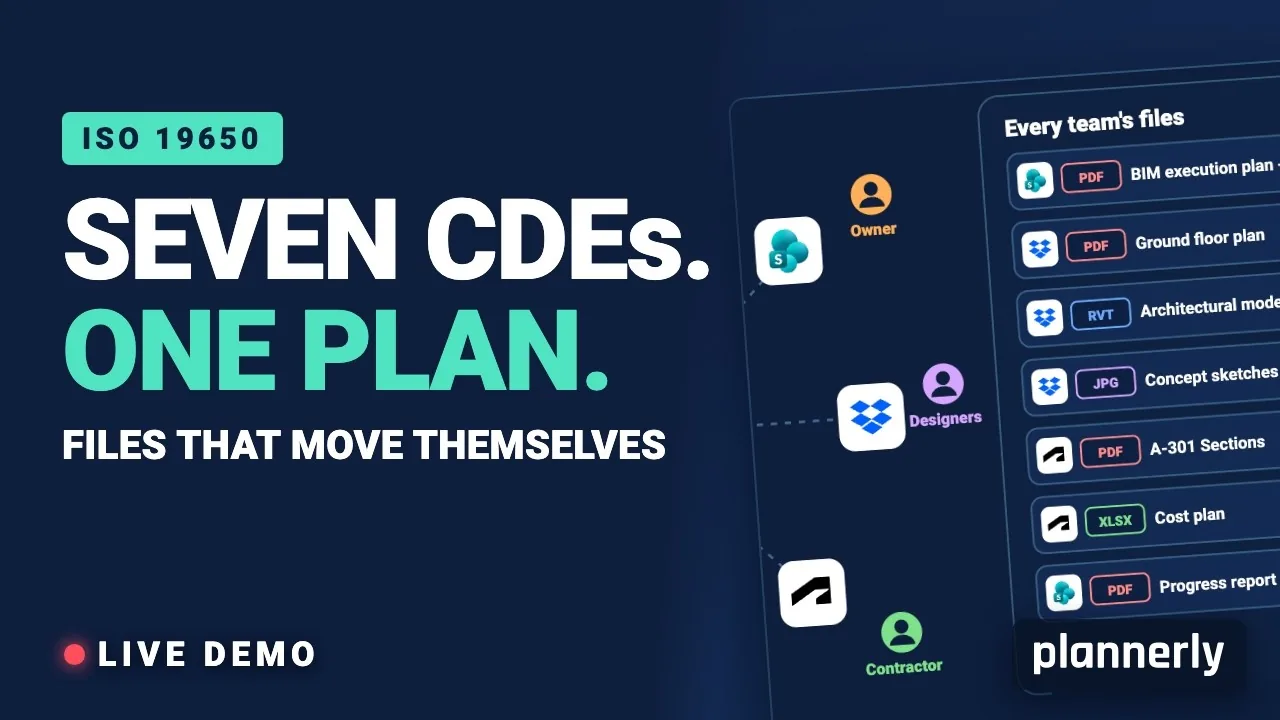
Why Your BIM Files Are Lost in Seven CDEs
Seven CDEs. One plan. In this live session an approved document files itself in the client's SharePoint, files dropped in the design team's Dropbox fill their requests in the MIDP, and a reviewed drawing goes straight on to the contractor's Autodesk Forma.
 Video · 1:01
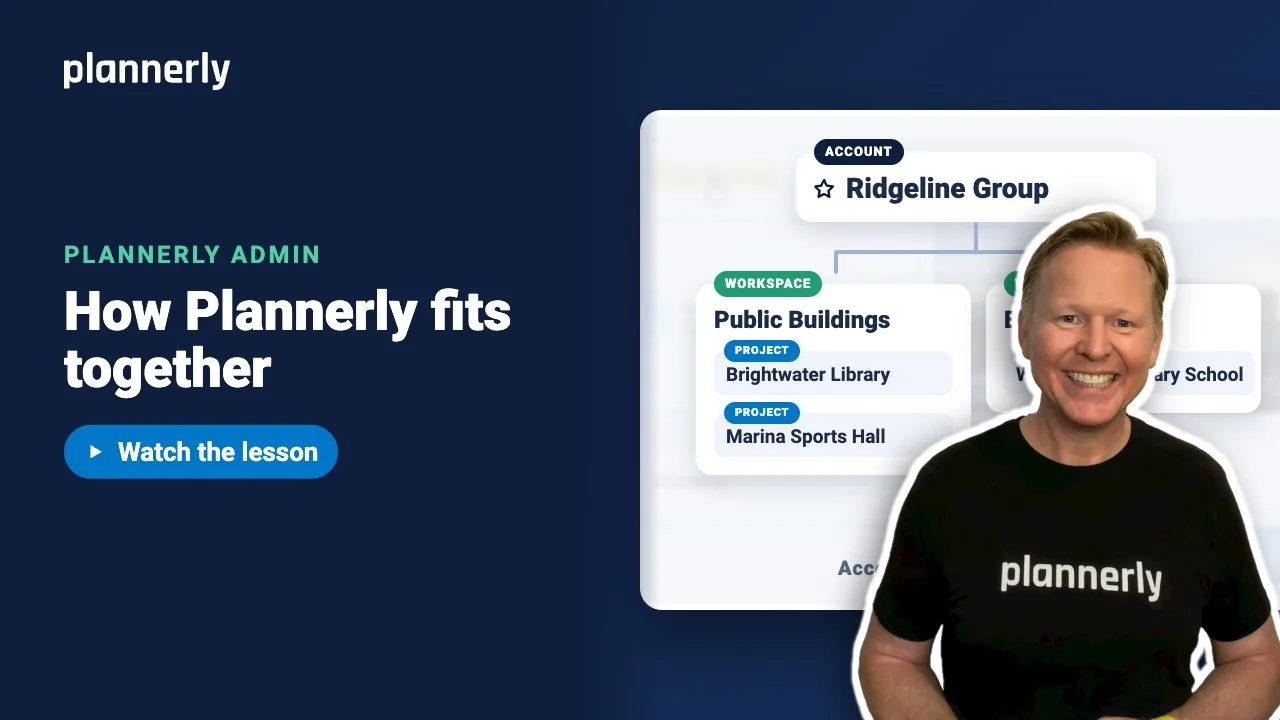
Plannerly Accounts, Workspaces and Projects Explained
Step-by-step guide: https://help.plannerly.com/en/article/accounts-workspaces-and-projects-in-plannerly-explained Free Certified Plannerly Administrator course with certificate: https://plannerly.com/courses/admin/
 Video · 0:47
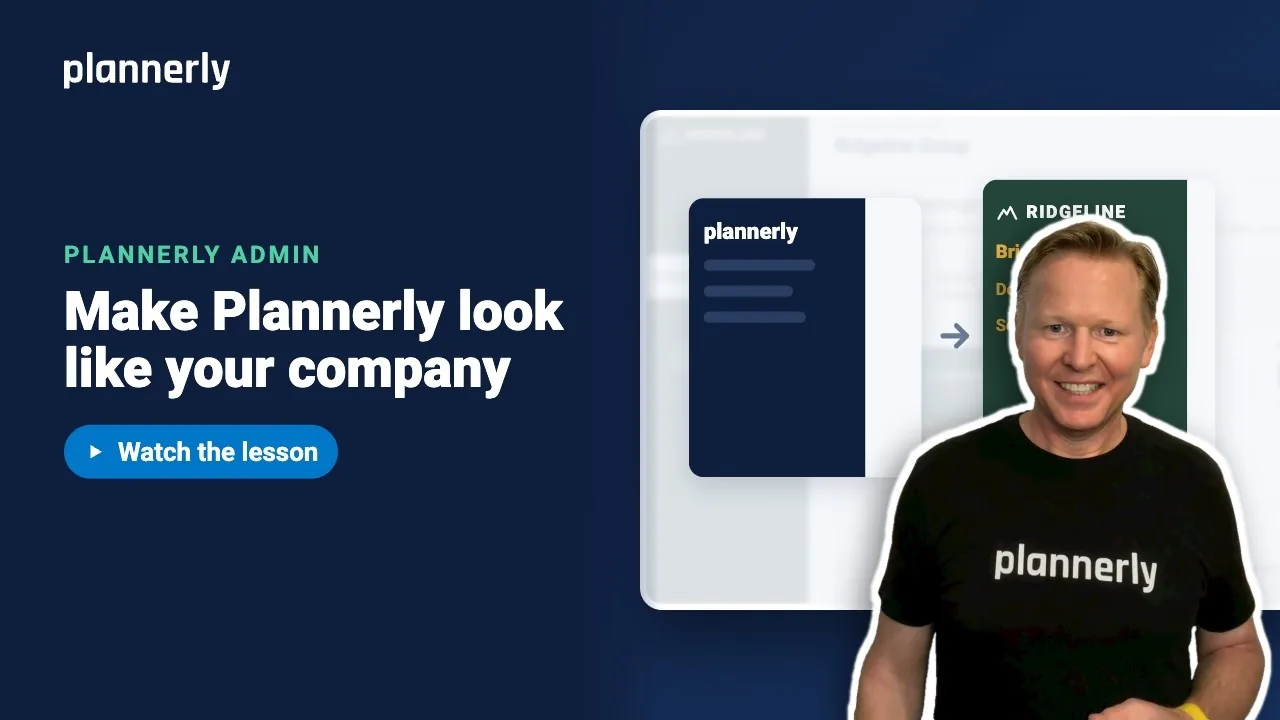
How to Add Your Logo and Colors to Your Plannerly Account
Step-by-step guide: https://help.plannerly.com/en/article/how-to-add-your-company-logo-and-colors-to-plannerly Free Certified Plannerly Administrator course with certificate: https://plannerly.com/courses/admin/
 Video · 0:49
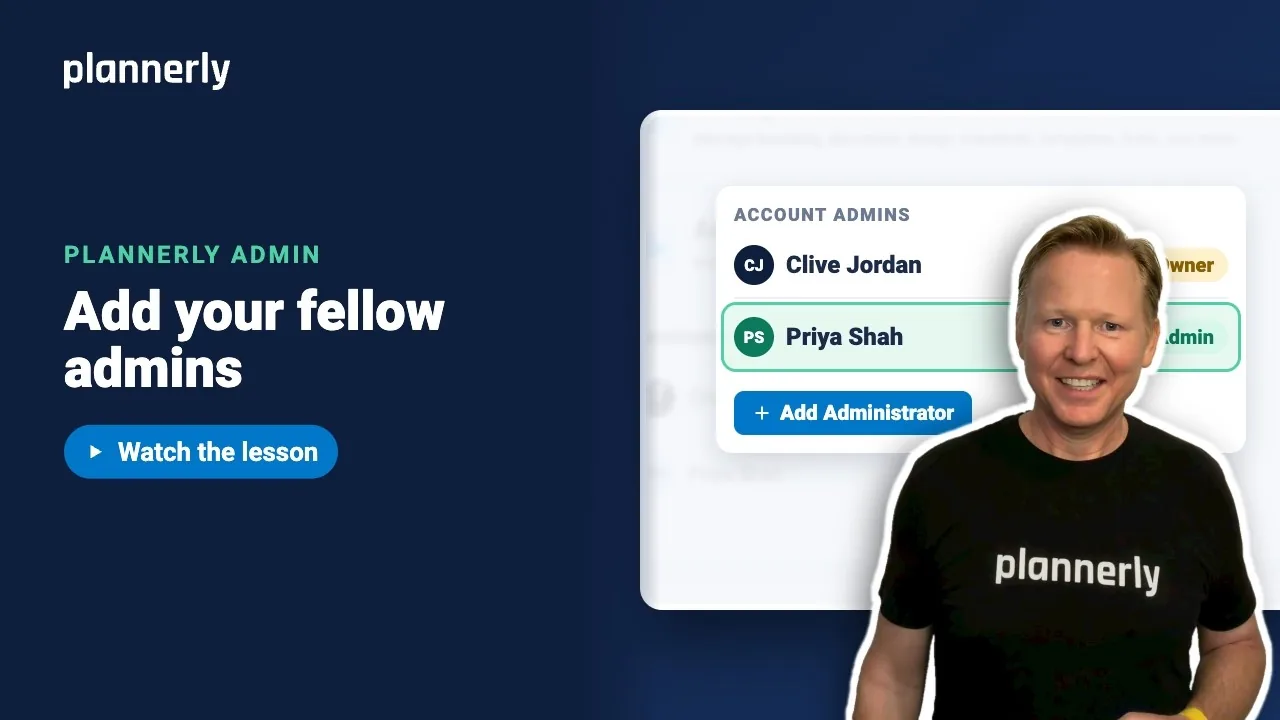
How to Add a Second Admin to Your Plannerly Account
Step-by-step guide: https://help.plannerly.com/en/article/how-to-add-another-account-admin-in-plannerly Free Certified Plannerly Administrator course with certificate: https://plannerly.com/courses/admin/