
Video
Five Minute Intro to BIM Execution Planning (BEP)
About this video
Learn the key strategies for creating BIM Execution Plans (BEP) that not only look great but are also followed by project teams. In this informative video, Akos shares his expertise as a BIM Manager and discusses the common problems with BEPs and how to address them. He emphasizes the importance of clear targets, effective communication with teams, contract requirements, simplifying processes for different skill levels, enhancing teamwork, and utilizing automated tools for model checking.
Discover practical tips and techniques for successful execution of BIM projects, and how Plannerly can help you stay aligned with the ISO 19650 standard.
Follow Plannerly for more valuable insights and resources in the field of BIM!
Timestamps:
0:00 - Introduction
1:49 - Background Story
1:50 - Challenges in Following BIM Execution Plans
1:50 - Clear Targets and Communication
1:51 - Collaborative Environment and Skill Sets
1:52 - Enhanced Teamwork
1:53 - Structuring Data and Simplifying Processes
1:54 - Contracting and Executive Support
1:55 - Managing Information at Different Stages
1:55 - Planning Components and Deliverables
1:56 - Specifying Requirements and Avoiding Duplicates
1:57 - Making the Execution Plan Visual and Easy to Understand
1:57 - Creating Collaborative Agreements
1:58 - Involving Teams and Approval Workflows
1:59 - Availability of Information to Team Members
1:59 - Identifying BIM Use Cases and Responsibilities
2:03 - Communicating Information Requirements
1:58 - Automated Model Checking
1:59 - Standard Naming Convention for Files
2:21 - Linking Deliverables to Tasks
1:49 - Solving the Challenges with Plannerly
1:49 - Creating Collaborative Agreements with Targeted Sections
4:07 - Staying Aligned with ISO 19650
5:11 - Additional Resources and Contact Information
🎓 FREE CERTIFIED TRAINING: Now you've checked this out, you can register for the free certified BIM management training course here: https://plannerly.com/training 👈
Stay up to date with BIM Management?:
- LinkedIn: https://www.linkedin.com/company/plannerly
- Twitter: https://twitter.com/PlannerlyAEC
- Instagram: https://www.instagram.com/plannerlyAEC
- Facebook: https://www.facebook.com/plannerlyAEC
#BIM #BEP #ISO19650 #InformationManagement #AEC #design #engineering #construction #BEP #LevelofInformationNeed #LOIN #LOD #planning #engineers #architects #contractors #smartleanbim #plannerly
Featured in
Where this video is used
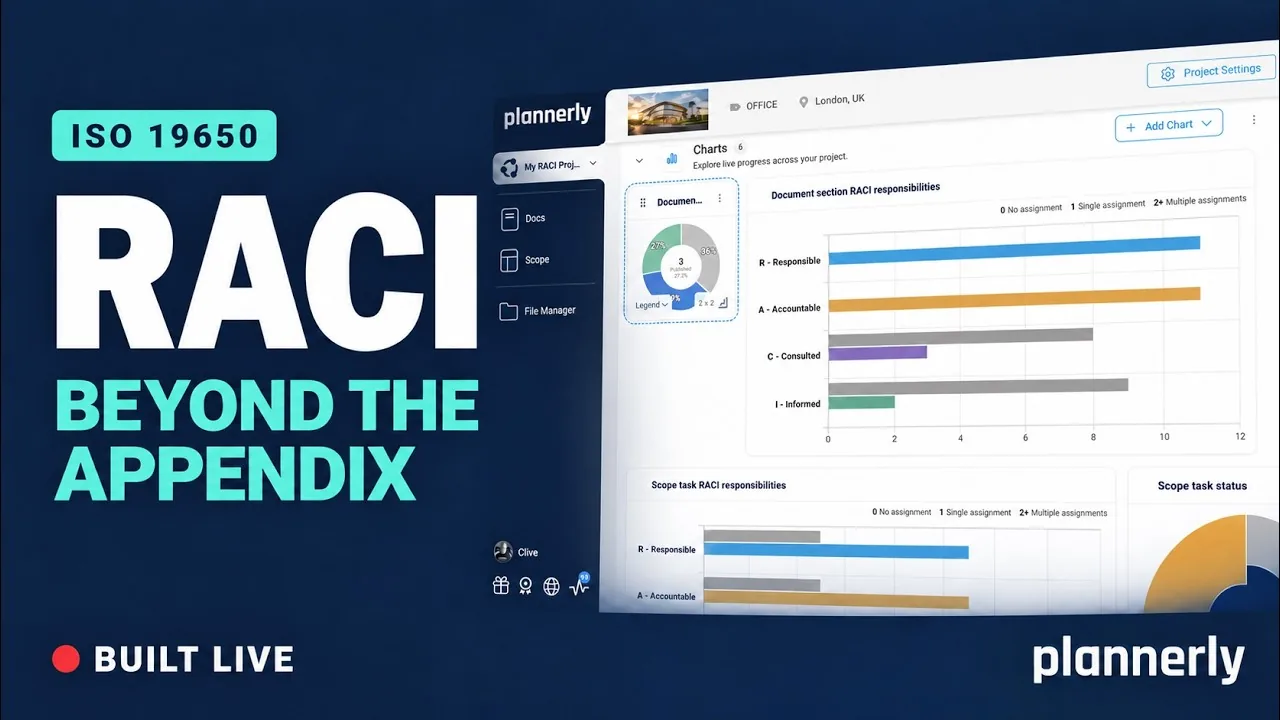 Video · 44:52
Why your RACI matrix isn’t enough (and how to fix it)
Your RACI matrix is complete. So why are you still chasing everyone?
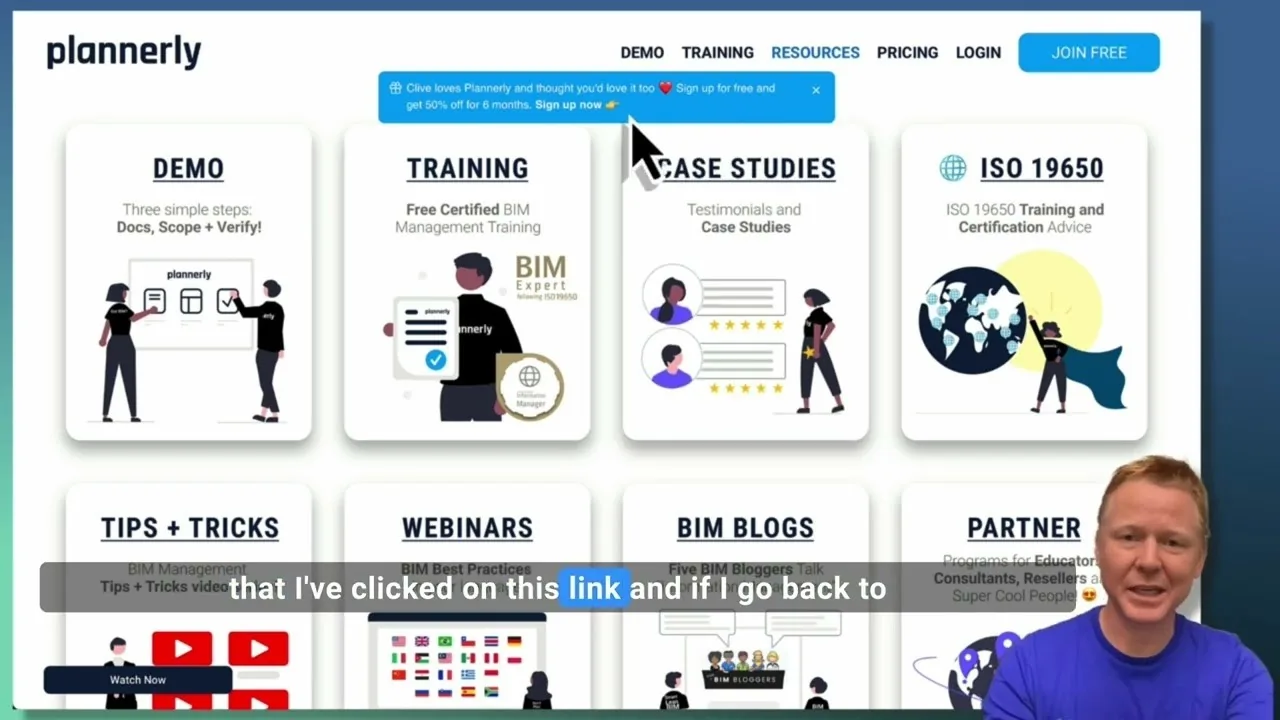 Video · 2:28
Create a Customized Referral Link
Learn how to create custom referral links for our website in this step-by-step guide. We'll show you how to set up links that point to different pages and ensure your referrals are properly tagged. Best of all, you'll earn a $1000 commission for each person who signs up for a plan through your...
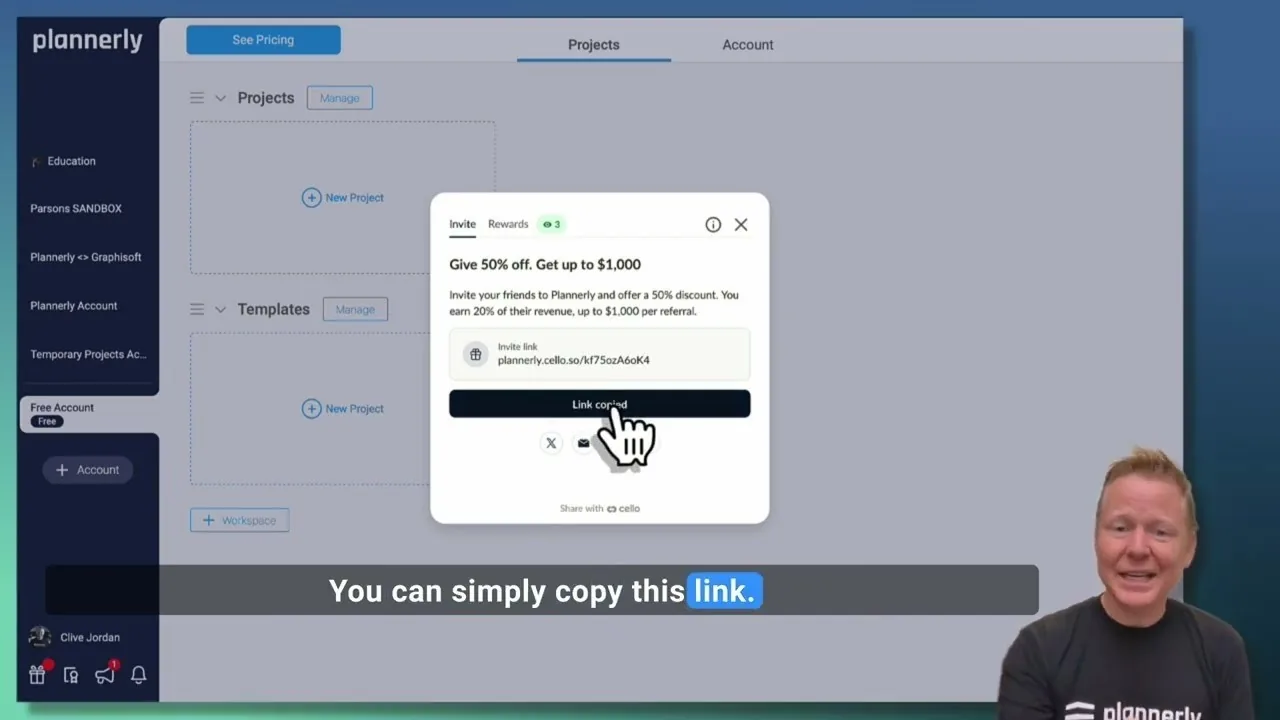 Video · 1:27
Plannerly Referral Program - You get $1,000 per referral!
You get $1,000 per referral! They get 50% off their Plannerly subscription!
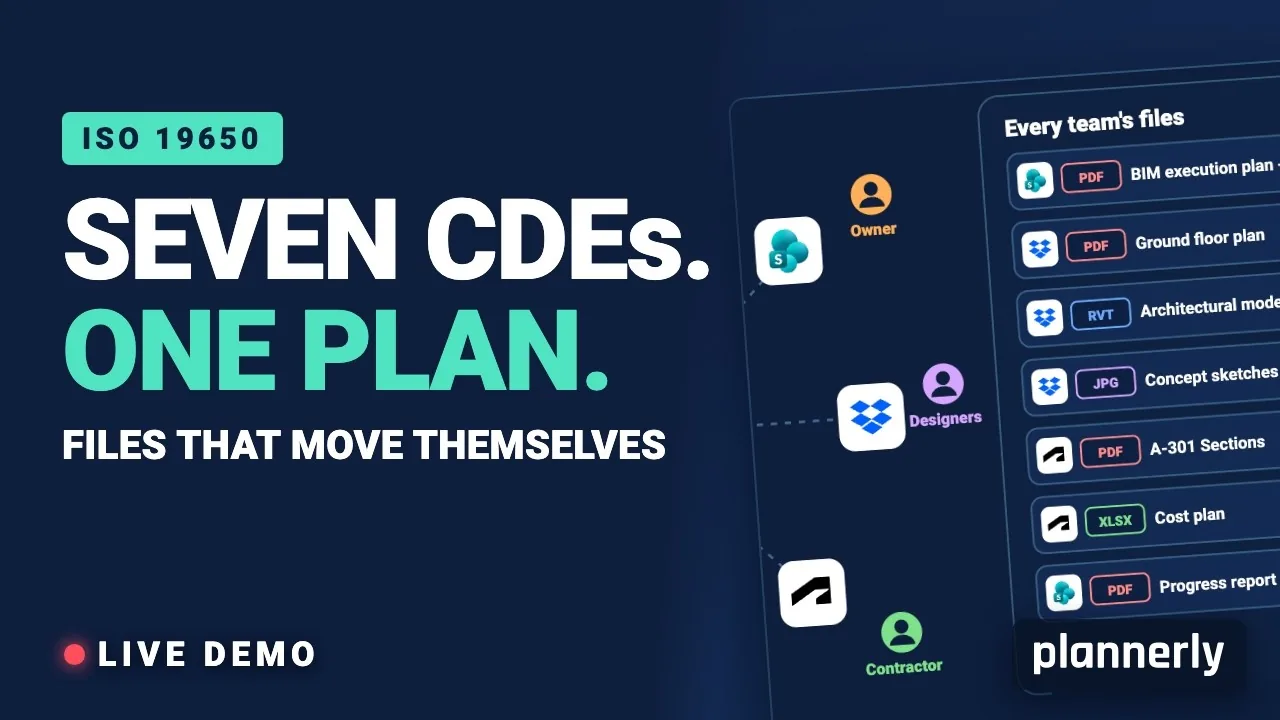 Video · 39:19
Why Your BIM Files Are Lost in Seven CDEs
Seven CDEs. One plan. In this live session an approved document files itself in the client's SharePoint, files dropped in the design team's Dropbox fill their requests in the MIDP, and a reviewed drawing goes straight on to the contractor's Autodesk Forma.
 Video · 1:01
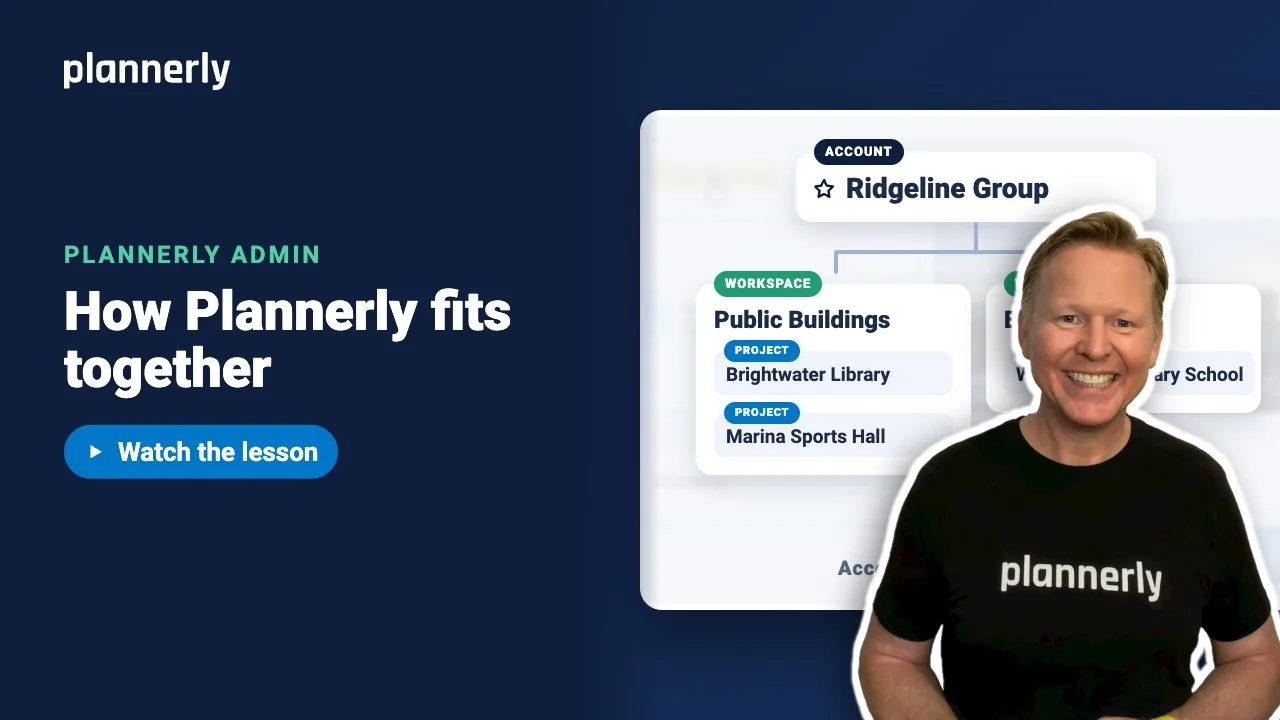
Plannerly Accounts, Workspaces and Projects Explained
Step-by-step guide: https://help.plannerly.com/en/article/accounts-workspaces-and-projects-in-plannerly-explained Free Certified Plannerly Administrator course with certificate: https://plannerly.com/courses/admin/
 Video · 0:47
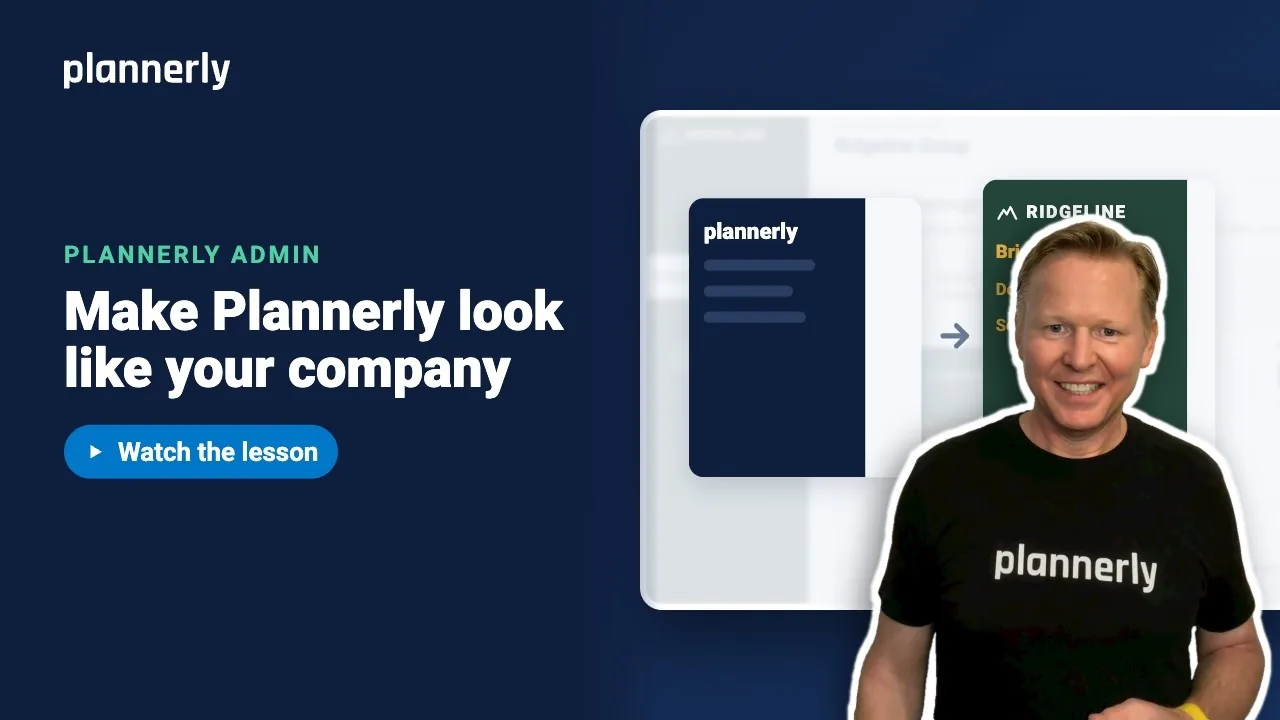
How to Add Your Logo and Colors to Your Plannerly Account
Step-by-step guide: https://help.plannerly.com/en/article/how-to-add-your-company-logo-and-colors-to-plannerly Free Certified Plannerly Administrator course with certificate: https://plannerly.com/courses/admin/