
Video
How to Build TIDP
About this video
In this short video I answer a common Plannerly question - where do you actually build a model progression table, TIDP, MIDP, MPDT or EIR? They all live in one place: the Scope module, aligned with the level of information need concept from ISO 7817. With the 2026 ISO 19650 updates this artefact will likely be called the information production schedule (IPS), but the structure is the same.
Featured in
Where this video is used
 Video · 47:24
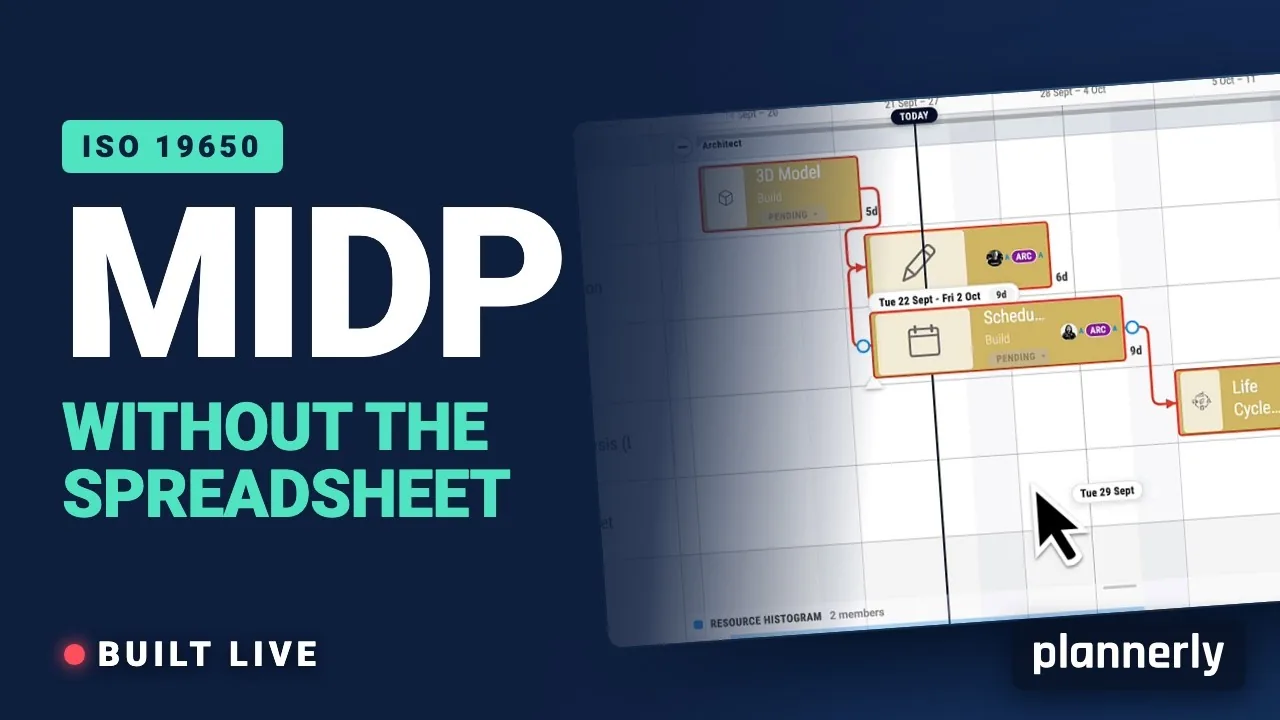
Why your MIDP spreadsheet is failing (and how to fix it)
[Steps for you to create the best TIDP-MIDP workflow.] Your MIDP shouldn't live in a spreadsheet that dies in week three.
 Video · 2:28
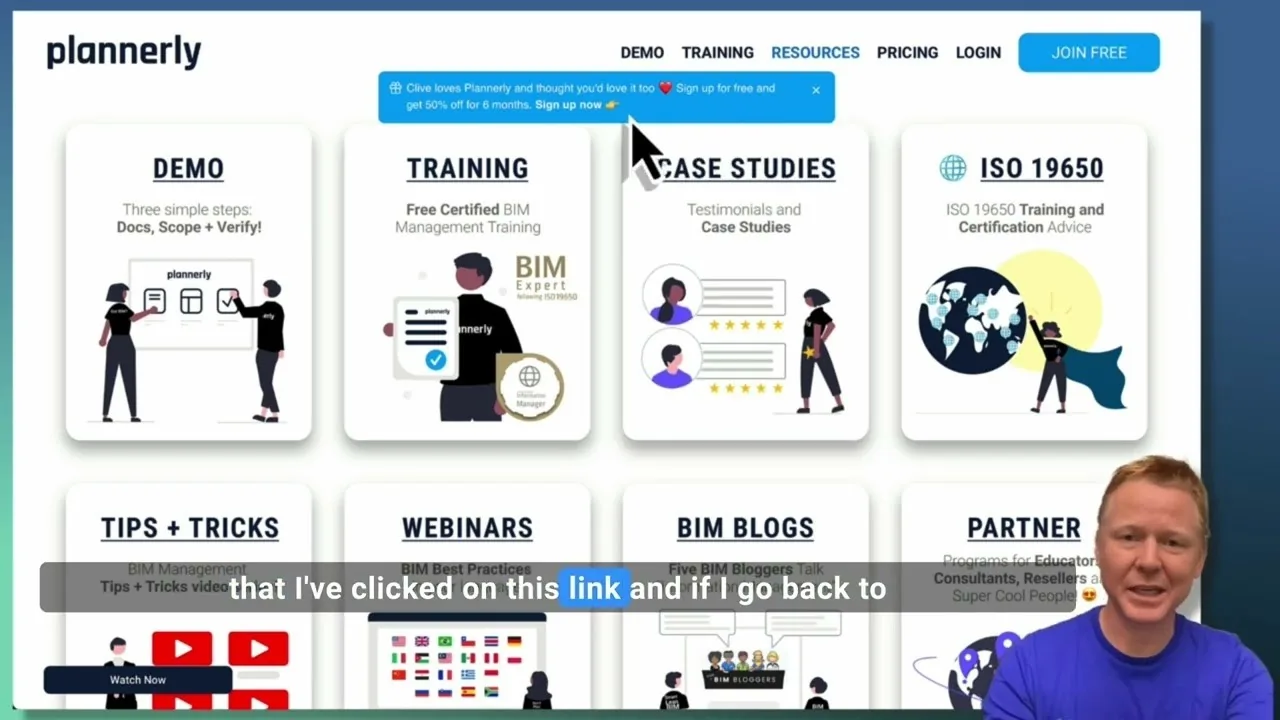
Create a Customized Referral Link
Learn how to create custom referral links for our website in this step-by-step guide. We'll show you how to set up links that point to different pages and ensure your referrals are properly tagged. Best of all, you'll earn a $1000 commission for each person who signs up for a plan through your...
 Video · 1:27
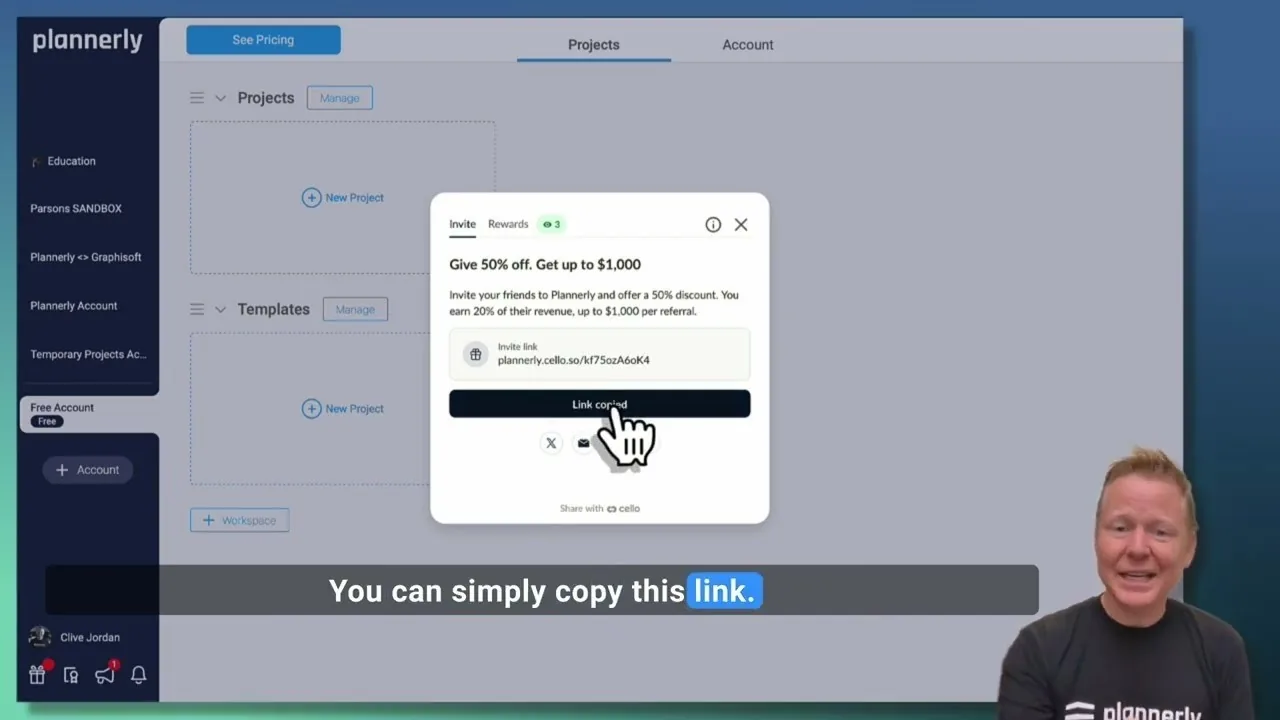
Plannerly Referral Program - You get $1,000 per referral!
You get $1,000 per referral! They get 50% off their Plannerly subscription!
 Video · 39:19
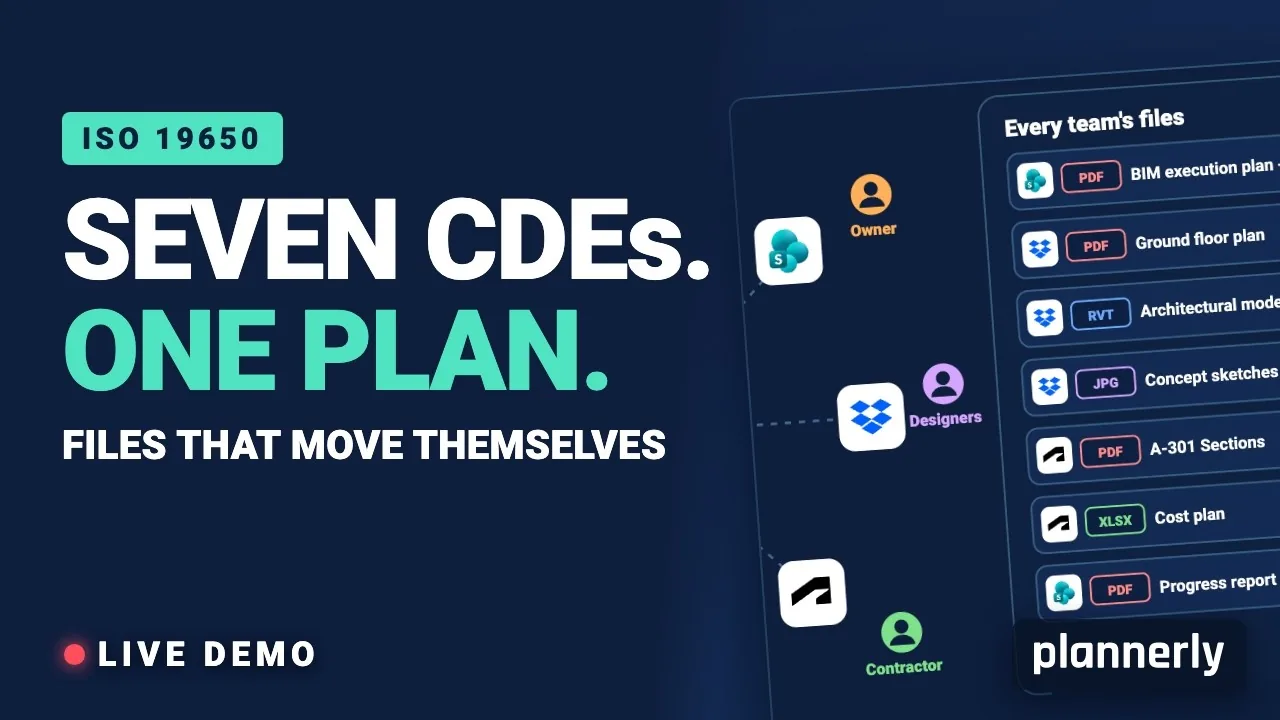
Why Your BIM Files Are Lost in Seven CDEs
Seven CDEs. One plan. In this live session an approved document files itself in the client's SharePoint, files dropped in the design team's Dropbox fill their requests in the MIDP, and a reviewed drawing goes straight on to the contractor's Autodesk Forma.
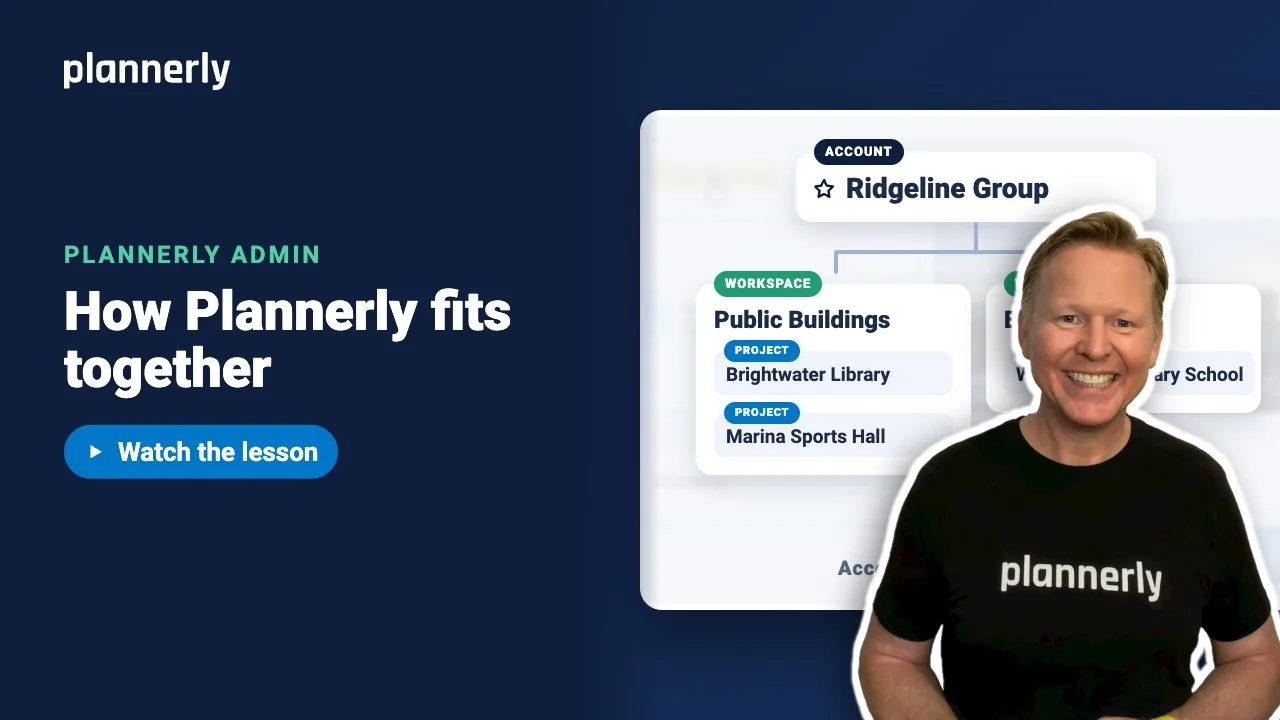 Video · 1:01
Plannerly Accounts, Workspaces and Projects Explained
Step-by-step guide: https://help.plannerly.com/en/article/accounts-workspaces-and-projects-in-plannerly-explained Free Certified Plannerly Administrator course with certificate: https://plannerly.com/courses/admin/
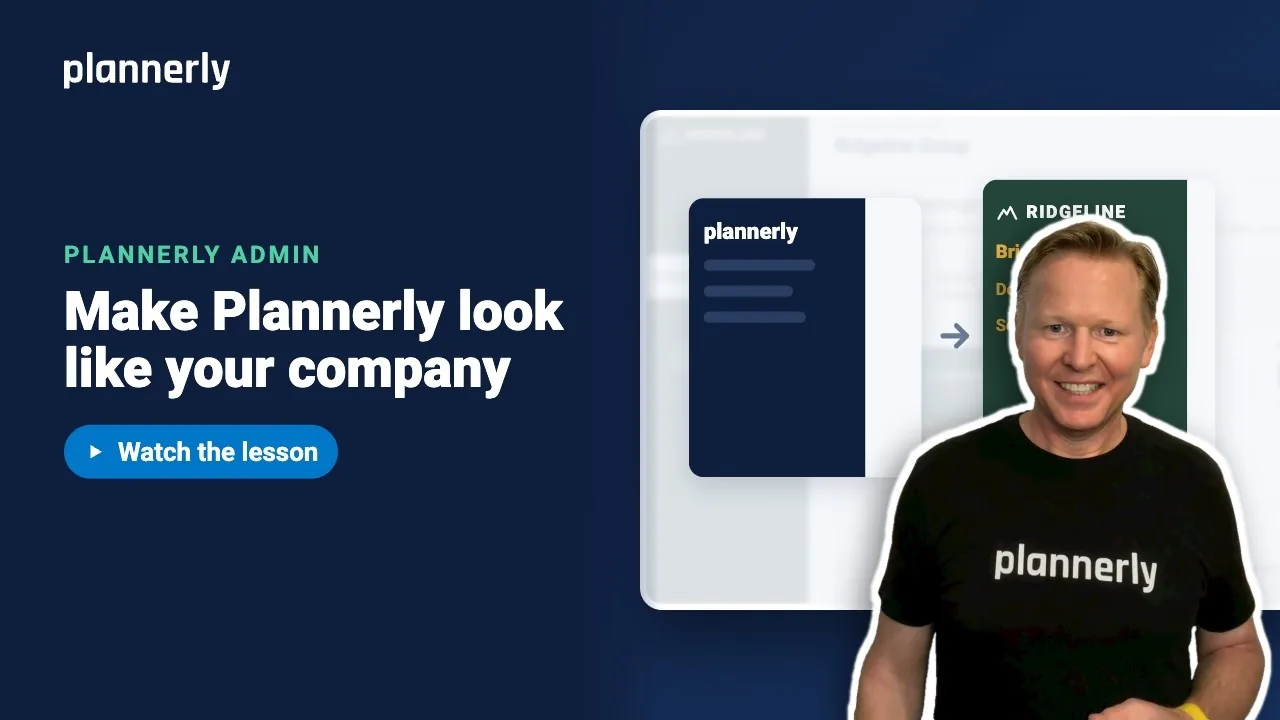 Video · 0:47
How to Add Your Logo and Colors to Your Plannerly Account
Step-by-step guide: https://help.plannerly.com/en/article/how-to-add-your-company-logo-and-colors-to-plannerly Free Certified Plannerly Administrator course with certificate: https://plannerly.com/courses/admin/