Lesson 27 of 27
Roll Plannerly out to your team
This video explains how to roll Plannerly out to a busy team: start with one project and an early win, bring people in, and point each person to their starting place.
What you'll do
- Start with one live project and one result people will notice - like the responsibility matrix your project director asks for every week.
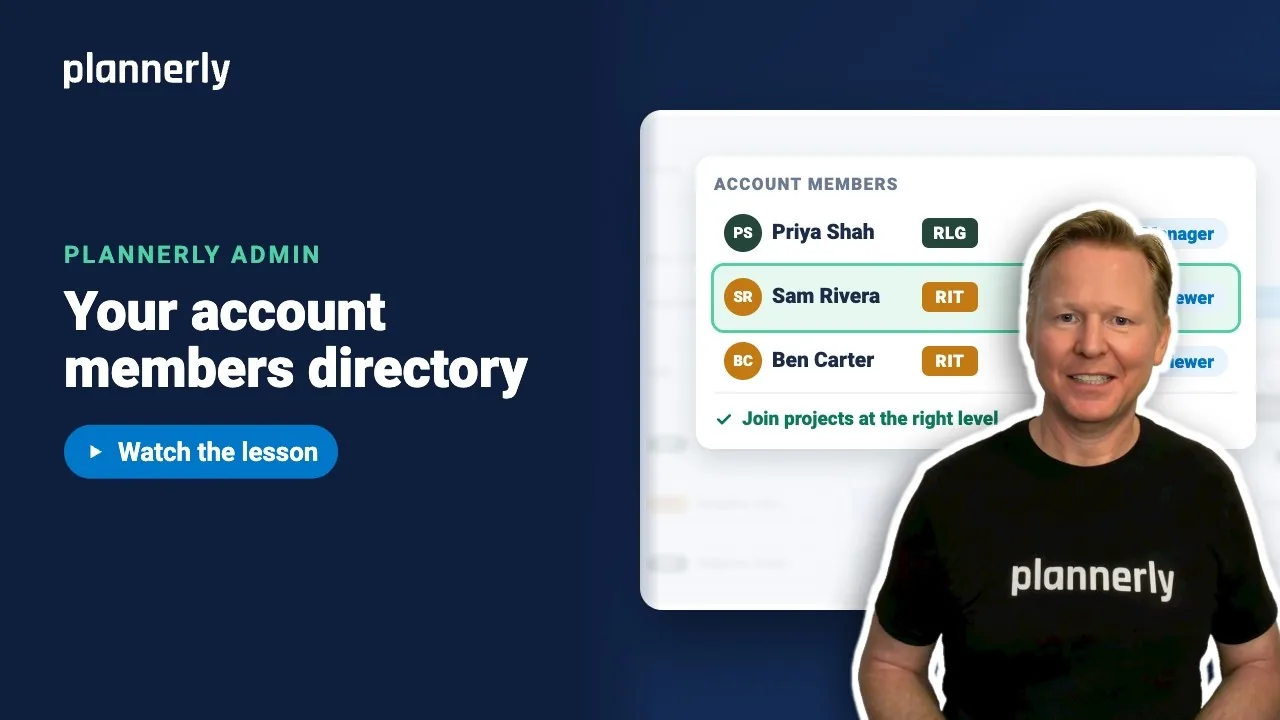
- Bring your own people in first with Account members.
- Point everyone to the right course: Start here for the people doing the work, Plannerly Admin for anyone who sets things up.
- Invite consultants and your client, and tell them what you need and by when.
- After the first week, check who has joined, who is still pending and what is waiting on whom.
Why it matters
Setting Plannerly up is the quick part; getting people to use it is the job. Start small, show an early win, then grow.
Common questions
Where is the rollout checklist?
It goes with this lesson and takes you through each step, including a note you can send to consultants and clients.
Which course is for whom?
Start here for anyone doing the work on a project, and Plannerly Admin for anyone who sets things up.
Discussion
0 comments
Sign in to start the conversation about this lesson.
Sign in