
Video
ISO 19650 Made Practical | A Guest Lecture for Your Classroom
Chapters
- Welcome and what you’ll learn0:00
- Why information management matters1:42
- ISO 19650: the simplified workflow6:32
- Plannerly overview: Docs, Scope, Verify and File Manager10:42
- Platform demo: getting started19:39
- Docs: templates, collaboration and approvals21:24
- Scope: responsibilities and delivery planning27:45
- Defining information requirements31:34
- Exporting and sharing project agreements37:39
- Verify: checking models against requirements41:56
- File Manager: connecting TIDPs, MIDP and file delivery49:31
- Your next steps: assignment and free training56:52
About this video
Teaching ISO 19650 is easier when students can see how the process works on a project.
This guest lecture connects the principles with practical work: understanding information requirements, agreeing responsibilities, planning delivery and checking what has been produced.
RUN THIS IN YOUR CLASSROOM
Use the full recording during class, share it as preparation, or choose individual sections using the chapters below.
Then give students an opportunity to apply what they have learned through the supporting practical assignment, with its own walkthrough video and step-by-step instructions.
Practical Assignment: https://help.plannerly.com/en/article/132-iso-19650-specialist
INVITE US TO YOUR CLASS
Invite us for a live Q&A session with your class. Bring questions from the video or practical assignment, and we’ll work through them together.
Book a Q&A: https://plannerly.com/meetbharathi/
Get free education access: https://help.plannerly.com/en/article/60-how-can-i-get-free-education-access-to-plannerly
ISO 19650 in practice - student results: https://help.plannerly.com/en/article/138-iso-19650-information-management-in-practice-student-results
CONTINUE LEARNING
Explore ISO 19650 training:
https://plannerly.com/courses/iso19650/
CHAPTERS
00:00 Welcome and what you’ll learn
01:42 Why information management matters
06:32 ISO 19650: the simplified workflow
10:42 Plannerly overview: Docs, Scope, Verify and File Manager
19:39 Platform demo: getting started
21:24 Docs: templates, collaboration and approvals
27:45 Scope: responsibilities and delivery planning
31:34 Defining information requirements
37:39 Exporting and sharing project agreements
41:56 Verify: checking models against requirements
49:31 File Manager: connecting TIDPs, MIDP and file delivery
56:52 Your next steps: assignment and free training
#ISO19650 #BIM #Plannerly
Featured in
Where this video is used
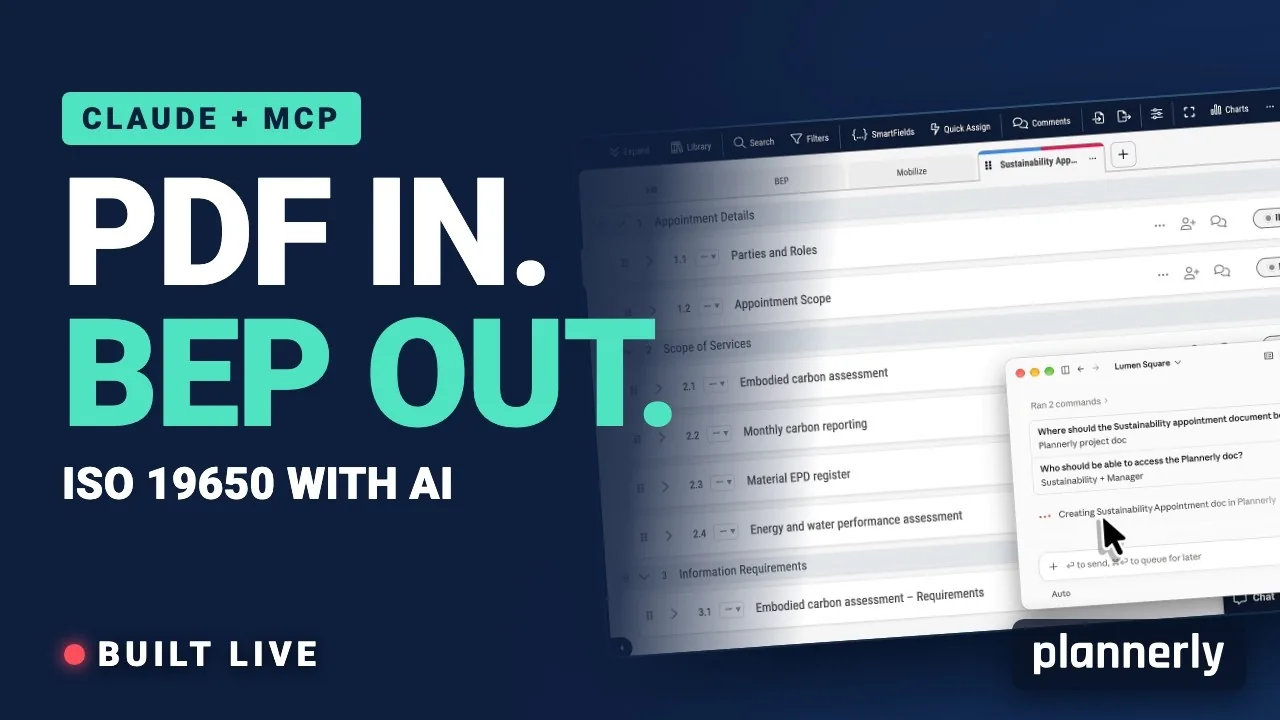 Video · 39:00
AI in BIM: Claude + MCP Turn a Client EIR into a BEP (ISO 19650)
Your client sent the information requirements as a PDF. In this live session we connect Claude to a Plannerly project with MCP and turn that EIR into a pre-appointment BEP, a scope, a RACI matrix and checkable information requirements - then just ask Javis what's missing.
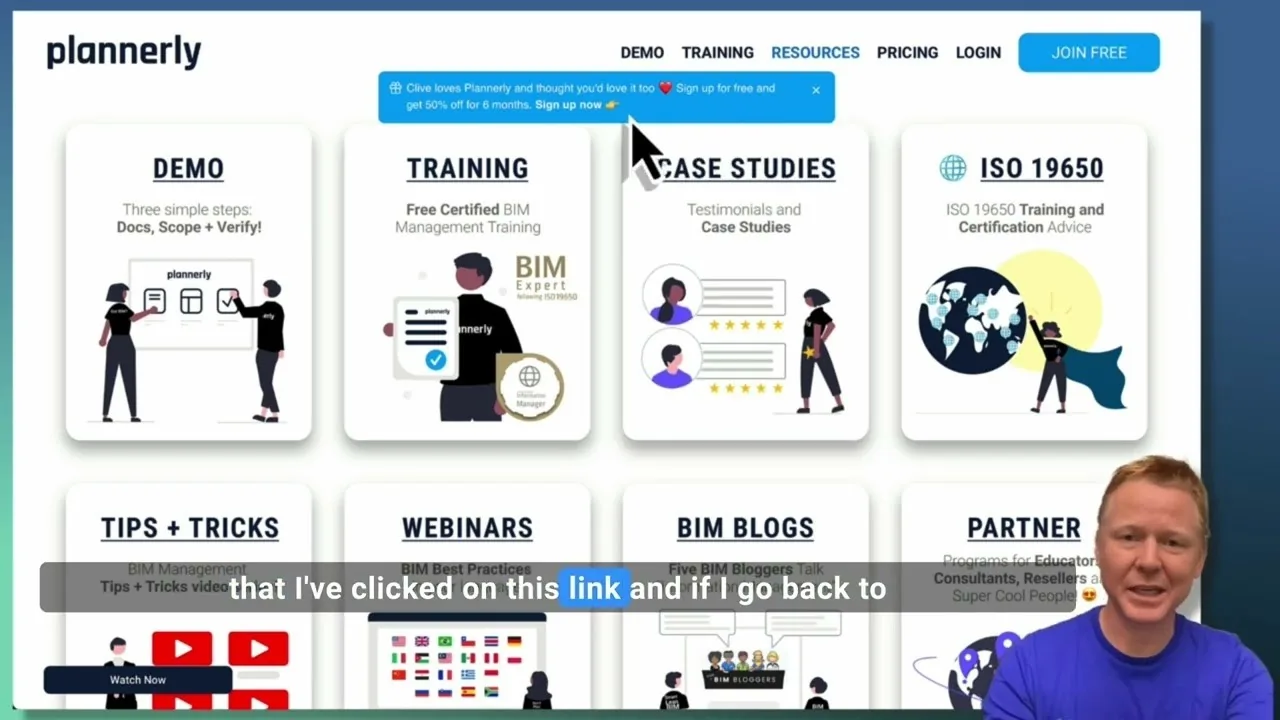 Video · 2:28
Create a Customized Referral Link
Learn how to create custom referral links for our website in this step-by-step guide. We'll show you how to set up links that point to different pages and ensure your referrals are properly tagged. Best of all, you'll earn a $1000 commission for each person who signs up for a plan through your...
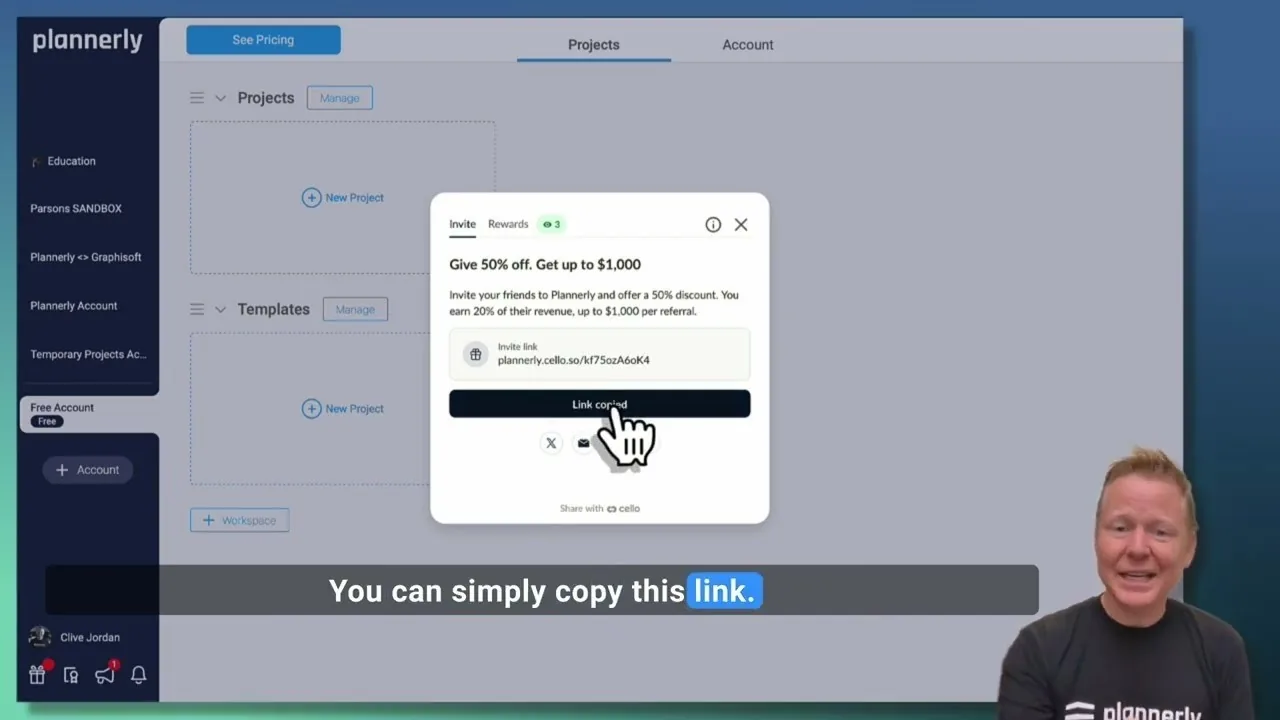 Video · 1:27
Plannerly Referral Program - You get $1,000 per referral!
You get $1,000 per referral! They get 50% off their Plannerly subscription!
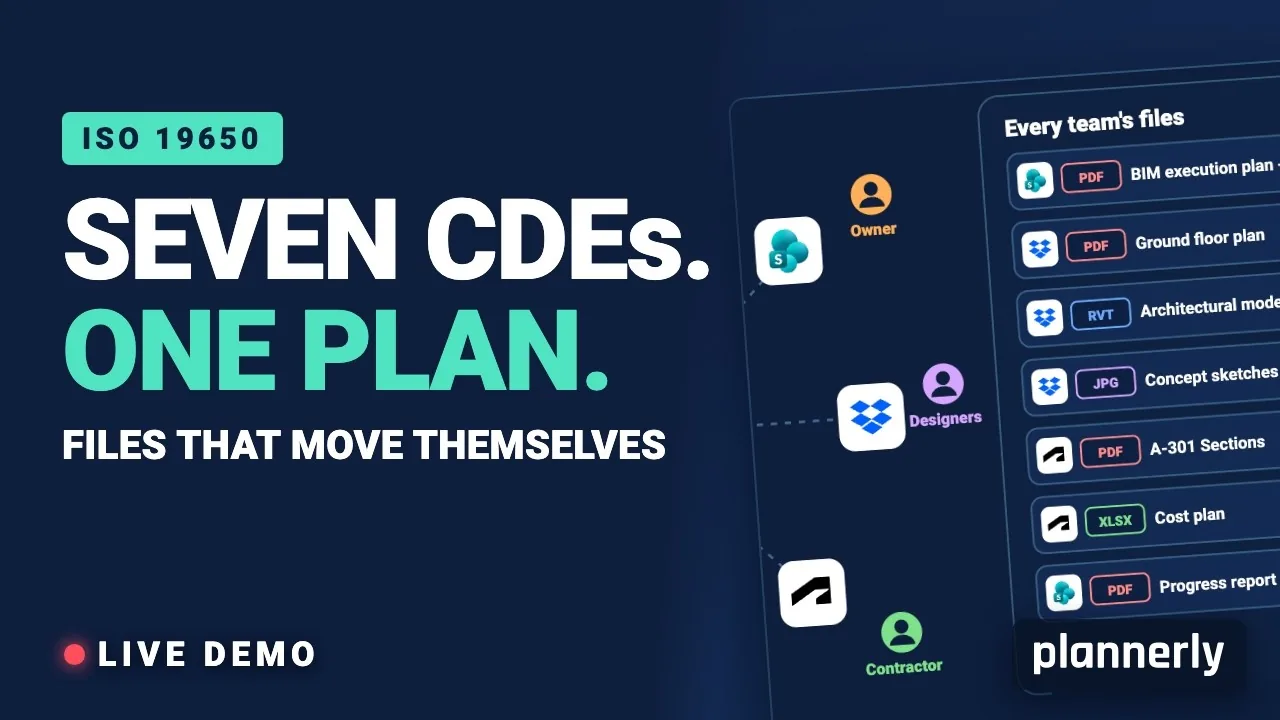 Video · 39:19
Why Your BIM Files Are Lost in Seven CDEs
Seven CDEs. One plan. In this live session an approved document files itself in the client's SharePoint, files dropped in the design team's Dropbox fill their requests in the MIDP, and a reviewed drawing goes straight on to the contractor's Autodesk Forma.
 Video · 1:01
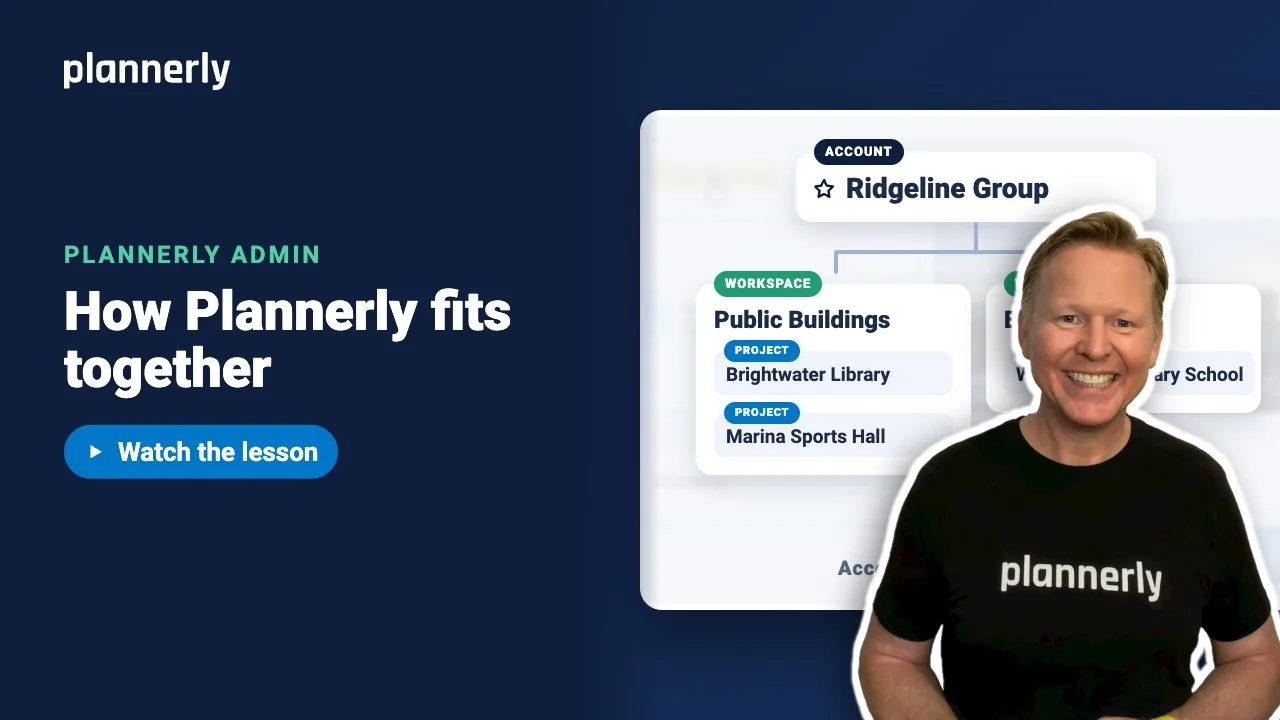
Plannerly Accounts, Workspaces and Projects Explained
Step-by-step guide: https://help.plannerly.com/en/article/accounts-workspaces-and-projects-in-plannerly-explained Free Certified Plannerly Administrator course with certificate: https://plannerly.com/courses/admin/
 Video · 0:47
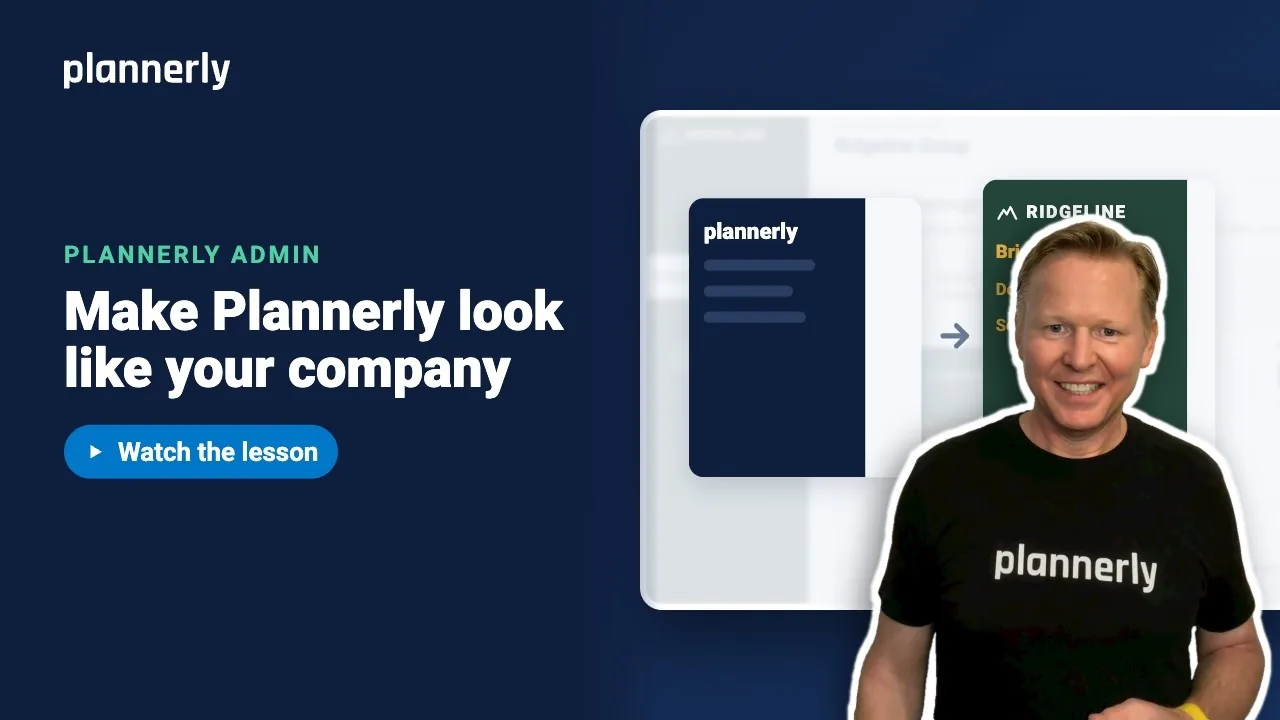
How to Add Your Logo and Colors to Your Plannerly Account
Step-by-step guide: https://help.plannerly.com/en/article/how-to-add-your-company-logo-and-colors-to-plannerly Free Certified Plannerly Administrator course with certificate: https://plannerly.com/courses/admin/