
Video
AI in BIM: Claude + MCP Turn a Client EIR into a BEP (ISO 19650)
Chapters
- Three ways into your project: API, MCP and Javis0:00
- What if you could just talk it through?0:40
- The ISO 19650 principle: every deliverable traces to a requirement3:10
- Why information requirements go wrong3:38
- "Let's just use AI" - and why AI needs structure5:48
- What if your requirements were data?7:10
- The structure your requirements stand on8:24
- Part 1: Plannerly API - create an API key9:39
- Build a live dashboard from project data12:29
- More API uses: onboarding and project start-up13:28
- Part 2: What is MCP (Model Context Protocol)?14:33
- Live demo: Claude turns a client EIR into a pre-appointment BEP15:37
- Every BEP answer traced back to the EIR19:32
- Inviting teams and building the RACI matrix20:47
- Charts: who owns what, and what's still unassigned22:57
- Scope, milestones and geometry for each data drop23:38
- Information requirements per milestone, with checking rules25:55
- Recap: PDF in, structured project out28:48
- Q&A: getting stakeholders to adopt information management29:39
- Part 3: Just ask Javis30:28
- Live: "What responsibility gaps can you identify?"32:11
- Sourced answers - and we don't train on your data34:18
- Where Javis is going: requirements by conversation35:30
- Next episode: Surviving the seven CDEs37:36
About this video
Your client sent the information requirements as a PDF. In this live session we connect Claude to a Plannerly project with MCP and turn that EIR into a pre-appointment BEP, a scope, a RACI matrix and checkable information requirements - then just ask Javis what's missing.
Episode 3 of How to survive as a BIM Manager, the free live webinar series on ISO 19650 workflows, with Clive Jordan (co-founder), Akos Hamar (COO) and Bharathi Balu (Information Management Lead) from Plannerly.
What you'll see:
- Why information requirements go wrong (the EIR copied from the hospital job)
- Why "just use AI" gives you a different answer every time - and the structure that fixes it
- The Plannerly API: create a scoped API key and build a live project dashboard
- Plannerly MCP: Claude reads a client's EIR and drafts a pre-appointment BEP, answers traced back to each requirement
- Teams invited, RACI built, scope and information requirements set per milestone, with checking rules
- Javis: ask your project "what responsibility gaps can you identify?" and get a sourced answer
- Where it's heading: requirements built from a conversation with the owner
Slides (PDF), the AI question list and the example project:
https://plannerly.com/use-cases/information-requirements/
Join the beta for Plannerly MCP and Javis: open the chat at https://plannerly.com and type "add me".
Next episode - Surviving the seven CDEs (Autodesk, Procore, SharePoint, Dropbox, Box, Egnyte, ProjectWise), Thu 5 Nov, 10:00 New York / 15:00 London. Free seat:
https://plannerly.com/live/#episode-4
Chapters
00:00 Three ways into your project: API, MCP and Javis
00:40 What if you could just talk it through?
03:10 The ISO 19650 principle: every deliverable traces to a requirement
03:38 Why information requirements go wrong
05:48 "Let's just use AI" - and why AI needs structure
07:10 What if your requirements were data?
08:24 The structure your requirements stand on
09:39 Part 1: Plannerly API - create an API key
12:29 Build a live dashboard from project data
13:28 More API uses: onboarding and project start-up
14:33 Part 2: What is MCP (Model Context Protocol)?
15:37 Live demo: Claude turns a client EIR into a pre-appointment BEP
19:32 Every BEP answer traced back to the EIR
20:47 Inviting teams and building the RACI matrix
22:57 Charts: who owns what, and what's still unassigned
23:38 Scope, milestones and geometry for each data drop
25:55 Information requirements per milestone, with checking rules
28:48 Recap: PDF in, structured project out
29:39 Q&A: getting stakeholders to adopt information management
30:28 Part 3: Just ask Javis
32:11 Live: "What responsibility gaps can you identify?"
34:18 Sourced answers - and we don't train on your data
35:30 Where Javis is going: requirements by conversation
37:36 Next episode: Surviving the seven CDEs
Earlier episodes:
Ep 1 - Surviving the MIDP: https://youtu.be/HIboRq0w7tA
Ep 2 - Surviving the RACI: https://youtu.be/CjjLgWlF4BE
#BIM #ISO19650 #AIinConstruction
Featured in
Where this video is used
 Video · 24:55
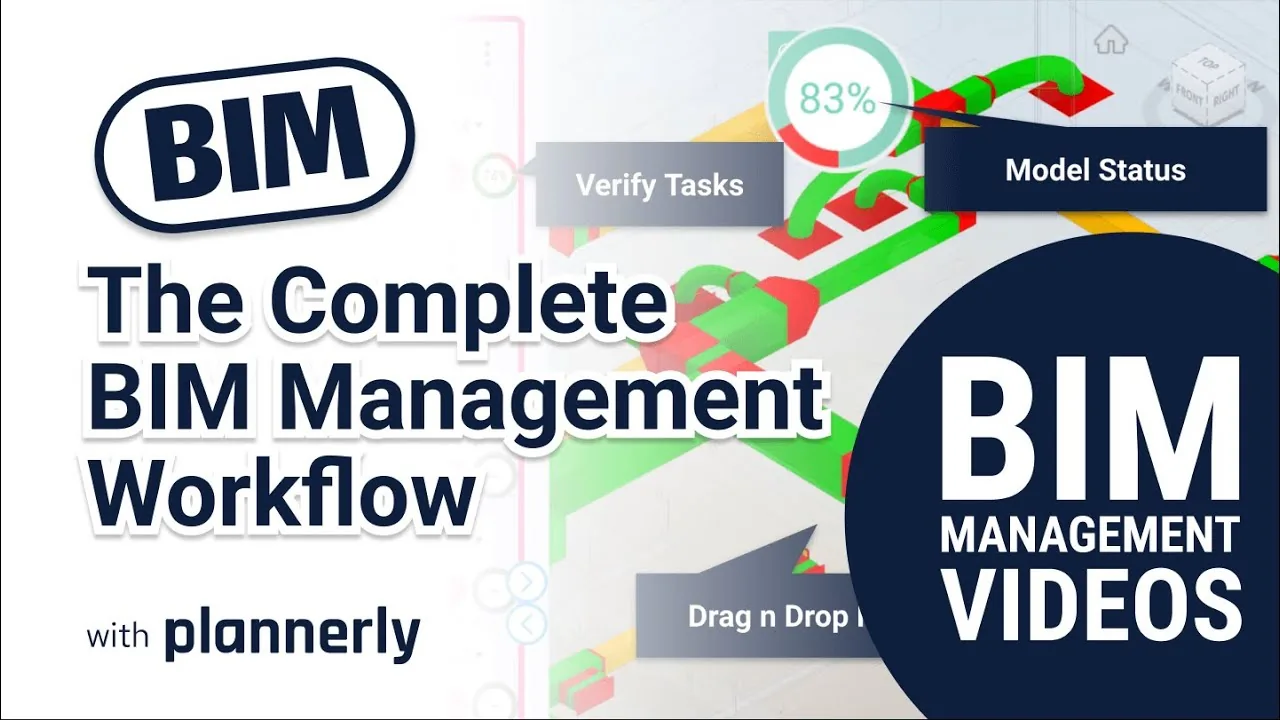
The Complete BIM Management Workflow - made simple!
Find out more about BIM Management with Plannerly HERE: https://www.plannerly.com/?utm_source=abimvid
 Video · 39:19
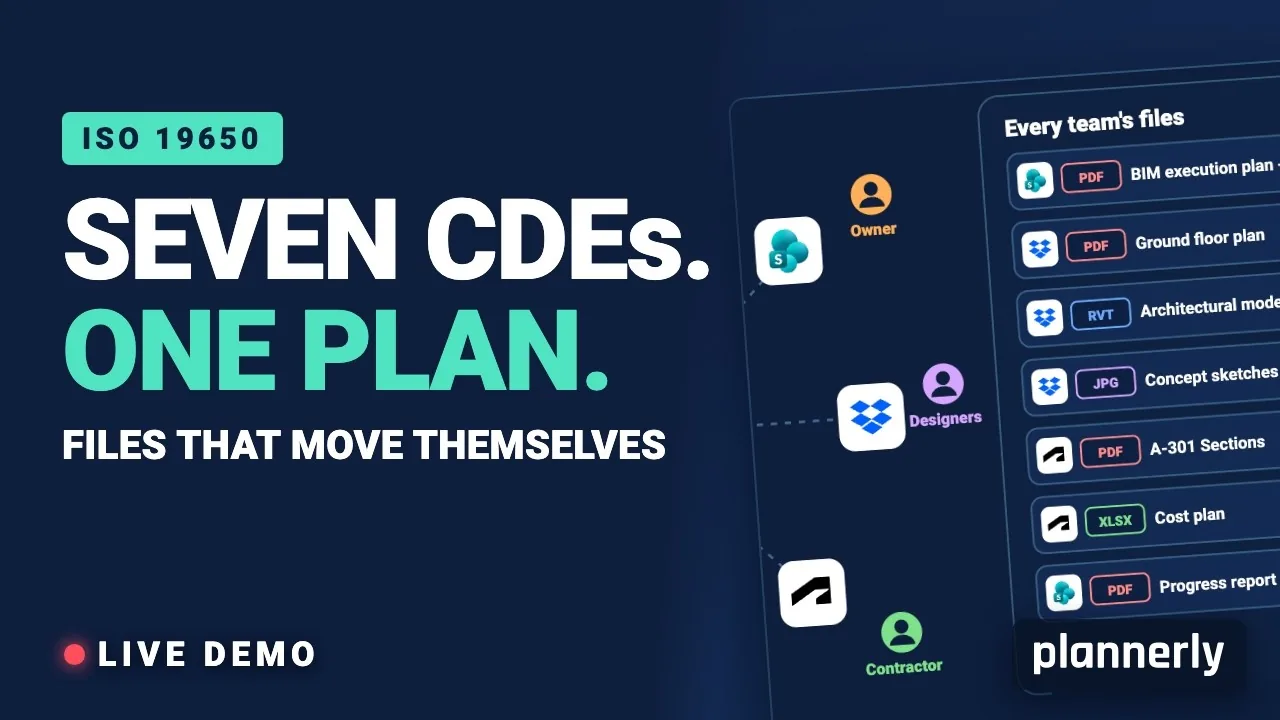
Why Your BIM Files Are Lost in Seven CDEs
Seven CDEs. One plan. In this live session an approved document files itself in the client's SharePoint, files dropped in the design team's Dropbox fill their requests in the MIDP, and a reviewed drawing goes straight on to the contractor's Autodesk Forma.
 Video · 44:52
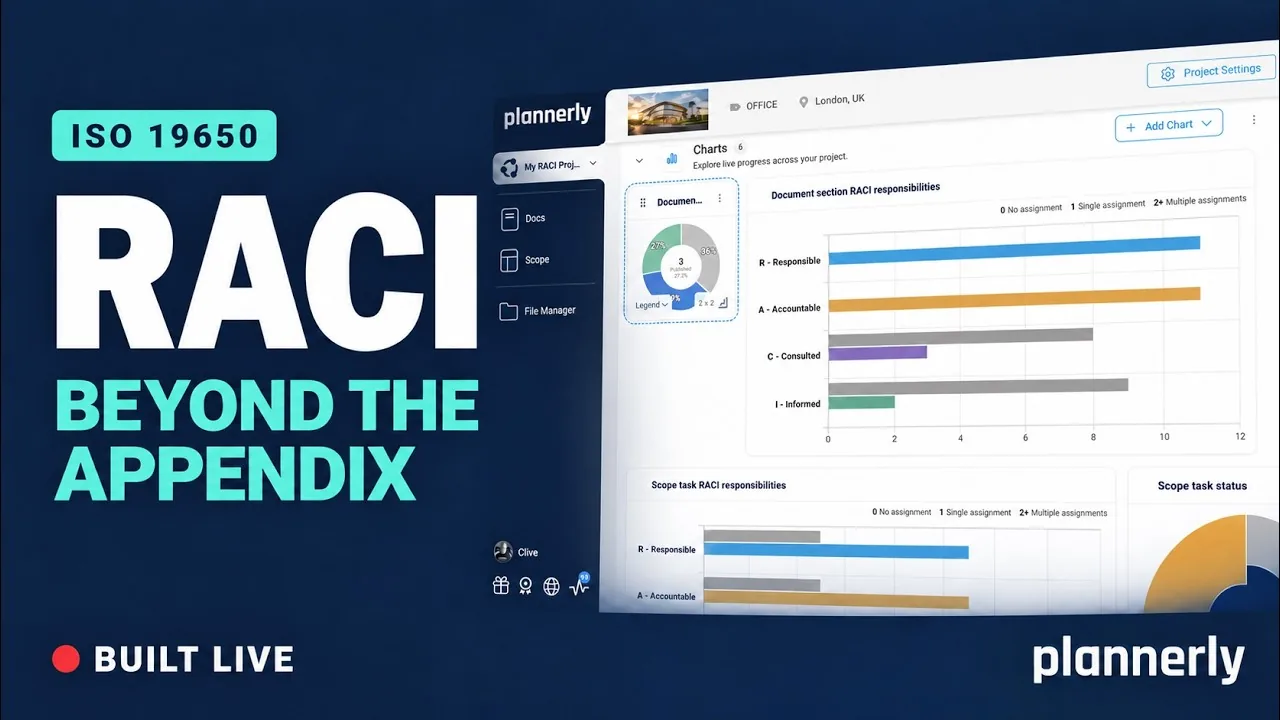
Why your RACI matrix isn’t enough (and how to fix it)
Your RACI matrix is complete. So why are you still chasing everyone?
 Video · 47:24
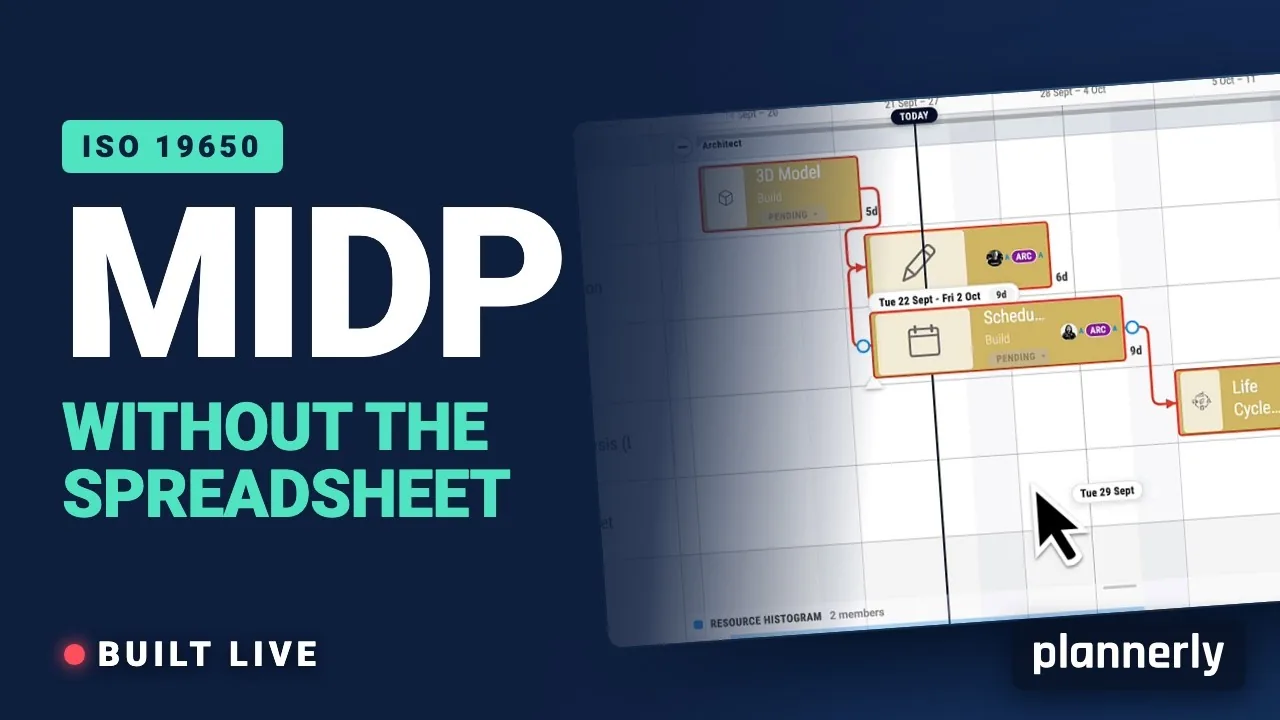
Why your MIDP spreadsheet is failing (and how to fix it)
[Steps for you to create the best TIDP-MIDP workflow.] Your MIDP shouldn't live in a spreadsheet that dies in week three.
 Video · 5:11
What Is an EIR in ISO 19650 - Exchange Information Requirements Explained
Free BIM + ISO 19650 Training: https://plannerly.com/training/
 Video · 30:53
The Complete BIM Management Workflow
Do you want to learn more about BIM Management? In just 30 minutes we go over the entire BIM management workflow from start to finish! We cover everything you need to know in order to get started with BIM management in your own projects!