
Video
Simplifying AEC Project Scoping (for ISO 19650 LOIN / BIM Forum LOD)
About this video
Simplify ISO 19650 Level of Information Need and/or BIM Forum LOD scoping. In this video, we introduce Plannerly’s Scope module, a dedicated cloud-based database for the AEC industry that simplifies the process of managing tasks and BIM requirements. Spreadsheets are not ideal for the AEC industry, as they quickly become overwhelming with added columns and information. Scope offers a user-friendly interface with a list of items, milestones, and tasks displayed in a grid. You can assign tasks, track progress, and customize the database according to your project needs. Say goodbye to complex spreadsheets and start planning early with Plannerly's Scope.
Timestamps:
0:00 - Introduction
0:09 - Challenges with Spreadsheets
0:24 - Structure of Scope
0:40 - Milestones
0:48 - Scope Groups
0:54 - Project Requirements
1:00 - Master Information Delivery Plan (MIDP)
1:06 - Task Details
1:48 - Scope Grid Standards
2:13 - buildingSMART Data Dictionary (bSDD)
2:27 - Simplifying Information Requirements with Scope
2:44 - Conclusion
🎓 FREE CERTIFIED TRAINING: Now you've checked this out, you can register for the free certified BIM management training course here: https://plannerly.com/training 👈
Stay up to date with BIM Management?:
- LinkedIn: https://www.linkedin.com/company/plannerly
- Twitter: https://twitter.com/PlannerlyAEC
- Instagram: https://www.instagram.com/plannerlyAEC
- Facebook: https://www.facebook.com/plannerlyAEC
#MIDP #BIM #ISO19650 #bSDD #InformationManagement #AEC #design #engineering #construction #BEP #LevelofInformationNeed #LOIN #LOD #planning #engineers #architects #contractors #smartleanbim #plannerly
Featured in
Where this video is used
 Video · 39:00
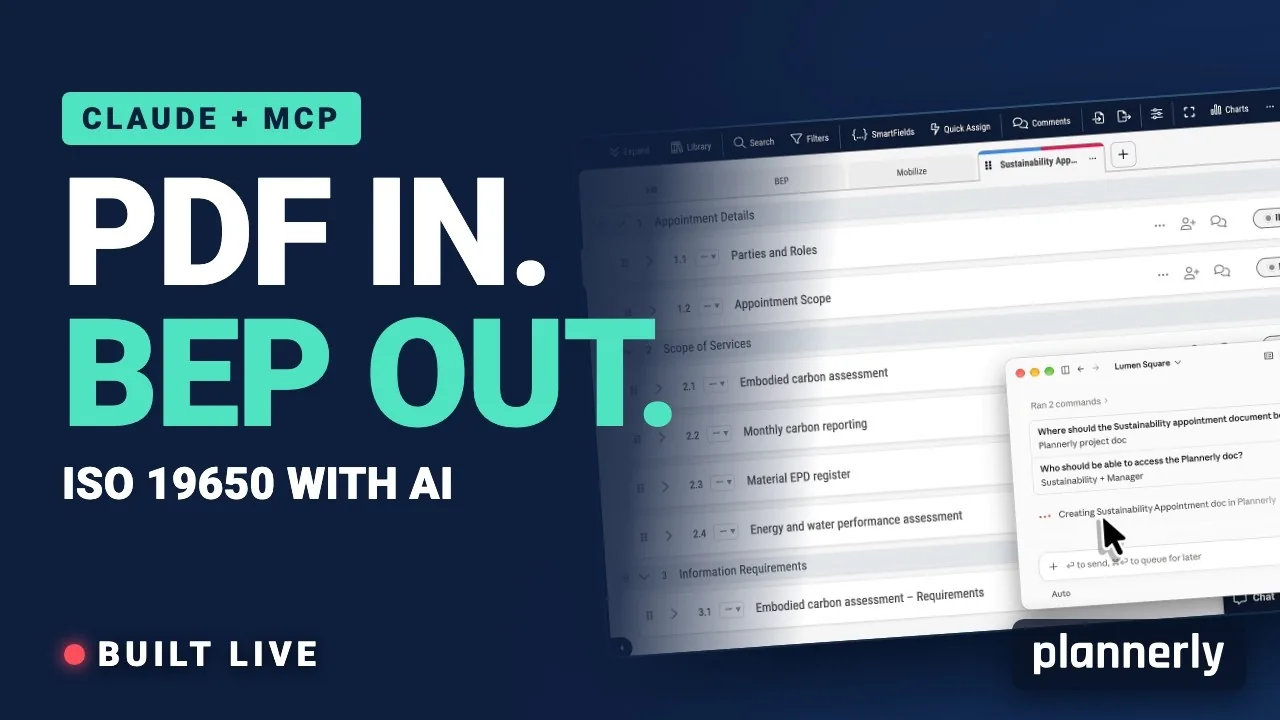
AI in BIM: Claude + MCP Turn a Client EIR into a BEP (ISO 19650)
Your client sent the information requirements as a PDF. In this live session we connect Claude to a Plannerly project with MCP and turn that EIR into a pre-appointment BEP, a scope, a RACI matrix and checkable information requirements - then just ask Javis what's missing.
 Video · 2:28
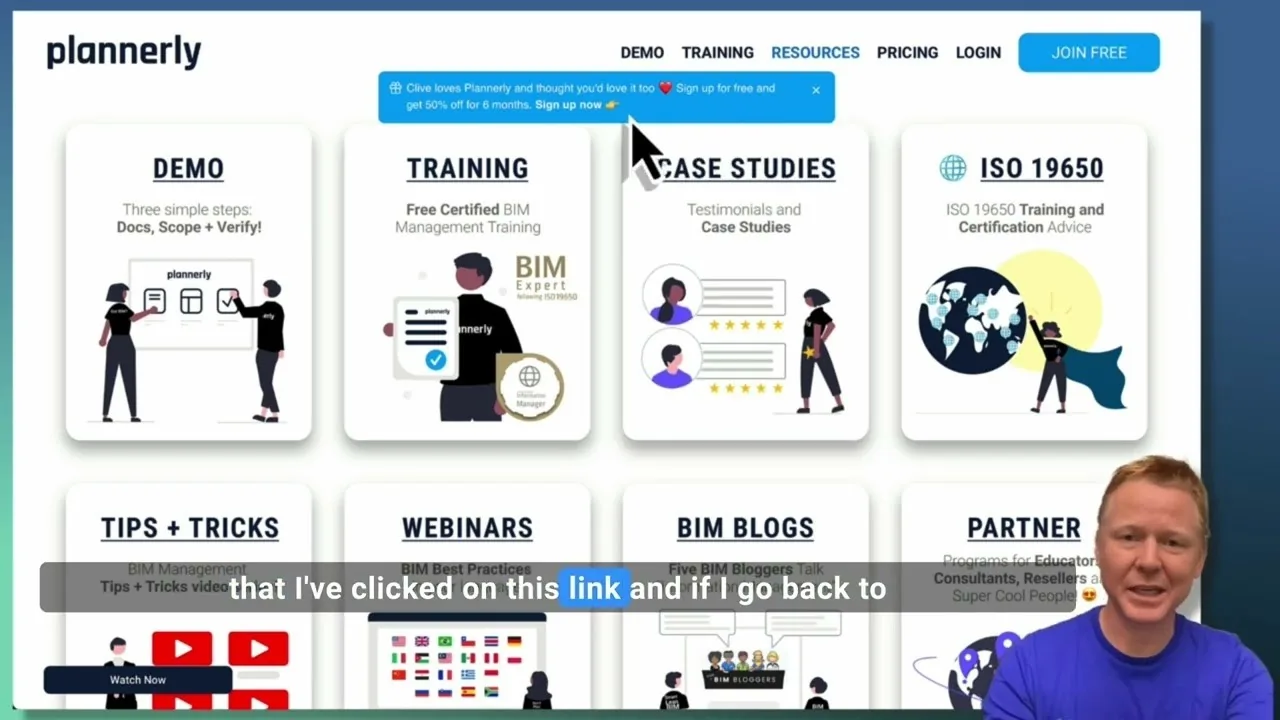
Create a Customized Referral Link
Learn how to create custom referral links for our website in this step-by-step guide. We'll show you how to set up links that point to different pages and ensure your referrals are properly tagged. Best of all, you'll earn a $1000 commission for each person who signs up for a plan through your...
 Video · 1:27
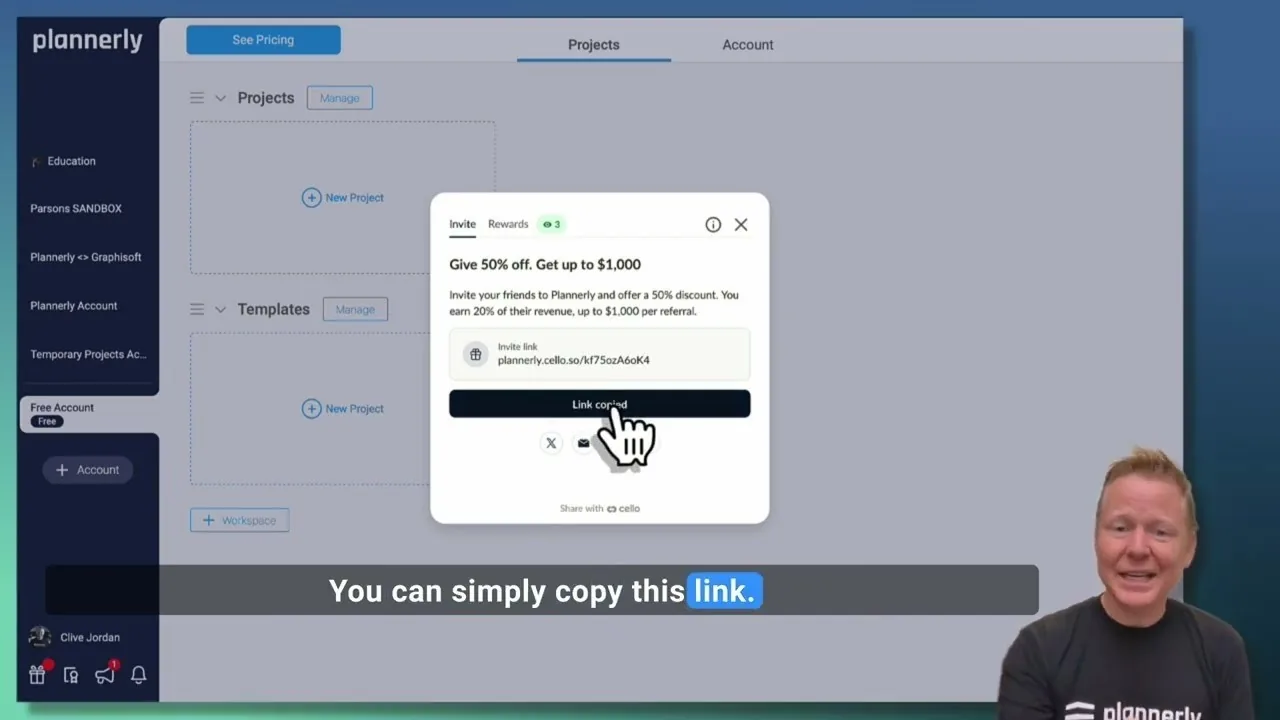
Plannerly Referral Program - You get $1,000 per referral!
You get $1,000 per referral! They get 50% off their Plannerly subscription!
 Video · 39:19
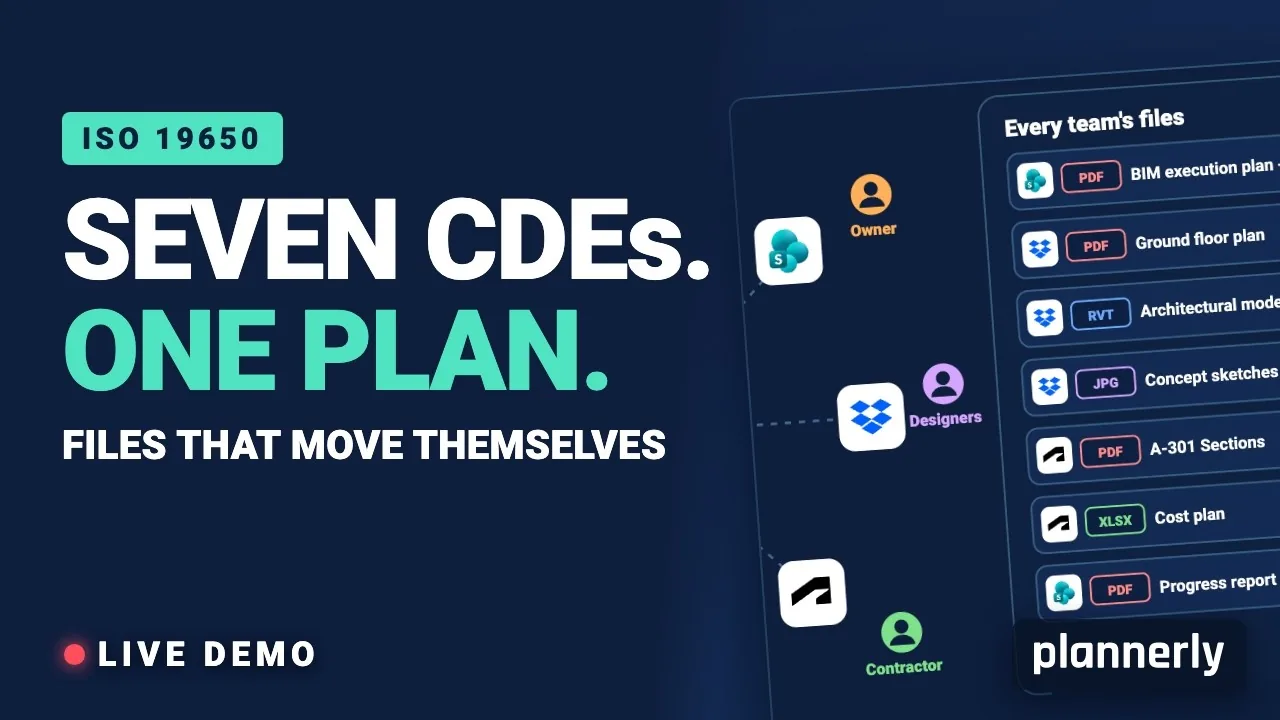
Why Your BIM Files Are Lost in Seven CDEs
Seven CDEs. One plan. In this live session an approved document files itself in the client's SharePoint, files dropped in the design team's Dropbox fill their requests in the MIDP, and a reviewed drawing goes straight on to the contractor's Autodesk Forma.
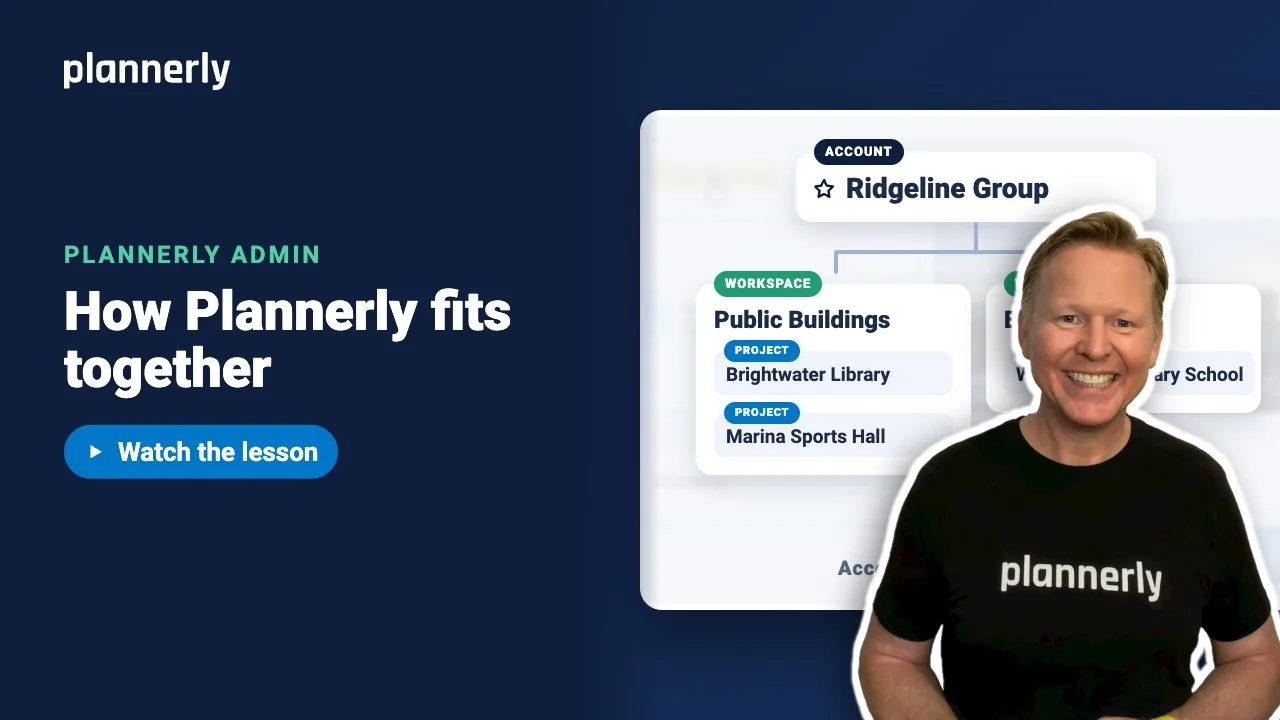 Video · 1:01
Plannerly Accounts, Workspaces and Projects Explained
Step-by-step guide: https://help.plannerly.com/en/article/accounts-workspaces-and-projects-in-plannerly-explained Free Certified Plannerly Administrator course with certificate: https://plannerly.com/courses/admin/
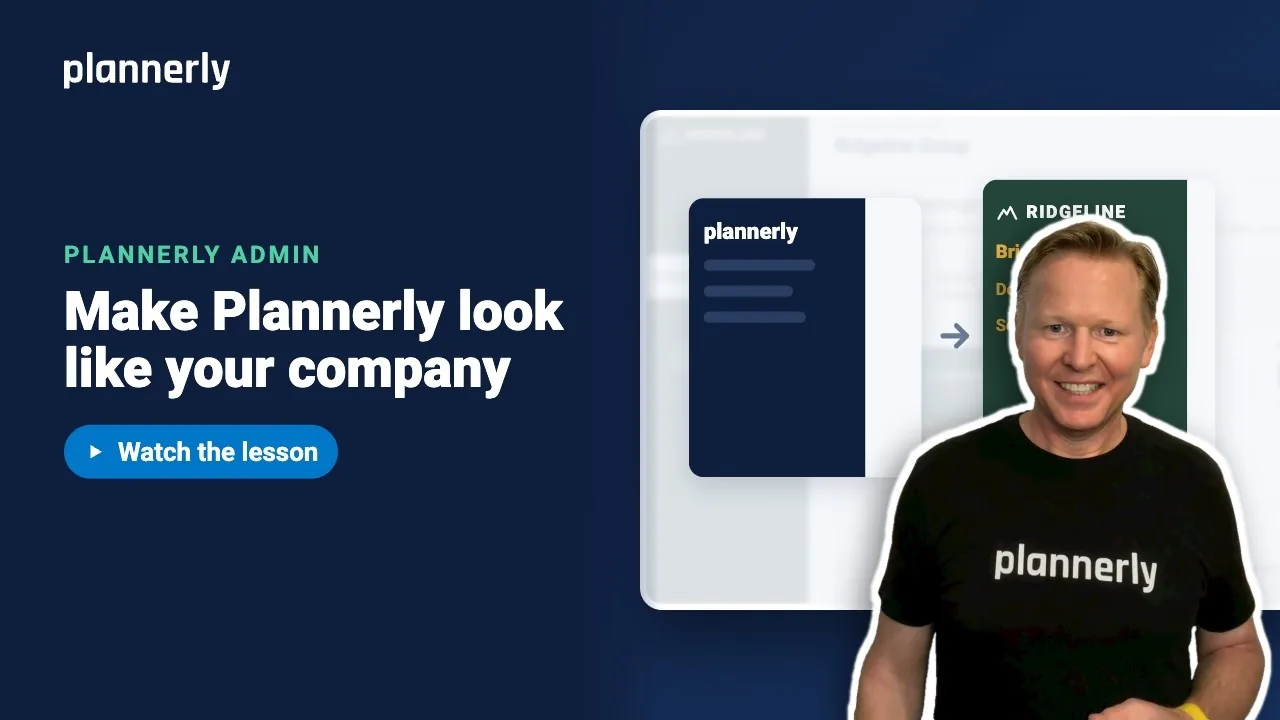 Video · 0:47
How to Add Your Logo and Colors to Your Plannerly Account
Step-by-step guide: https://help.plannerly.com/en/article/how-to-add-your-company-logo-and-colors-to-plannerly Free Certified Plannerly Administrator course with certificate: https://plannerly.com/courses/admin/