
Video
One Plan for Your Whole BIM Project: Plannerly in 60 Seconds
About this video
Every project starts the same way: Word documents, PDFs, spreadsheets and a schedule, scattered across inboxes and drives. Plannerly turns them into one visual plan, where every deliverable has an owner and every owner agrees to it. So you always know who owns what.
In 60 seconds:
- Docs: write the BEP and the information requirements, with AI drafting the first version
- Scope: every model element, milestone and level of information need on one grid - your information delivery plan
- Verify: every model checked automatically, element by element, so each team sees exactly what to fix
- Dashboards: charts that update themselves and reminders that go out on their own
- CDE Connect: your files in step with Autodesk, Procore, SharePoint, Dropbox and many more
BIM management software built for ISO 19650, for owners, contractors, design teams and consultants.
Start free: https://plannerly.com
Free ISO 19650 training with certificates: https://plannerly.com/training/
How teams use Plannerly: https://plannerly.com/uses/
Book a live demo: https://plannerly.com/meeting/
#BIM #ISO19650 #Plannerly
Featured in
Where this video is used
 Video · 24:55
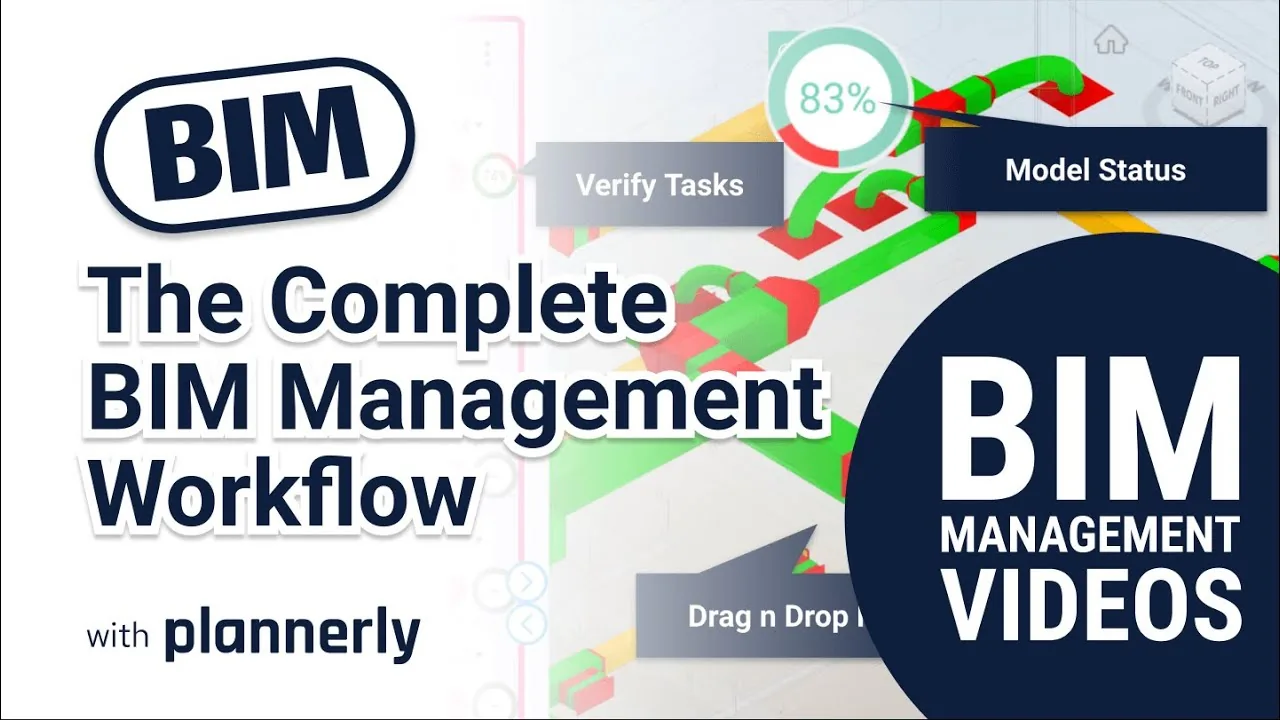
The Complete BIM Management Workflow - made simple!
Find out more about BIM Management with Plannerly HERE: https://www.plannerly.com/?utm_source=abimvid
 Video · 2:28
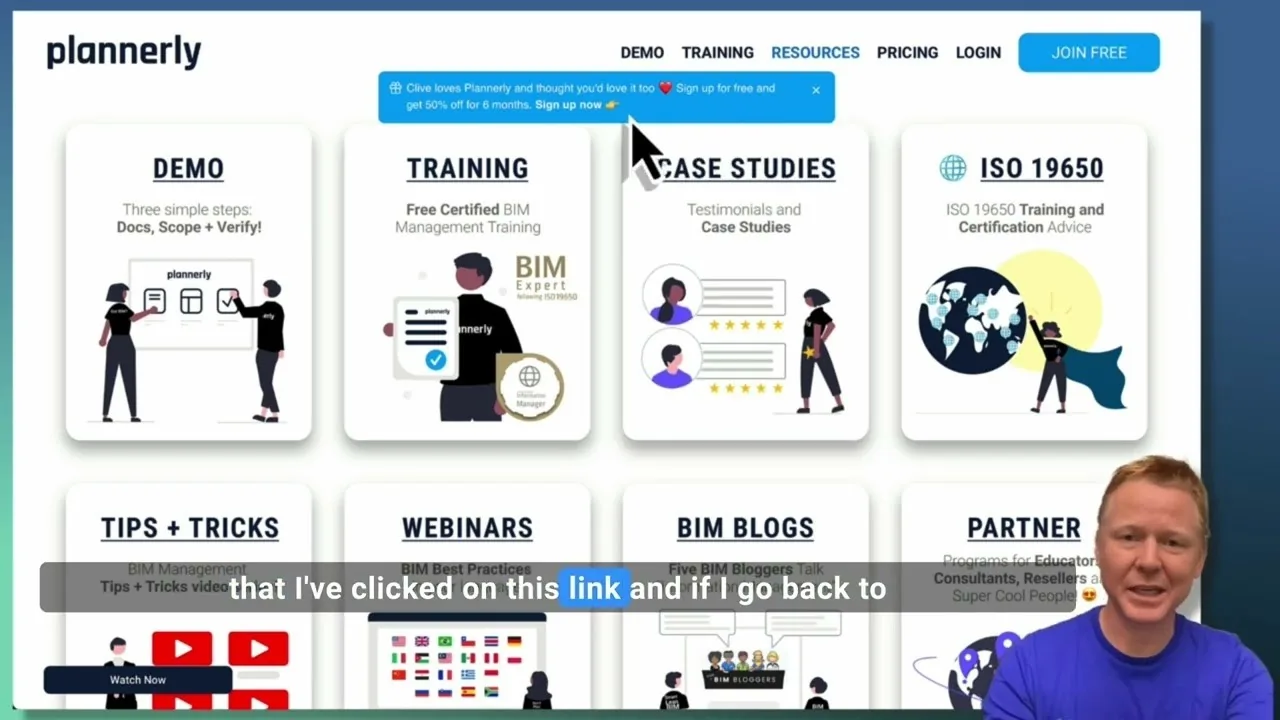
Create a Customized Referral Link
Learn how to create custom referral links for our website in this step-by-step guide. We'll show you how to set up links that point to different pages and ensure your referrals are properly tagged. Best of all, you'll earn a $1000 commission for each person who signs up for a plan through your...
 Video · 1:27
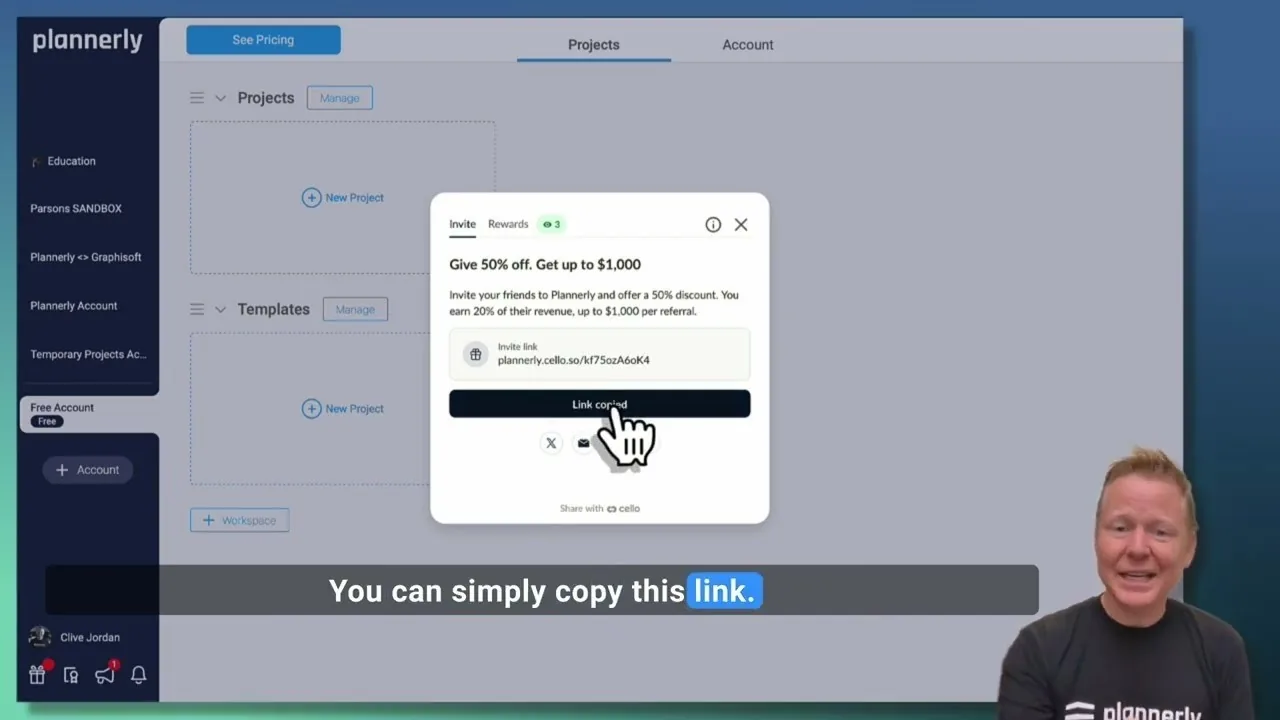
Plannerly Referral Program - You get $1,000 per referral!
You get $1,000 per referral! They get 50% off their Plannerly subscription!
 Video · 39:19
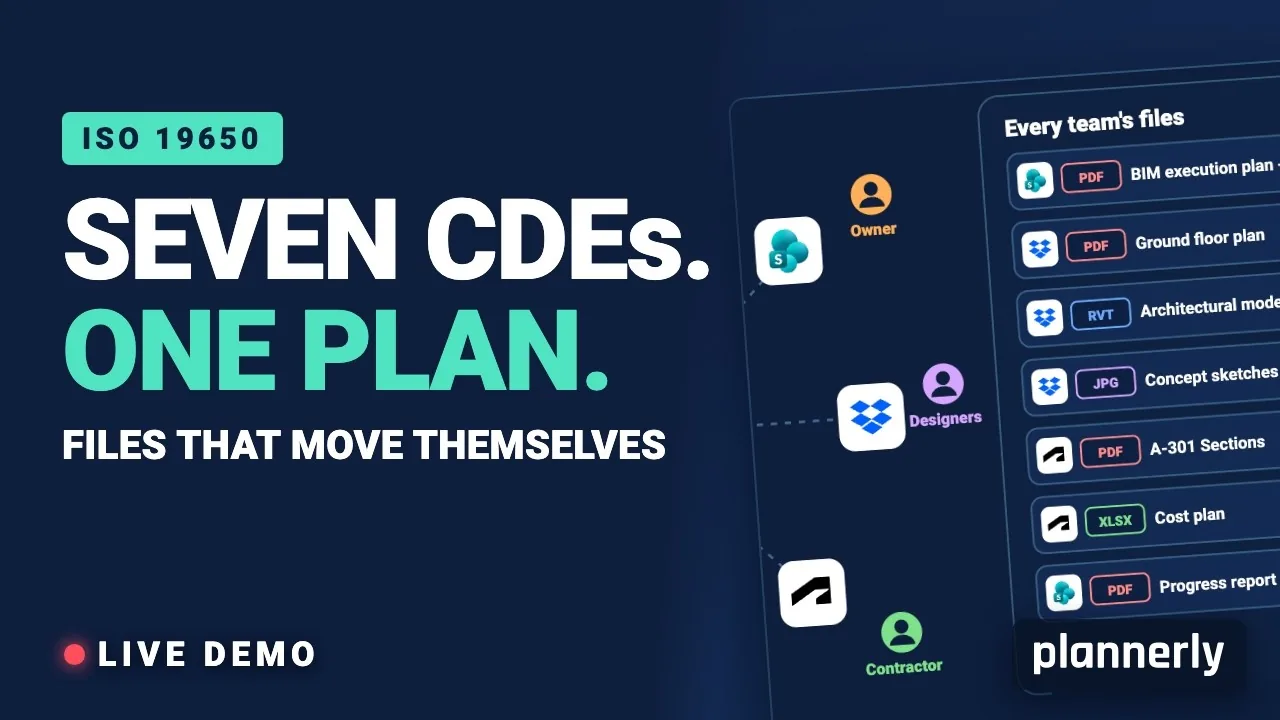
Why Your BIM Files Are Lost in Seven CDEs
Seven CDEs. One plan. In this live session an approved document files itself in the client's SharePoint, files dropped in the design team's Dropbox fill their requests in the MIDP, and a reviewed drawing goes straight on to the contractor's Autodesk Forma.
 Video · 1:01
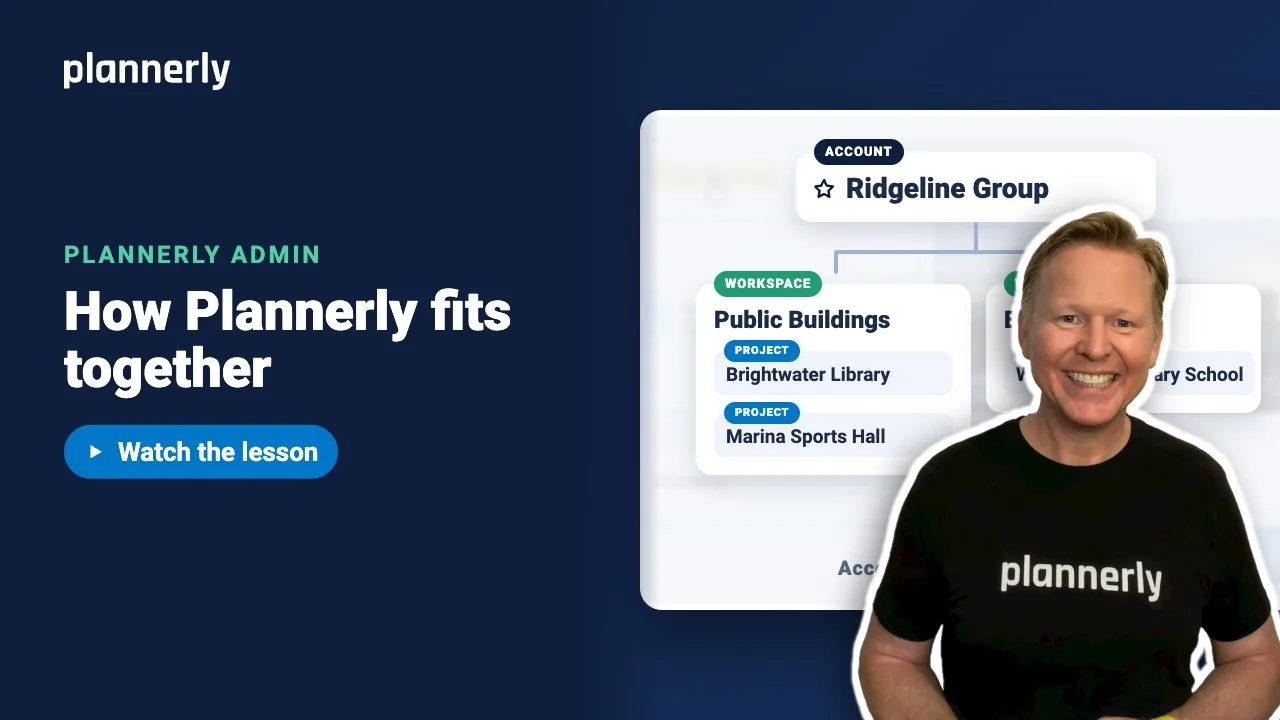
Plannerly Accounts, Workspaces and Projects Explained
Step-by-step guide: https://help.plannerly.com/en/article/accounts-workspaces-and-projects-in-plannerly-explained Free Certified Plannerly Administrator course with certificate: https://plannerly.com/courses/admin/
 Video · 0:47
How to Add Your Logo and Colors to Your Plannerly Account
Step-by-step guide: https://help.plannerly.com/en/article/how-to-add-your-company-logo-and-colors-to-plannerly Free Certified Plannerly Administrator course with certificate: https://plannerly.com/courses/admin/