
Video
How Smart Fields Simplify BIM Documents - Better ISO 19650 Information Management
About this video
Free BIM + ISO 19650 Training: https://plannerly.com/training/
Still using Word templates with placeholder text, red instructions, and manual reminders to update project details?
In this video, see how smart fields create a more robust and scalable approach to BIM document management. You'll learn how smart fields help automate project information, reduce manual editing, and improve consistency across documents - all while supporting better BIM management and ISO 19650 information management workflows.
This walkthrough shows how smart fields connect document content to project data, making it much easier to manage updates across your entire document set.
In this video, you'll learn:
- What smart fields are and how they work
- How incomplete and completed smart fields are displayed
- How to insert smart fields into project documents
- How database-linked smart fields update content automatically
- How project settings can populate values across multiple documents
- How smart fields work in different document states
- How shared documents can act like forms
- How published documents lock smart field editing for authorized use
This is a practical workflow for teams that want to move away from manual copy and paste and toward a more controlled, efficient, and reusable approach to project information management.
This video is ideal for:
- BIM Managers
- Information Managers
- Project Managers
- Design teams
- Construction teams
- Anyone working with ISO 19650 documents and structured project data
Free BIM + ISO 19650 Training: https://plannerly.com/training/
BIM Boot Camp: https://plannerly.com/bim-boot-camp/
Featured in
Where this video is used
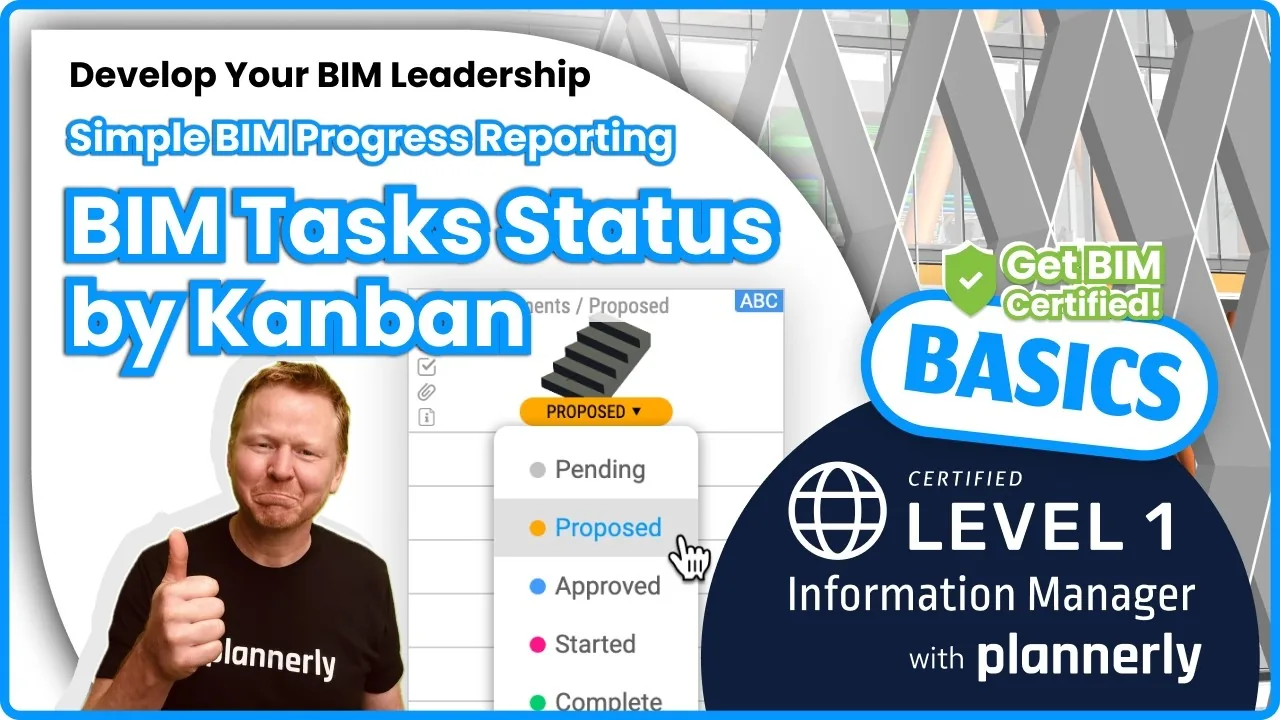 Video · 1:30
How to Track BIM Task Status Across Grid, Timeline and Kanban - ISO 19650 Scope Management
Free BIM + ISO 19650 Training: https://plannerly.com/training/
 Video · 2:45
How to Get Your BIM and Information Management Certificate - Add It to LinkedIn
Free BIM + ISO 19650 Training: https://plannerly.com/training/
 Video · 3:16
Verify Module Assignment - Check BIM Model Properties Against Scope Requirements
Free BIM + ISO 19650 Training: https://plannerly.com/training/
 Video · 1:25
How to Connect Autodesk Construction Cloud Models to Verify - BIM Model Sync and Checking
Free BIM + ISO 19650 Training: https://plannerly.com/training/
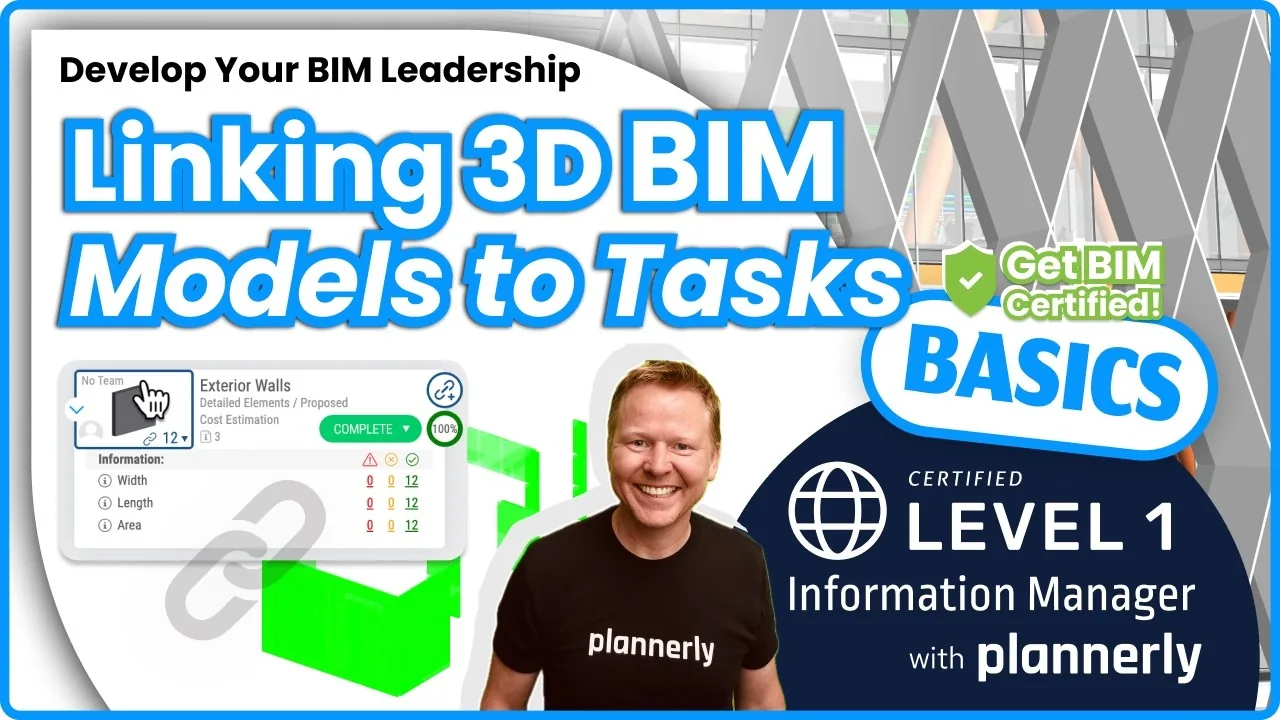 Video · 3:54
How to Use QA Model Checking in Verify - BIM Quality Control for ISO 19650 Workflows
Free BIM + ISO 19650 Training: https://plannerly.com/training/
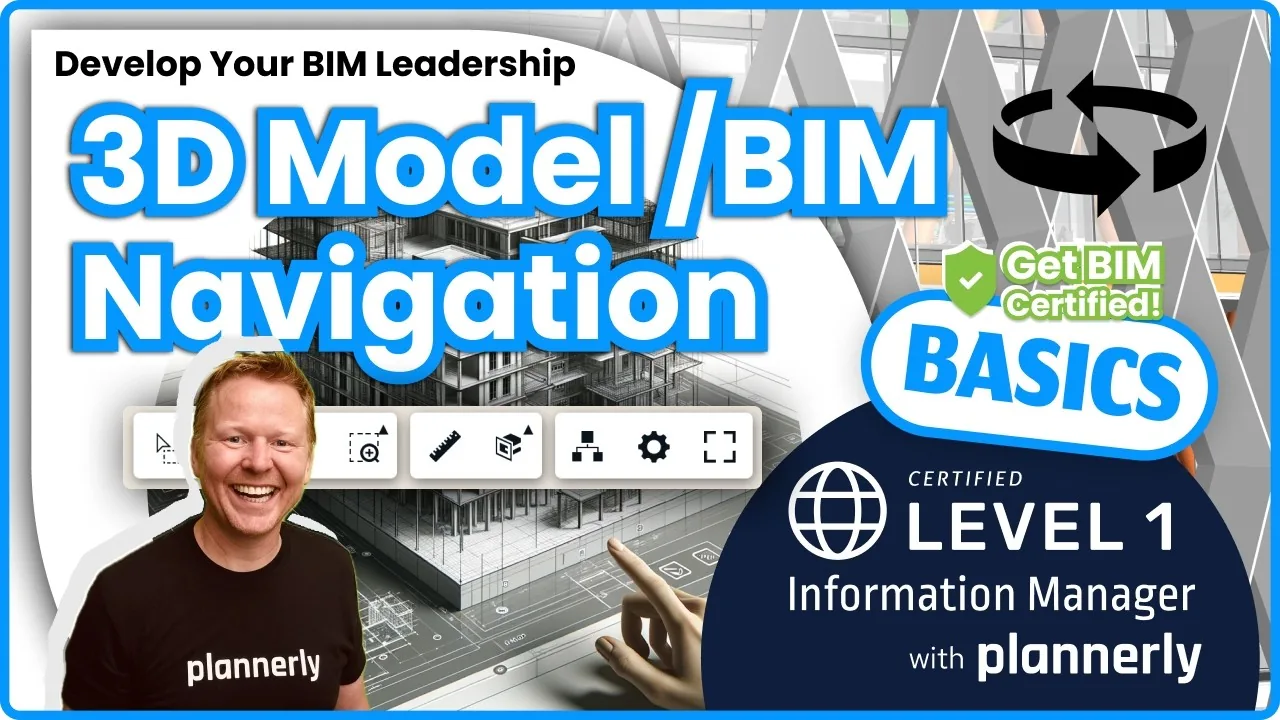 Video · 6:21
How to Upload, View and Review BIM Models in 3D - ISO 19650 Verify Module Guide
Free BIM + ISO 19650 Training: https://plannerly.com/training/