
Video
Verify Module Assignment - Check BIM Model Properties Against Scope Requirements
About this video
Free BIM + ISO 19650 Training: https://plannerly.com/training/
Ready for the final assignment in the basic Verify module training?
In this video, you'll create a new project, add a document, define a simple scope requirement for an exterior wall, and then use the Verify module to check whether the model actually contains the required information properties.
This is a practical hands-on exercise that brings together BIM management, information management, scope definition, and model verification in one simple workflow. You'll see how a model rule can automatically connect elements to tasks, how property checks reveal missing or incorrect information, and how correcting the requirement setup can instantly improve your verification results.
In this video, you'll learn:
- How to create a new project and add a document from the library
- How smart fields speed up document creation
- How to add a retaining wall requirement in Scope and adapt it for your use case
- How to define a milestone for estimating or cost estimation
- How to set simple information requirements for width, length, and area
- How to rename scope items to match the model content
- How to use a model rule to automatically link exterior walls to the task
- How Verify checks model properties against the required information
- How to identify incorrect setup and fix property names
- How to update task status and share the model once it is ready for review
This assignment is a great example of how ISO 19650 workflows can be made practical and visual. Instead of guessing whether a model is fit for purpose, you can define the requirement, connect the model, and see instantly whether the information is actually there.
This video is ideal for:
- BIM Managers
- Information Managers
- Project Managers
- Students learning BIM workflows
- Design teams
- Construction teams
- Anyone working with ISO 19650 model checking and information requirements
By the end of this exercise, you'll have created a simple scope, linked it to a model, checked the required properties, corrected an error, and moved the task through the verification workflow.
Free BIM + ISO 19650 Training: https://plannerly.com/training/
BIM Boot Camp: https://plannerly.com/bim-boot-camp/
Featured in
Where this video is used
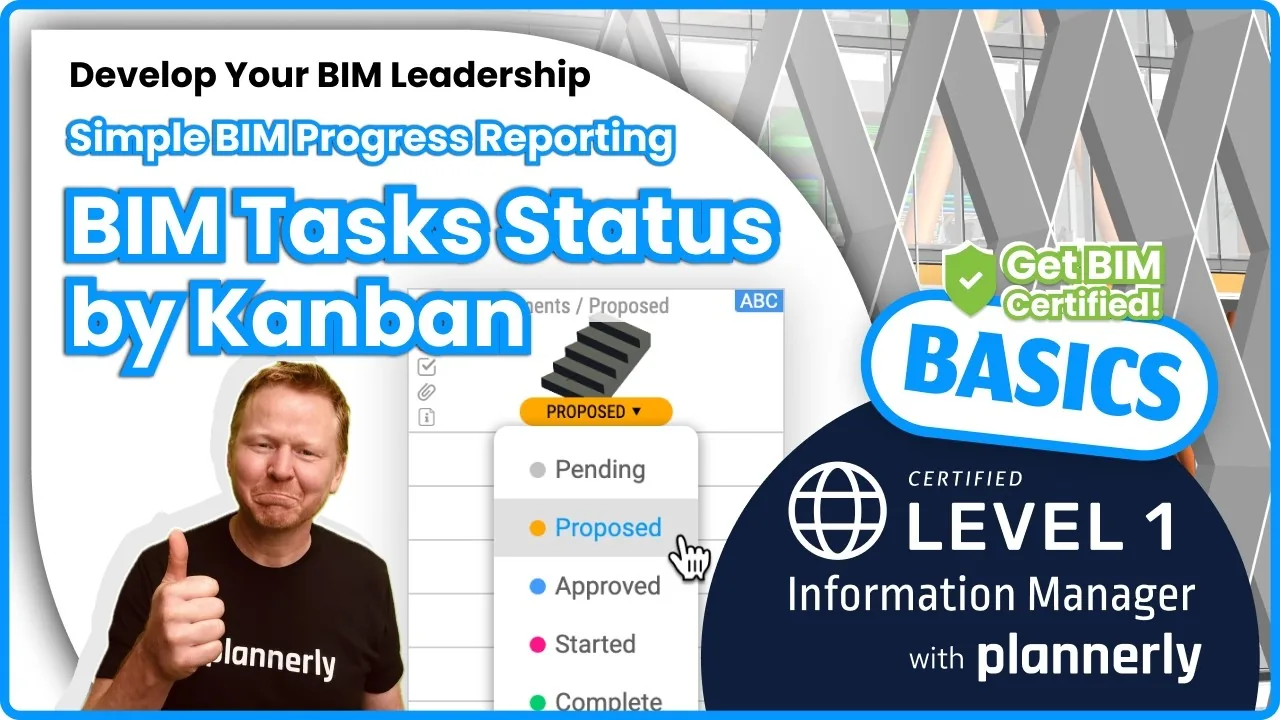 Video · 1:30
How to Track BIM Task Status Across Grid, Timeline and Kanban - ISO 19650 Scope Management
Free BIM + ISO 19650 Training: https://plannerly.com/training/
 Video · 2:45
How to Get Your BIM and Information Management Certificate - Add It to LinkedIn
Free BIM + ISO 19650 Training: https://plannerly.com/training/
 Video · 1:25
How to Connect Autodesk Construction Cloud Models to Verify - BIM Model Sync and Checking
Free BIM + ISO 19650 Training: https://plannerly.com/training/
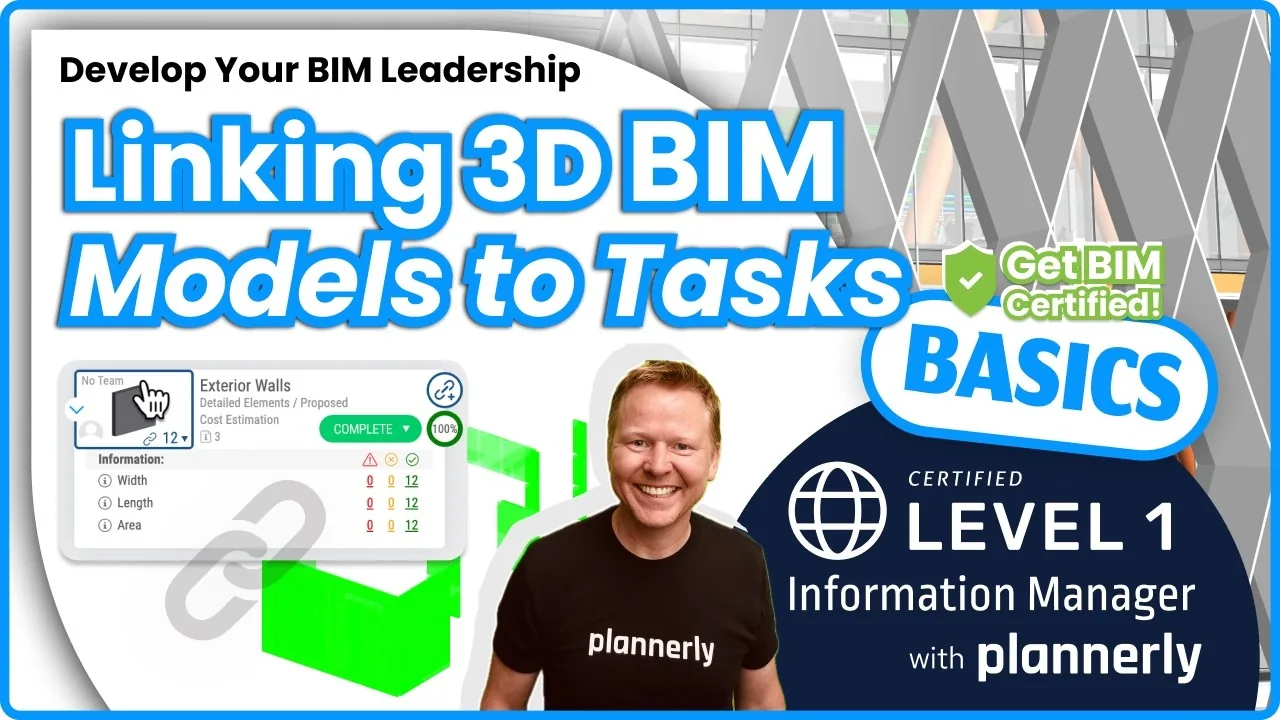 Video · 3:54
How to Use QA Model Checking in Verify - BIM Quality Control for ISO 19650 Workflows
Free BIM + ISO 19650 Training: https://plannerly.com/training/
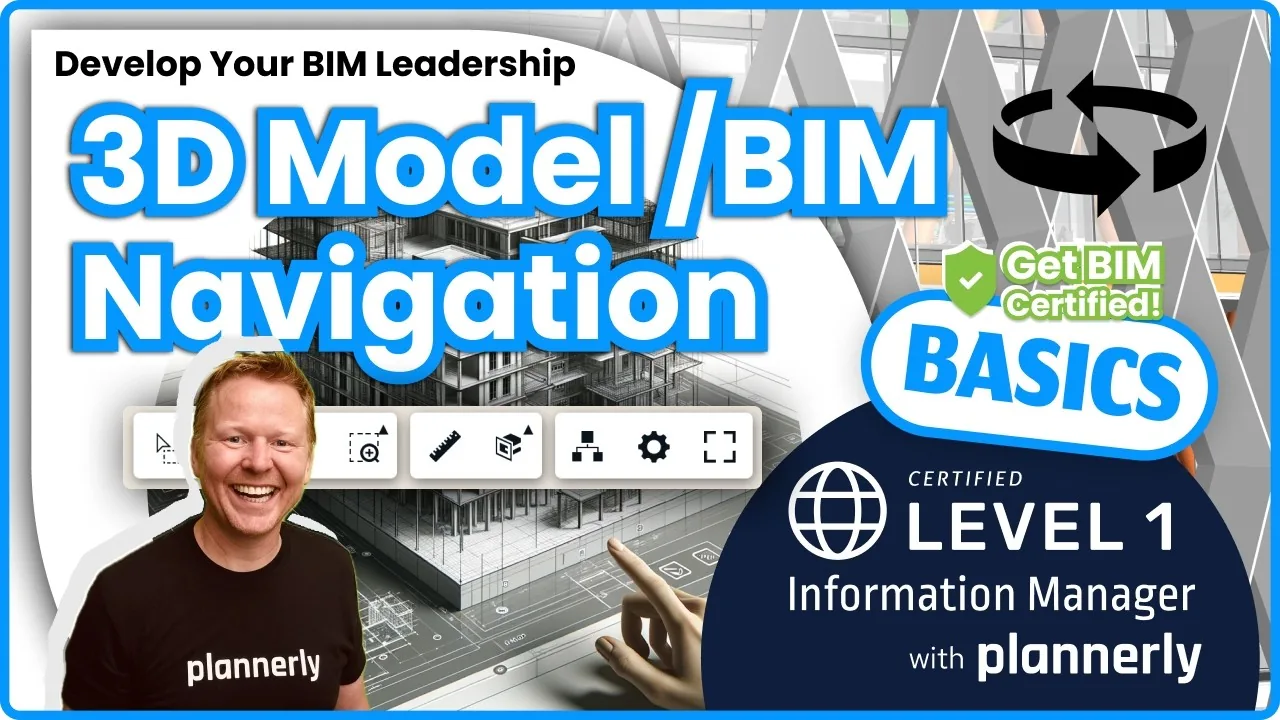 Video · 6:21
How to Upload, View and Review BIM Models in 3D - ISO 19650 Verify Module Guide
Free BIM + ISO 19650 Training: https://plannerly.com/training/
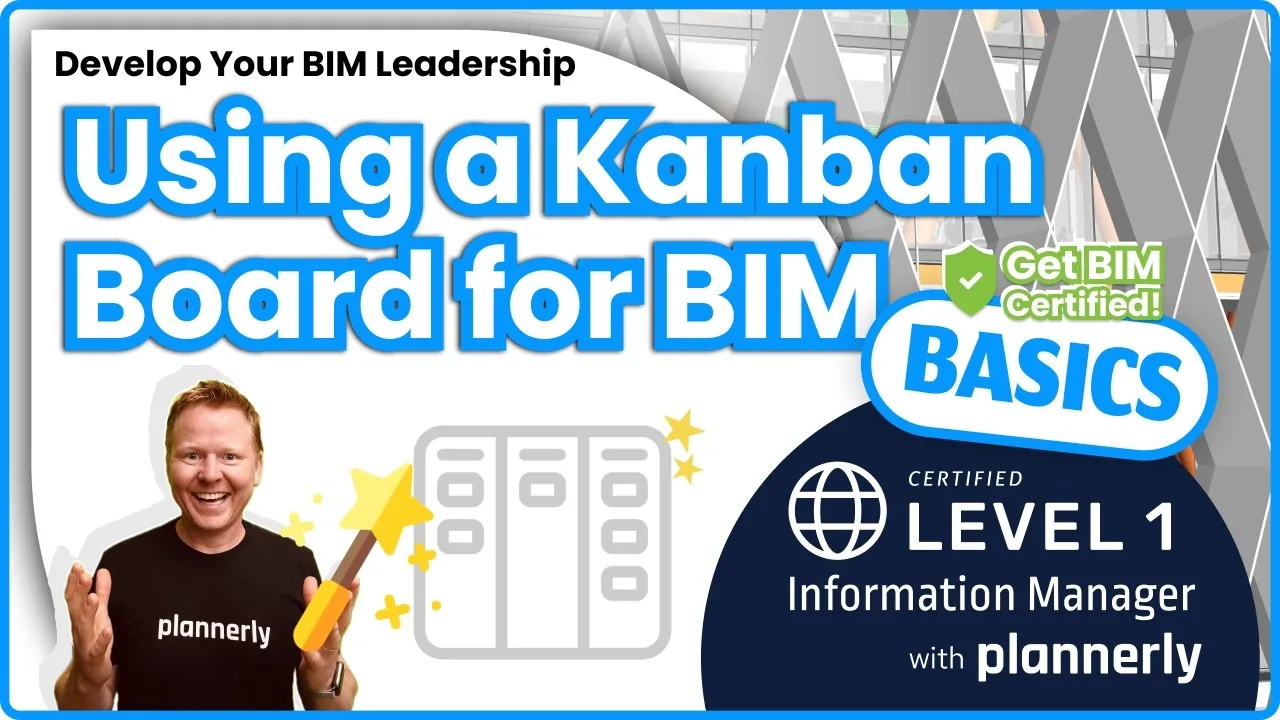 Video · 1:46
How to Use the Kanban Board in Verify - Track BIM Tasks and Progress with ISO 19650 Workflows
Free BIM + ISO 19650 Training: https://plannerly.com/training/