
Video
How to Get Your BIM and Information Management Certificate - Add It to LinkedIn
About this video
Free BIM + ISO 19650 Training: https://plannerly.com/training/
Congratulations on completing the Information Management Basics course.
In this video, you'll learn how to access your certificate, update your details if needed, and add your new certification to LinkedIn so you can showcase your BIM and information management skills professionally.
This final walkthrough helps you make the most of your course completion by showing you where to find your certificate, how to regenerate it if your name needs updating, and how to share your achievement with your network.
In this video, you'll learn:
- How to access your certificate from the course dashboard
- What to do if your certificate is not showing yet
- How to make sure all modules and quizzes are completed
- How to update your first name, last name, and public display name
- How to regenerate your certificate PDF with updated details
- How to add your certificate to LinkedIn under Licenses & Certifications
- Why sharing your certificate can strengthen your professional profile
- How posting your certificate on social media can help highlight your achievement
- Where to get help if you run into any issues
- How to continue your learning journey with advanced and expert training
Completing BIM and ISO 19650 training is a great step forward for anyone working in digital construction, project information management, and BIM management. Sharing your certificate helps demonstrate your commitment to learning and professional development.
Free BIM + ISO 19650 Training: https://plannerly.com/training/
BIM Boot Camp: https://plannerly.com/bim-boot-camp/
Featured in
Where this video is used
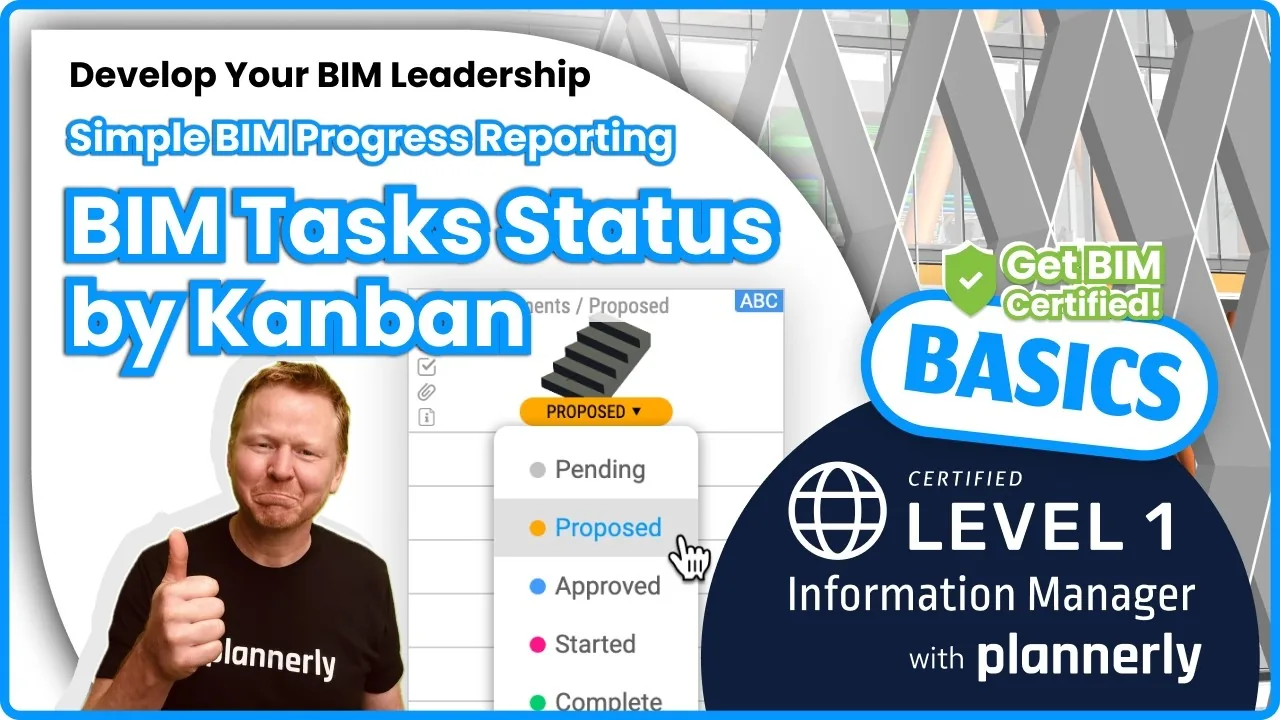 Video · 1:30
How to Track BIM Task Status Across Grid, Timeline and Kanban - ISO 19650 Scope Management
Free BIM + ISO 19650 Training: https://plannerly.com/training/
 Video · 3:16
Verify Module Assignment - Check BIM Model Properties Against Scope Requirements
Free BIM + ISO 19650 Training: https://plannerly.com/training/
 Video · 1:25
How to Connect Autodesk Construction Cloud Models to Verify - BIM Model Sync and Checking
Free BIM + ISO 19650 Training: https://plannerly.com/training/
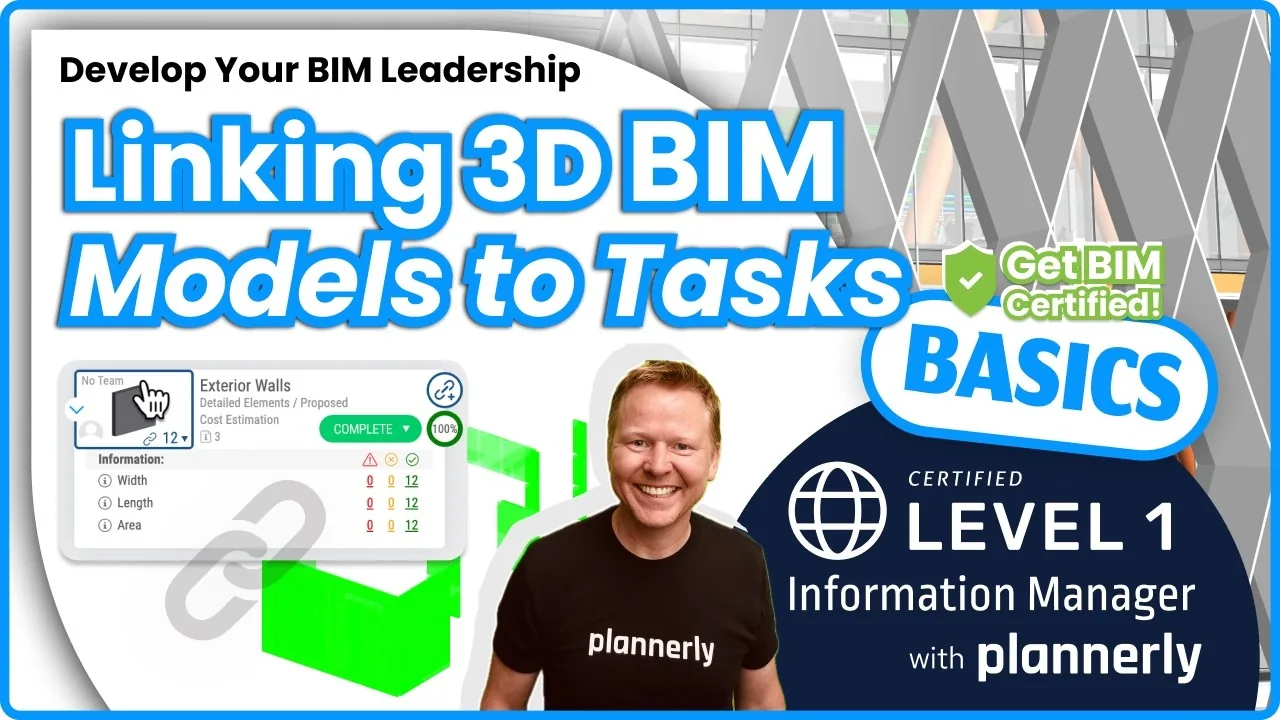 Video · 3:54
How to Use QA Model Checking in Verify - BIM Quality Control for ISO 19650 Workflows
Free BIM + ISO 19650 Training: https://plannerly.com/training/
 Video · 6:21
How to Upload, View and Review BIM Models in 3D - ISO 19650 Verify Module Guide
Free BIM + ISO 19650 Training: https://plannerly.com/training/
 Video · 1:46
How to Use the Kanban Board in Verify - Track BIM Tasks and Progress with ISO 19650 Workflows
Free BIM + ISO 19650 Training: https://plannerly.com/training/