
Video
How to Upload, View and Review BIM Models in 3D - ISO 19650 Verify Module Guide
About this video
Free BIM + ISO 19650 Training: https://plannerly.com/training/
Ready to bring your 3D models into a more structured BIM verification workflow?
In this video, see how to add a 3D model into the Verify module, connect models from Autodesk Construction Cloud or your computer, and review them in a lightweight web-based viewer built for BIM management and information management workflows.
You'll learn how models are uploaded, processed, normalized, and indexed so teams can review geometry and properties consistently across many file types. You'll also get an overview of the key 3D navigation and review tools that help teams inspect models more effectively before connecting them to tasks and automated checks.
In this video, you'll learn:
- How to add a new 3D model in the Verify module
- How to connect models from Autodesk Construction Cloud
- How to upload models from your computer or File Manager
- Which model formats can be imported, including Revit, IFC, DWG, Navisworks, and SketchUp
- How uploaded models are normalized for consistent viewing and property review
- How model properties are indexed for checking against requirements
- How to navigate the 3D model using orbit, zoom, pivot, isolate, and show all
- How to use first-person mode, measurement tools, and cross-sections
- How to inspect object properties and element trees
- How model elements can later be connected to tasks for automated checking
This is a practical introduction to the 3D side of the Verify module and a key step in connecting BIM models to the requirements already defined in Scope. It supports a more efficient ISO 19650 workflow by helping teams review model content and prepare for automated verification.
This video is ideal for:
- BIM Managers
- Information Managers
- Project Managers
- Design teams
- Construction teams
- Anyone working with ISO 19650 model review and BIM verification
If you want a clear overview of how to upload and interrogate BIM models in a browser-based 3D environment, this video will give you a solid starting point.
Free BIM + ISO 19650 Training: https://plannerly.com/training/
BIM Boot Camp: https://plannerly.com/bim-boot-camp/
Featured in
Where this video is used
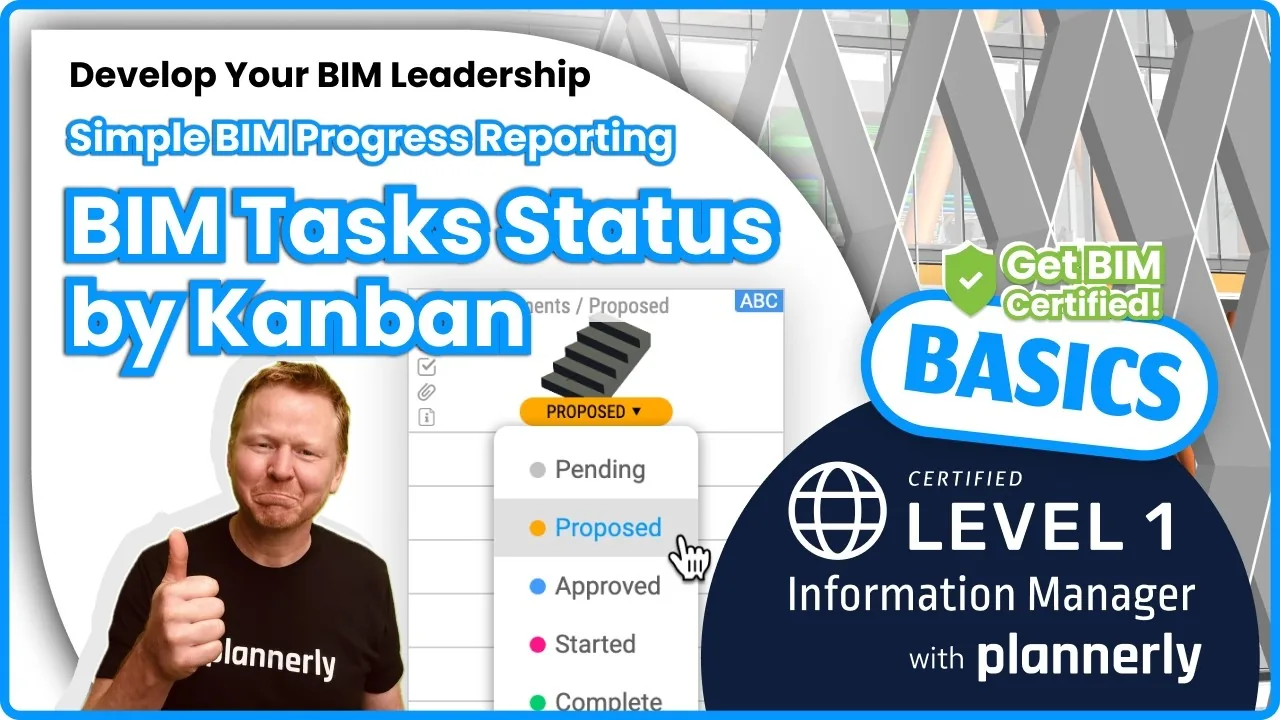 Video · 1:30
How to Track BIM Task Status Across Grid, Timeline and Kanban - ISO 19650 Scope Management
Free BIM + ISO 19650 Training: https://plannerly.com/training/
 Video · 2:45
How to Get Your BIM and Information Management Certificate - Add It to LinkedIn
Free BIM + ISO 19650 Training: https://plannerly.com/training/
 Video · 3:16
Verify Module Assignment - Check BIM Model Properties Against Scope Requirements
Free BIM + ISO 19650 Training: https://plannerly.com/training/
 Video · 1:25
How to Connect Autodesk Construction Cloud Models to Verify - BIM Model Sync and Checking
Free BIM + ISO 19650 Training: https://plannerly.com/training/
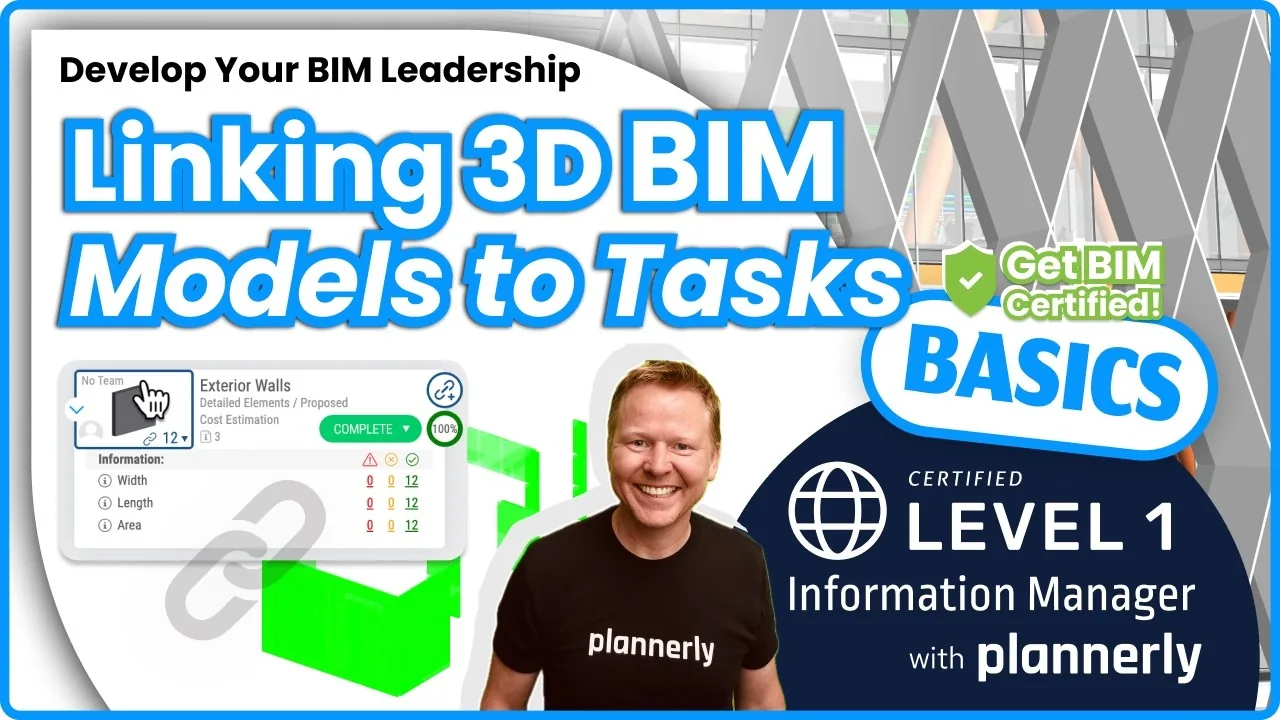 Video · 3:54
How to Use QA Model Checking in Verify - BIM Quality Control for ISO 19650 Workflows
Free BIM + ISO 19650 Training: https://plannerly.com/training/
 Video · 1:46
How to Use the Kanban Board in Verify - Track BIM Tasks and Progress with ISO 19650 Workflows
Free BIM + ISO 19650 Training: https://plannerly.com/training/