
Video
How to Create BIM Scope Requirements Without Excel - Faster ISO 19650 Scope Management
About this video
Free BIM + ISO 19650 Training: https://plannerly.com/training/
Still copying old Excel scope files, deleting rows, and hoping you did not leave in the wrong requirements?
In this video, see how to create detailed BIM scope requirements from scratch without duplicating spreadsheets or wasting time cleaning up old project files. You'll learn how to use the Scope module to build a more selective, accurate, and collaborative set of project requirements for BIM management and ISO 19650 information management.
This walkthrough shows how to start with a blank scope, open the library, and bring in only the milestones, folders, tasks, and requirements that are actually needed for your project.
In this video, you'll learn:
- Why copying old Excel scopes creates waste, rework, and project risk
- How to start with a blank scope inside the Scope module
- How to use the library to access raw content, previous projects, and templates
- How to selectively import milestones, tasks, and folders
- How to include teams, information requirements, checklist items, attachments, notes, and dependencies
- How element linking rules support the later Verify workflow
- How to quickly add project setup requirements and discipline-specific scope
- How to create more accurate project requirements without starting from a spreadsheet
- How better scope definition improves collaboration and project buy-in
This is a practical workflow for teams that want a faster and more precise way to define project scope, responsibilities, and information requirements without relying on Excel.
This video is ideal for:
- BIM Managers
- Information Managers
- Project Managers
- Design teams
- Construction teams
- Anyone creating structured scope requirements under ISO 19650
If you want a smarter way to define exactly what your project needs, this video shows how to build a detailed BIM scope without spreadsheet chaos.
Free BIM + ISO 19650 Training: https://plannerly.com/training/
BIM Boot Camp: https://plannerly.com/bim-boot-camp/
Featured in
Where this video is used
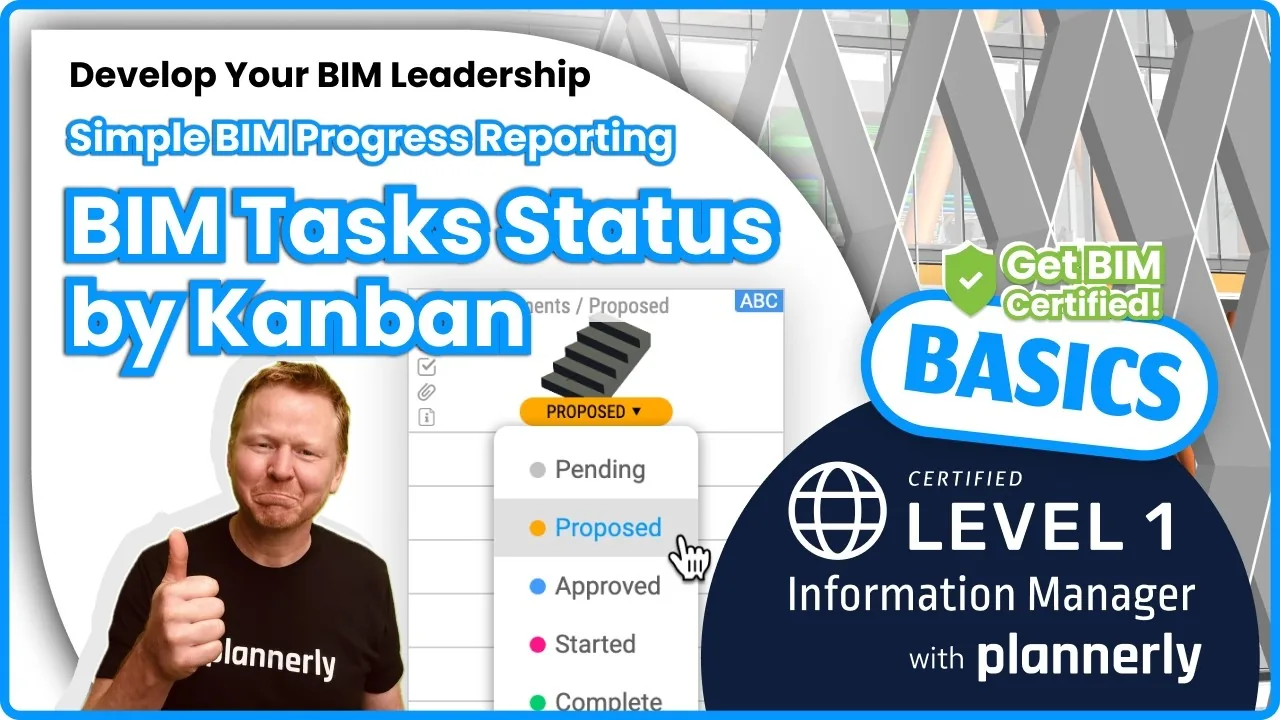 Video · 1:30
How to Track BIM Task Status Across Grid, Timeline and Kanban - ISO 19650 Scope Management
Free BIM + ISO 19650 Training: https://plannerly.com/training/
 Video · 2:45
How to Get Your BIM and Information Management Certificate - Add It to LinkedIn
Free BIM + ISO 19650 Training: https://plannerly.com/training/
 Video · 3:16
Verify Module Assignment - Check BIM Model Properties Against Scope Requirements
Free BIM + ISO 19650 Training: https://plannerly.com/training/
 Video · 1:25
How to Connect Autodesk Construction Cloud Models to Verify - BIM Model Sync and Checking
Free BIM + ISO 19650 Training: https://plannerly.com/training/
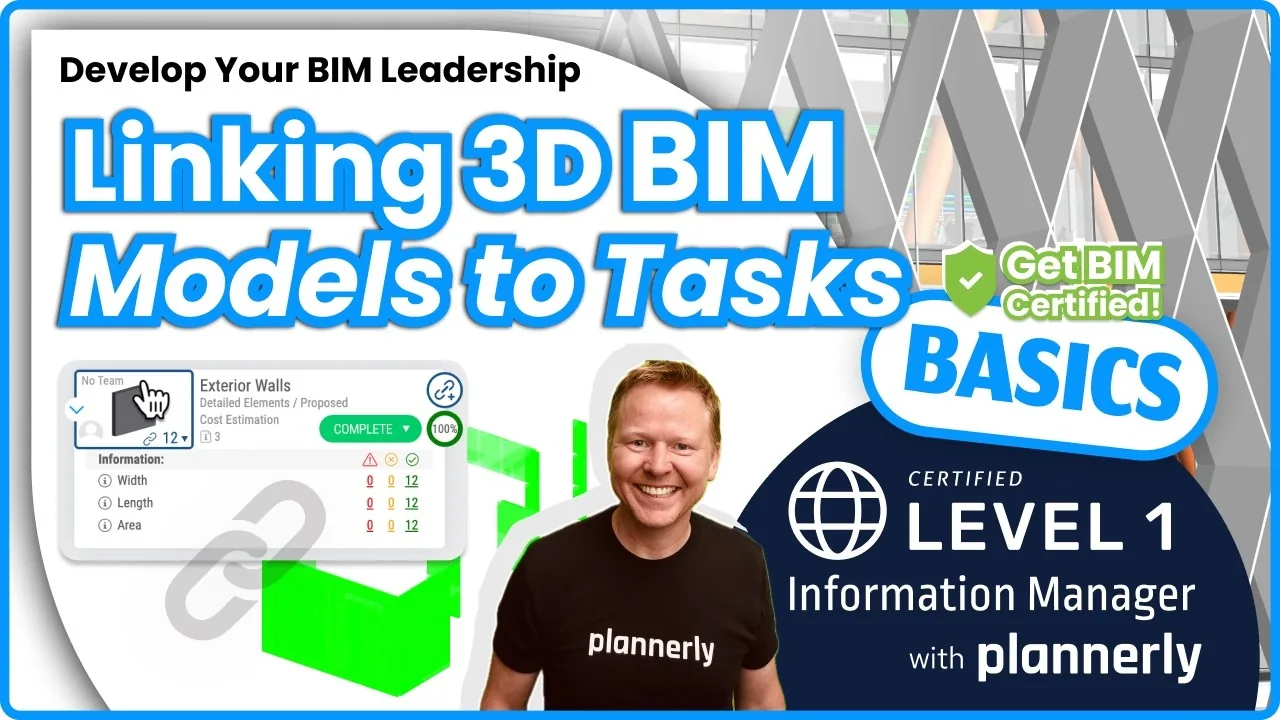 Video · 3:54
How to Use QA Model Checking in Verify - BIM Quality Control for ISO 19650 Workflows
Free BIM + ISO 19650 Training: https://plannerly.com/training/
 Video · 6:21
How to Upload, View and Review BIM Models in 3D - ISO 19650 Verify Module Guide
Free BIM + ISO 19650 Training: https://plannerly.com/training/