
Video
How to Define BIM Milestones and Information Exchanges - ISO 19650 Scope Management
About this video
Free BIM + ISO 19650 Training: https://plannerly.com/training/
Clear milestones are essential for successful BIM management, information management, and project delivery. In this video, see how to define information delivery milestones inside Plannerly so your team understands the purpose of each exchange, the order of deliverables, and the timing that needs to be followed.
This walkthrough shows how to add, edit, group, and describe milestones in a structured way that supports ISO 19650 workflows and helps project teams stay aligned around information exchanges.
In this video, you'll learn:
- How to add and edit information delivery milestones
- How to rename milestones and reorder them
- How autocomplete suggestions help speed up setup
- How to define milestones for deliverables such as asset management, handover, and commissioning
- How to add descriptions to milestones and stages
- How to group milestones into project stages
- How to organize milestone groups in the right sequence
- How to define delivery dates and time periods for each milestone
- How clear milestones help teams focus on the purpose of each information exchange
This is a practical workflow for teams that want a more structured way to plan project deliverables, data drops, handover requirements, and information exchanges under ISO 19650.
This video is ideal for:
- BIM Managers
- Information Managers
- Project Managers
- Design teams
- Construction teams
- Anyone defining project milestones and information exchanges
If you want a clearer way to organize deliverables and help your team understand exactly what needs to be delivered and when, this video shows a simple and practical approach.
Free BIM + ISO 19650 Training: https://plannerly.com/training/
BIM Boot Camp: https://plannerly.com/bim-boot-camp/
Featured in
Where this video is used
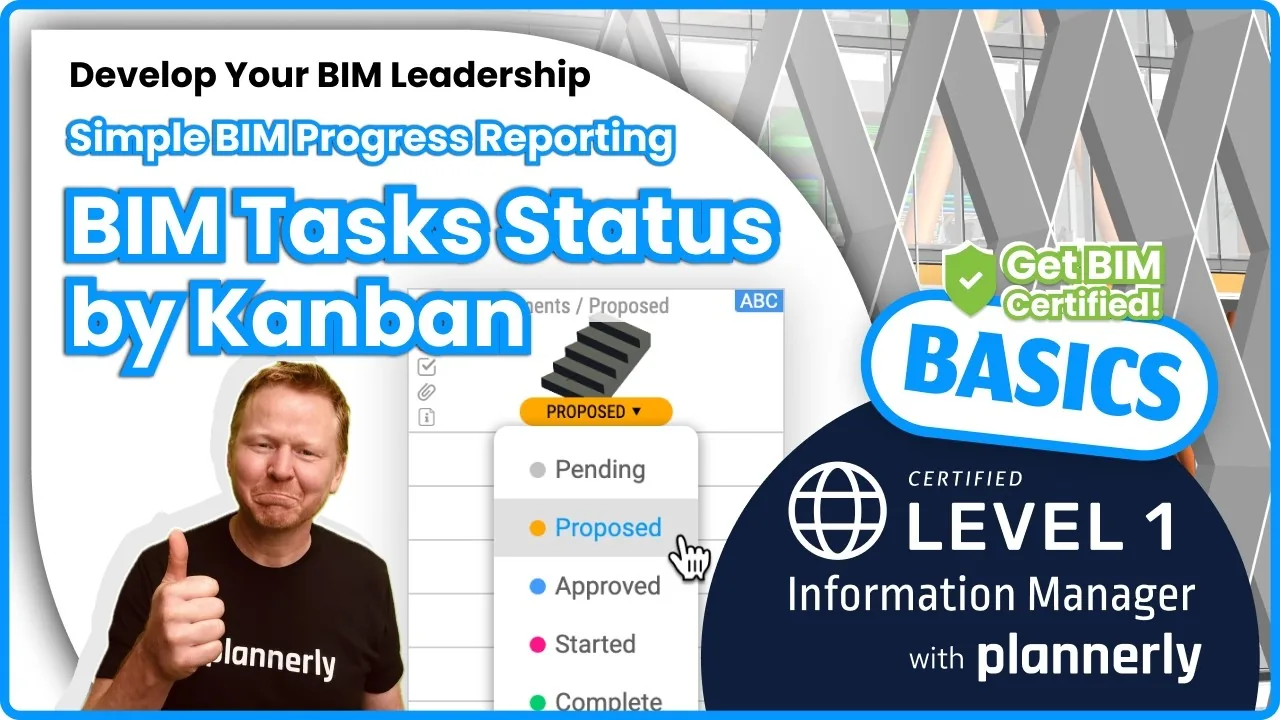 Video · 1:30
How to Track BIM Task Status Across Grid, Timeline and Kanban - ISO 19650 Scope Management
Free BIM + ISO 19650 Training: https://plannerly.com/training/
 Video · 2:45
How to Get Your BIM and Information Management Certificate - Add It to LinkedIn
Free BIM + ISO 19650 Training: https://plannerly.com/training/
 Video · 3:16
Verify Module Assignment - Check BIM Model Properties Against Scope Requirements
Free BIM + ISO 19650 Training: https://plannerly.com/training/
 Video · 1:25
How to Connect Autodesk Construction Cloud Models to Verify - BIM Model Sync and Checking
Free BIM + ISO 19650 Training: https://plannerly.com/training/
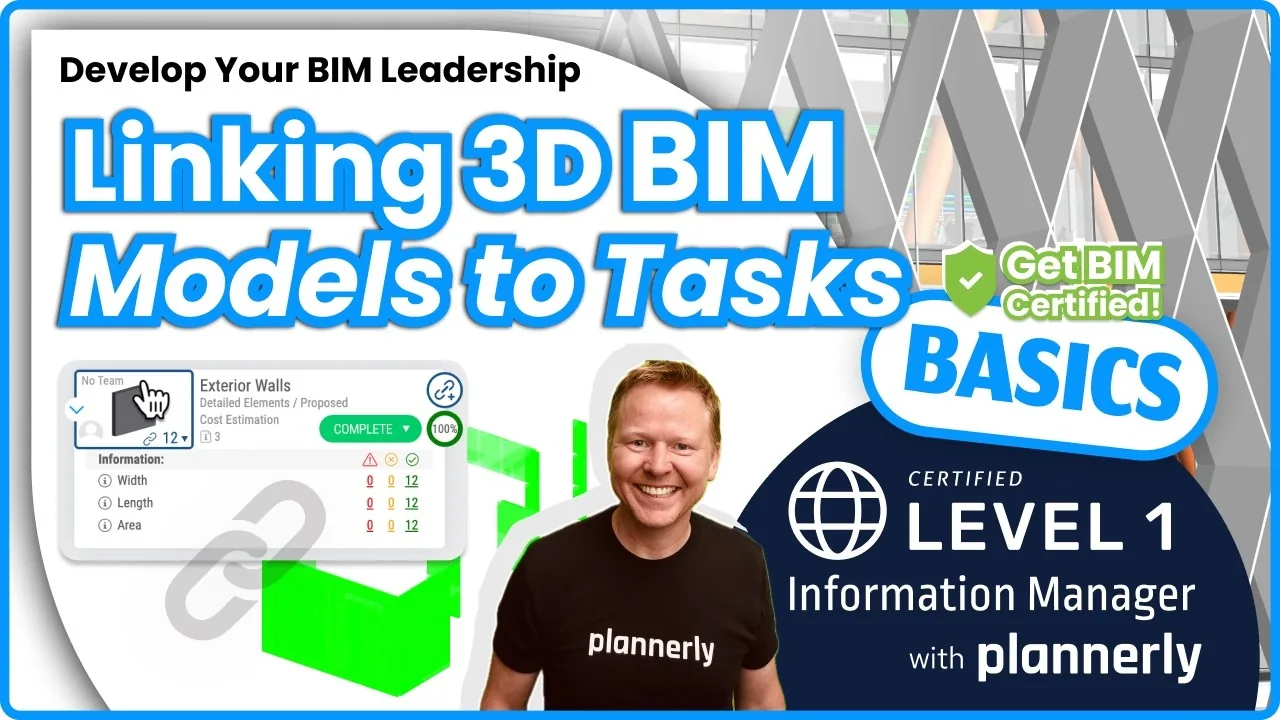 Video · 3:54
How to Use QA Model Checking in Verify - BIM Quality Control for ISO 19650 Workflows
Free BIM + ISO 19650 Training: https://plannerly.com/training/
 Video · 6:21
How to Upload, View and Review BIM Models in 3D - ISO 19650 Verify Module Guide
Free BIM + ISO 19650 Training: https://plannerly.com/training/