
Video
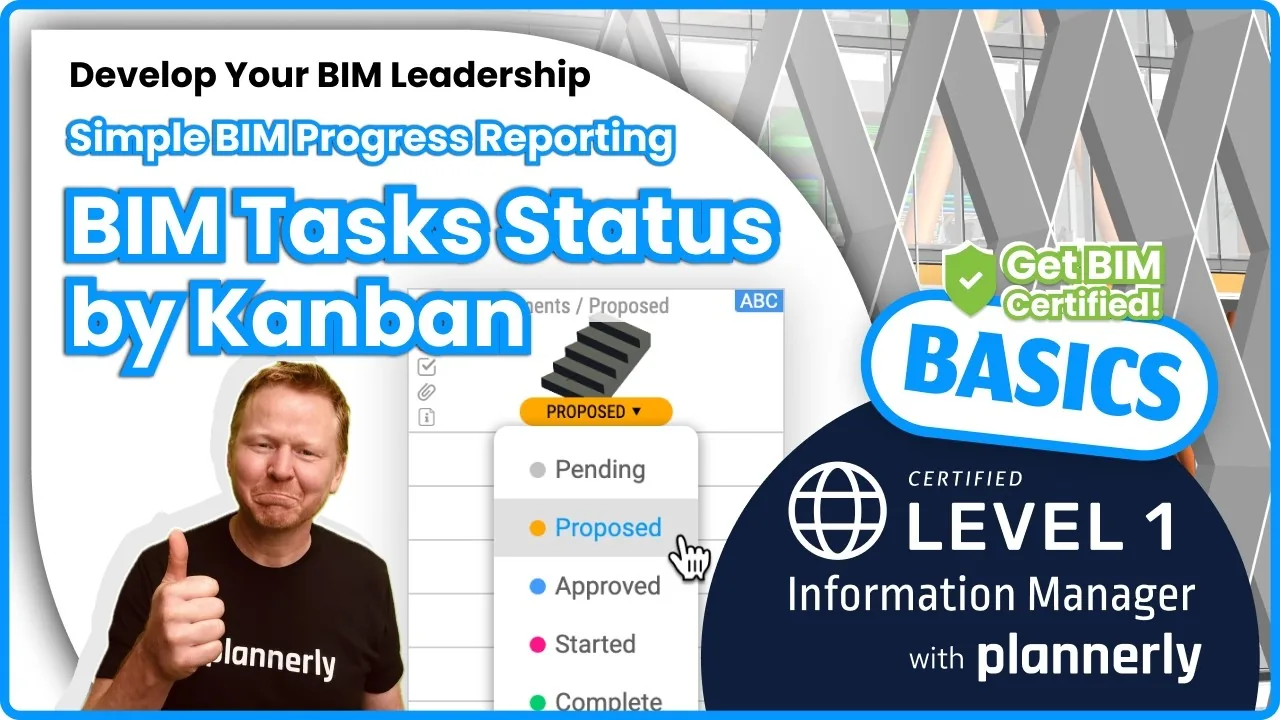
How to Use the Kanban Board in Verify - Track BIM Tasks and Progress with ISO 19650 Workflows
About this video
Free BIM + ISO 19650 Training: https://plannerly.com/training/
The Kanban board in the Verify module helps teams focus on the tasks that matter most, update progress quickly, and keep BIM workflows moving without getting buried in complexity.
In this video, see how to use the Kanban board to filter tasks, group them by status, assign work to team members, and focus on the milestones and deliverables that are relevant to you. This is a practical workflow for BIM management, information management, and ISO 19650-aligned task coordination.
You'll learn how to use the Kanban board to understand what is in your court, what needs to move forward, and how to keep project teams aligned around progress and accountability.
In this video, you'll learn:
- How to use the Kanban board to focus on important tasks
- How to filter tasks assigned to you, your team, or a specific team member
- How to group columns by status or other views
- How to select a milestone to narrow the scope of your review
- How to reassign tasks quickly to another team member
- How to update task status directly from the board
- How to open a task card and review the details you need to complete
- How the Kanban board helps teams understand progress and responsibility
- How model checking automation can support downstream task workflows
This is a useful workflow for teams that need a simple, visual way to manage task progress, understand accountability, and stay focused on the right deliverables at the right time.
This video is ideal for:
- BIM Managers
- Information Managers
- Project Managers
- Design teams
- Construction teams
- Anyone working with ISO 19650 task coordination and BIM verification
If you want a faster and more visual way to manage BIM tasks and keep teams aligned, this video shows how the Kanban board in Verify can help.
Free BIM + ISO 19650 Training: https://plannerly.com/training/
BIM Boot Camp: https://plannerly.com/bim-boot-camp/
Featured in
Where this video is used
 Video · 1:30
How to Track BIM Task Status Across Grid, Timeline and Kanban - ISO 19650 Scope Management
Free BIM + ISO 19650 Training: https://plannerly.com/training/
 Video · 2:45
How to Get Your BIM and Information Management Certificate - Add It to LinkedIn
Free BIM + ISO 19650 Training: https://plannerly.com/training/
 Video · 3:16
Verify Module Assignment - Check BIM Model Properties Against Scope Requirements
Free BIM + ISO 19650 Training: https://plannerly.com/training/
 Video · 1:25
How to Connect Autodesk Construction Cloud Models to Verify - BIM Model Sync and Checking
Free BIM + ISO 19650 Training: https://plannerly.com/training/
 Video · 3:54
How to Use QA Model Checking in Verify - BIM Quality Control for ISO 19650 Workflows
Free BIM + ISO 19650 Training: https://plannerly.com/training/
 Video · 6:21
How to Upload, View and Review BIM Models in 3D - ISO 19650 Verify Module Guide
Free BIM + ISO 19650 Training: https://plannerly.com/training/