
Video
How to Use buildingSMART Data Dictionary for BIM Standards - ISO 19650 Information Management
About this video
Free BIM + ISO 19650 Training: https://plannerly.com/training/
Consistency, interoperability, and communication are much easier when project teams work to common standards. In this video, see how Plannerly connects directly to the buildingSMART Data Dictionary so you can standardize classifications, naming conventions, and information requirements across your BIM project.
You'll learn how to connect classification systems and property domains in project settings, then use those standards directly inside Scope to define correctly named and classified items and properties. This is a practical workflow for BIM management, information management, and ISO 19650-aligned project delivery.
In this video, you'll learn:
- Why common standards improve consistency and interoperability
- How to connect to the buildingSMART Data Dictionary in project settings
- How to choose a classification system such as Uniclass
- How to choose a properties domain such as IFC properties
- How Scope uses those standards when creating new items
- How to search and apply standardized names and classification codes
- How to create information requirements that follow common standards
- How descriptions from the standard help improve clarity and consistency
- Why standardized naming helps teams collaborate more effectively
This is especially useful for teams that want to reduce ambiguity, improve data quality, and make sure information requirements align with recognized BIM and information management standards.
This video is ideal for:
- BIM Managers
- Information Managers
- Project Managers
- Design teams
- Construction teams
- Anyone working with ISO 19650, Uniclass, IFC, and standardized BIM workflows
If you want a simpler way to standardize project information and improve interoperability, this video shows how buildingSMART Data Dictionary can help.
Free BIM + ISO 19650 Training: https://plannerly.com/training/
BIM Boot Camp: https://plannerly.com/bim-boot-camp/
Featured in
Where this video is used
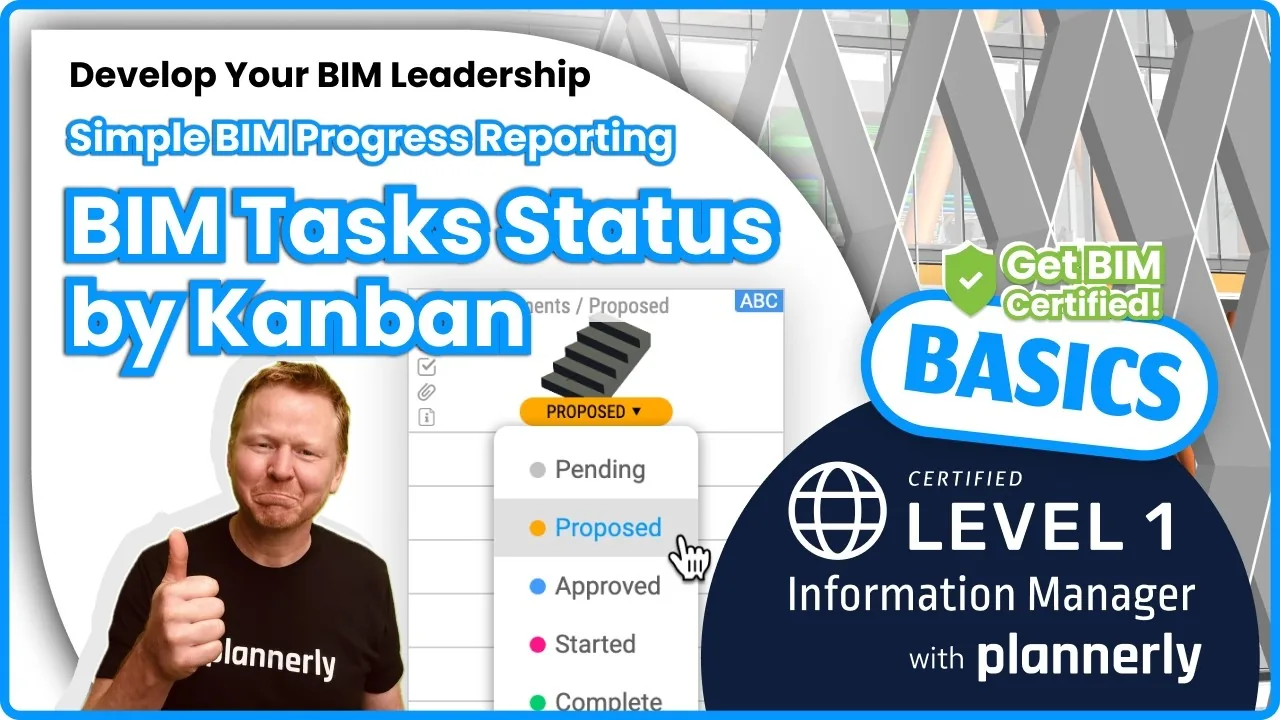 Video · 1:30
How to Track BIM Task Status Across Grid, Timeline and Kanban - ISO 19650 Scope Management
Free BIM + ISO 19650 Training: https://plannerly.com/training/
 Video · 2:45
How to Get Your BIM and Information Management Certificate - Add It to LinkedIn
Free BIM + ISO 19650 Training: https://plannerly.com/training/
 Video · 3:16
Verify Module Assignment - Check BIM Model Properties Against Scope Requirements
Free BIM + ISO 19650 Training: https://plannerly.com/training/
 Video · 1:25
How to Connect Autodesk Construction Cloud Models to Verify - BIM Model Sync and Checking
Free BIM + ISO 19650 Training: https://plannerly.com/training/
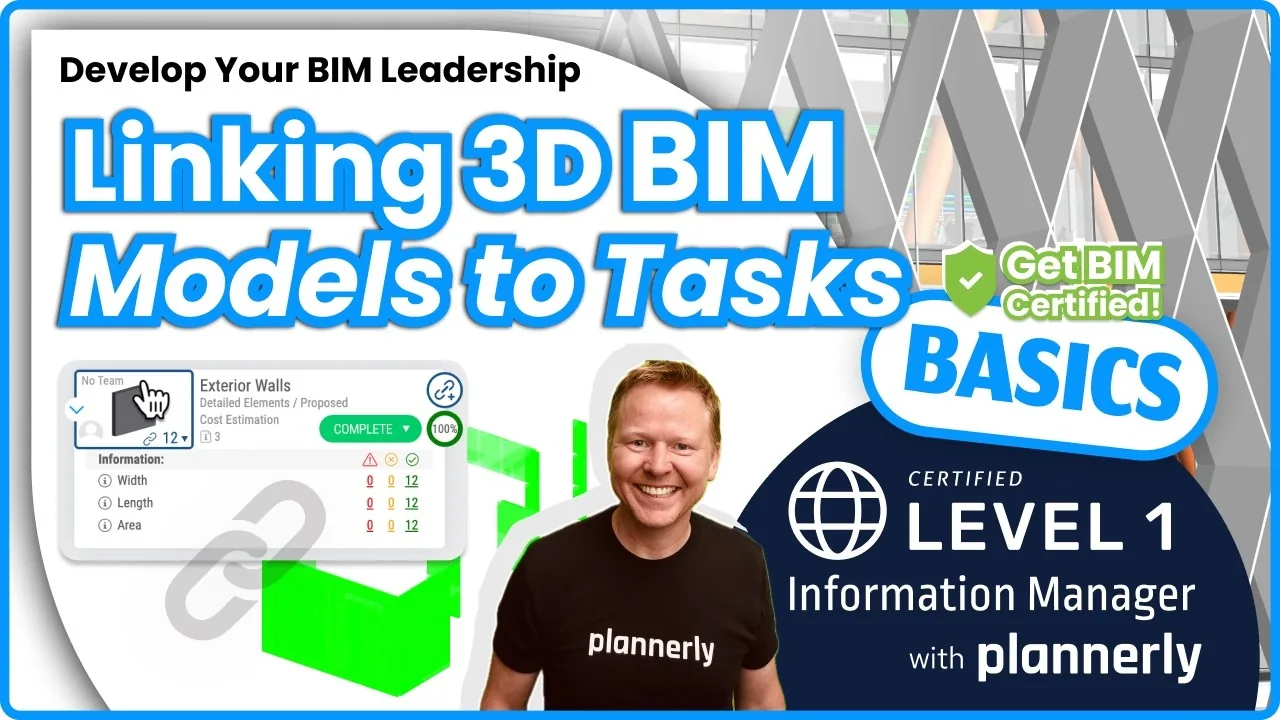 Video · 3:54
How to Use QA Model Checking in Verify - BIM Quality Control for ISO 19650 Workflows
Free BIM + ISO 19650 Training: https://plannerly.com/training/
 Video · 6:21
How to Upload, View and Review BIM Models in 3D - ISO 19650 Verify Module Guide
Free BIM + ISO 19650 Training: https://plannerly.com/training/