
Video
How to Use Quick Assign for Faster BIM Scope Definition - ISO 19650 Information Management
About this video
Free BIM + ISO 19650 Training: https://plannerly.com/training/
Need to define lots of BIM requirements quickly across multiple items and milestones?
In this video, see how Quick Assign helps teams define scope requirements, coordination needs, responsibility, and status far more efficiently inside Plannerly. Instead of manually updating every task one by one, Quick Assign gives you a faster way to build structured requirements for BIM management, information management, and ISO 19650 workflows.
You'll learn how teams can use Quick Assign during focused scope meetings to define exactly what is needed for each information exchange - whether that is geometry, information, documentation, coordination, or responsibility.
In this video, you'll learn:
- How to open and use the Quick Assign menu
- How to define requirements quickly for multiple scope items
- How to set coordination needs at specific milestones
- How to assign teams and statuses in just a few clicks
- How Quick Assign supports proposal and scope review meetings
- How to ask the right questions for each information exchange
- How to define geometry, information, and documentation requirements by purpose
- How to use Delete Mode to remove requirements that are not needed
- How Quick Assign helps create clear information containers faster
This is a practical workflow for teams that need to define project scope efficiently while keeping requirements clear, collaborative, and tied to specific deliverables and milestones.
This video is ideal for:
- BIM Managers
- Information Managers
- Project Managers
- Design teams
- Construction teams
- Anyone defining scope requirements under ISO 19650
If you want a faster way to assign requirements and shape project scope without endless clicking, this video shows how Quick Assign can save a lot of time.
Free BIM + ISO 19650 Training: https://plannerly.com/training/
BIM Boot Camp: https://plannerly.com/bim-boot-camp/
Featured in
Where this video is used
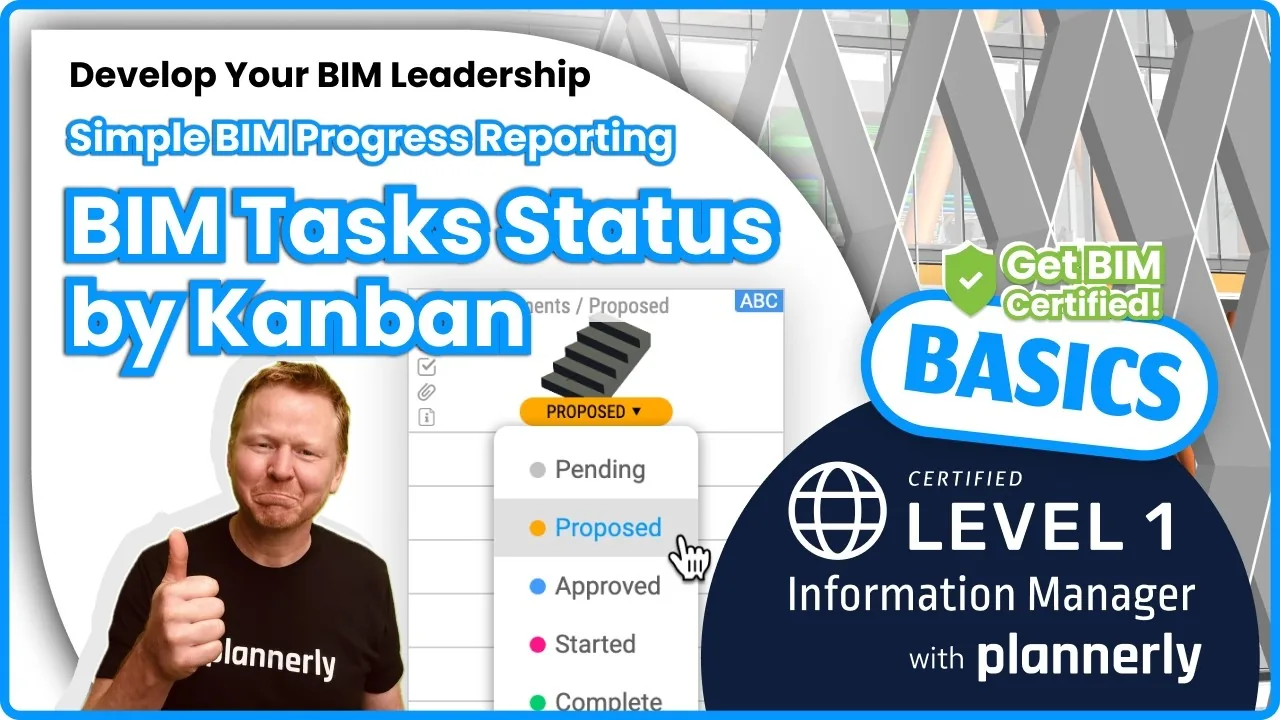 Video · 1:30
How to Track BIM Task Status Across Grid, Timeline and Kanban - ISO 19650 Scope Management
Free BIM + ISO 19650 Training: https://plannerly.com/training/
 Video · 2:45
How to Get Your BIM and Information Management Certificate - Add It to LinkedIn
Free BIM + ISO 19650 Training: https://plannerly.com/training/
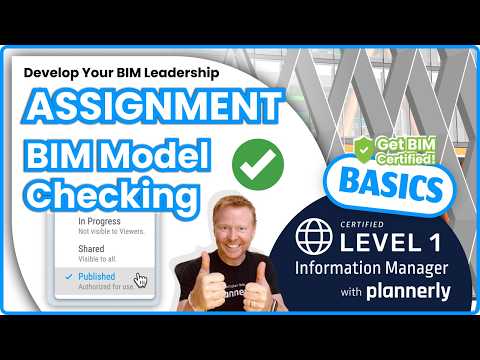 Video · 3:16
Verify Module Assignment - Check BIM Model Properties Against Scope Requirements
Free BIM + ISO 19650 Training: https://plannerly.com/training/
 Video · 1:25
How to Connect Autodesk Construction Cloud Models to Verify - BIM Model Sync and Checking
Free BIM + ISO 19650 Training: https://plannerly.com/training/
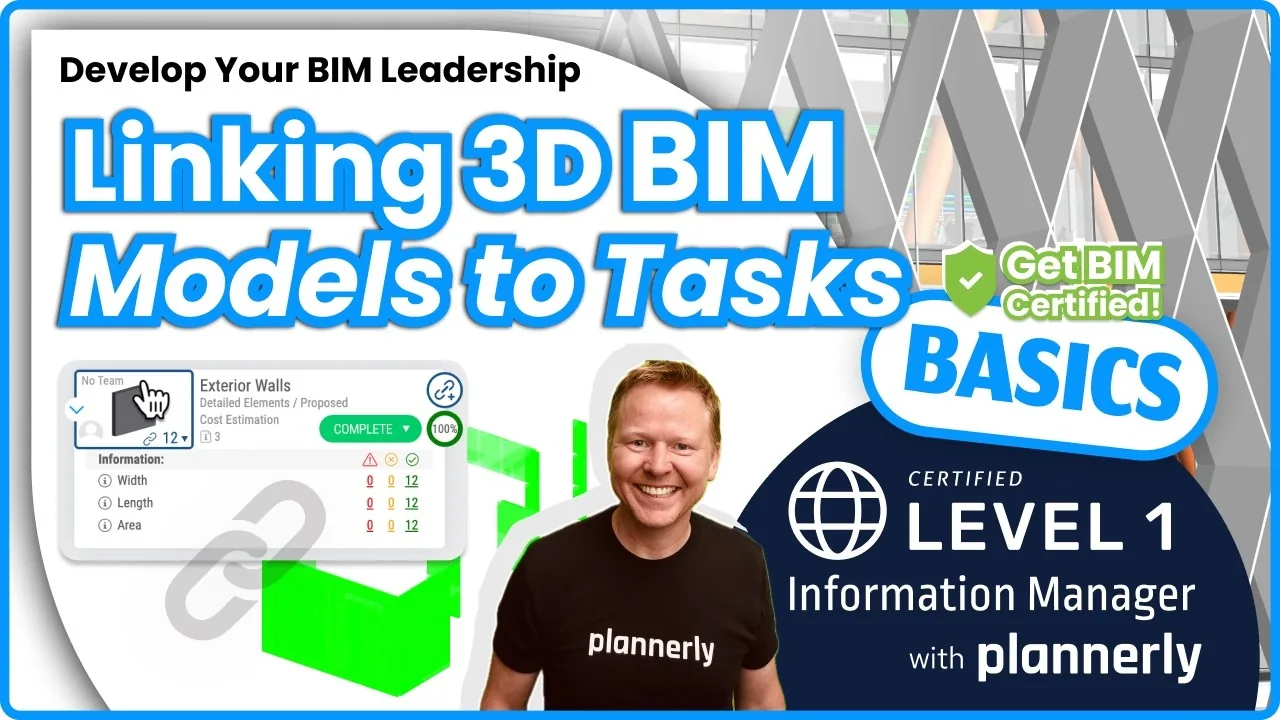 Video · 3:54
How to Use QA Model Checking in Verify - BIM Quality Control for ISO 19650 Workflows
Free BIM + ISO 19650 Training: https://plannerly.com/training/
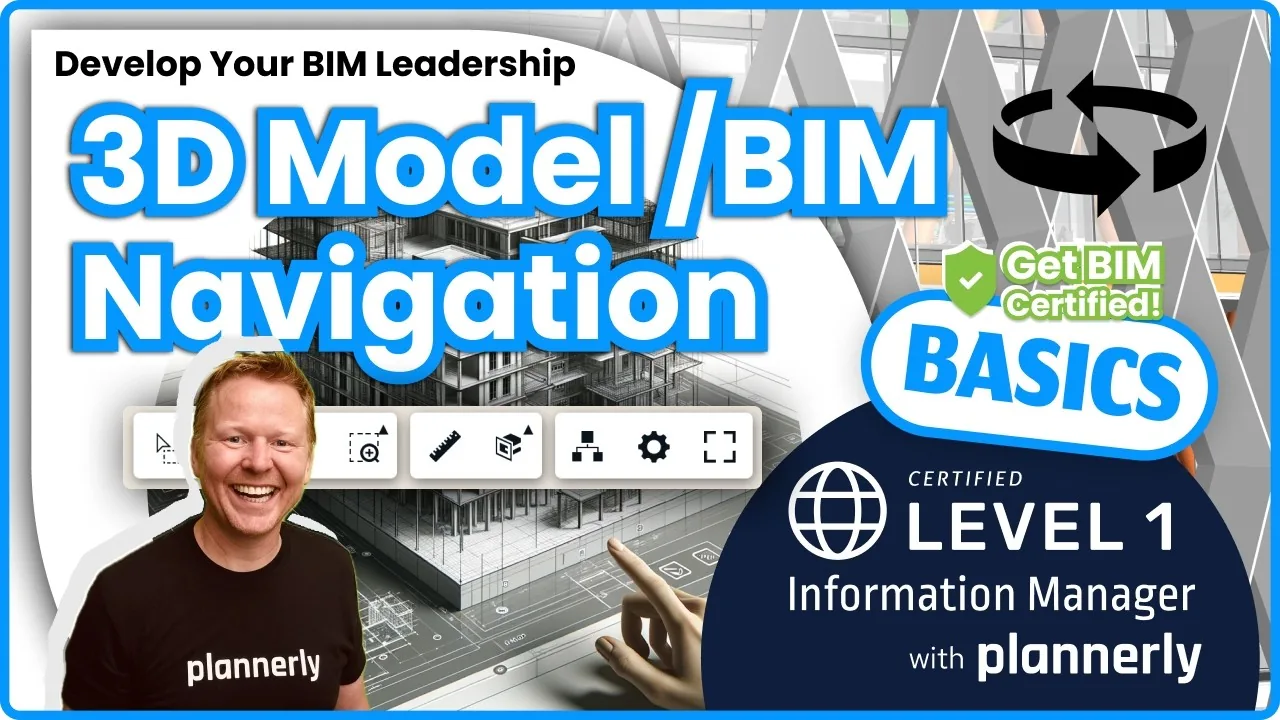 Video · 6:21
How to Upload, View and Review BIM Models in 3D - ISO 19650 Verify Module Guide
Free BIM + ISO 19650 Training: https://plannerly.com/training/