
Video
Simple BIM Editing UI - Faster Document Editing for ISO 19650 and Information Management
About this video
Free BIM + ISO 19650 Training: https://plannerly.com/training/
A complicated software interface can slow everything down. In this video, see how a simple BIM editing experience can make document management, information management, and BIM workflows much faster and easier.
This walkthrough shows how Plannerly keeps the editing experience lightweight, intuitive, and fully featured - without overwhelming users with endless buttons and cluttered menus.
In this video, you'll learn:
- How the simplified editing toolbar works
- How editing tools are grouped for speed and clarity
- How to access more advanced formatting and rich content features
- How smart fields and AI support faster document editing
- How autosave works during each editing session
- How undo, redo, and version history help teams work with confidence
This is a practical look at how better user experience design can improve BIM management and project information workflows, especially for teams working with structured documentation and ISO 19650 processes.
This video is ideal for:
- BIM Managers
- Information Managers
- Project Managers
- Design teams
- Construction teams
- Anyone looking for simpler document editing in BIM workflows
If you want a faster and more comfortable way to manage project documents and edits, this video shows how a simple interface can make a big difference.
Free BIM + ISO 19650 Training: https://plannerly.com/training/
BIM Boot Camp: https://plannerly.com/bim-boot-camp/
Featured in
Where this video is used
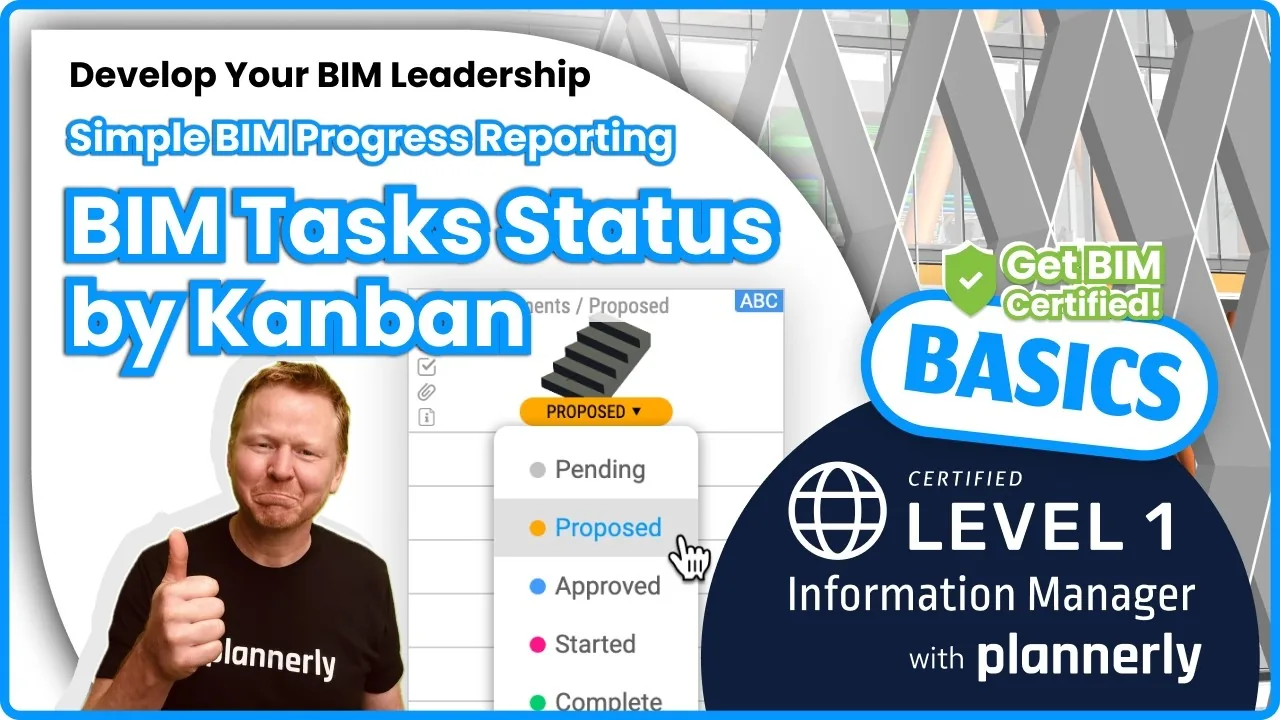 Video · 1:30
How to Track BIM Task Status Across Grid, Timeline and Kanban - ISO 19650 Scope Management
Free BIM + ISO 19650 Training: https://plannerly.com/training/
 Video · 2:45
How to Get Your BIM and Information Management Certificate - Add It to LinkedIn
Free BIM + ISO 19650 Training: https://plannerly.com/training/
 Video · 3:16
Verify Module Assignment - Check BIM Model Properties Against Scope Requirements
Free BIM + ISO 19650 Training: https://plannerly.com/training/
 Video · 1:25
How to Connect Autodesk Construction Cloud Models to Verify - BIM Model Sync and Checking
Free BIM + ISO 19650 Training: https://plannerly.com/training/
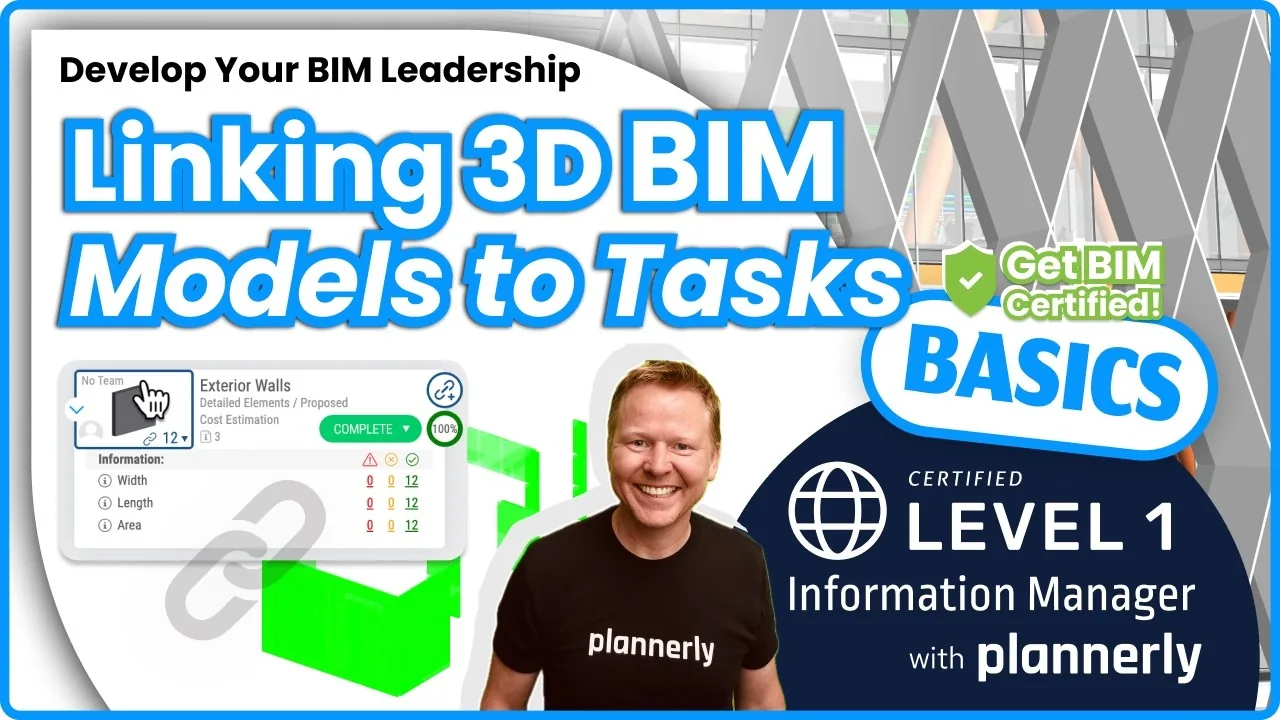 Video · 3:54
How to Use QA Model Checking in Verify - BIM Quality Control for ISO 19650 Workflows
Free BIM + ISO 19650 Training: https://plannerly.com/training/
 Video · 6:21
How to Upload, View and Review BIM Models in 3D - ISO 19650 Verify Module Guide
Free BIM + ISO 19650 Training: https://plannerly.com/training/