
Video
Why Scope Beats Excel for BIM Management - ISO 19650 Information Management Made Simple
About this video
Free BIM + ISO 19650 Training: https://plannerly.com/training/
Excel is useful, but spreadsheets were never designed to handle the complexity of BIM management, information management, and structured project delivery. In this video, see how Scope provides a more powerful and industry-specific alternative for managing project requirements, tasks, deliverables, and responsibilities.
You'll get an overview of how the Scope module works, including the item list, milestones, task grid, and detailed task containers that help teams manage project information in a much more structured way than a traditional spreadsheet.
In this video, you'll learn:
- Why spreadsheets become difficult to manage for BIM and project scope workflows
- How the Scope module organizes items, milestones, and task grids
- How milestones can represent phases, stages, deliverables, data drops, or BIM uses
- How the scope list captures project requirements, deliverables, tasks, and master information
- How each task cell holds detailed requirements, descriptions, assignments, and status
- How to manage accountability, checklists, attachments, comments, and tracking details
- How project standards drive the scope grid structure
- How to switch between standards such as ISO 19650, Level of Information Need, US BIM Forum, and AIA
- How naming conventions and codes can connect to the buildingSMART Data Dictionary
This is a practical introduction to a more scalable way of managing BIM scope, task information delivery planning, and project requirements without trying to force everything into Excel.
This video is ideal for:
- BIM Managers
- Information Managers
- Project Managers
- Design teams
- Construction teams
- Anyone managing structured scope and deliverables under ISO 19650
If you want a simpler and more robust way to manage project scope, requirements, and accountability, this video shows why a dedicated database is a much better fit than a spreadsheet.
Free BIM + ISO 19650 Training: https://plannerly.com/training/
BIM Boot Camp: https://plannerly.com/bim-boot-camp/
Featured in
Where this video is used
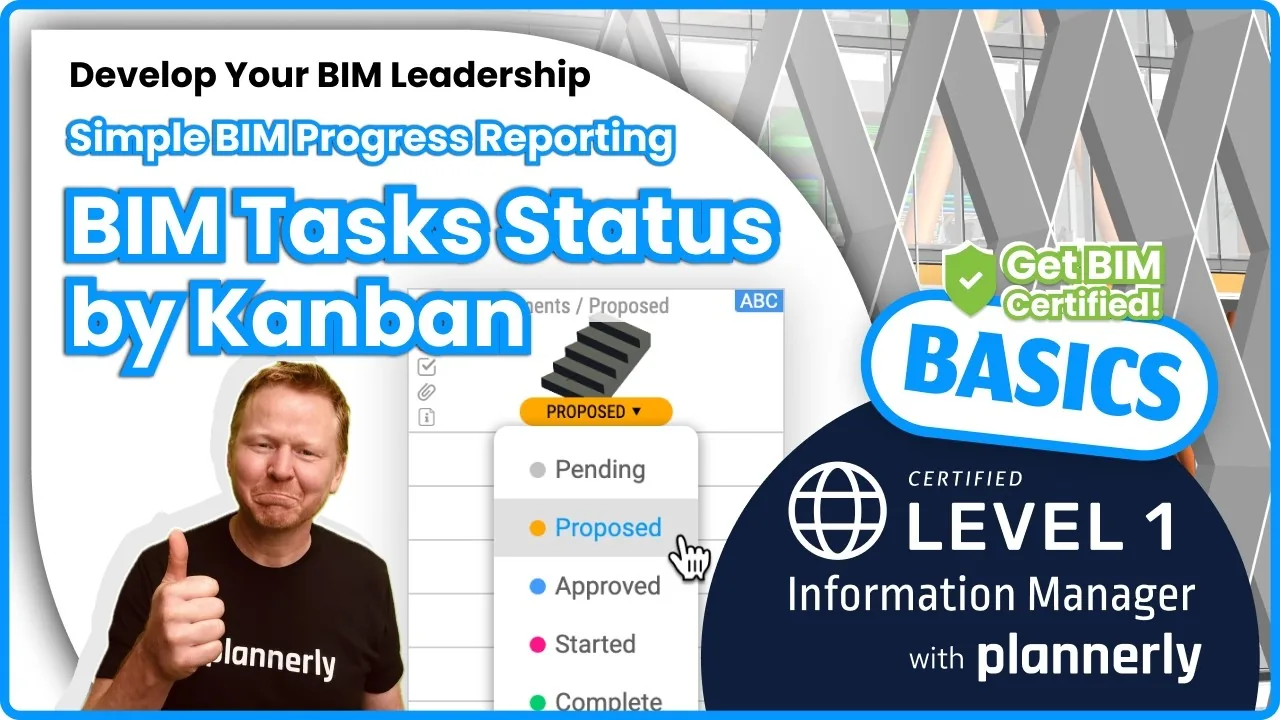 Video · 1:30
How to Track BIM Task Status Across Grid, Timeline and Kanban - ISO 19650 Scope Management
Free BIM + ISO 19650 Training: https://plannerly.com/training/
 Video · 2:45
How to Get Your BIM and Information Management Certificate - Add It to LinkedIn
Free BIM + ISO 19650 Training: https://plannerly.com/training/
 Video · 3:16
Verify Module Assignment - Check BIM Model Properties Against Scope Requirements
Free BIM + ISO 19650 Training: https://plannerly.com/training/
 Video · 1:25
How to Connect Autodesk Construction Cloud Models to Verify - BIM Model Sync and Checking
Free BIM + ISO 19650 Training: https://plannerly.com/training/
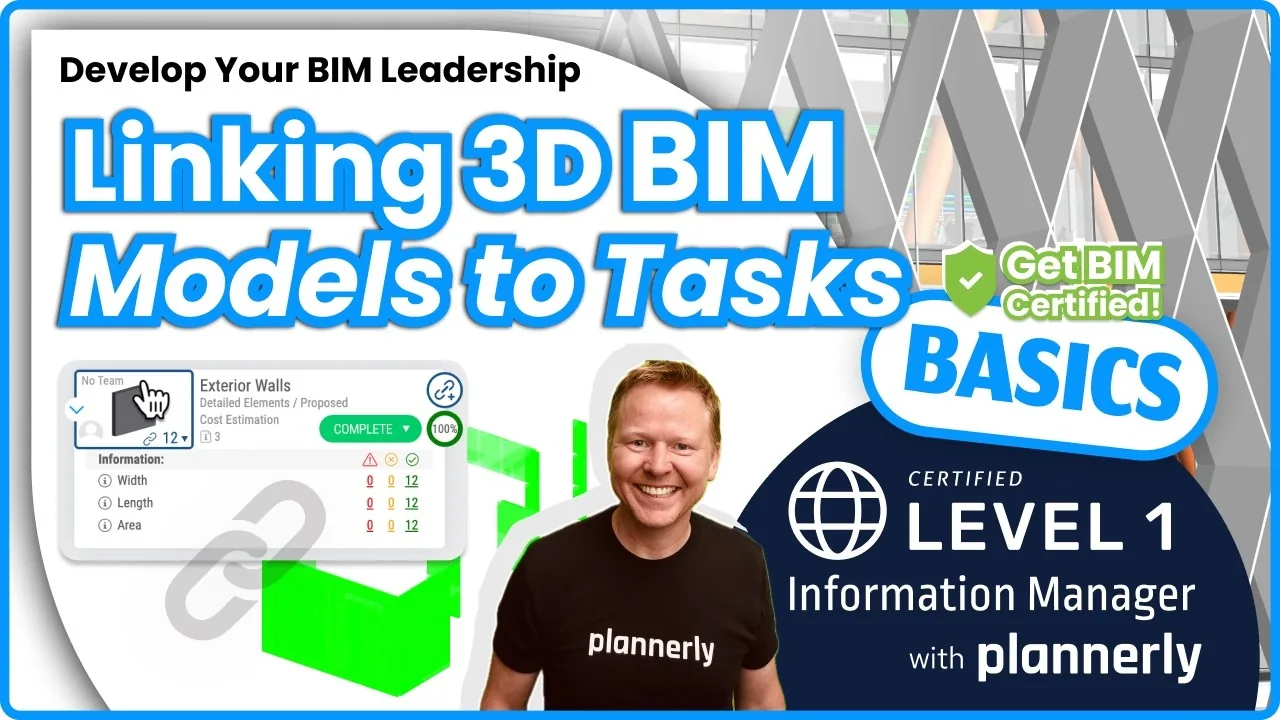 Video · 3:54
How to Use QA Model Checking in Verify - BIM Quality Control for ISO 19650 Workflows
Free BIM + ISO 19650 Training: https://plannerly.com/training/
 Video · 6:21
How to Upload, View and Review BIM Models in 3D - ISO 19650 Verify Module Guide
Free BIM + ISO 19650 Training: https://plannerly.com/training/