
Video
Why your RACI matrix isn’t enough (and how to fix it)
Chapters
- Surviving the RACI0:00
- Why responsibility matrices stop working2:56
- From the MIDP to RACI responsibilities9:11
- Assigning roles and finding gaps12:58
- Reviewing documents and agreeing requirements18:20
- One-Click Contracts and electronic signatures25:42
- Tracking commitments, delivery and dashboards31:35
- Project assistant preview37:27
- Recap and the RACI Survival Kit40:51
About this video
Your RACI matrix is complete. So why are you still chasing everyone?
In this session, we take it out of the BEP appendix and connect it to the actual work - live in Plannerly. Building on the MIDP from our previous episode, we work through three steps.
ACCOUNTABLE - RACI INTELLIGENCE
Assign responsibilities directly to tasks and document sections. Use charts and filters to spot missing assignments and overlapping accountabilities. Bring teams into the BEP while it’s still being written, with suggestions, comments and review deadlines - before the plan is agreed.
AGREED - ONE-CLICK CONTRACTS
Give each team the pages that apply to them. Generate filtered contracts with the relevant scope, responsibility matrix and timeline, then request electronic signatures. Less time assembling documents, and a clear record of what each team agreed to.
EVIDENCED - COMMITMENT TRACKING
Keep responsibilities connected as the project changes. See what’s changed since your last review, which sections have been read and which files have been delivered. Use interactive dashboards to find the work that needs attention.
PROJECT ASSISTANT - LIVE PREVIEW
“Are there any responsibility gaps?” We ask the AI assistant about the preconstruction milestone and see it respond using project evidence. The assistant is shown as a preview in this recording.
Your RACI and MIDP use the same project records - keeping the plan, responsibilities and delivery progress together.
CHAPTERS
00:00 Surviving the RACI
02:56 Why responsibility matrices stop working
09:11 From the MIDP to RACI responsibilities
12:58 Assigning roles and finding gaps
18:20 Reviewing documents and agreeing requirements
25:42 One-Click Contracts and electronic signatures
31:35 Tracking commitments, delivery and dashboards
37:27 Project assistant preview
40:51 Recap and the RACI Survival Kit
Watch Episode 1: Why your MIDP spreadsheet is failing (and how to fix it): https://www.youtube.com/watch?v=HIboRq0w7tA&t=466s
RACI Survival Kit: https://help.plannerly.com/en/article/raci-survival-kit
Everything we ship, as we ship it: https://app.plannerly.com/changelog
🔴 Next episode - Surviving the seven CDEs (Autodesk, Procore, SharePoint, Dropbox, Box, Egnyte, ProjectWise), Thu 5 Nov, 10:00 New York / 15:00 London. Free seat:
https://plannerly.com/live/#episode-4
Accountable. Agreed. Evidenced.
#BIM #ISO19650 #InformationManagement #AEC #design #construction #BEP #LevelofInformationNeed #LOIN #LOD #smartleanbim #plannerly #RACI
Featured in
Where this video is used
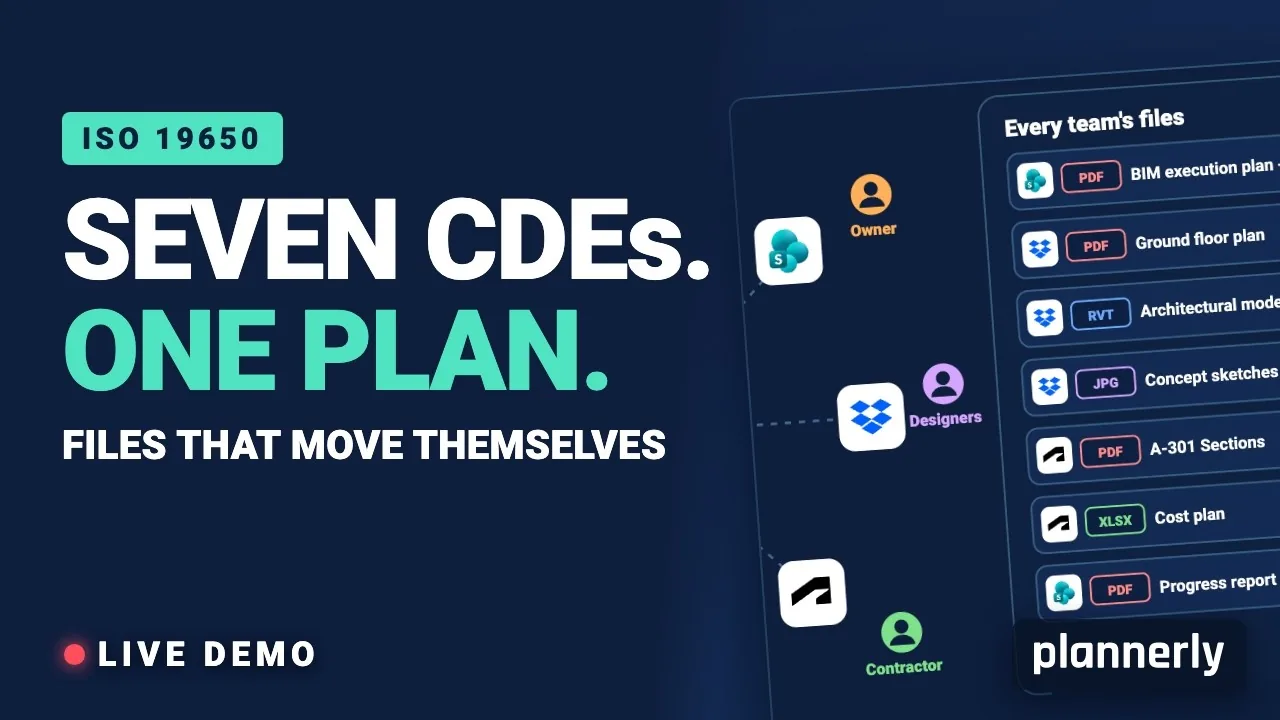 Video · 39:19
Why Your BIM Files Are Lost in Seven CDEs
Seven CDEs. One plan. In this live session an approved document files itself in the client's SharePoint, files dropped in the design team's Dropbox fill their requests in the MIDP, and a reviewed drawing goes straight on to the contractor's Autodesk Forma.
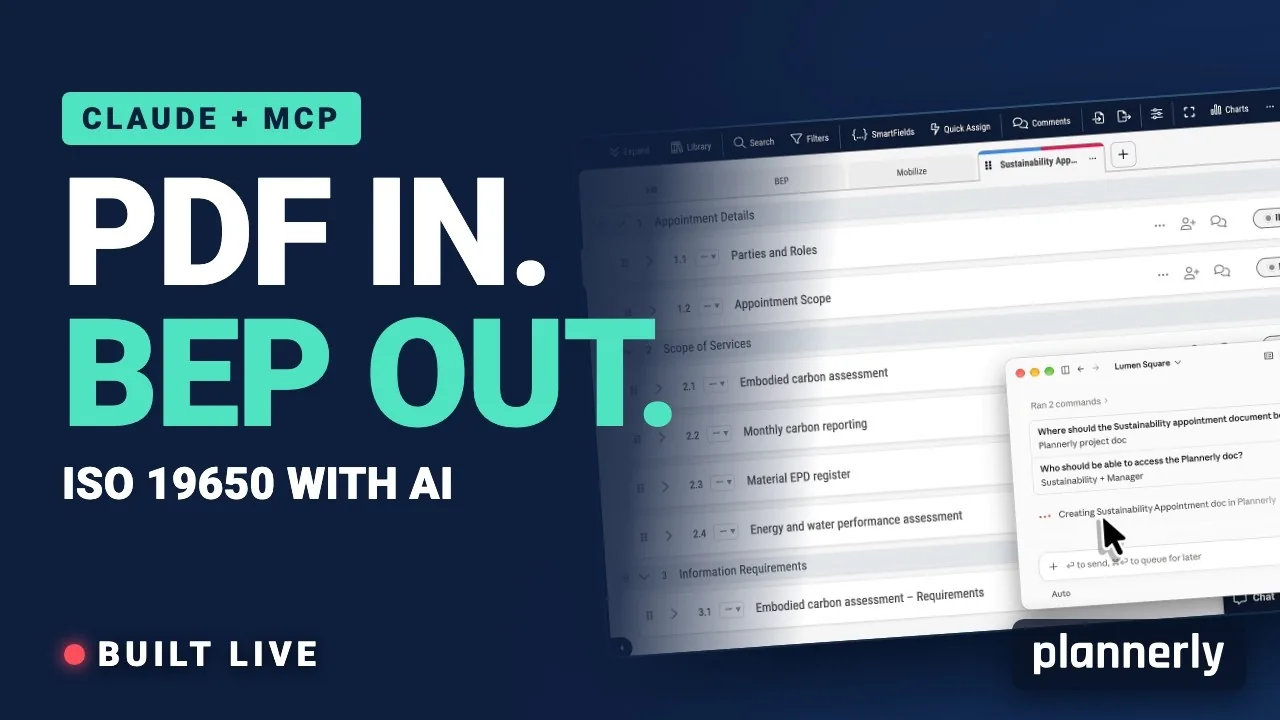 Video · 39:00
AI in BIM: Claude + MCP Turn a Client EIR into a BEP (ISO 19650)
Your client sent the information requirements as a PDF. In this live session we connect Claude to a Plannerly project with MCP and turn that EIR into a pre-appointment BEP, a scope, a RACI matrix and checkable information requirements - then just ask Javis what's missing.
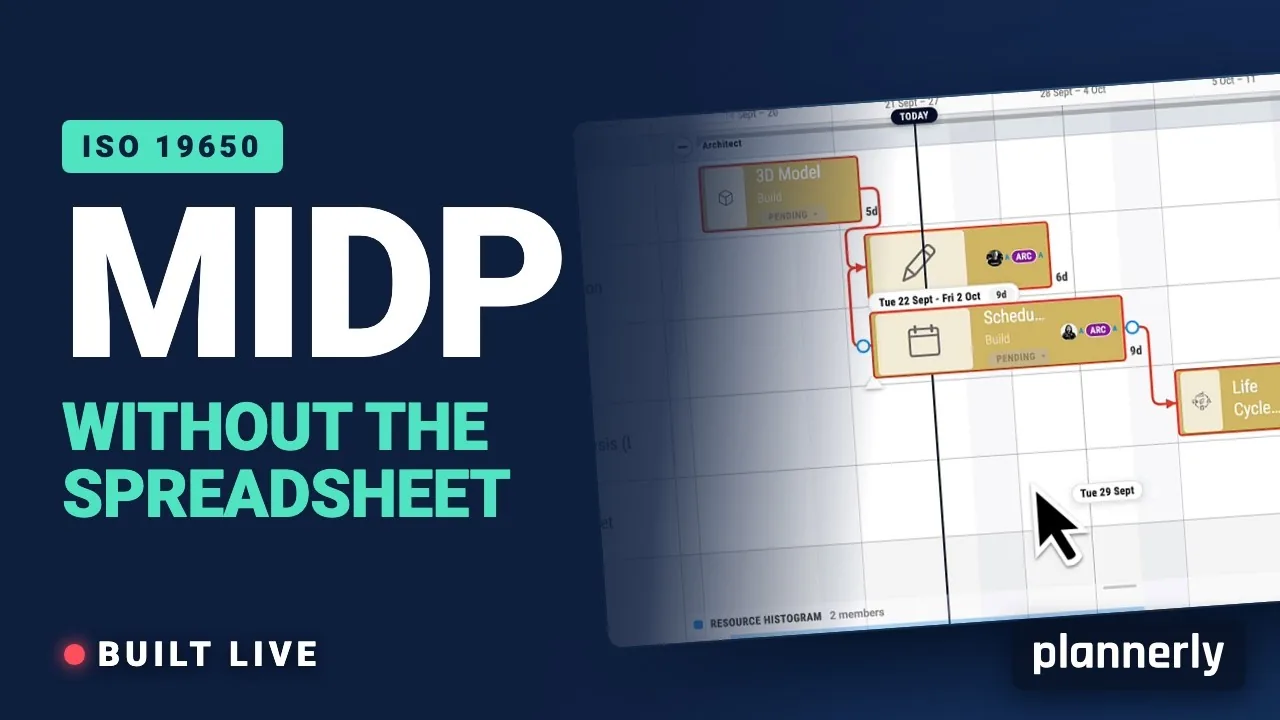 Video · 47:24
Why your MIDP spreadsheet is failing (and how to fix it)
[Steps for you to create the best TIDP-MIDP workflow.] Your MIDP shouldn't live in a spreadsheet that dies in week three.
 Video · 6:27
How to Create a Responsibility Matrix for ISO 19650 BIM Project Delivery
Free BIM + ISO 19650 Training: https://plannerly.com/training/
 Video · 4:46
Five Minute Intro to BIM Execution Planning (BEP)
Learn the key strategies for creating BIM Execution Plans (BEP) that not only look great but are also followed by project teams. In this informative video, Akos shares his expertise as a BIM Manager and discusses the common problems with BEPs and how to address them. He emphasizes the importance...
 Video · 24:55
The Complete BIM Management Workflow - made simple!
Find out more about BIM Management with Plannerly HERE: https://www.plannerly.com/?utm_source=abimvid