
Make your company standard the start of every project
A company BIM standard is your best BEP, information requirements and scope, kept as templates. In Plannerly you keep them in one template project and start every new project from it, with the project's details filled in. When you improve the standard, projects that used it are offered the update.
Write your requirements once. Keep your OIR, AIR and EIR as templates, start every new project from them, and give every appointed party the same standard to answer, with each project's details filled in.
Stop starting each bid from last job's Word file with the old client's name still in it. Keep your best pre- and post-appointment BEP and scope as templates, and start every tender and project from them.
Stop rebuilding the BEP for every job. Keep your best BEP, responsibility matrix and scope as templates, and start each project from them: your wording, your structure, the project's own details filled in.
Turn your method into templates. Start every client project from them, and when you improve one, offer the update to every project that used it - instead of editing twenty copies by hand.
Teach students to work from a standard, not a blank page: one template project for the class, every group's project started from it, with the same structure and their own project details.
Free plan, no card. Start from Plannerly's ISO 19650 templates, in your language.
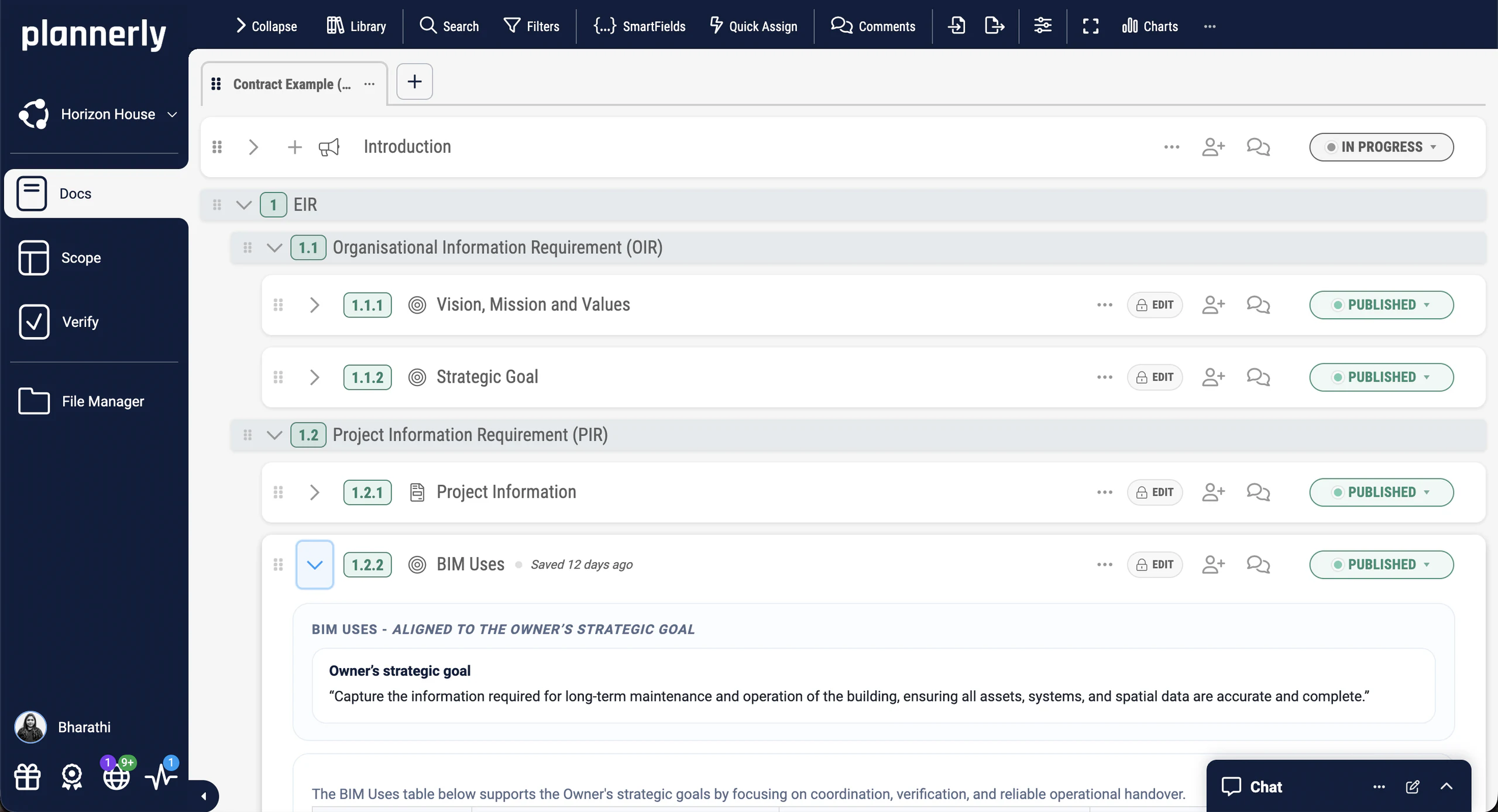
The problem
Every project starts from a copy of the last one
How it works
How to turn your best project into the start of every project
-
Put your best version in one place
Start a template project and bring in your best BEP, EIR and requirements: from Plannerly's ISO 19650 templates, in your language, or pasted from your Word documents. Then make the wording yours.
One template project that is your standard -
Let project details fill themselves
Put SmartFields where each project's details go - project name, client, version, discipline - and add your scope structure with its classifications, information requirements and responsibilities.
No find-and-replace on a new job -
Start each new project from it
In a new project, open the Library, pick your template project and add whole documents, or drag in only the sections and scope folders you need, with their teams, milestones and requirements.
Every project starts from your best version -
Keep every project up to date
When you improve the template, each section that came from it shows the update. Whoever runs the project compares the two versions, then takes it, merges it by hand or ignores it.
Improvements offered, never forced
Free walkthroughs
See a company standard set up, in three videos under four minutes each
-
How to use the ISO 19650 templates
Step 1: start from Plannerly's templates
-
Import Word documents into your templates
Step 1: bring in what you already have
-
How SmartFields fill in each project's details
Step 2: no more find-and-replace
Free download
Start your company standard today: a template project and three free PDFs
Company Standards Survival Kit: a template project and 3 free PDFs
Everything to turn your best work into a company standard: a template project to make your own, and three PDFs on the ISO 19650 templates, the organisational requirements behind them and a simple way to improve BIM management.
- 1 template project
- 3 PDFs
- Free
Company standard template project
A template project with ISO 19650 documents in Docs and a scope structure in Scope, ready for your wording, SmartFields and requirements. Start each new project from it.
Case studies
How three firms stopped starting every project from scratch
An architecture practice that cut BIM administration by over 70% with reusable templates, an airport delivery team whose setup time dropped from 90 days to 20, and a consultancy that took BEP planning from 100+ hours to under 30.
For owners a standard means every appointed party answers the same requirements: MTECH delivered 16+ major projects at Hong Kong International Airport, with setup cut from 90 days to 20.
Contractors win back the start of every job: LIMSEN coordinated 50 companies on one development and cut BEP planning from 100+ hours to under 30.
Design firms stop rewriting the same BEP: SODArchitects cut over 70% of BIM administration time with reusable templates.
Consultants sell their method, not their hours: LIMSEN cut BEP planning from 100+ hours to under 30, and SODArchitects cut BIM administration by over 70% with reusable templates.
These firms all work from standards. Students who learn to start from a template, not a blank page, arrive ready for how real practices work.
-
 Hungary
70% less admin
BIM management time saved
70% less admin, zero spreadsheet chaos
SODArchitects · Architecture
Cut over 70% of BIM administration time with reusable templates and a workflow that replaces Dropbox, SharePoint, and scattered spreadsheets.
Plannerly saved us a lot of time and hassle. We'd highly recommend it to anyone managing BIM projects.
Ivo Galantai, CEO · SODArchitects -
 Hong Kong

80% time saving
BIM & ESG verification
No more 90-day BIM setup delays
MTECH Engineering · Digital construction
Delivered 16+ major projects at Hong Kong International Airport. Setup time dropped from 90 days to 20 days, with ESG goals embedded from day one.
With Plannerly, we don't just create a plan, we live it. It's how we put the BIM Execution Plan into daily practice.
Stephen Au, Director · MTECH -
 Portugal

$4.5M / €4M
Saved · 310,000 sqm project
How one team saved over $4.5 million
LIMSEN Consultants · BIM management
Coordinated 50 companies and 45 BIM models on one of Portugal's largest mixed-use developments. BEP planning time dropped from 100+ hours to under 30.
Using Plannerly was a cornerstone for us. There is no going back.
Filipe Lima, Managing Partner · LIMSEN
See all case studiesOwners, design teams, contractors, consultants and educators - filter them by your kind of organisation.
What teams say
Why teams keep their standards in Plannerly
From the people who write standards, and the teams who start every project from them.
Owners use templates to get their information requirements right once, and reuse them.
Contractors use the same structure on every job and every proposal.
Design teams start every proposal and project from the same standard.
Consultants use it to write standards faster and get updates to the people using them.
Educators use it so students practise the way real teams work.
5 out of 5
Plannerly accelerated our standards creation and virtually eliminated the burden to get updates to end users.
John RussoPresident · USIBD 5 out of 5
It highlights the need for due diligence when pulling all of the pieces of the puzzle together to make sure there are no errors in the definition of our information requirements.
Bryan McSweeneyManager - Special Projects, Digital Systems · Queensland Department of Transport and Main Roads 5 out of 5
We use Plannerly for every proposal!
Steve GermanoDirector Design Technology · MSA Engineering 5 out of 5
Extremely detailed and practical. It breaks down the core principles of ISO 19650 and gives the steps to implement it effectively in real projects.
Karim MachouchArchitect · Atelier Malik Aljane 5 out of 5
BIM processes, templates, descriptions, trainings, standards, management tools - all in one place, clearly structured and easy going!
Dmitrii S. 5 out of 5
Probably the easiest platform to support BIM Managers/ Information Managers in BIM implementation in a project/ organisation, especially when you begin your BIM adventure! Thumbs Up for the Plannerly Team!
Jacek 5 out of 5
Great platform to manage and plan the use of BIM projects! Use and highly recommend! Plannerly stands out not only for the tool, but for instructing market professionals on good practices and for paying attention to technical points about BIM project management.
Luiz Fortini




Setup guides
Set up your company standard in Plannerly, step by step
Short Help Center guides that walk you through each step in Plannerly. Open one beside the app and follow along.
Step 1
Step 2
Step 3
Step 4
Learn it properly
Level 1 - BIM Management Basics
How To Create Professional Project Documents (like EIR, PIR, BEP)
Free lessons
Learn to build your company standard free, one short lesson at a time
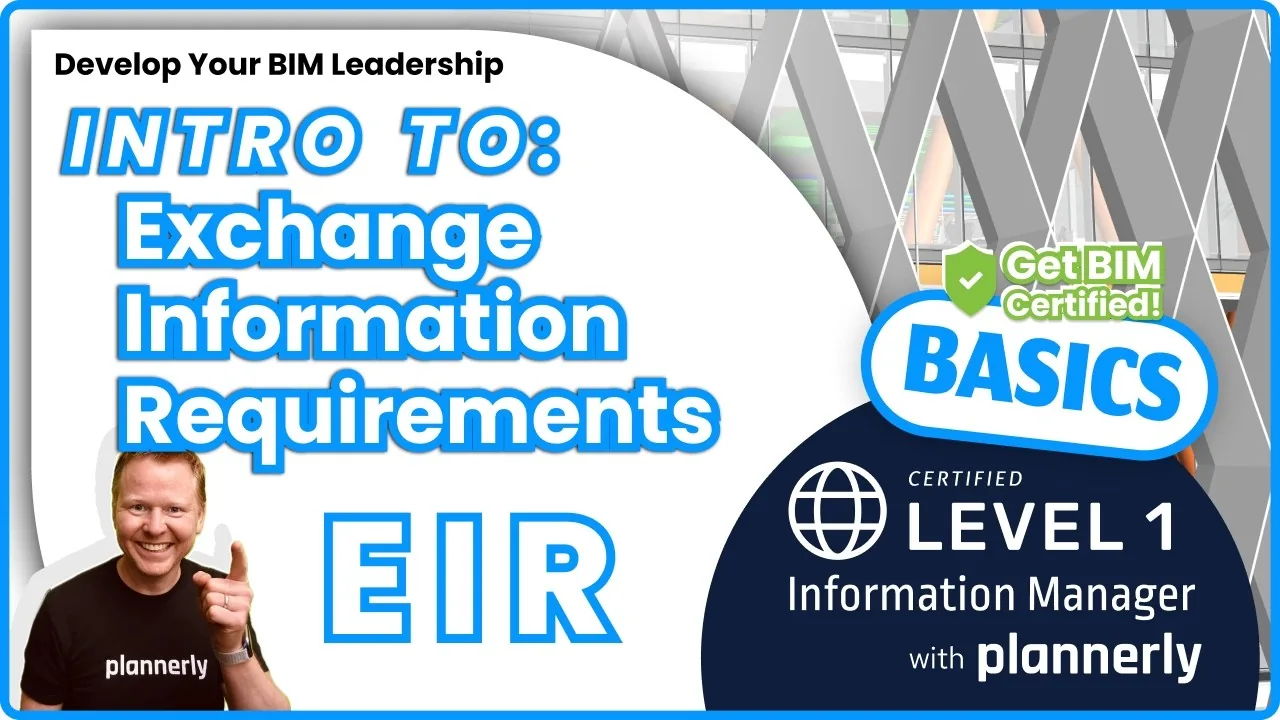 Level 1 lesson · Requirements
Importing example requirements from the Library
Start your standard's information requirements from the Library's examples, not an empty grid.
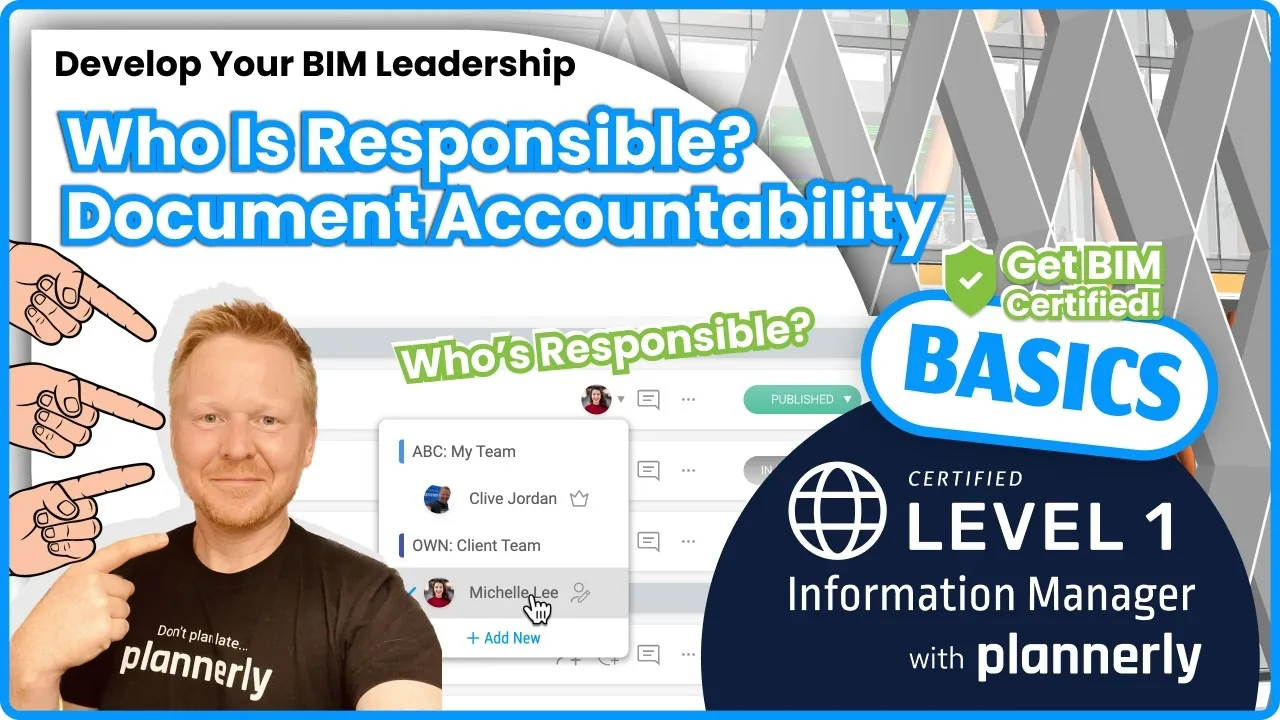 Level 1 lesson · Accountability
Assign document responsibilities for accountability
Give every section an owner, so each project starts with who answers what already written down.
 For companies lesson · Compliance
Your ISO 19650 compliance checklist
What a company needs in place, as a checklist to measure your standard against.
 For companies · Free
ISO 19650 for Companies
An audit-ready checklist and processes for company-wide ISO 19650 compliance, with a free certificate. 16,600+ learners have taken our free courses.
Read more
Company standards and ISO 19650 compliance explained
ISO 19650 templates in your language
OIR, PIR, EIR, AIR and BEP templates, reviewed by more than 200 teams in over 40 countries.
TemplatesHow to get ISO 19650 compliant
The three steps from gap analysis to a passed audit, and where your company standard fits.
GuideISO 19650 compliant in 60 days
Gap analysis, training and audit preparation for your company, with our team alongside you.
ProgrammeThe BIM execution plan template
The BEP most company standards start from, already structured for ISO 19650.
TemplateEvery template
BEP, MIDP, TIDP, EIR and RACI templates, each with what goes in it and the lesson that teaches it.
TemplatesWrite the BEP
The document most standards begin with, from the tender promise to the plan every team reads.
Use caseQuestions
Company standards: your questions, answered
What is a company BIM standard?
How do I make a BEP template in Plannerly?
Are Plannerly's ISO 19650 templates free?
Can I duplicate a project in Plannerly?
What happens to live projects when I update the standard?
What are SmartFields?
Can I keep my standards in my own language?
Does a company standard make us ISO 19650 compliant?
Who can edit the standard?
Can I start my clients' projects from my templates?
Pricing
Start free, and bring your whole BIM team in on Pro
- Five projects included
- The account owner edits; everyone they invite can view
- 100 MB of project files
- Explore Docs, Scope and Verify
- Build your template project and start new projects from it
- Five projects included
- Unlimited editors and viewers
- 50 GB of project files
- Your branding on everything you export
- Each project beyond five: $49 a month
- Editors unlimited, so your whole BIM team keeps the standard current
- Your branding in the app and on everything you export
- Try every Pro feature free for 14 days, no card
Prices in US dollars. You'll see the price for your country in the app.