
Video
How to Define Visual BIM Requirements in Scope - Better ISO 19650 Information Management
About this video
Free BIM + ISO 19650 Training: https://plannerly.com/training/
Spreadsheets are not great at showing geometric requirements clearly. In this video, see how to define visual BIM requirements inside Scope so your team can understand exactly what needs to be delivered, when it is needed, and what level of geometric detail is required.
This walkthrough shows how visual representations can make BIM scope far easier to understand than plain spreadsheet rows. You'll see how to use library elements, search for specific objects, add your own images, and define geometry in a more practical and visual way for BIM management and ISO 19650 information management.
In this video, you'll learn:
- How to use visual elements instead of bland spreadsheet rows
- How to add requirement images from the library
- How to search for specific elements such as stairs
- How to drag visual elements directly into your scope
- How to upload your own reference images
- How isolated images help define geometry more clearly
- How to represent changing geometry requirements over time
- How to show different levels of representation at different milestones
- Why every requirement should have a clear customer and purpose
- How visual scope makes project requirements easier for teams to understand
This is a practical workflow for teams defining model elements, reports, deliverables, and geometric requirements in a more understandable and collaborative way.
This video is ideal for:
- BIM Managers
- Information Managers
- Project Managers
- Design teams
- Construction teams
- Anyone working with ISO 19650 and visual scope requirements
If you want a clearer and more visual way to define geometric requirements, this video shows how Scope helps teams move beyond spreadsheets and communicate expectations much more effectively.
Free BIM + ISO 19650 Training: https://plannerly.com/training/
BIM Boot Camp: https://plannerly.com/bim-boot-camp/
Featured in
Where this video is used
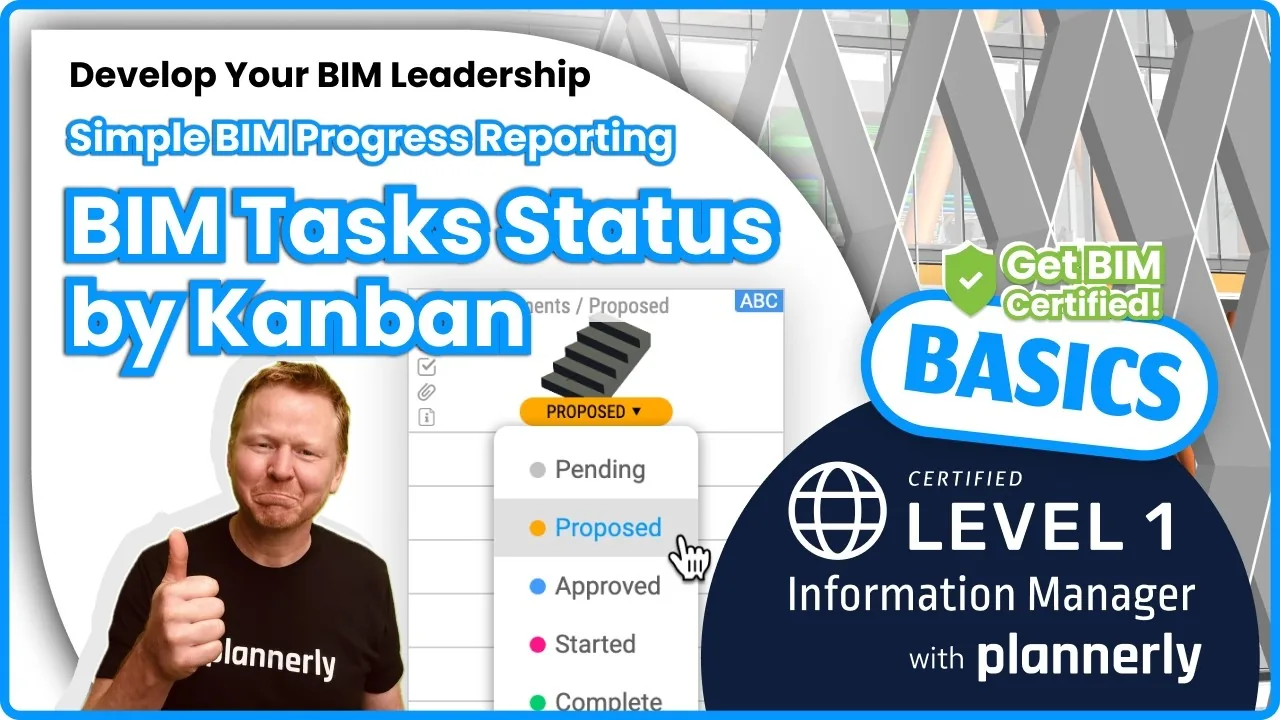 Video · 1:30
How to Track BIM Task Status Across Grid, Timeline and Kanban - ISO 19650 Scope Management
Free BIM + ISO 19650 Training: https://plannerly.com/training/
 Video · 2:45
How to Get Your BIM and Information Management Certificate - Add It to LinkedIn
Free BIM + ISO 19650 Training: https://plannerly.com/training/
 Video · 3:16
Verify Module Assignment - Check BIM Model Properties Against Scope Requirements
Free BIM + ISO 19650 Training: https://plannerly.com/training/
 Video · 1:25
How to Connect Autodesk Construction Cloud Models to Verify - BIM Model Sync and Checking
Free BIM + ISO 19650 Training: https://plannerly.com/training/
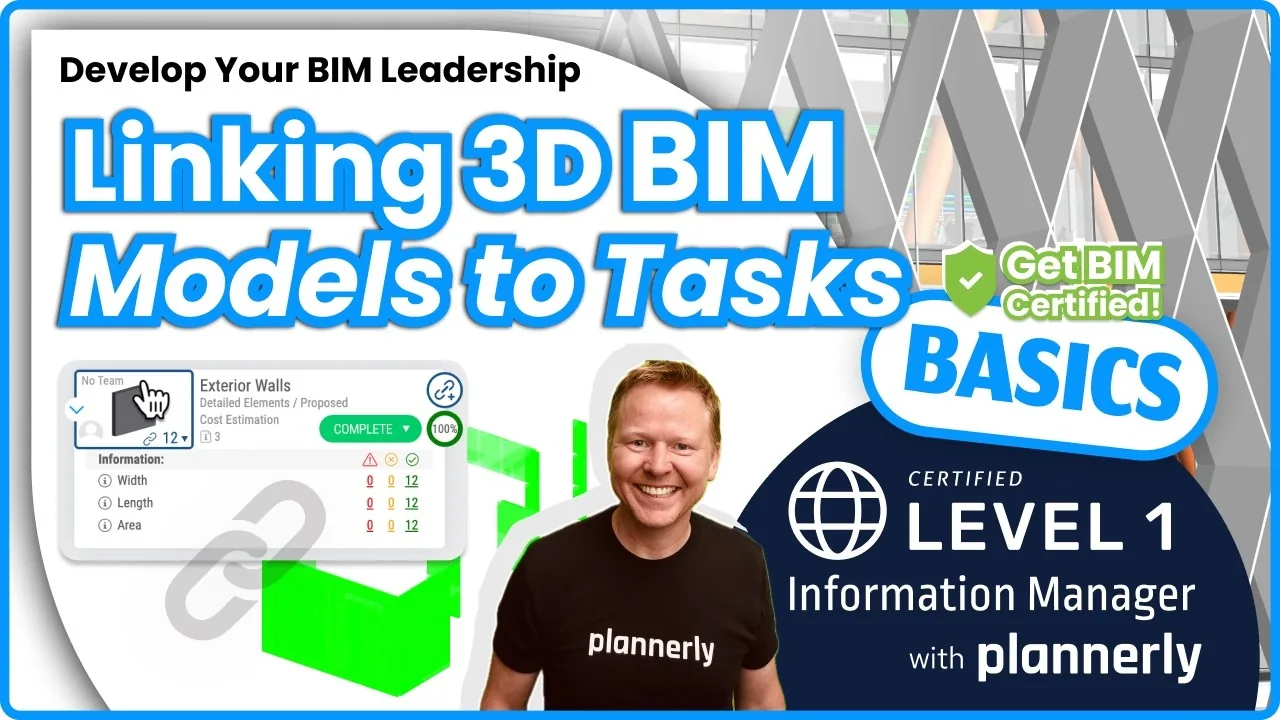 Video · 3:54
How to Use QA Model Checking in Verify - BIM Quality Control for ISO 19650 Workflows
Free BIM + ISO 19650 Training: https://plannerly.com/training/
 Video · 6:21
How to Upload, View and Review BIM Models in 3D - ISO 19650 Verify Module Guide
Free BIM + ISO 19650 Training: https://plannerly.com/training/