
AI in construction management
Run the project, and let AI help with the paperwork
Most of an information manager's week goes on writing plans nobody reads, retyping requirements and chasing who owns what. In Plannerly the documents start from templates, the requirements come in from your spreadsheets (AI can draft and read them), and automation checks the models and sends the reminders.
Your requirements, your standards, your supply chain's deliverables: the documents start from your templates (AI can draft them), every model is checked automatically, and your team reviews instead of retyping.
Answer the client's EIR without a week of copy and paste: write each BEP answer from the template or let AI draft it, and your subcontractors' models are checked automatically against the requirements.
Write the BEP and the design team's documents from templates, with AI drafting them if you want, and know your models meet the client's requirements before you share them.
Set up every client's plan, scope and checks from your own templates, and let AI write the first draft of a document when it helps.
Show students what AI does - and doesn't - do in real information management, inside the same platform they'll use on projects.
Free plan includes an AI allowance. No card needed.
Where AI and automation help
Five jobs you can stop doing by hand
Turn the EIR into a BEP
Copying last job's BEP and swapping the name fools nobody. Bring the client's EIR in, start from the ISO 19650 template and answer each requirement - AI can draft a first answer for you to check and agree.
AIBEPWrite any document from a title
Blank pages are slow. Start from a template or your own Word file, or let Start with AI draft an outline or a first version from a title. Write my section, Correct, Expand and Summarize help with the rest.
AIDocsRead the requirements spreadsheet for you
Retyping a requirements spreadsheet into the scope takes days. Add the rows yourself, or let AI Import read the file and build the scope - you check the preview before anything is created.
AIScopeCheck every model, every time
Not AI, just rules that never get tired: set the information requirements once and every linked model version is checked against them automatically, with the charts updating as it goes.
AutomationVerifyStop being the reminder system
Every task has an owner and a date, and Plannerly sends the reminders: 7 days before a start, 3 days before a deadline and when it's overdue. You can adjust them.
AutomationMIDPResults from teams using Plannerly
- 95%Faster model checksJTC Corporation, Singapore
- 80%Time saved on BIM and ESG verificationMTECH Engineering, Hong Kong
- 5xGrowth with one platform instead of five toolsreiSource, United States
Case studies
Teams that cut the paperwork and the checking
-
 Singapore

95% faster
Model validation time
From 11,000 Excel rows to automated checks
JTC Corporation · Government agency
Eliminated 11,000 Excel rows and automated compliance checks across 2,000+ object types and 27 model categories with Plannerly's Verify module.
Before Plannerly, it took weeks to do model checks. Now we do it in hours.
John Kiong, Director · JTC Corporation -
 United States

5x growth · 60% faster
VDC workflows streamlined
Five tools gone, one source of truth
reiSource · VDC consultancy
Replaced 5 disconnected tools with one platform. Scope prep dropped from 8 hours to 2 and the team scaled from 3 to 15 without compromising quality.
What we used to do with five tools, we now do with one, and with more consistency.
Christopher Allen, Co-founder · reiSource -
 Hungary

8x growth
6 → 50+ engineers · −10% costs
From Excel chaos to ISO 19650 at scale
BuildEXT · General design firm
Grew from 6 employees to 50+ engineers across 4 departments. Now handles projects 30x larger with 10% lower construction and FM costs.
I cannot imagine using Excel or Word to start writing a BIM contract anymore.
András Ábele-Nagy, Head of BIM · BuildEXT


See all case studiesOwners, design teams, contractors, consultants and educators - filter them by your kind of organisation.
Free lessons
Learn the AI writing tools in a few short videos
 Level 1 lesson · Free
Using AI to Create Documents
Start with AI and Write my section, step by step.
 Level 1 lesson · Free
More AI Features for Professional Outputs
Correct, Expand, Simplify and Summarize, for a professional finish.
 Level 1 lesson · Free
Importing and Copy+Paste from Word Documents
Bring an existing EIR or BEP in from Word instead of retyping it.
 Level 1 · Free
BIM Management Basics
The full workflow, from documents and scope to model checking, with a certificate you can share.
How to survive as a BIM Manager
Surviving ISO 19650 Information Requirements with AI
Build it. Connect it. Just ask Javis. Most owners aren't sure what to ask for, and requirements copied from the last job create work nobody needs. Three ways into your project's information requirements - build on the Plannerly API, connect your own AI with Plannerly MCP, or just ask Javis - on one structure your supply chain can check against.
Chapters
- Three ways into your project: API, MCP and Javis00:00
- What if you could just talk it through?00:40
- The ISO 19650 principle: every deliverable traces to a requirement03:10
- Why information requirements go wrong03:38
- "Let's just use AI" - and why AI needs structure05:48
- What if your requirements were data?07:10
- The structure your requirements stand on08:24
- Part 1: Plannerly API - create an API key09:39
- Build a live dashboard from project data12:29
- More API uses: onboarding and project start-up13:28
- Part 2: What is MCP (Model Context Protocol)?14:33
- Live demo: Claude turns a client EIR into a pre-appointment BEP15:37
- Every BEP answer traced back to the EIR19:32
- Inviting teams and building the RACI matrix20:47
- Charts: who owns what, and what's still unassigned22:57
- Scope, milestones and geometry for each data drop23:38
- Information requirements per milestone, with checking rules25:55
- Recap: PDF in, structured project out28:48
- Q&A: getting stakeholders to adopt information management29:39
- Part 3: Just ask Javis30:28
- Live: "What responsibility gaps can you identify?"32:11
- Sourced answers - and we don't train on your data34:18
- Where Javis is going: requirements by conversation35:30
- Next episode: Surviving the seven CDEs37:36
AI Survival Kit: the example project, the slides and the AI question list
Everything from Episode 3: the example project to explore and copy, all 32 slides, the 40 questions to ask Javis, Claude or ChatGPT, and the EIR explained.
- 1 example project
- 3 PDFs
- Free
Information requirements example project
A requirements project to explore and copy: OIR and EIR documents in Docs and a structured requirements list in Scope, staged by milestone, each requirement with the rule that checks it.
Frequently asked
Questions people ask about AI in construction management
What is AI in construction management?
Will AI replace BIM managers or information managers?
Where should I start?
Does it follow ISO 19650?
Does AI check the models?
Is automation the same as AI?
Read more
More on AI and automation
 BIM management
4 x AI Features to Optimize Your AEC Documents + Contracts
AI features that can help streamline and enhance your AEC (Architecture, Engineering and Construction) document writing. In this article, we will explore four AI features that can boost your productivity and efficiency.
 BIM management
How To Create AI-Powered Documents (for BIM/AEC)
Simple AI-powered document creation tools to supercharge your AEC proposals! These incredible AI tools streamline your writing process, saving you precious time, while boosting accuracy when crafting awe-inspiring documents for the AEC industry. Personalize the generated content to perfectly align with your unique vision and requirements.
 English
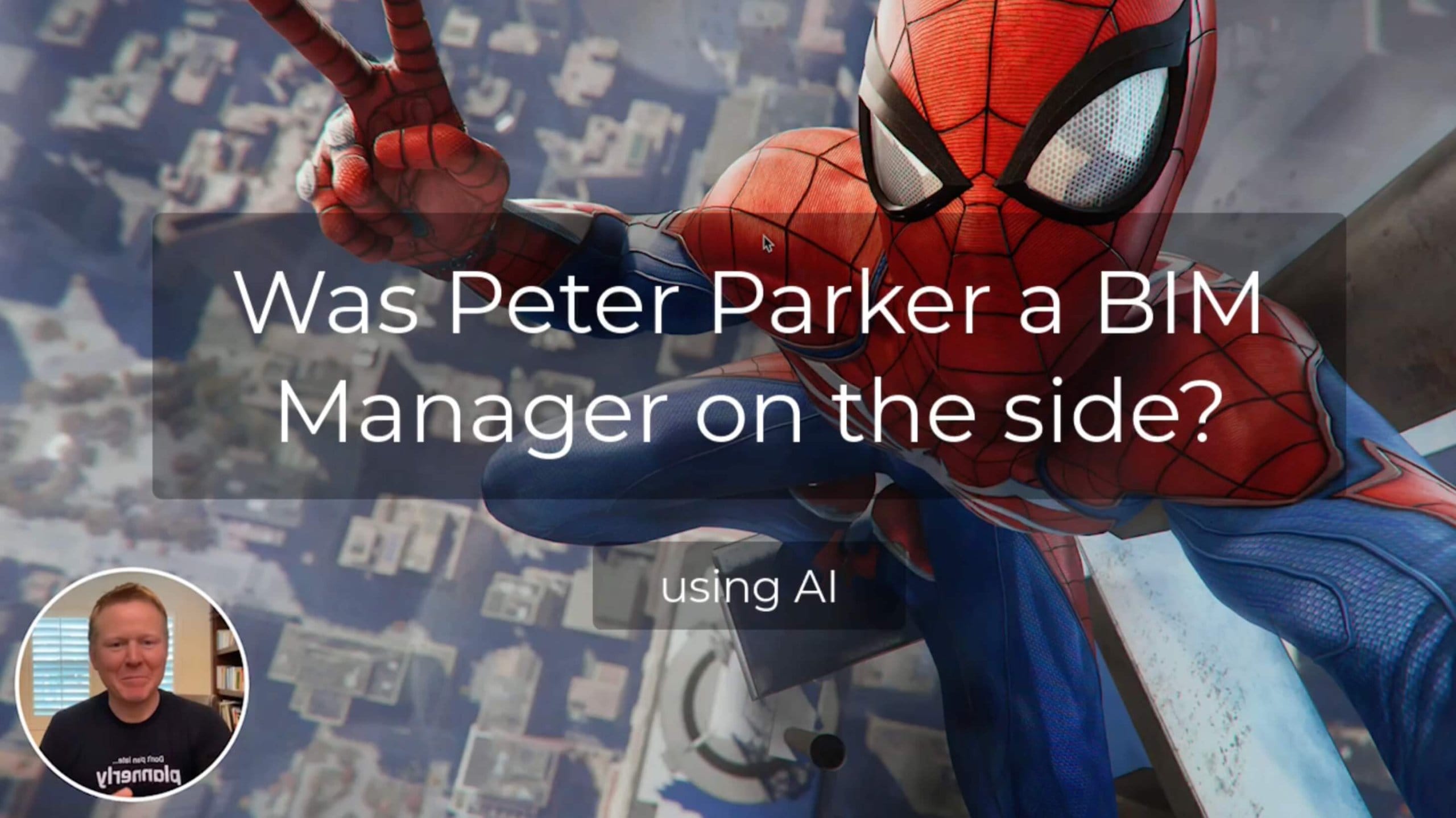
Is Peter Parker a BIM Manager (on the side)?
Is Peter Parker a BIM manager on the side? A fun video where Plannerly's AI tools look into his background and write a document about it in one click.
 English
Unlock Your AEC Writing Superpowers with Our AI-Powered Tools
Exploit the power of AI to take your AEC writing projects to new heights. With these unique AI+BIM tools, you can quickly generate quality BIM contract documents with ease!
Get the paperwork moving this week, with AI if you want
Start free and open the BEP template. Write it yourself or let AI draft your first BEP or document - your team reviews, and nobody retypes.
Start free, write your EIR from the template (AI can draft it), then see every delivery checked against it.
Start free, write your tender BEP from the template (AI can draft it), then check every subcontractor's model.
Start free, write the design team's BEP from the template (AI can draft it), then check your models before you share them.
Start free and write every client's documents from your own templates, with AI drafting when it helps.
Plannerly is free for education: let students write a real BEP, and try AI drafting on it.
Free plan · No card · Try Pro free for 14 days